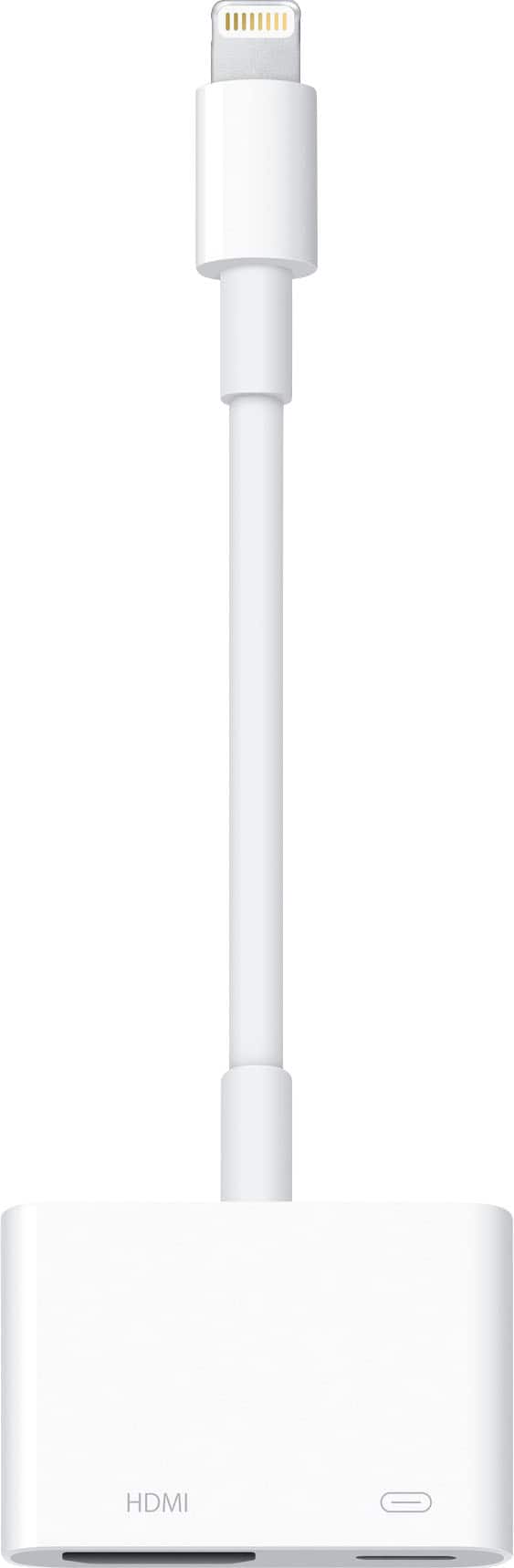
A:AnswerNo, miniDisplayPort is a connector present on MacBooks and some other laptops. You need a Lightning-to-HDMI adapter to connect an iPad or iPhone to an HDMI display, because that is the kind of port those devices have.
A:AnswerIf your smart board has HDMI INPUT, and your MBP has mini display port OUTPUT, it should work.
Some mini display ports only send video(not audio and video).
But it should work. Then you go into settings, display, then select either mirror(same on both screens) or extended display (treats screens different and gives you more space to work
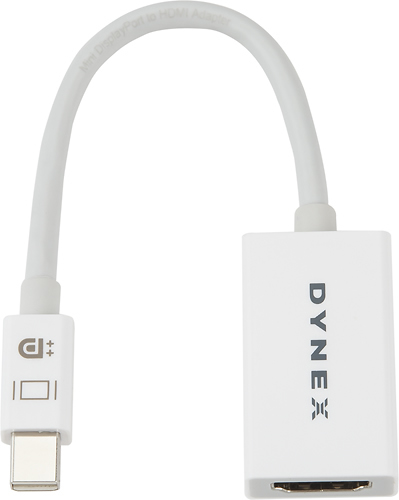
A:AnswerNo. This is for use with laptops that have a mini display output port, such as surface, macbook pro and newer windows laptops.
You would need a tunderbolt to HDMI adapter if using a newer iPhone.
Many newer smart TVs don't require a cable to mirror/cast/stream from phone to TV. AirPlay2 allows you to cast/stream from your iPhone without the need for an apple TV device. It's all about your TV features and being on the same exact wifi network.
https://www.samsung.com/us/support/answer/ANS00082643/
I hope this helps, but I couldn't answer fully without knowing what phone and TV model you have. Androids have always been easier to cast for many years now. But iPhone has finally caught up with AirPlay2
A:AnswerNo. The iPad Pro (and other iOS devices from the time of the iPhone 5 onward) have a Lightning port, not miniDisplayPort. This adapter is for a MacBook or some other laptops that have that port.