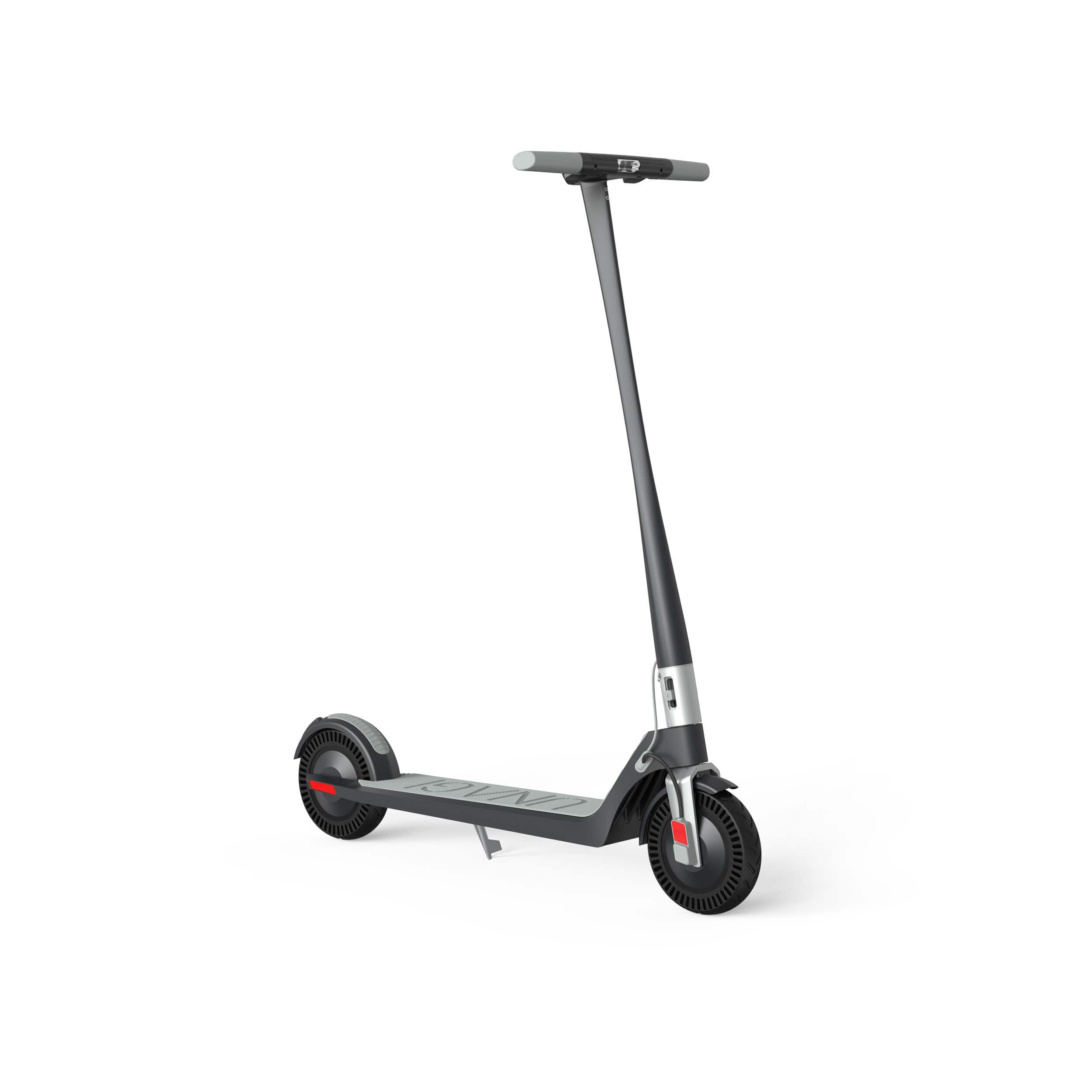
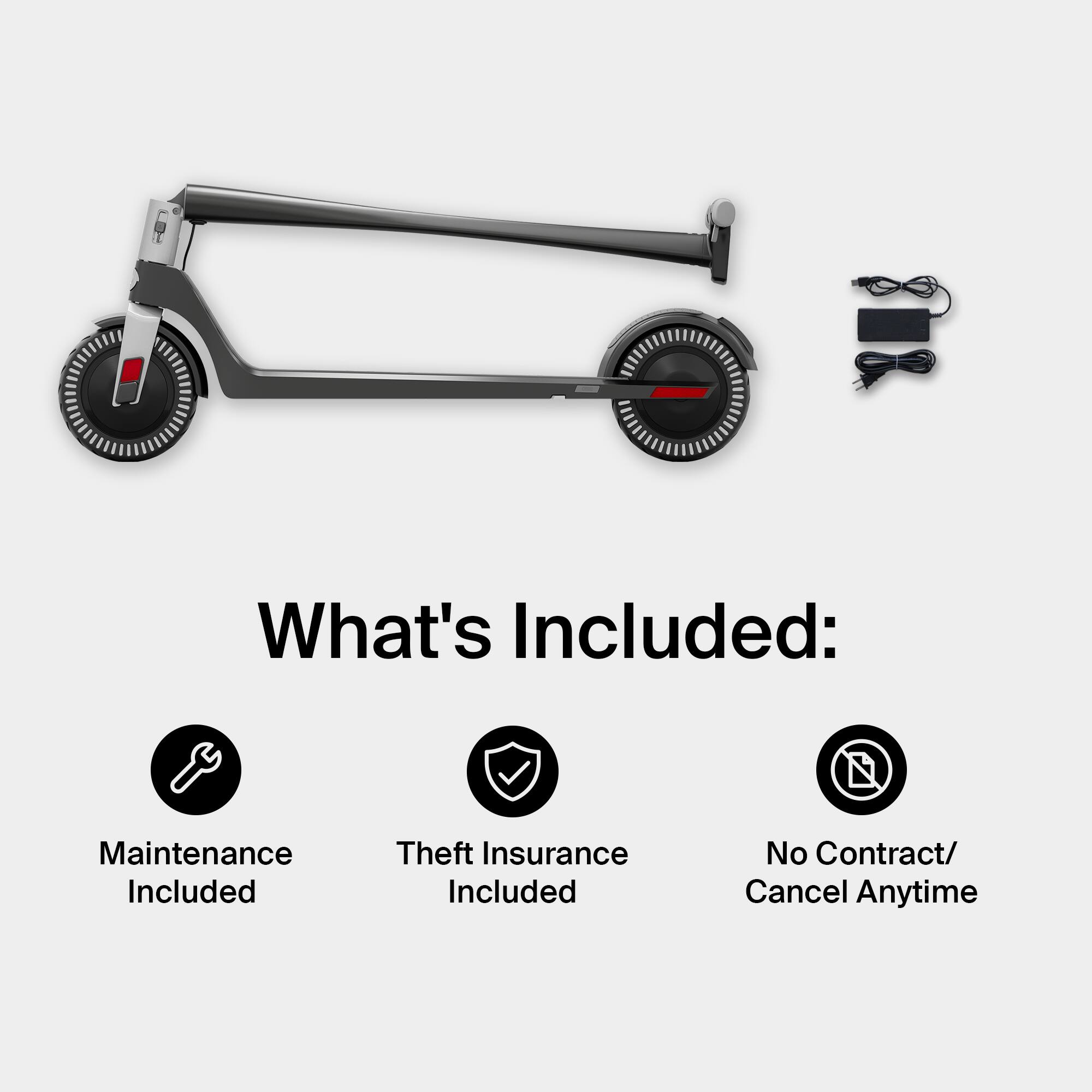
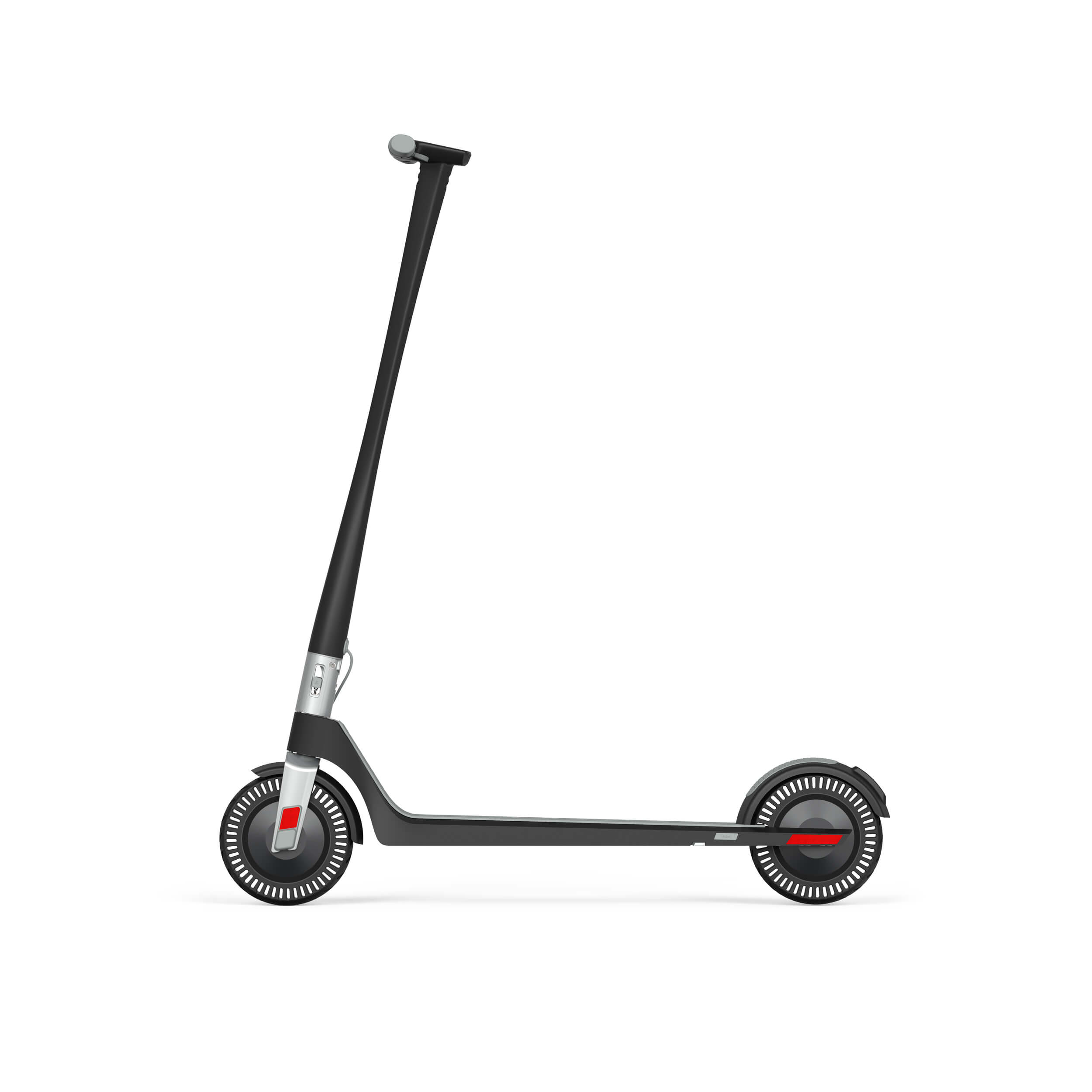
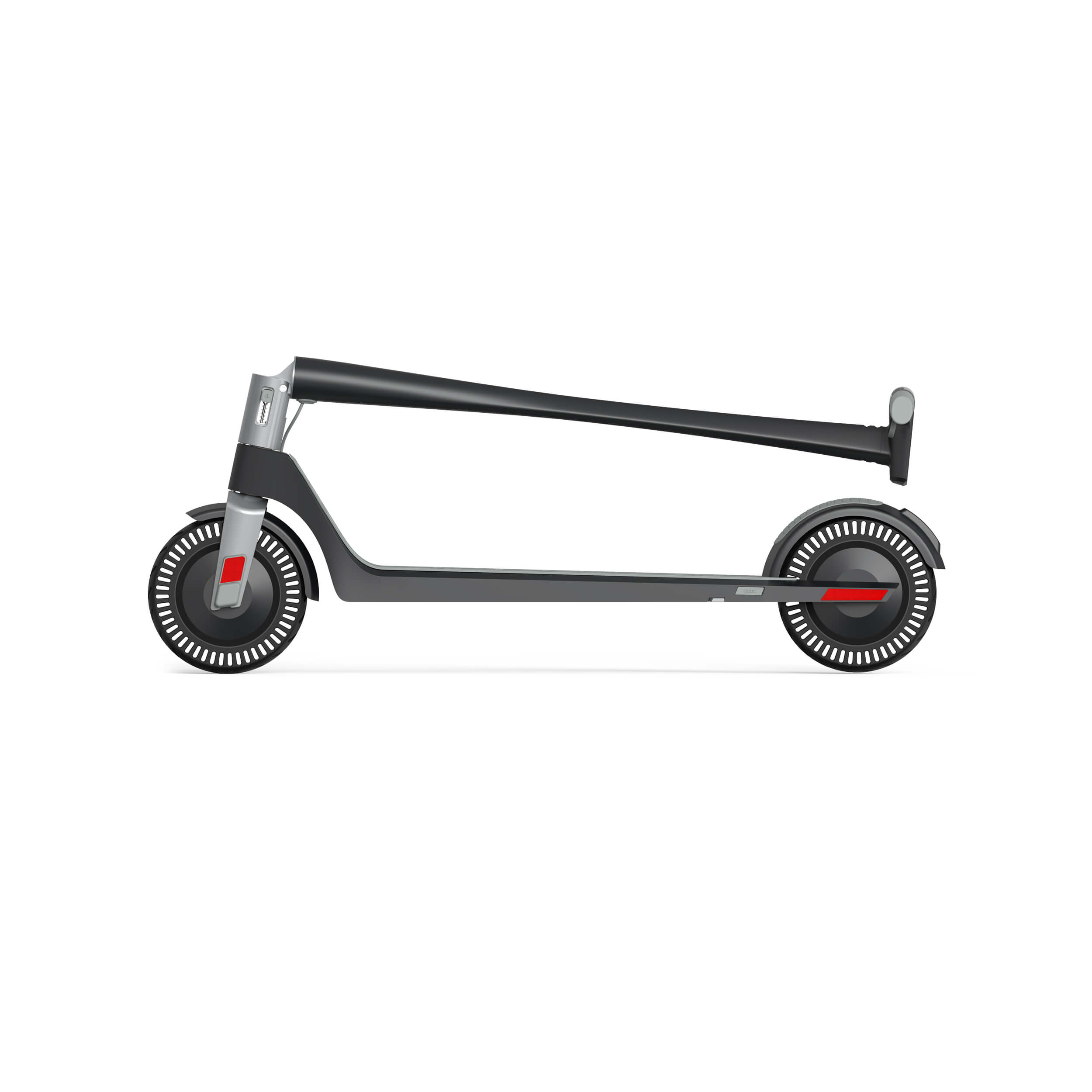
A:AnswerDigital download simply means that Best Buy will provide you with an activation code via email once you make your purchase. The activation code is then used to start your Unagi scooter subscription and receive your scooter.
A:AnswerOnce you place your first payment for the first month of your monthly subscription, you will receive an email from Best Buy to activate your subscription. Click the URL in the email and this will take you to the Unagi activation page. You will be asked to provide your shipping and billing address, and provide a credit card number for your future monthly payments (note that Unagi will not accept a prepaid card). No payment is needed at activation as you will have paid for your first month to Best Buy.
A:AnswerIf you get this scooter from Best Buy it comes with no commitments or contracts. This is the best way, I tried canceling my scooter to return it but customer support said I have a 2 month commitment and if I break before then I will get charged a restocking fee of $100. After further research I found that they were incorrect when I went to the website under all access account, which you get with Best Buy and it reads there is no commitment period. I went ahead and emailed customer care of this and they said they are sorry they didn’t know I got it from Best Buy and that there is no commitment or restocking fee. I have now returned my scooter before the free month and am waiting for their reply. They did explain on the website you have to return your scooter before your free month is over so you are not charged a renewal fee.
A:AnswerYou must reach out to Unagi customer service or login to your Unagi account to initiate the cancellation. Unagi will provide you with a prepaid shipping label (no cost to you) to send your scooter back to Unagi. Do not return your scooter to Best Buy.