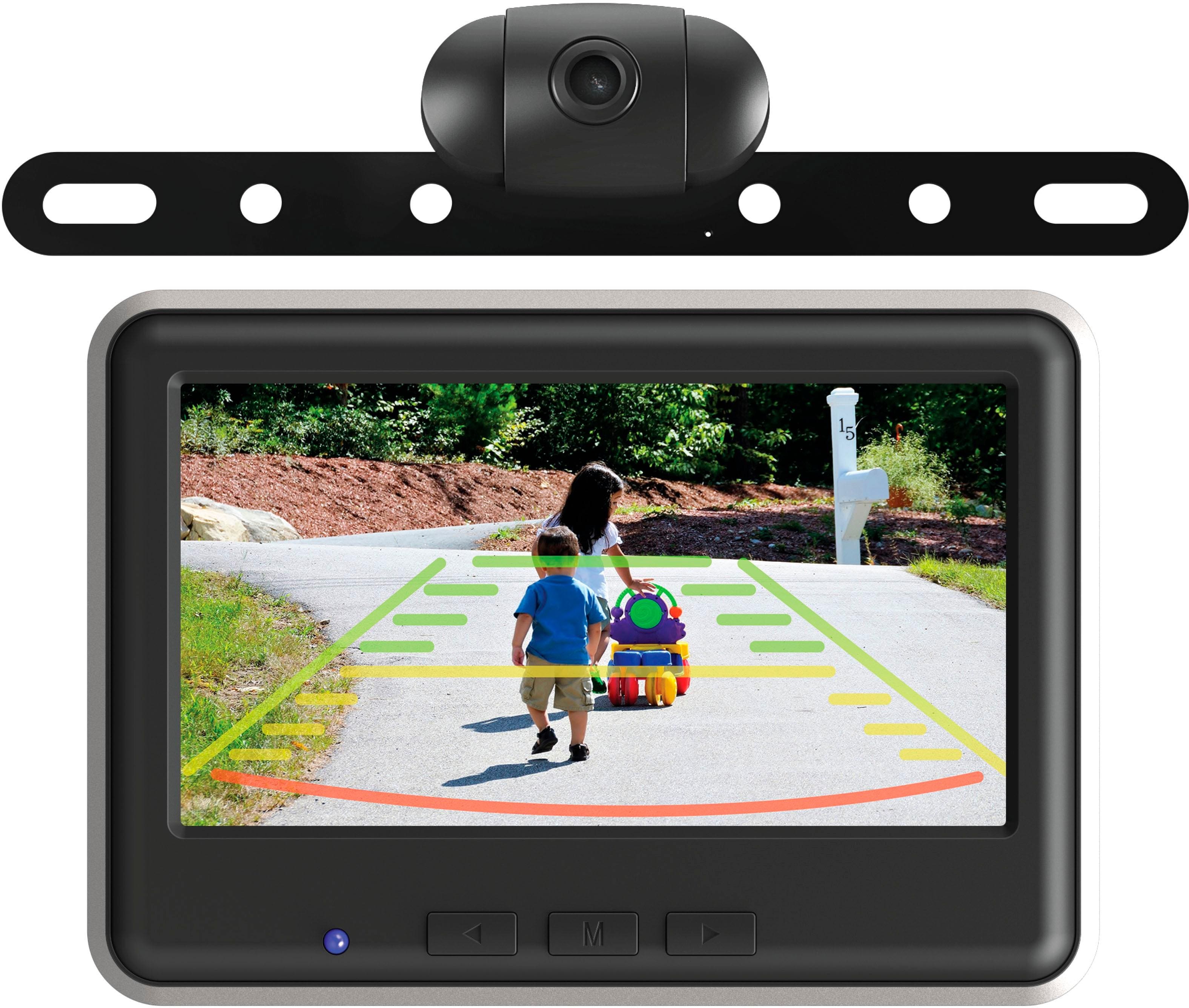
A:AnswerMine goes off and on. I don't know if this is by design or a bug. It shows the time, then the backup line screen and then a blank avi screen. I usually just leave it unplugged until I need it for backup.
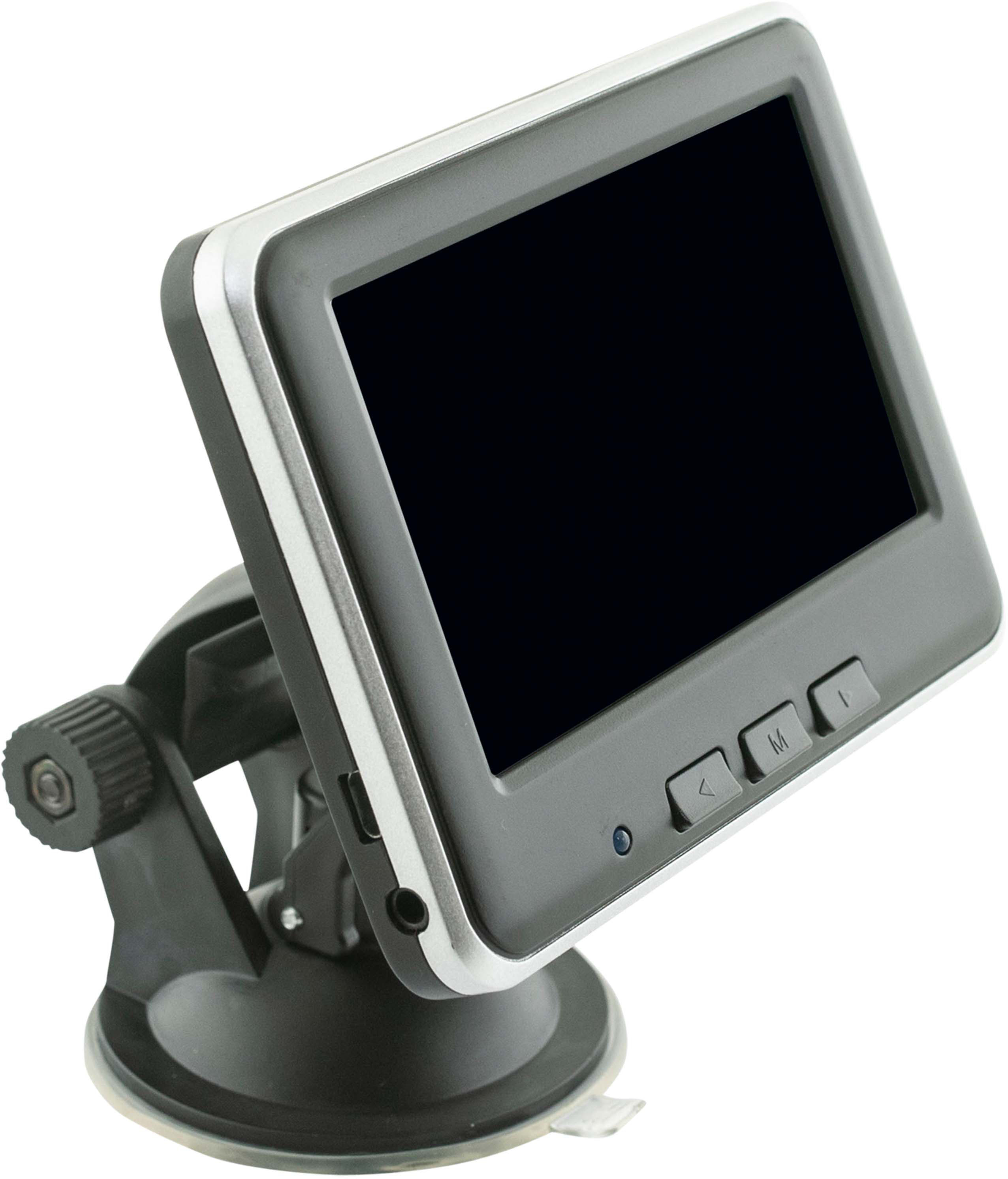
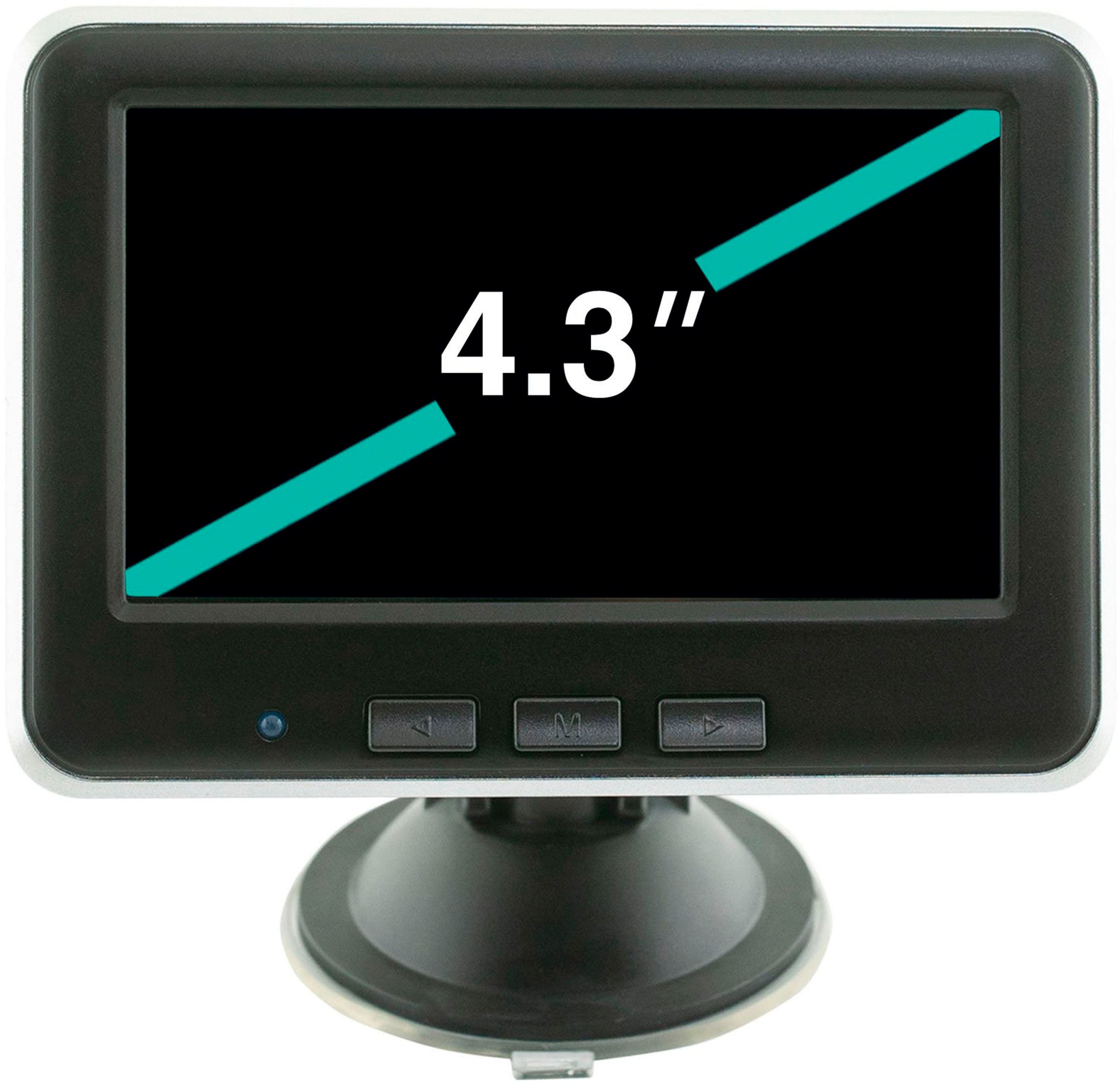
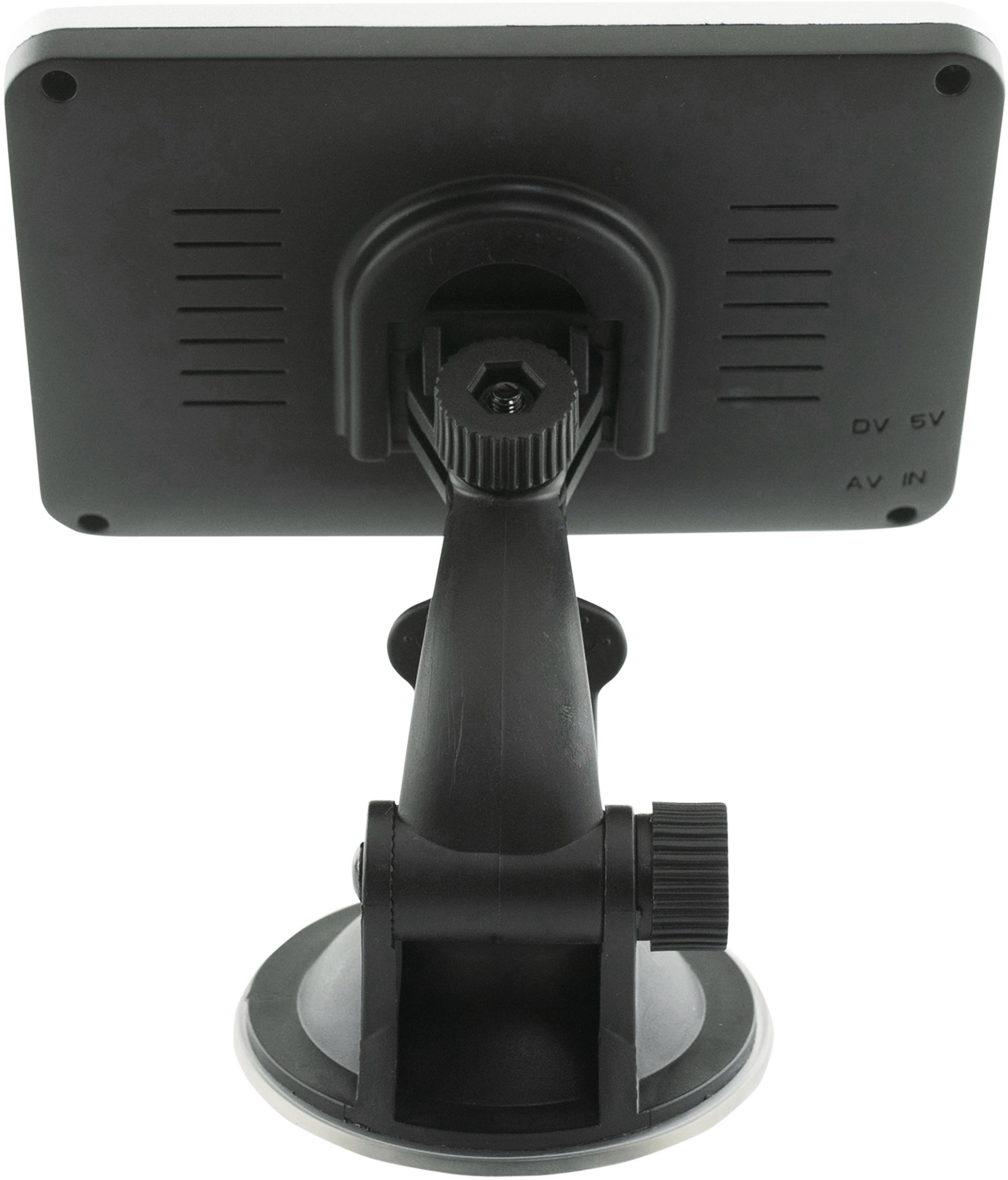
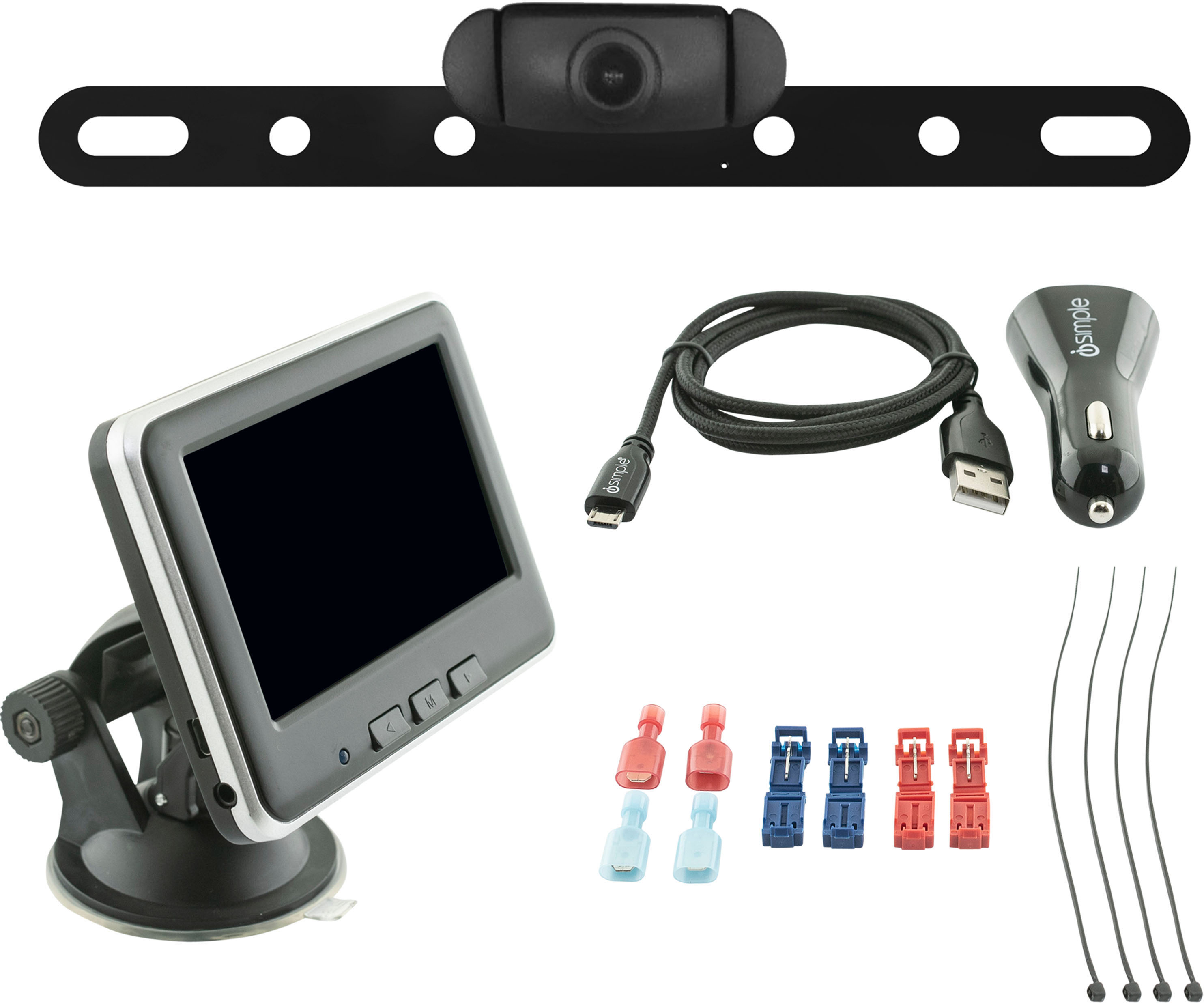
A:AnswerThe buttons on the monitor are used to go thru the settings menu in the monitor. A USB cable and power adaptor are provided and used for powering the monitor, and the rear camera power is connected to the vehicle's reverse light wiring. No batteries are needed for operation.
A:AnswerPlease give Echomaster support a call when you have access to the vehicle and wiring, and they will be happy to go over everything with you. The number is 727-592-5991.
A:AnswerUnfortunately, the image cannot be reversed. If used as a front camera, the image would appear backwards left/right on the screen. Because of this, it is recommended that it is only used as a backup camera.
A:AnswerVerify that the power and ground connections to the camera itself are still good and that it is getting 12 volts when the vehicle is in reverse. The monitor power is separate and working properly if the green light is on it when the vehicle is on.
A:AnswerDepending on the location the camera is mounted and the material the trailer is made of, 25-30 feet is usually the maximum distance you can realistically get from the monitor and have a clear signal. We would recommend temporarily connecting and testing it for compatibility before any permanent connections are made to ensure it will work in your application