A:AnswerYes. I am using with CenturyLink DSL being received at only 20mb/s. Can stream and run multiple Wi-Fi devices at the same time. Well worth the investment.
A:AnswerYes, you can add many eero. Any model of eero will work with any other. If you will be using a newer model as a remote wireless node, it likely won't provide faster speeds than using one of these same models, as its wireless connection is through the older one.
A:AnswerI do not know about two houses however all devices do show up on the app please reply back if the two systems work on the same app that will be beneficial to know
A:AnswerAppsoluly will help with speed. Eero will replace your existing router. Love love love the change i did by choosing this product. Night and day. My house is 2100 sq ft, this product can cover much more. Its worth every penny.
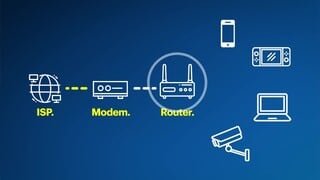
A:AnswerThe eero does not have to be physically next to the modem, but it does need to be hardwired into the modem via an ethernet cable. The eero will provide wireless in its area. Other eero can wirelessly (or wired) connect to the first (or Gateway) eero and will extend that wireless coverage.
A:AnswerIt will improve signal strength. And each device is its own node, meaning if you are in the living room and you have one in their it will link with that one and the others will be freed up for other devices. I don’t think it will boost speed, I believe it depends on your internet plan.
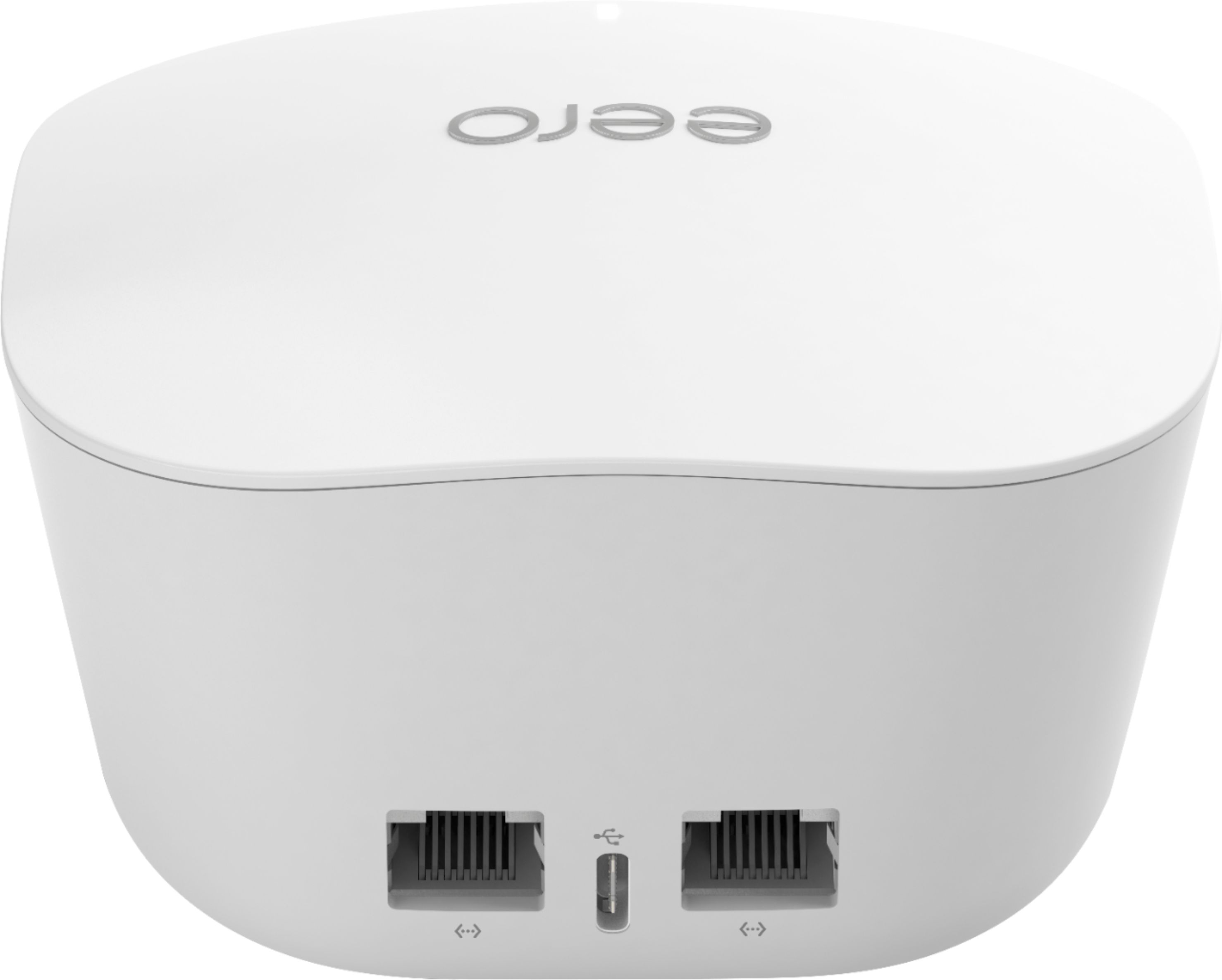
A:AnswerYou remove the router. The first eero node becomes your new router. Note well, the eero has only one LAN port, where most routers have 4, so you might also need a 5-port switch, if you had more than one device connected to your router.
A:AnswerThat's a very good question, I never thought about anything like that. I personally don't see how this can work because ERRO is connected to a modem that works through the internet provider.
A:AnswerEero products are compatible with others in their product line. But, I would assume the speed would not increase above the slowest component. —- Network Engineer, former Value Added Reseller.
A:AnswerIf you are planning on using the Cricket Wireless Hotspot as the internet source and hardwire an eero into it to make a wireless network, we do not know, never tried it. The eero requires internet access via ethernet inorder to work, so theoretically it should work. However the eero do a lot of communication, I would be worried about rapidly using up all your data allowance.
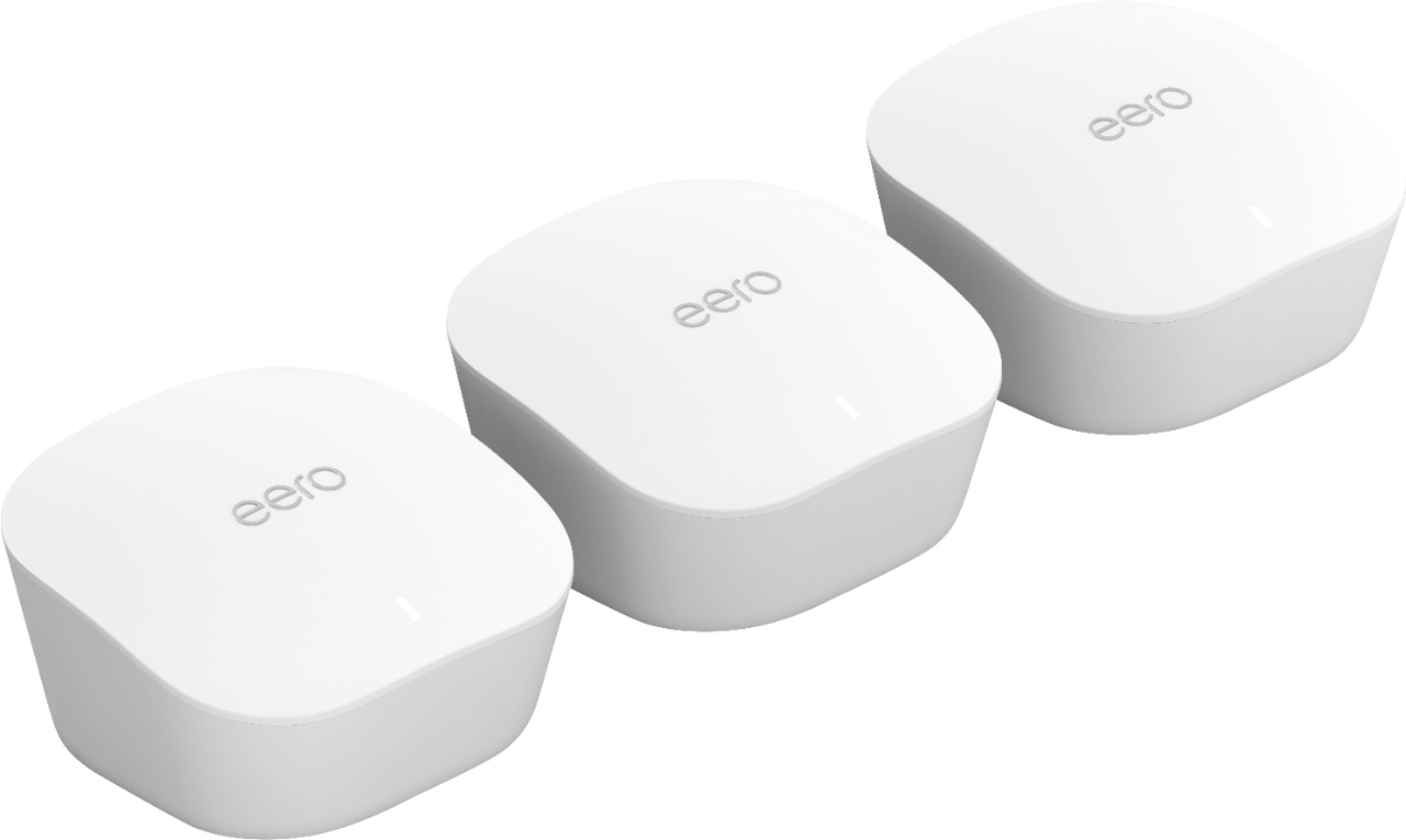
A:AnswerNo, not unless the place you travel to provides you with an Ethernet connection to a wide area network that is connected to the internet. Because that is how the Eero wi-fi router gets its internet connection in the first place.