A:AnswerHello,
Depends on too many variables to be able to answer that here, I'm afraid. Please contact us with more information regarding your components and we'll be able to help out: help.elgato.com
-Art
A:AnswerYeah, absolutely. If you're playing on console, then you can use the capture card along with a recording software (like OBS or the programs that Elgato offers for their products) to record the gameplay as a video file. From there, you can edit it with the editing program of your choice.
A:AnswerHello,
You can't, here's the product page for the device for more info: https://www.elgato.com/en/gaming/game-capture-hd60-s
You'd need a Cam Link 4K, or our HD60 S+.
If you have anything else we can help with, please reach out: help.elgato.com
-Art
A:AnswerHi,
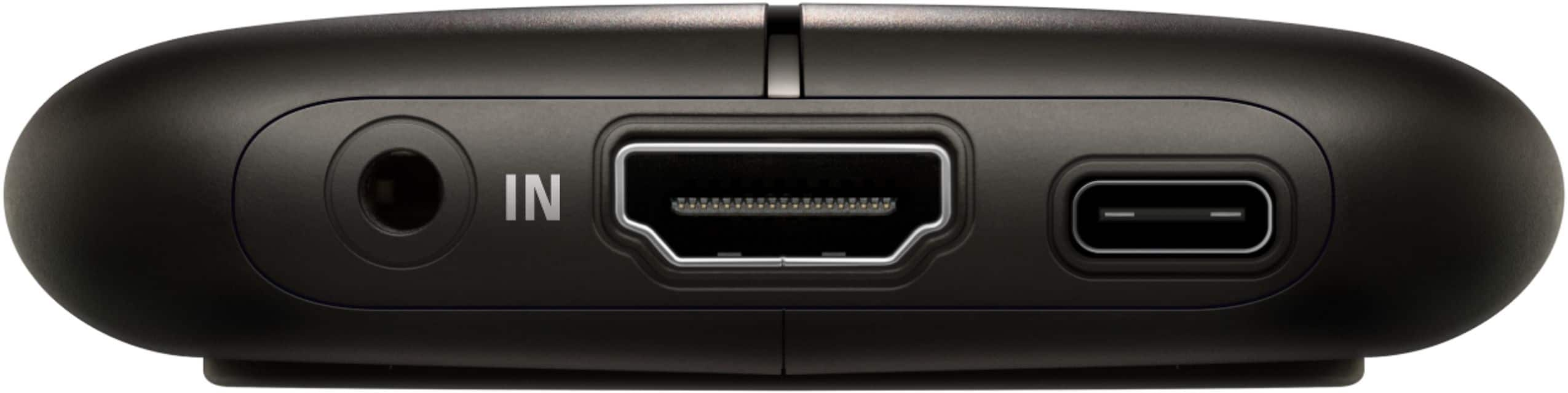
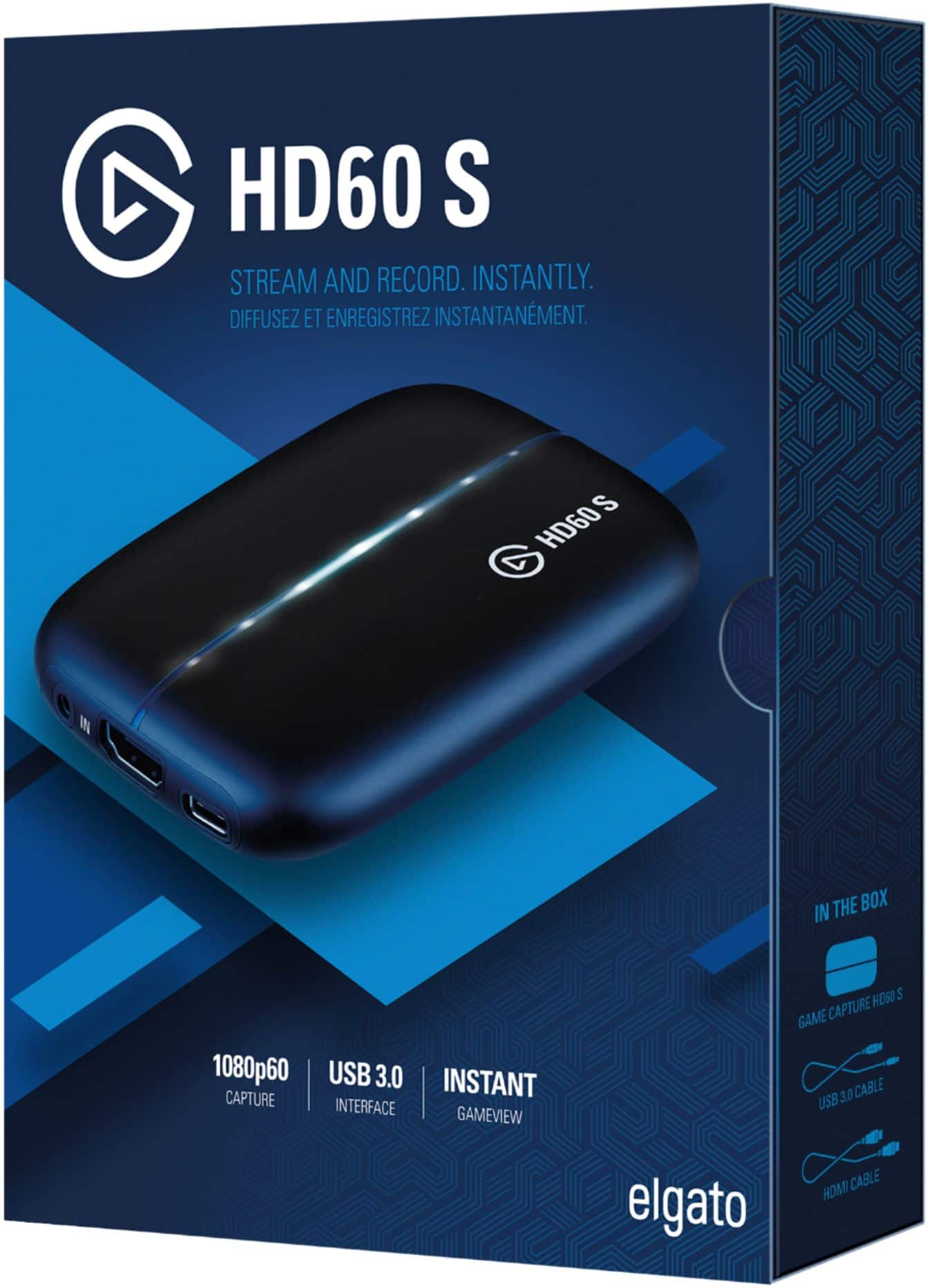
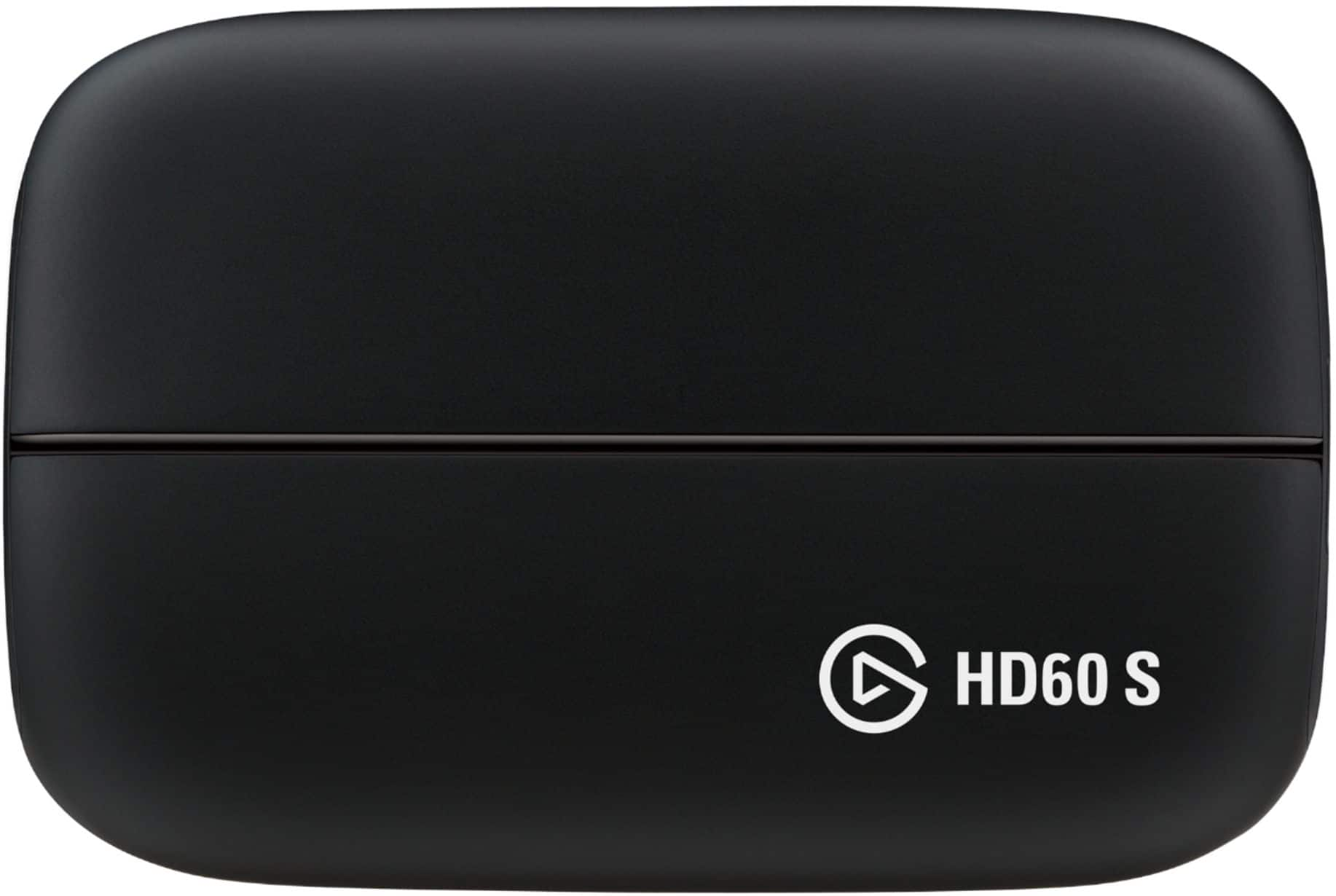
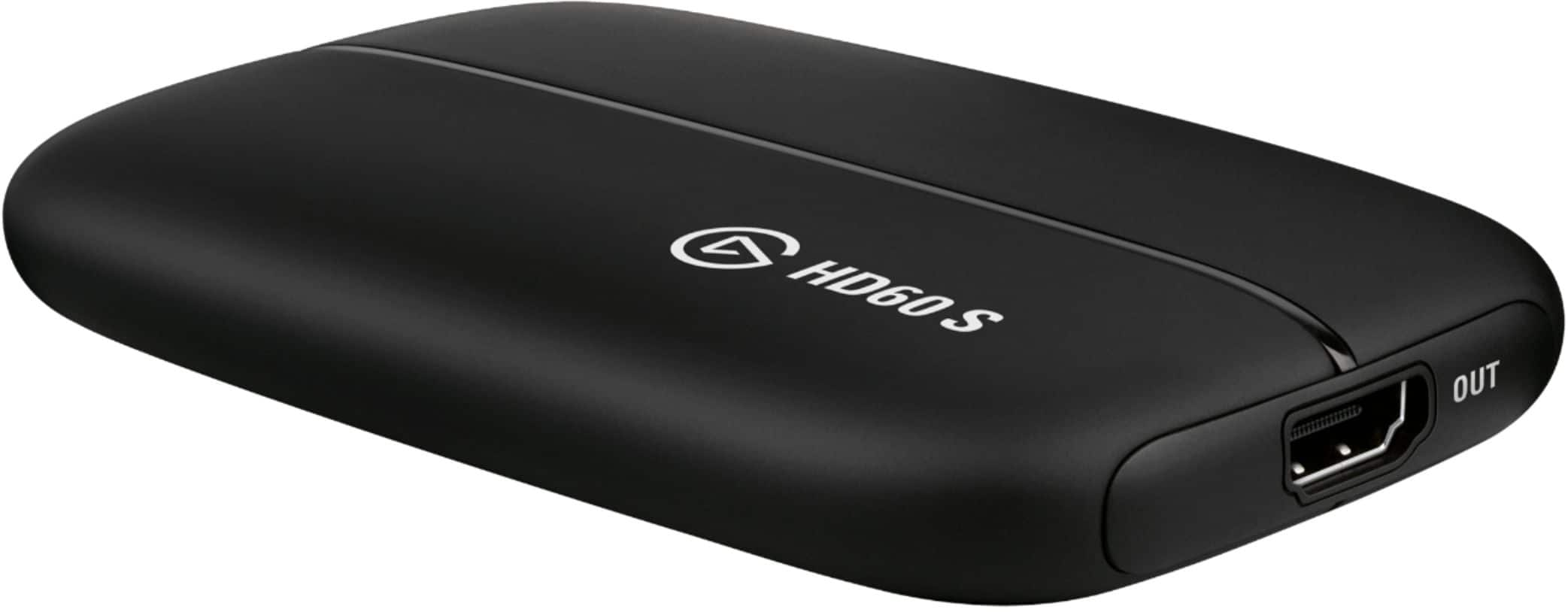
No way to know without knowing which Mac you have. This comes with the HD60 S, USB 3.0 cable, and a 2m HDMi cable.
If you have anything else we can help with, please reach out: help.elgato.com
-Art
A:AnswerHello,
You'd have to contact Best Buy directly for that information, I'm afraid.
If you have anything else we can help with, please reach out: help.elgato.com
-Art
A:AnswerHi,
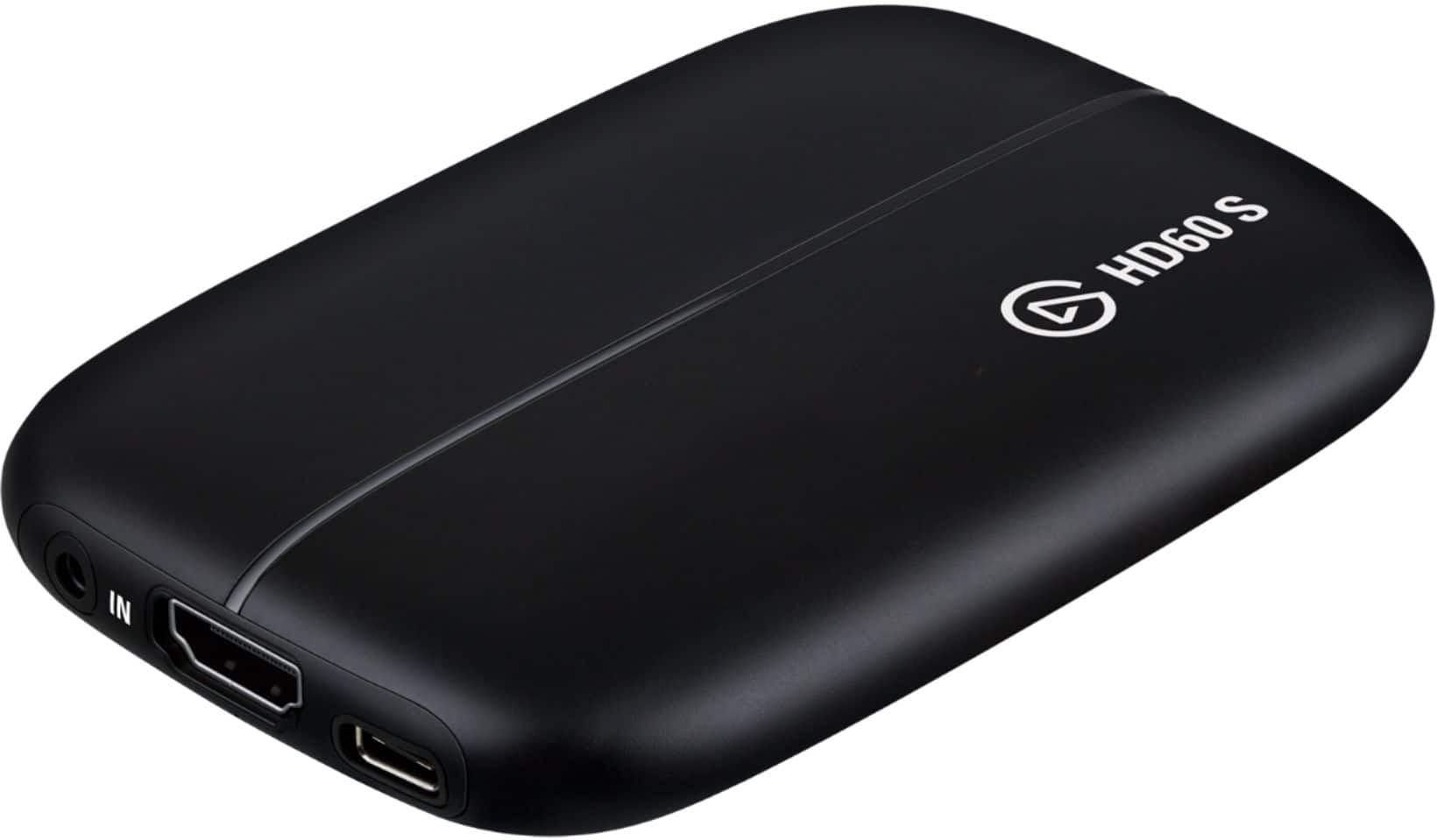
3.1 would be backwards compatible with 3.0.
If you have anything else we can help with, please reach out to us directly: help.elgato.com
-Art

A:AnswerHello,
That would be the CamLink4K and possibly the HD60 S+, I'm afraid the HD60 S hasn't been tested for that purpose.
If you have anything else we can help with, please reach out to us directly: help.elgato.com
-Art
A:AnswerHi Dan,
It cannot be used as such, this is to capture unencrypted HDMI signals from game consoles.
If you have anything else we can help with, please reach out to us directly: help.elgato.com
-Art

A:AnswerHello Carson,
You'd want to get a CamLink 4K for that, please google the product to find our official videos online, and/or reach out to us and we can also assist: help.elgato.com
A:AnswerHello,
That'd depend on too many variables and there's not enough information here to be able to answer your question, unfortunately. Please contact our team with more details: help.elgato.com
A:AnswerHi Caleb,
Here's the product page with the recommended requirements: https://www.elgato.com/en/gaming/game-capture-hd60-s
If the system can meet them, then there shouldn't be any issues.
If you have any other questions, please reach out: help.elgato.com
A:AnswerHi,
Here you'd be able to see the requirements at the bottom of the page: https://www.elgato.com/en/gaming/game-capture-hd60-s
If you have any other questions, please reach out: help.elgato.com
A:AnswerHi,
You'd want a Cam Link for that purpose, here you can check for compatibility: https://www.elgato.com/en/gaming/cam-link/camera-check
And here's a video in case your camcorder isn't shown: https://www.youtube.com/watch?v=o6KsYpEPoss
If you have any other questions, please reach out: help.elgato.com