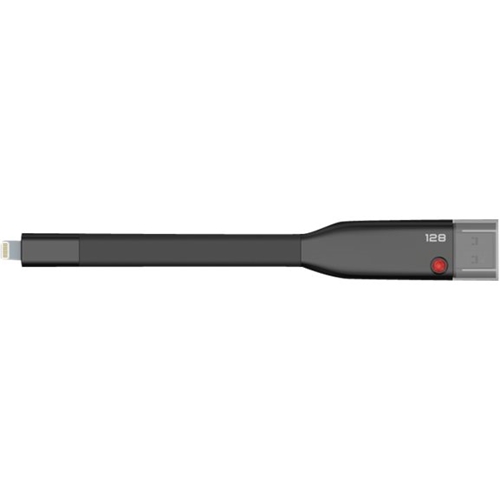
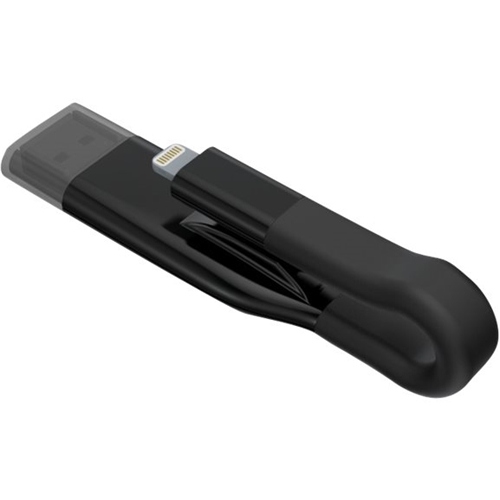
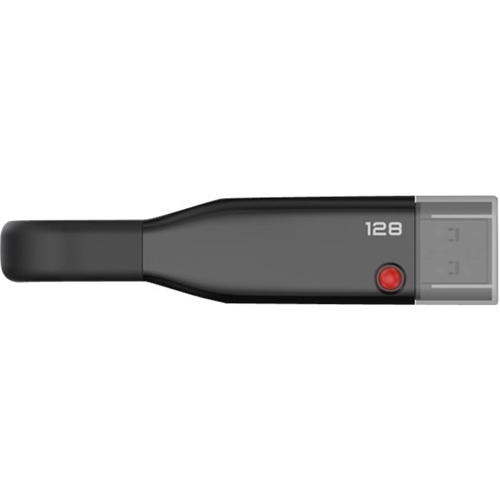
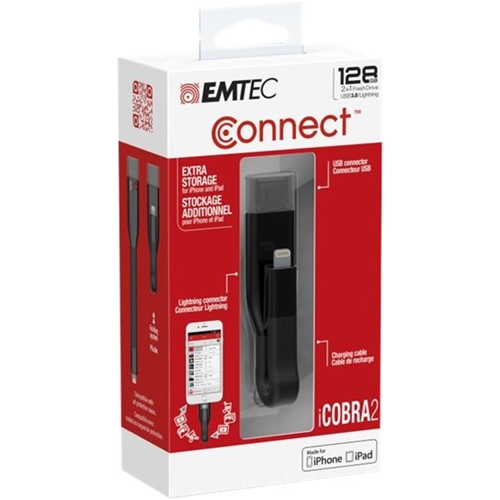
A:Answeryes this device will do just that. you can store and view on I pad. you need to down load a free app. when you plug the device it automatically asks for app down load
A:AnswerI haven't had this error message with the 128 GB and my iphone. However, I did see that there is the option in the setup on the EMTEC Connect app on the phone to reformat it (this would delete any files you have on it).
A:AnswerOnly if you can find a way to transfer them with the DRM and if the filetype is one that can be read by their EMTEC Connect app (or a 3rd party app such as VLC player that is compatible with the EMTEC Connect). I wasn't able to find a way.
A:AnswerIt is similar in some respects, with the following differences:
(1) The 32 Gig drive is simply a drive
(2) The Emtec comes with an app that allows you to use it as an auxiliary drive on an iPhone or iPad. It's a bit clunky but it more or less works