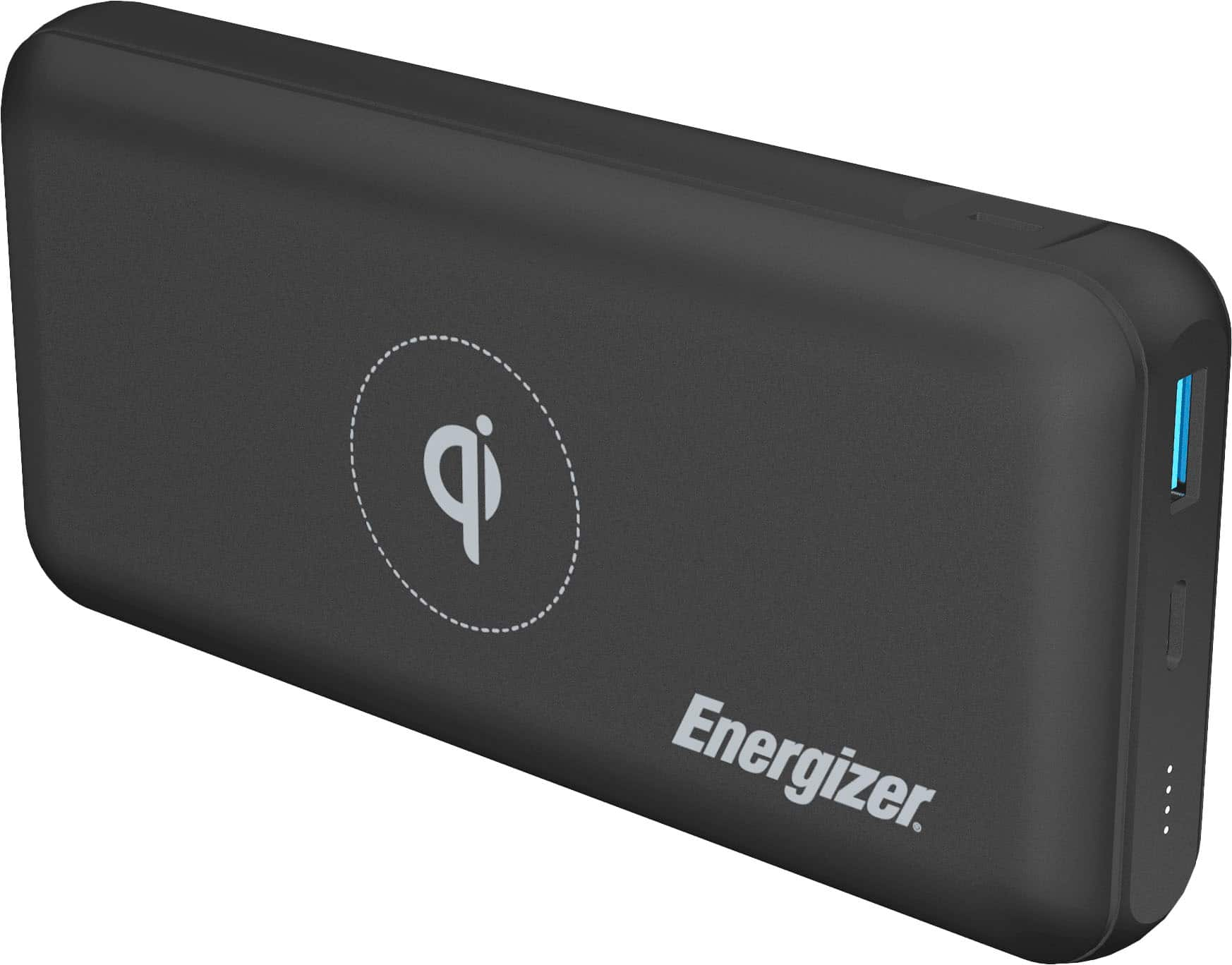
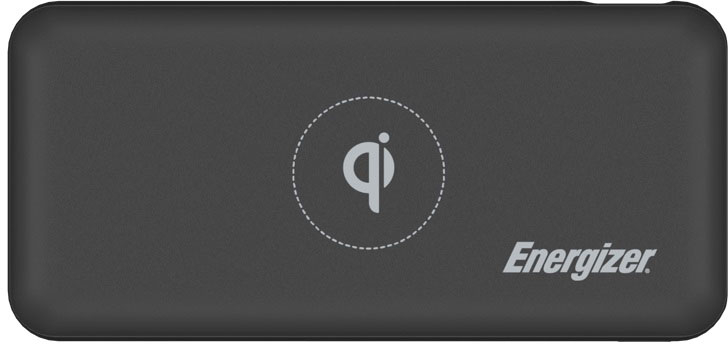
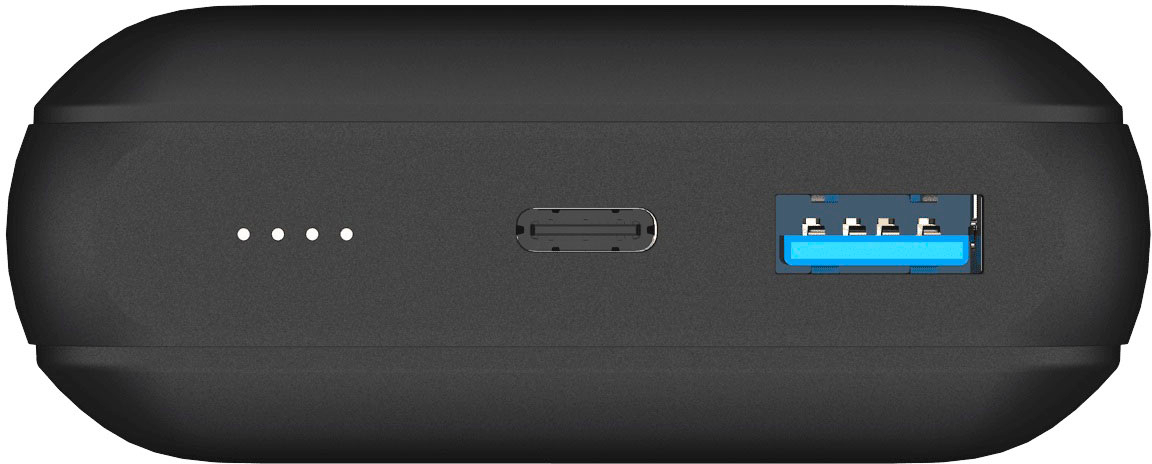
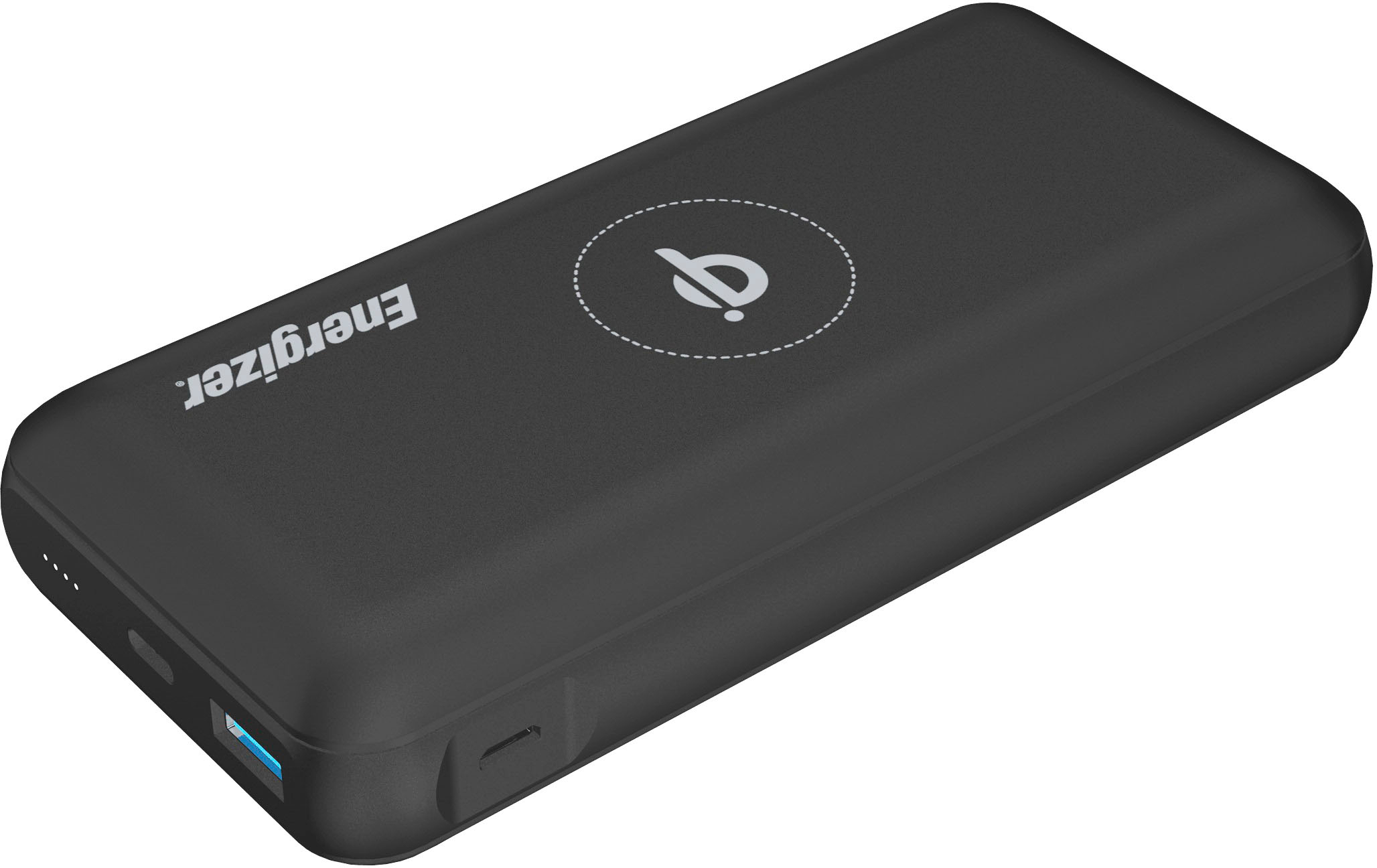
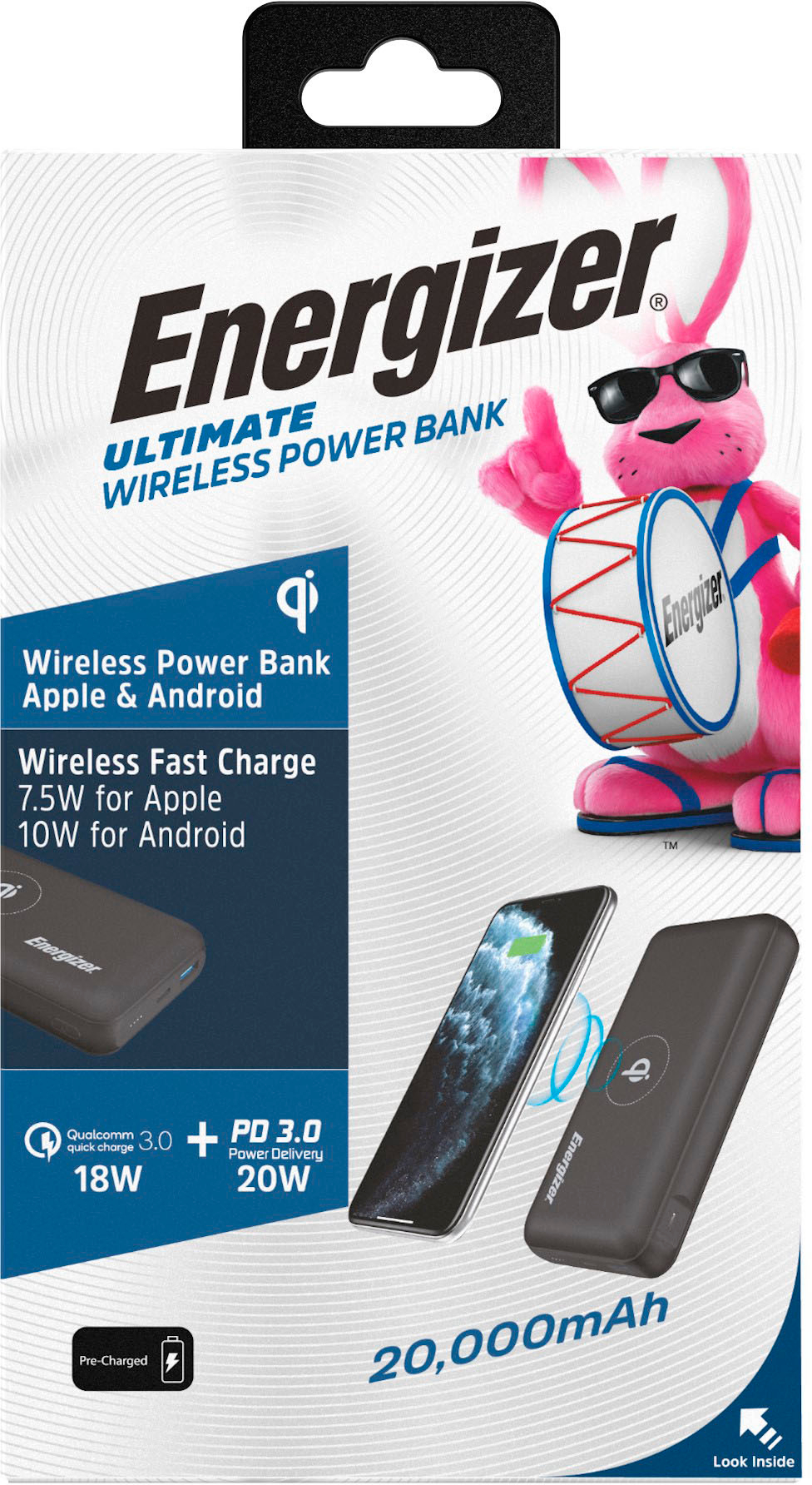
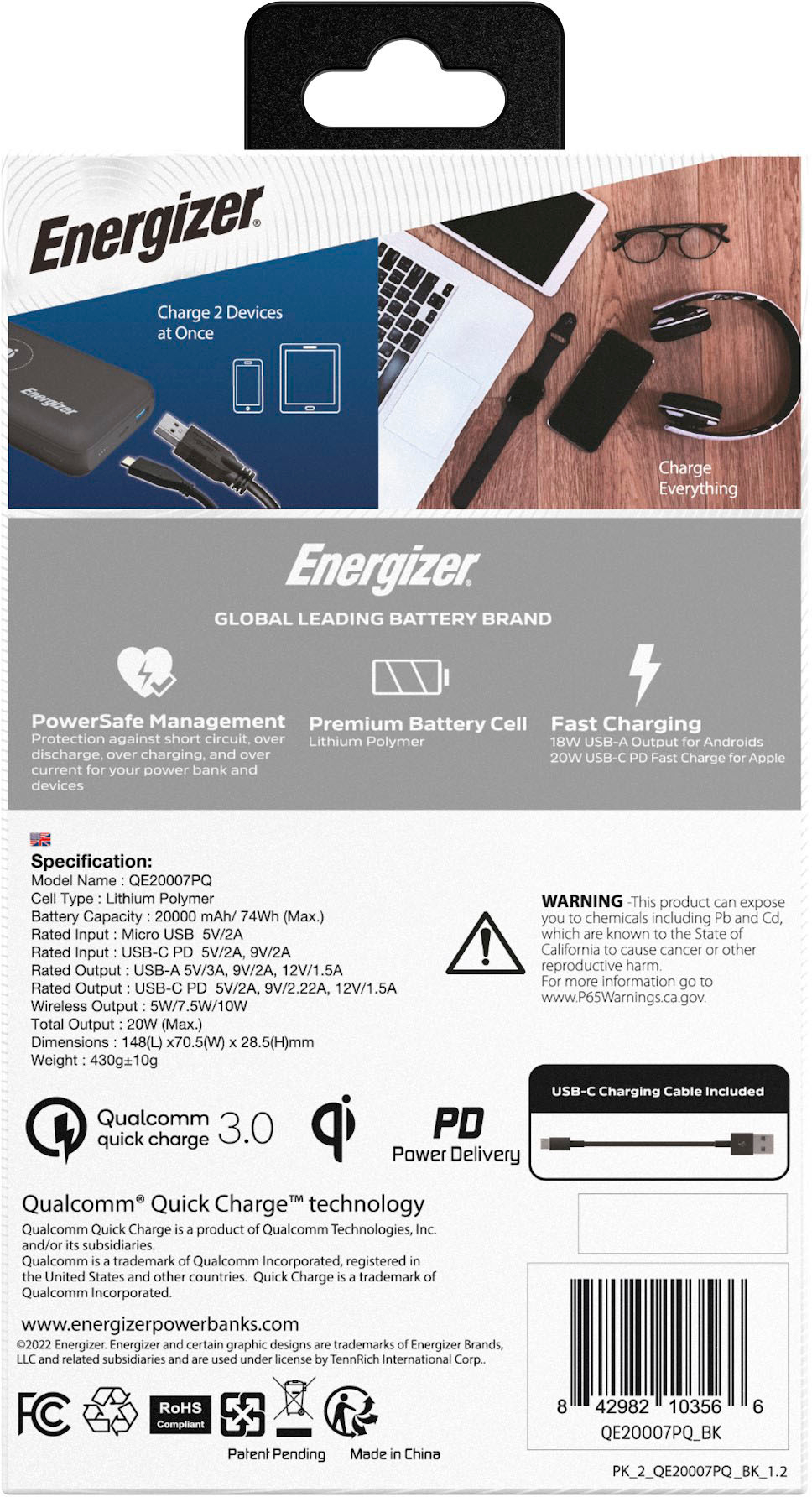
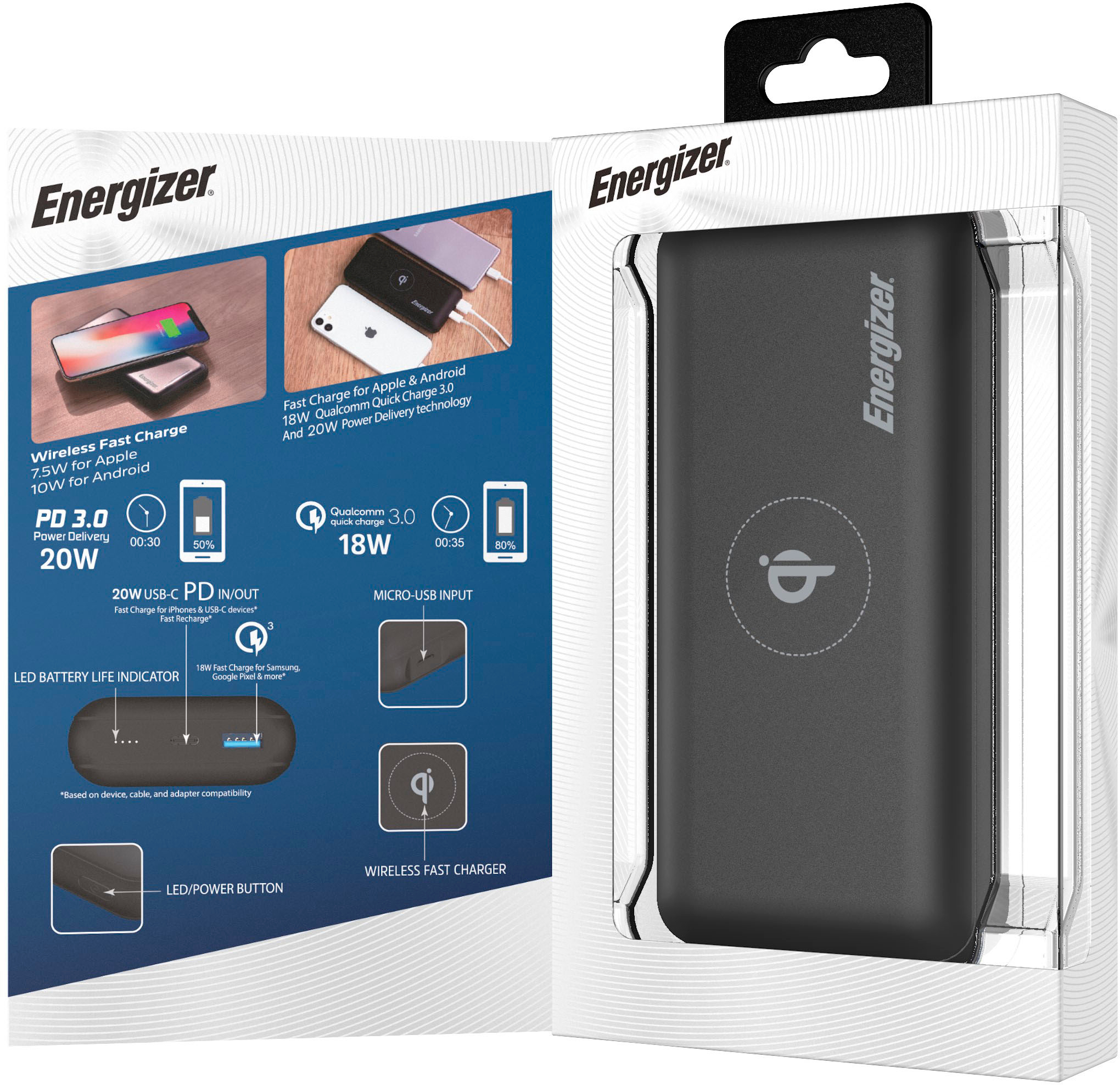
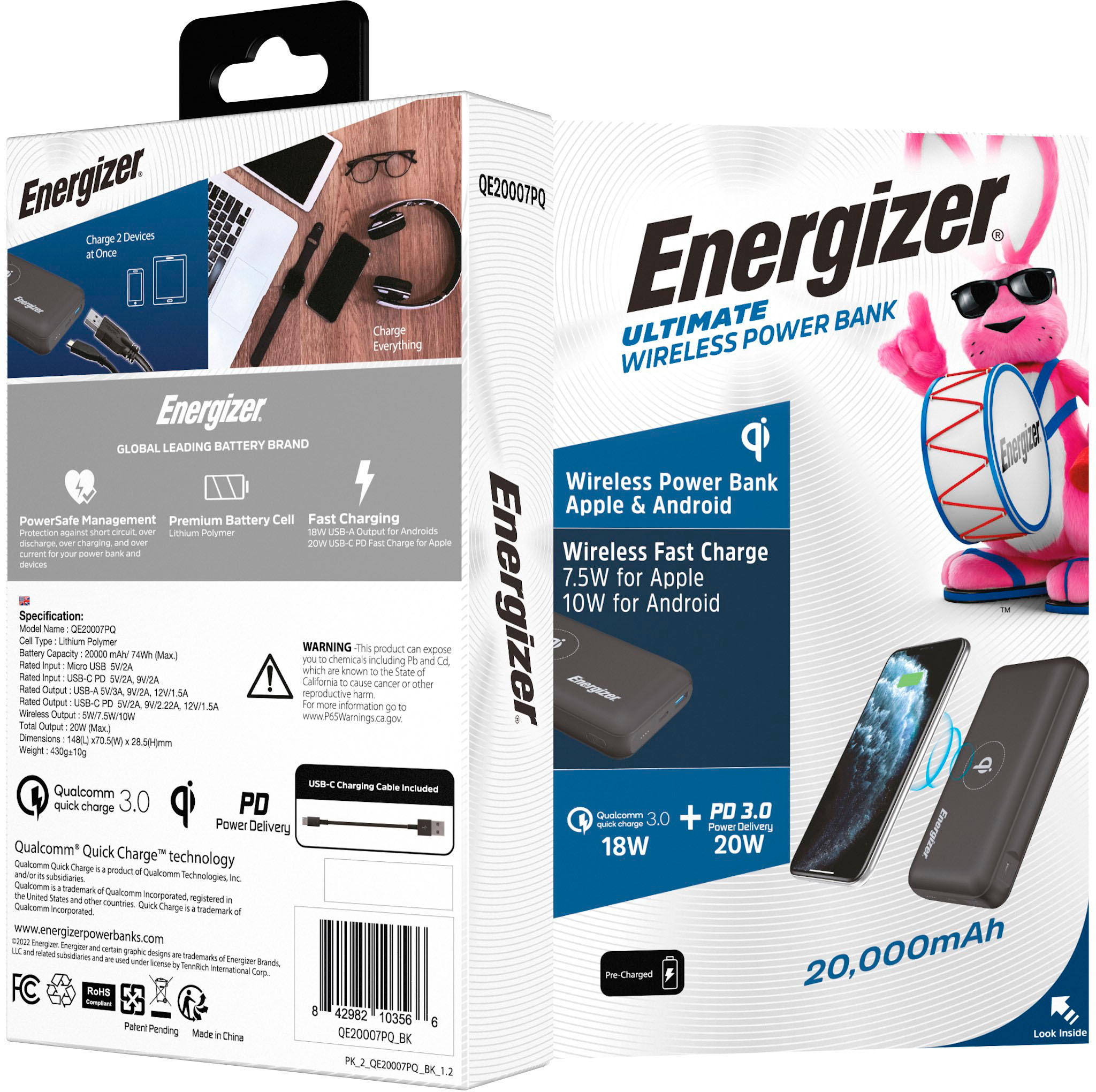
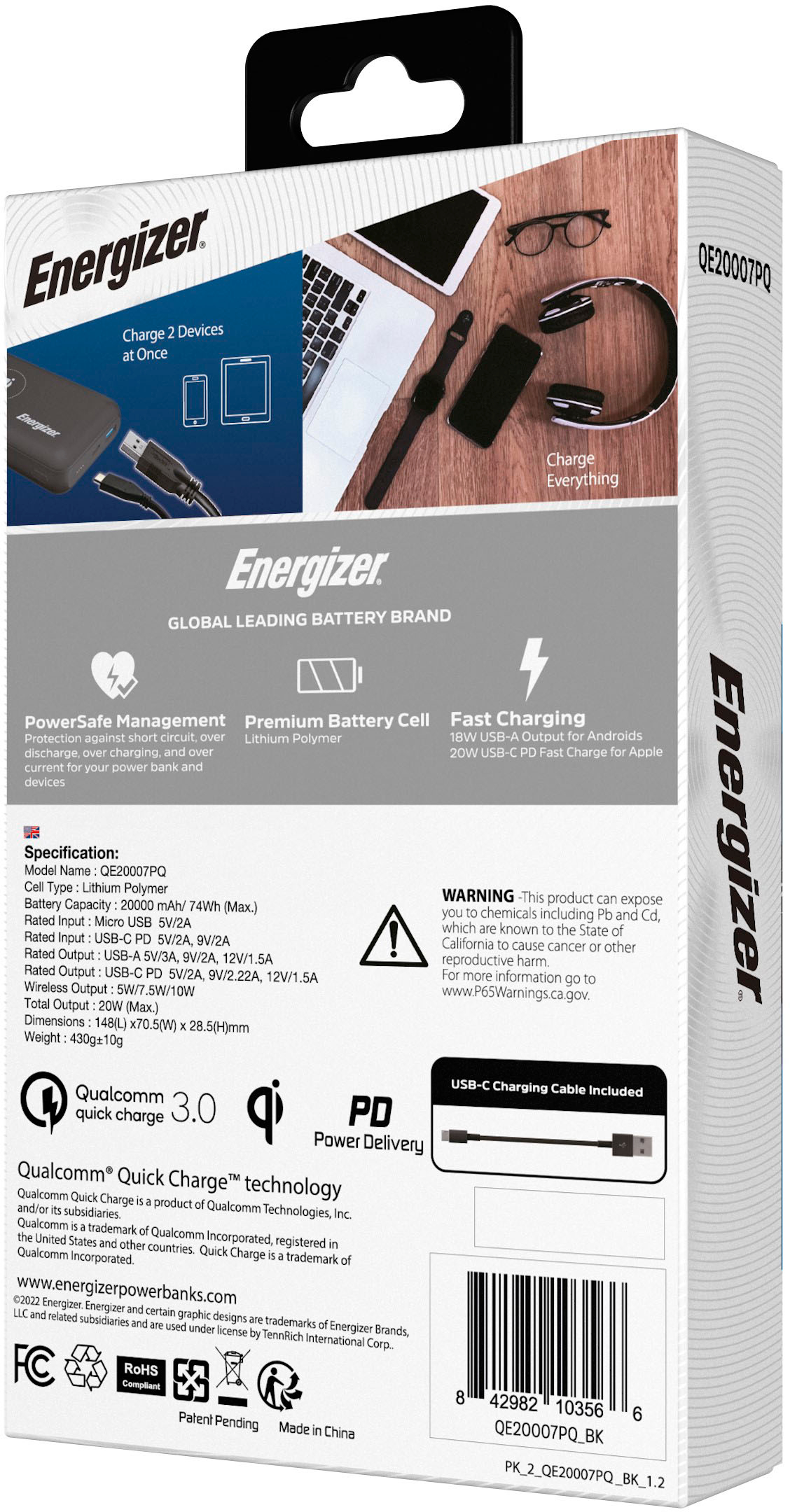
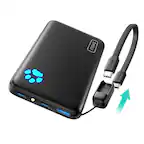
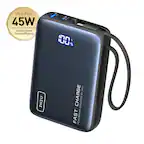
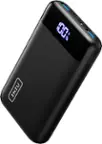
A:Answer It could be a phone setting. You might want to check it out first. Otherwise, all replacements will fail. Go to Settings --> Battery and device care. Click on Battery to open it up. Scroll down to the bottom where you will see More battery settings. Click this to open the next screen. At the bottom you will see Protect the battery. This toggle switch is here for people who do not want to fully or overcharge their phone. Please toggle this off. Since the Energizer powerbank has an auto-shutoff feature, and your having problems charginging your phone. I hope this helps. I have a Samsung running Android 13.