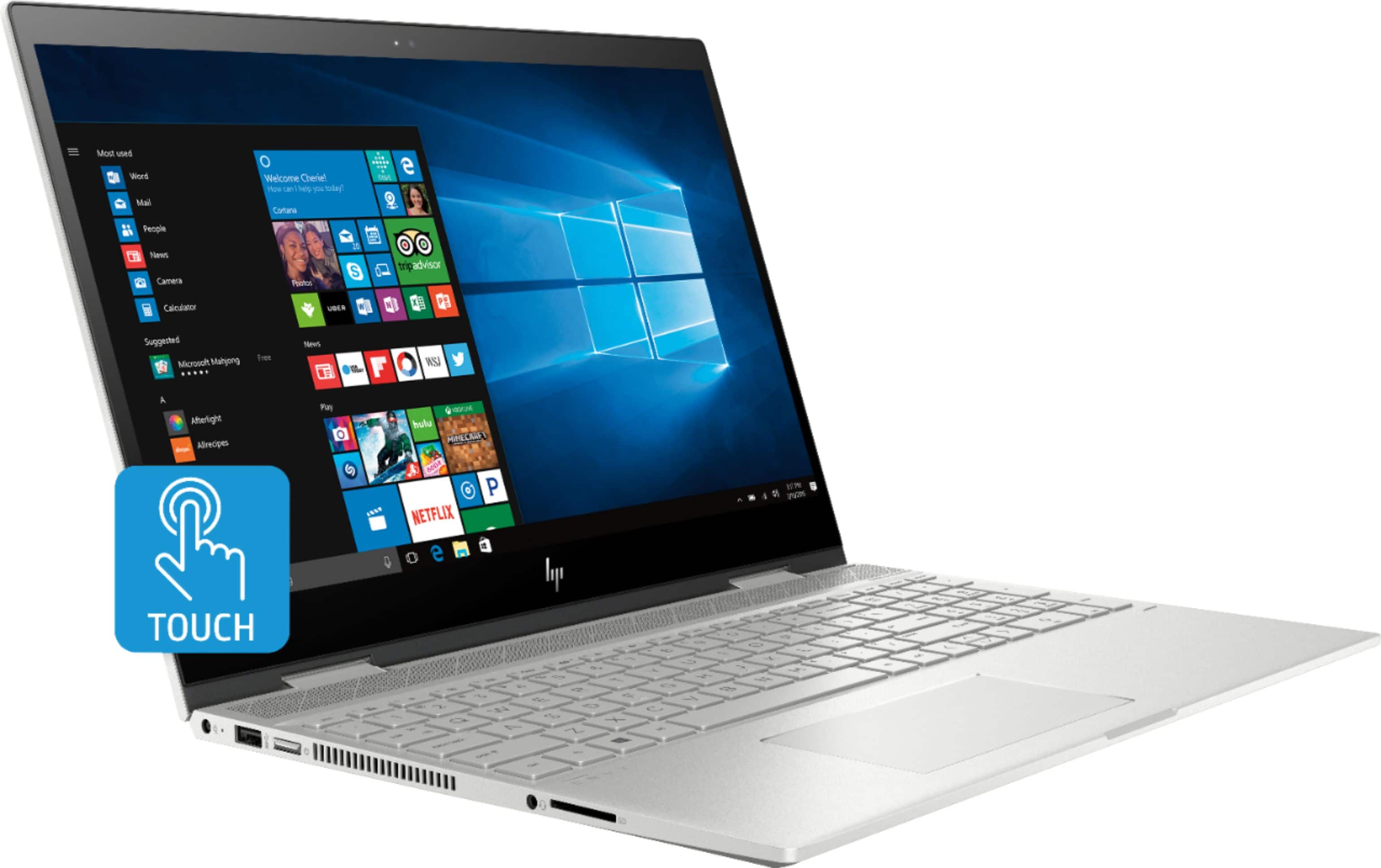
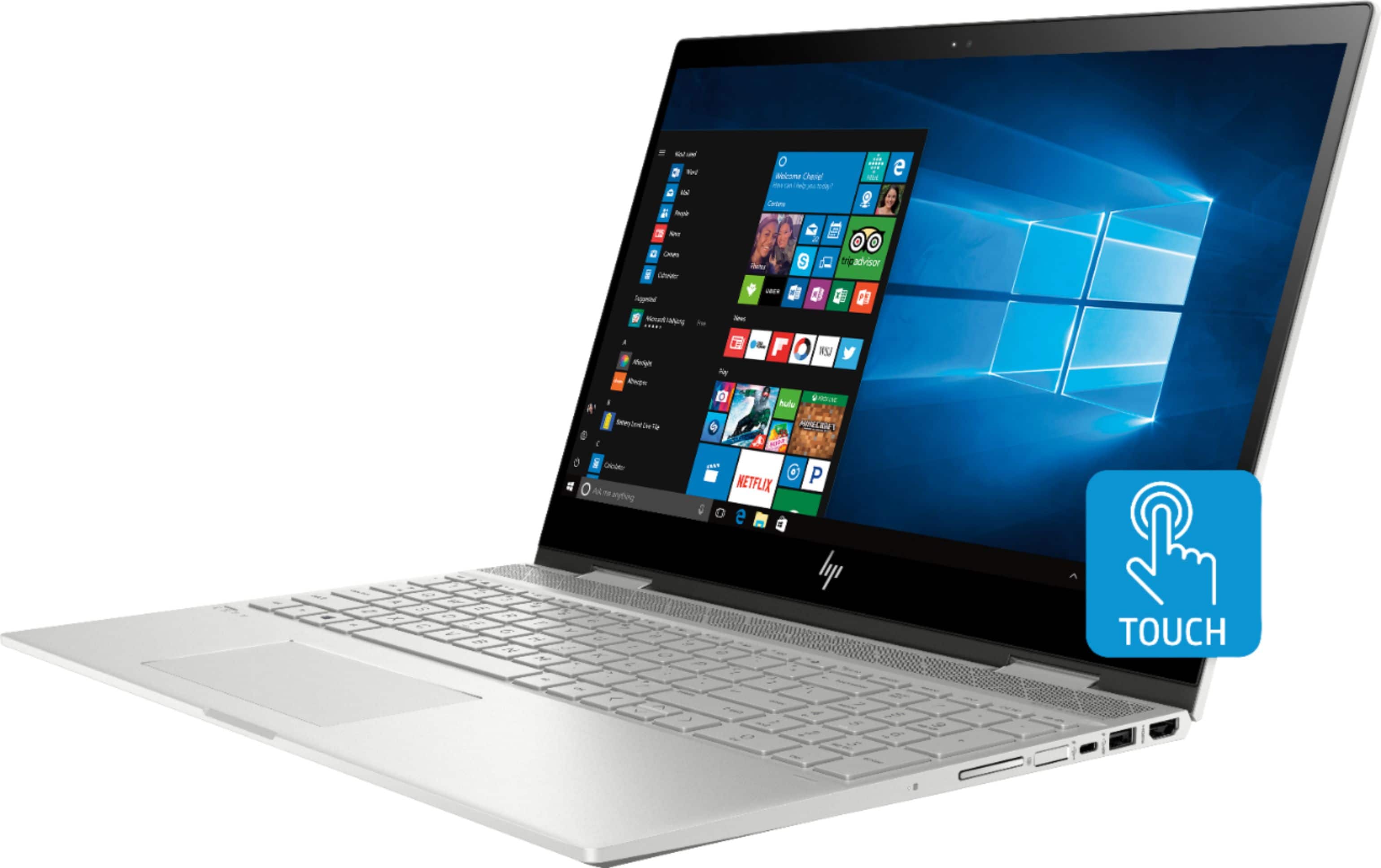
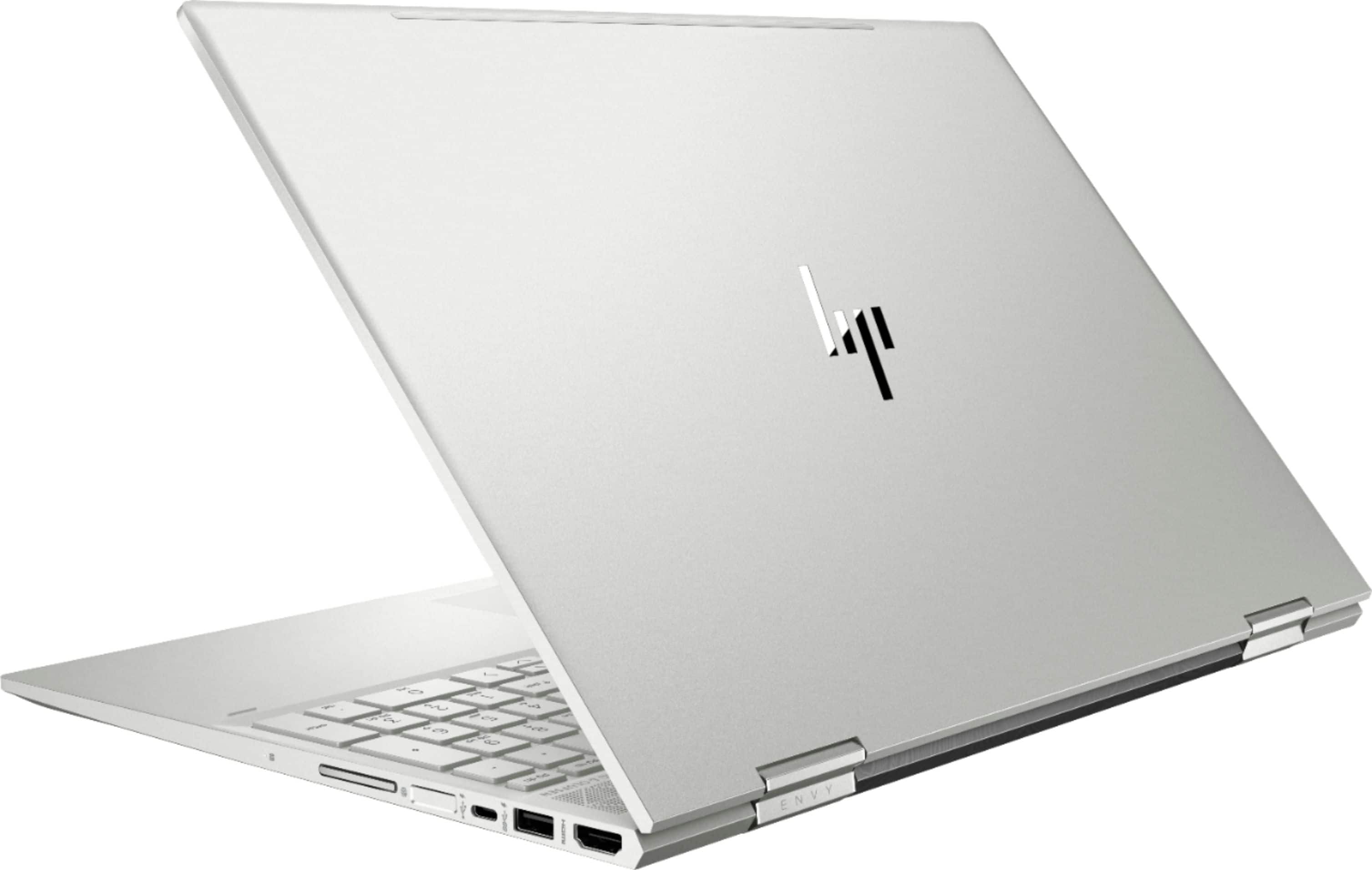
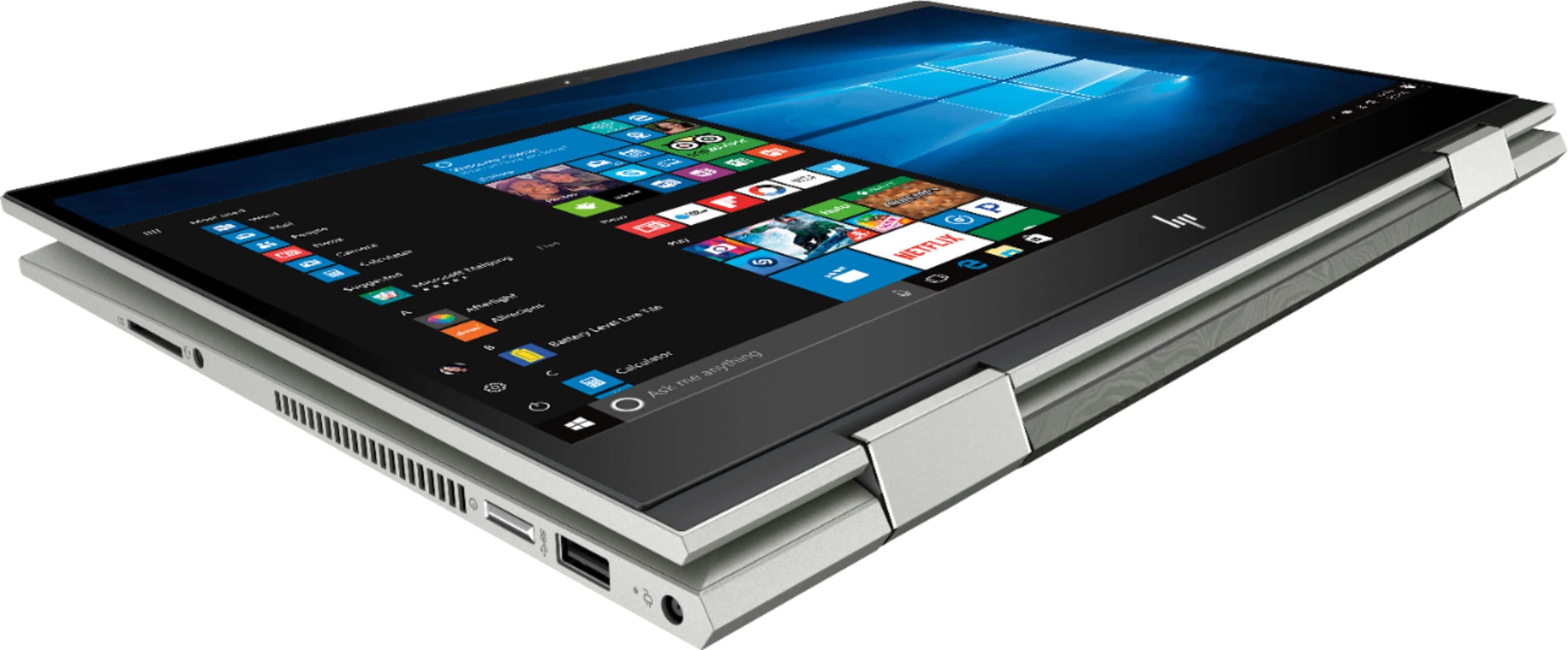
A:AnswerYes, it has an audio jack on the left side of the computer. It has 2 USB 3.0 ports and 1 USB-C port. It also has an HDMI port and SD card slot.
A:AnswerYes it is compatible with either: https://www.bestbuy.com/site/hp-stylus-pen/5902029.p?skuId=5902029 or https://www.bestbuy.com/site/hp-tilt-stylus-pen/6163896.p?skuId=6163896
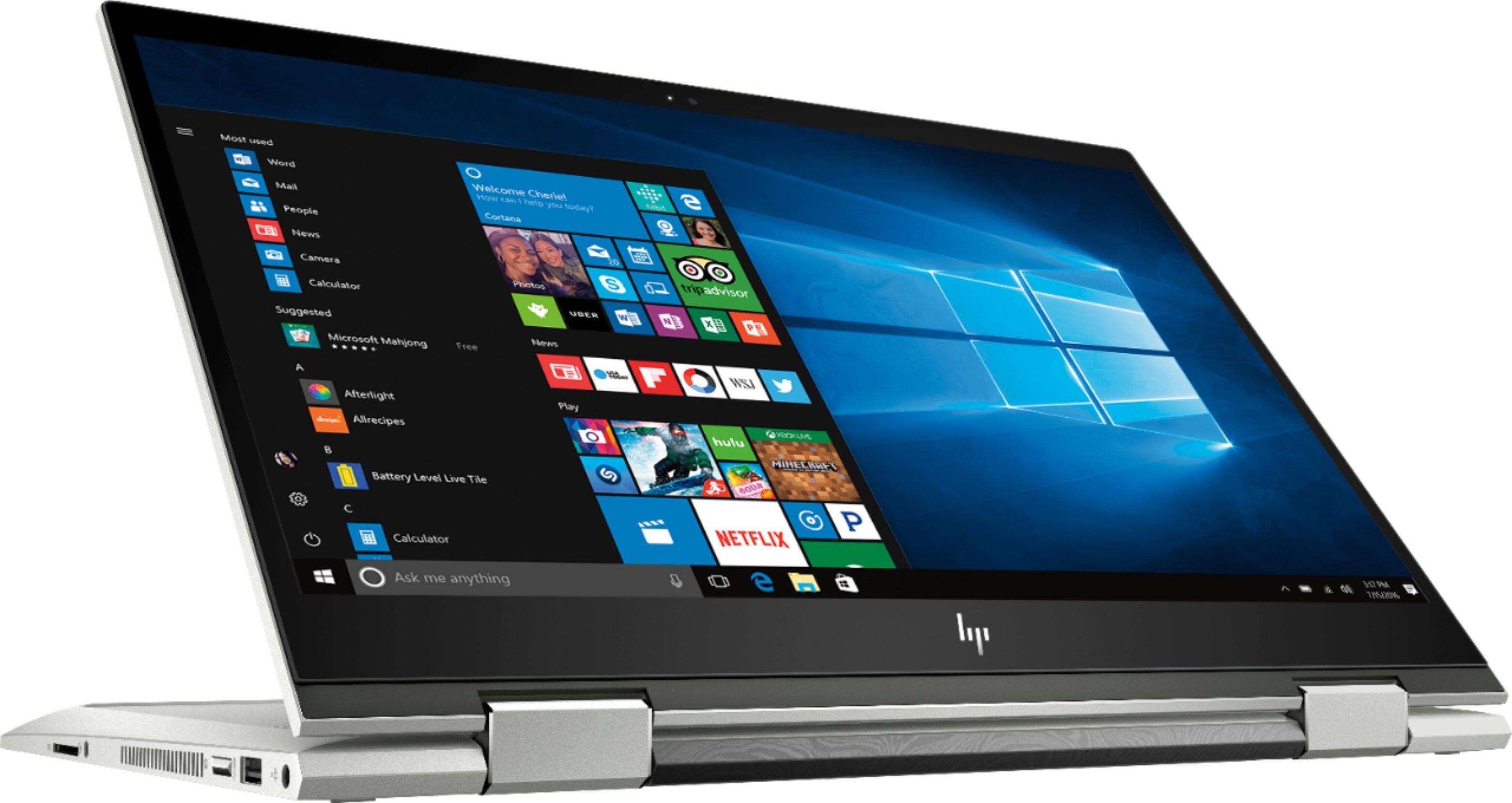
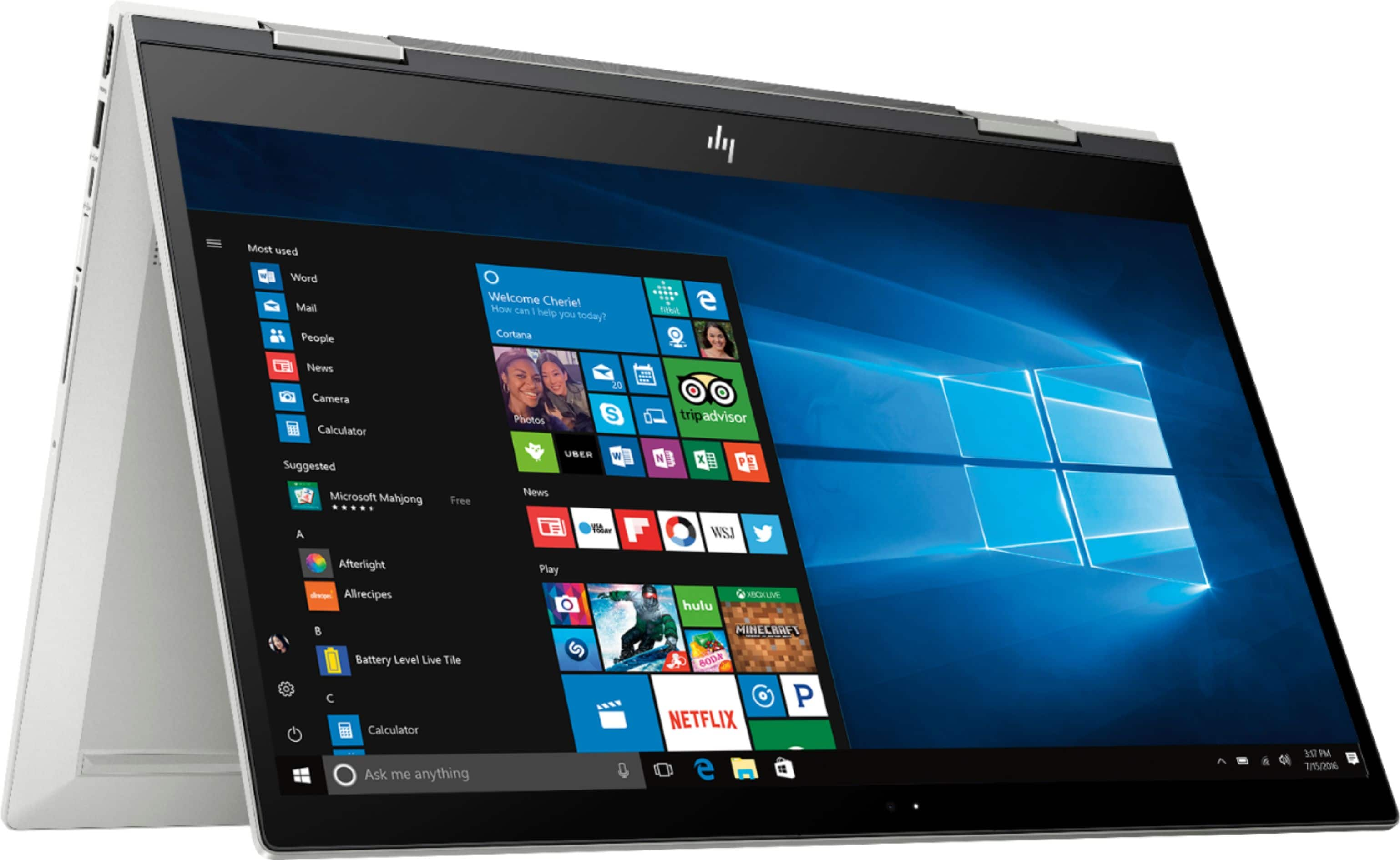
A:AnswerI haven't had it that long yet to determine that. I doubt that I ever will as I try not to use tablet mode as to get it out of tablet mode, you have to restart it or it gets real buggy and the keys you touch on the physical keyboard bring up system error messages.
You should look elsewhere!
A:AnswerThank you for your question. This computer would work well for DJing and has everything you would need to easily interface with any of your mixing equipment.
A:AnswerThank you for your question! This particular model is exclusive to Best Buy and is not available elsewhere including from HP's own website. If you are having any issues with your device I recommend reaching out to HP Technical Support to try and find a solution for you.
A:AnswerNo clue. I compared the specs for both models and they appear to be identical as is the price. Maybe one model is the newer version. I am really happy with this laptop.
A:AnswerTry the steps below to disable the touch screen in Windows 10.
1. Go to the device manager.
2. Click the little arrow next to “Human Interface Devices” to expand the list.
3. Click the touch screen driver.
4. Right-click, and select “Disable” from the list.