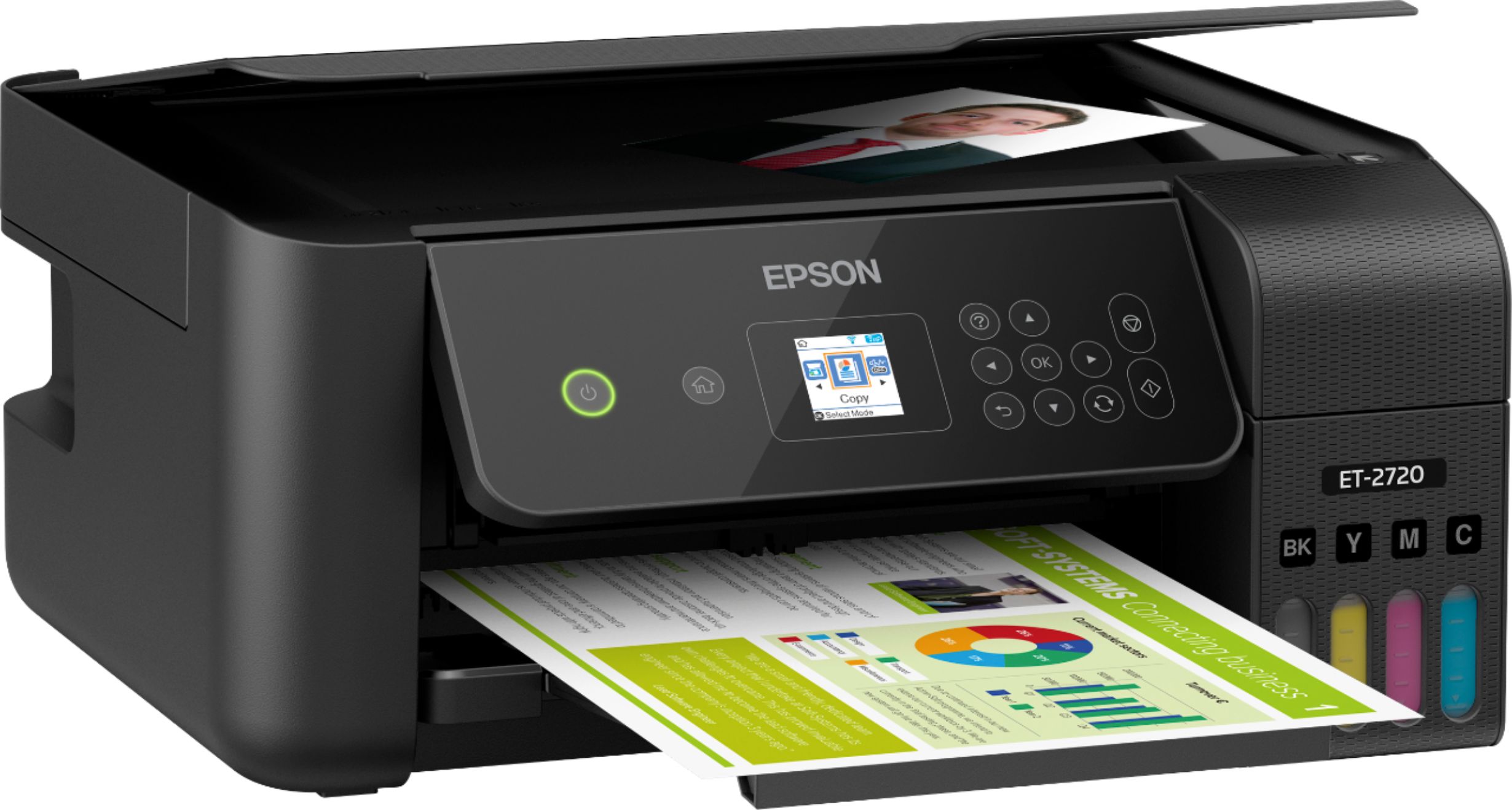
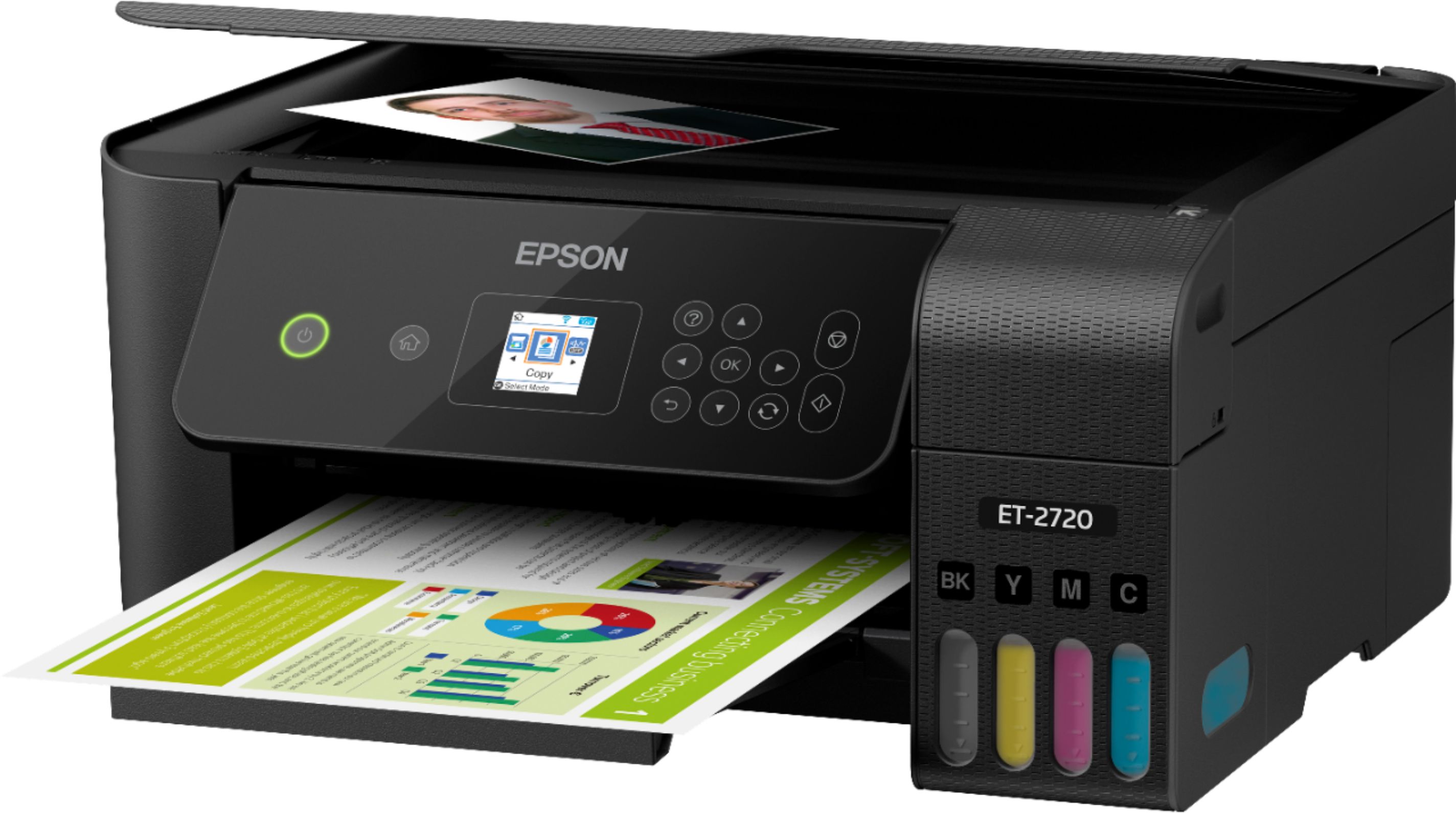
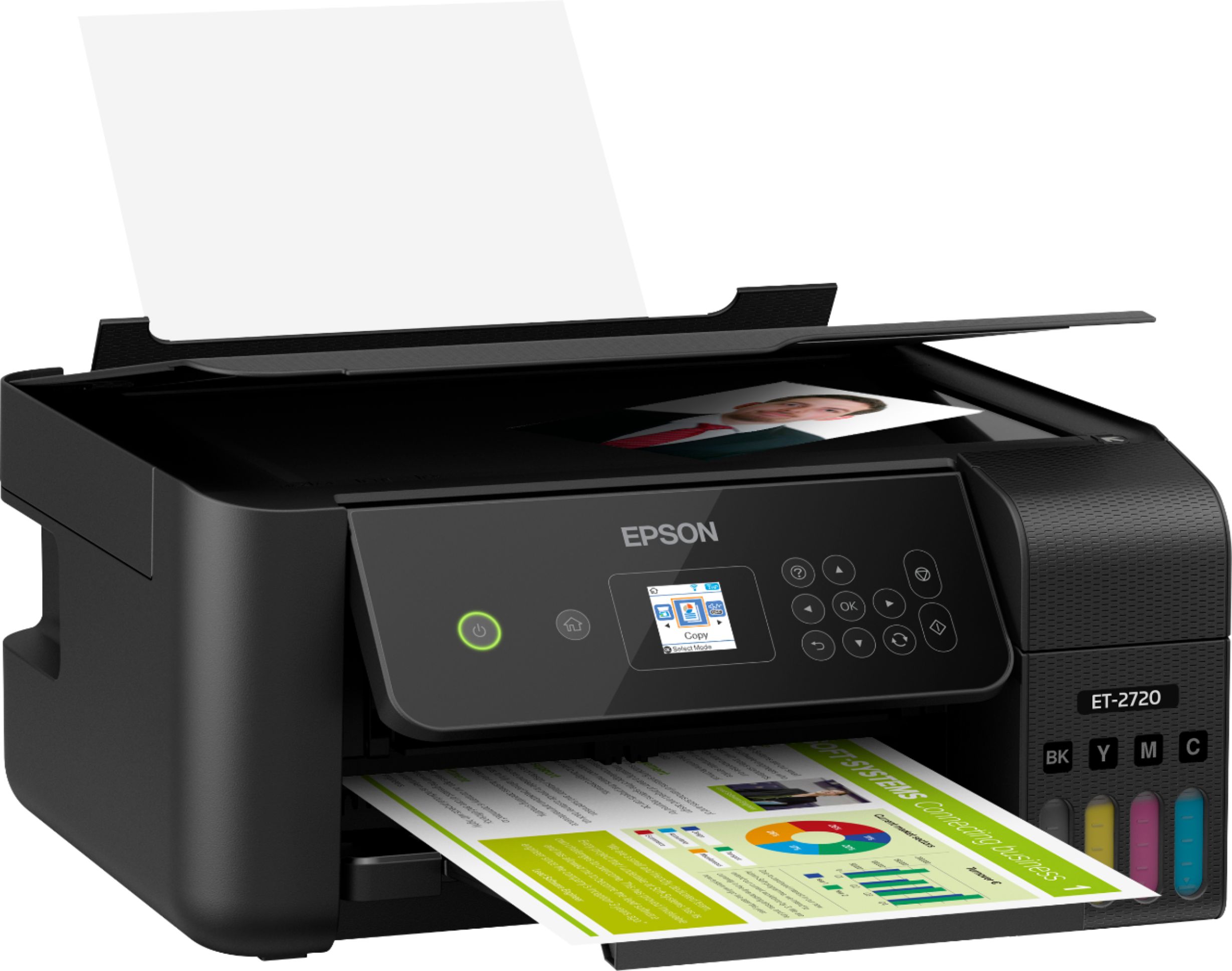
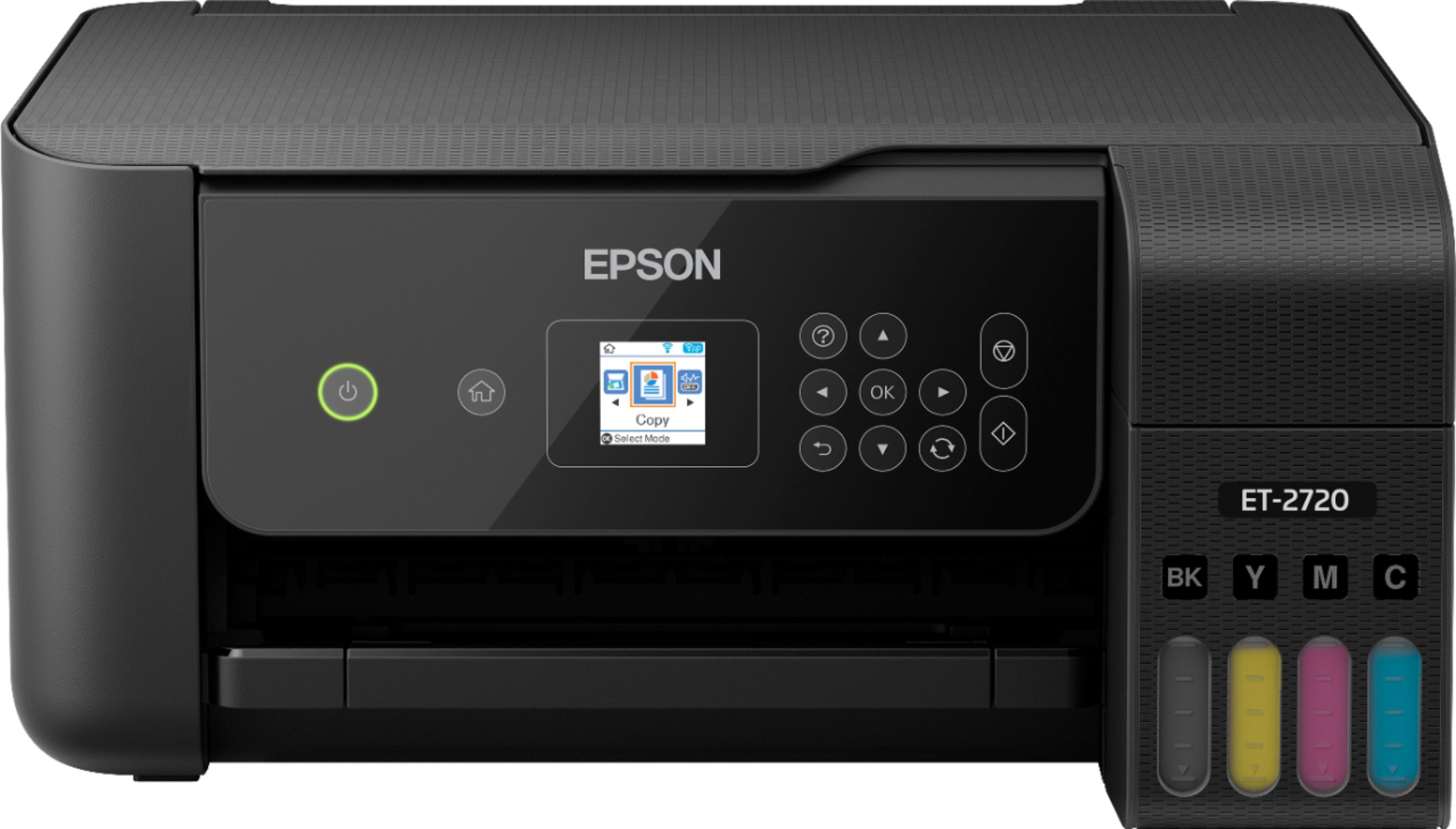
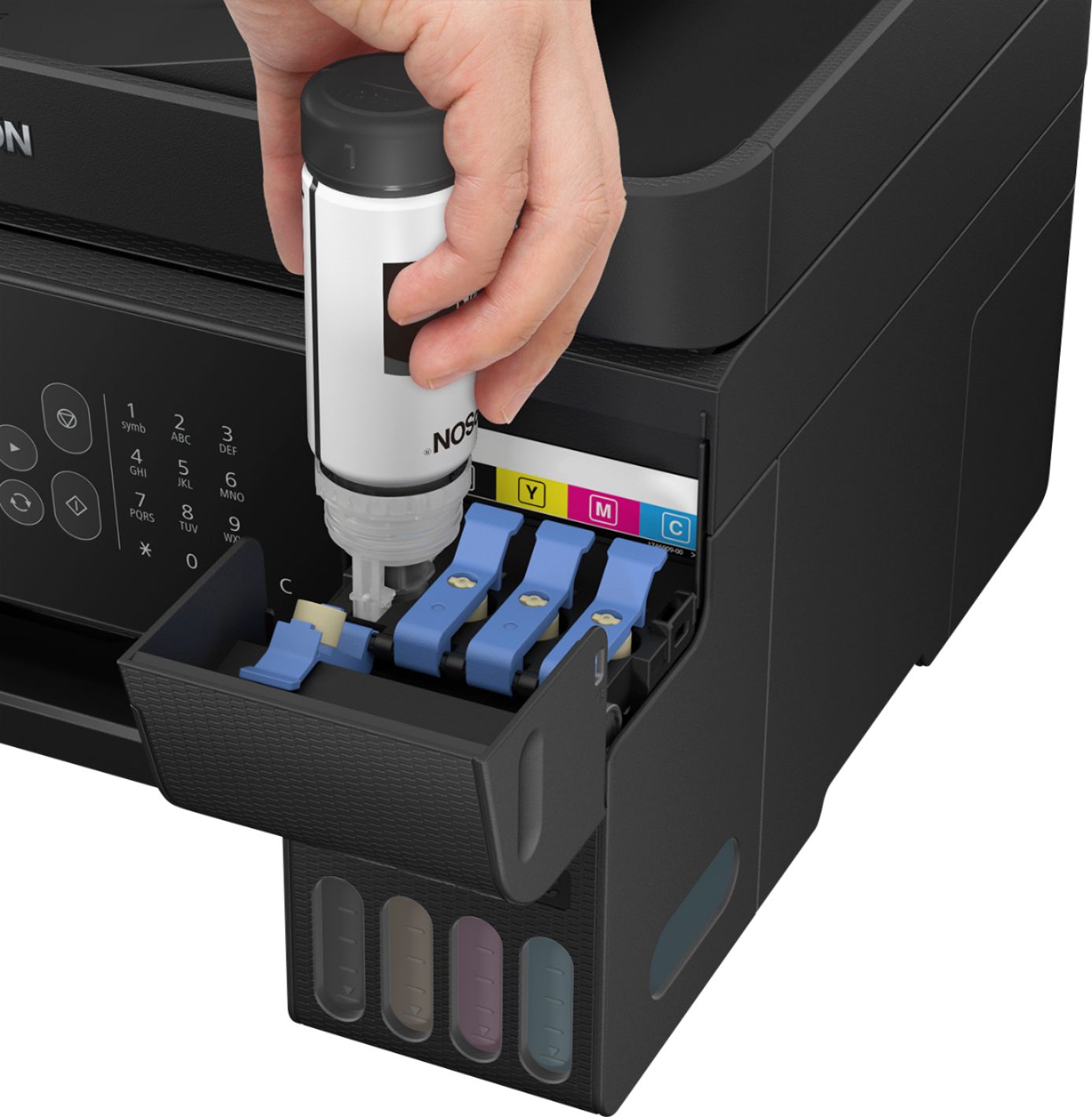
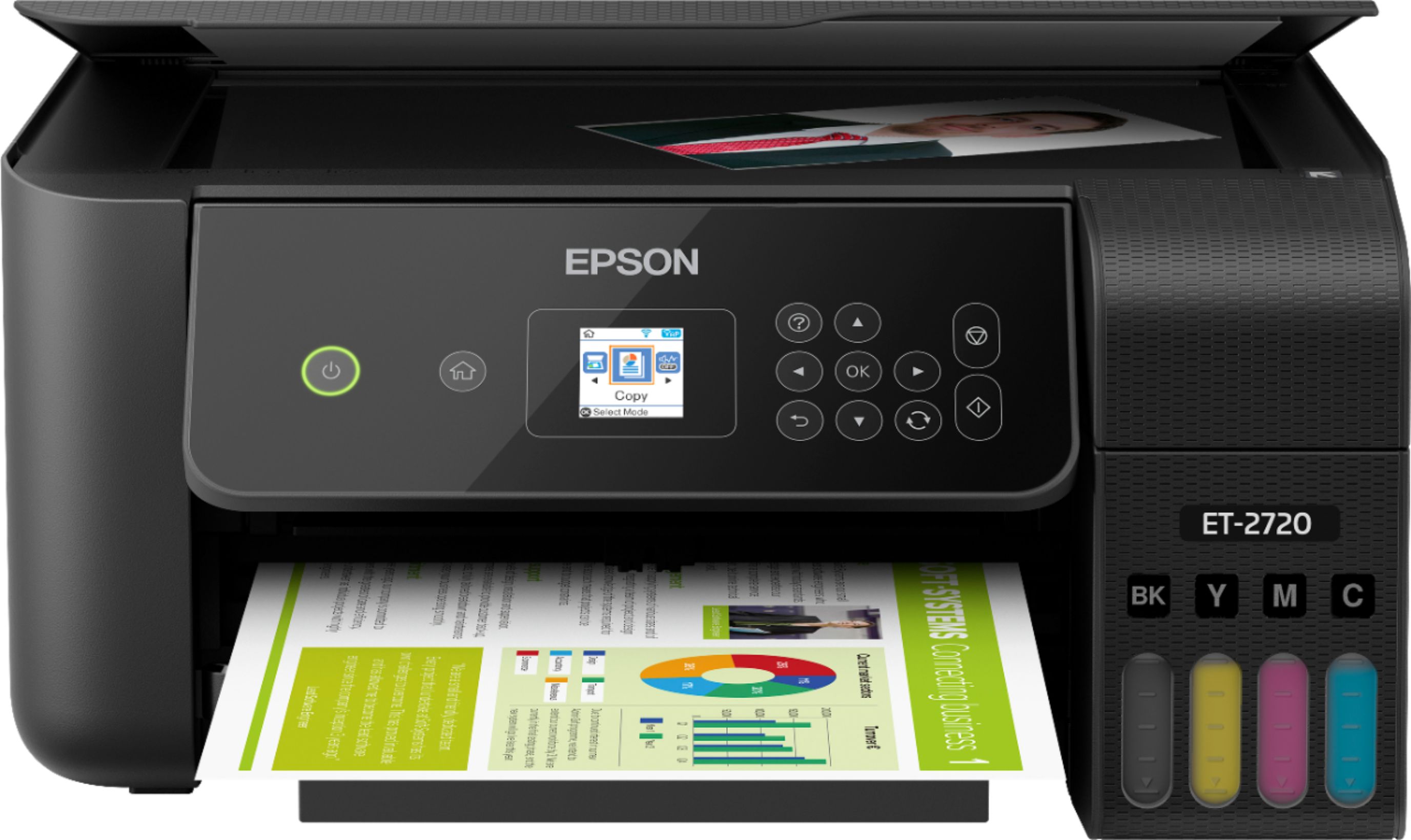
A:AnswerThe difference is the ink delivery system. The ink jet uses cartridges. With the eco tank, the ink comes in bottles, with a special nozzle that fits the top of the reservoir on the printer. You just fit it on and it stops automatically when the reservoir is filled. The ink level is visible on the front of the ink reservoir, so you know how much ink you have. Each bottle costs around $14, so a full set of 4 bottles is around $56, and you get around 4500 copies, or roughly 80 times the number you get with cartridges.
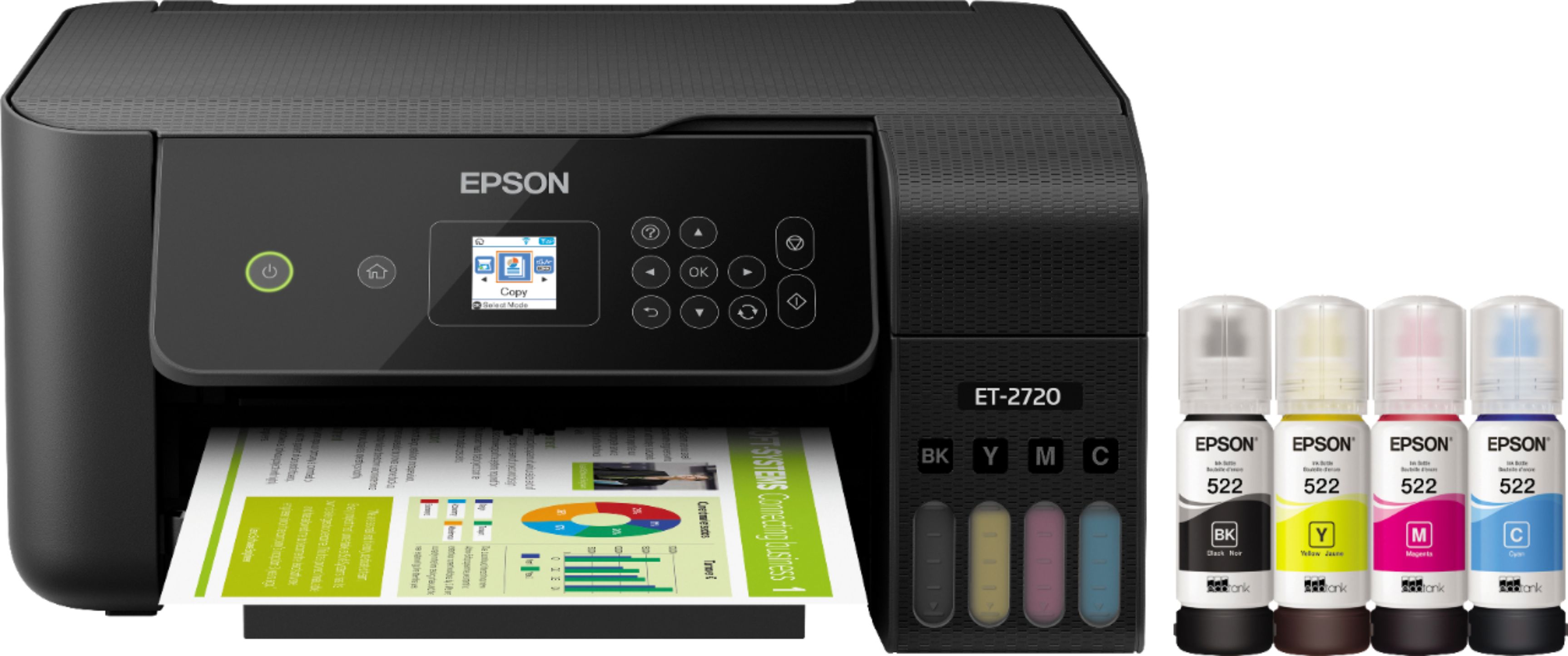
A:AnswerYes. The ink that comes with it is inkjet ink that is made for printing on paper. For sublimation you would need sublimation ink, a special type of ink that reacts to heat and imprints into the material.
A:AnswerAccording to the salesperson at Staples, it will clog... his answer was to print one or two pages at least 1 to 2X's a month to prevent this from happening. Apparently, this will happen even with ink cartridges; it certainly happened to me. Of course you can print from the following:
Easily print from iPad®, iPhone®, Android™ tablets and smartphones5; includes Wi-Fi Direct®7
A:AnswerSo far they have the hold, but the ink is a fraction of the cost of cartridges. I was spending $70 each time for cartridges for another printer. The bottles for this have about 4x more ink and were around $15-20

A:AnswerYes, you could, but why would you want to?
First, try turning on the WiFi, then set up wifi on the printer. If the printer doesn't work this way, then try connecting the cable. I have had to do that already.
A:AnswerI do a in home card business that requires me to print on both sides of the paper. I started having trouble with printing and my images not aligning between the front and back pictures after about a year. I troubleshot until my face turned blue. I contacted Epson Support who then told me this printer is not designed to print card stock, and I needed to buy paper that could print on both sides, not just one. Oh, and after 1 year of use, I’ve had to do maintenance on this almost every 3 days. I know I’m not alone, just look at the reviews. I would not suggest this printer for anything more that casual printing. And Epson’s customer service will just tell you, you’re the problem.
A:AnswerHi Ricky. No, the Epson EcoTank ET-2720 can not print to 11"x17" sized paper. The maximum supported width is 8.5 inches. Regards, Bobby - The Epson Team.
A:AnswerNo it will not. Unfortunately Epson did not include this function in the eco tank 2720. It also only does borderless printing on 4*6 which is also a disappointment.
A:AnswerHi Orchid1201, Yes, you can use the ET-2720's copier features from the front panel without any connection to a PC, or WiFi. Alternately, if you want to use all of its features without WiFi, you can connect it to a single computer using a standard USB cable. Regards, Mark - The Epson Team.