A:AnswerHi Kg, Ink usage varies based on a number of factors, like ink coverage per page, driver settings, temperature and humidity. Ink yield for the ET-2720 averages 4,500 pages from a 522 black ink bottle and 7,500 pages from each 522 color ink bottle. The first time you load ink a small amount is used to prime the printer. The remainder is available for printing. You can base your expected cost on this information and the cost of the paper you expect to print. Regards, Mark - The Epson Team.
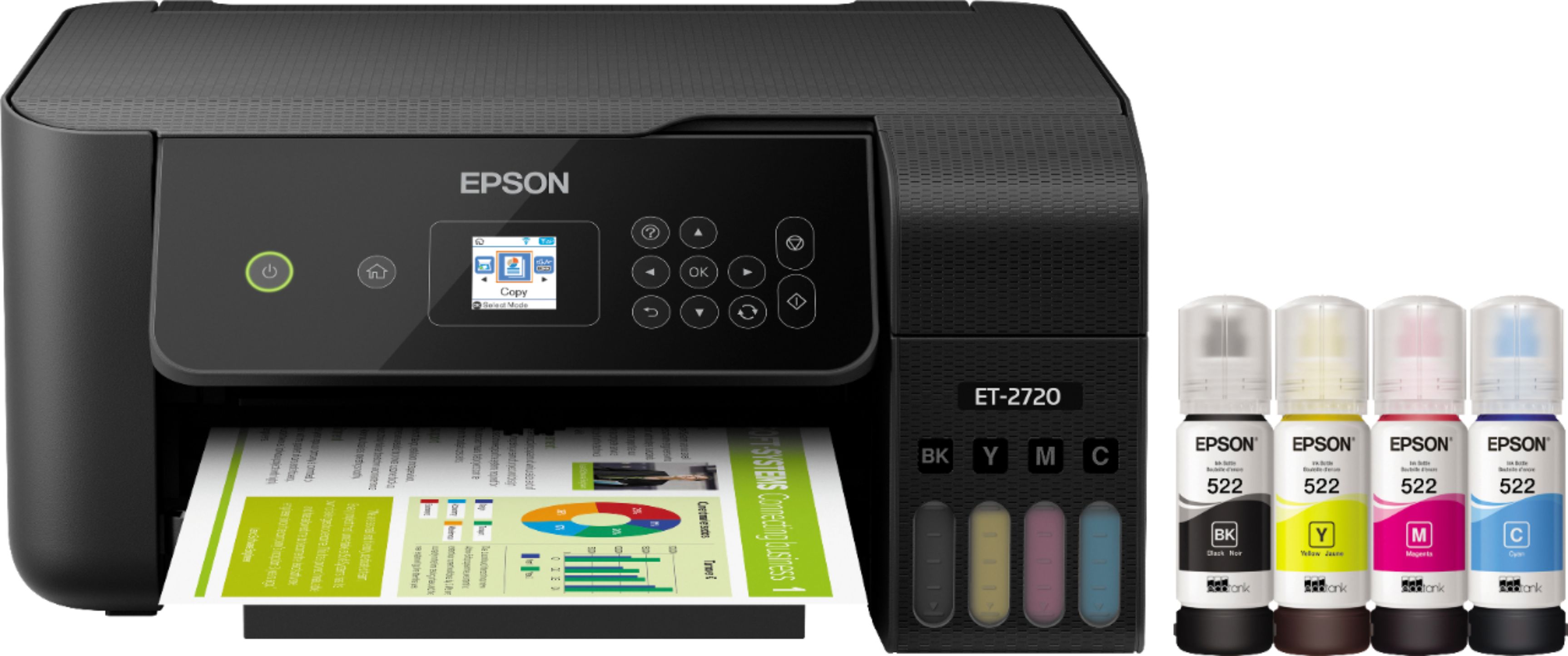
A:AnswerHi Thom, The EcoTank ET-2720 does not have a transparency unit needed to scan negatives. Higher-end Epson Perfection photo scanners do have that feature. Regards, Mark - The Epson Team
A:AnswerHi Edward, Please visit the Epson support site to see a list of paper types compatible with the EcoTank ET-2720. Regards, Mark - The Epson Team.
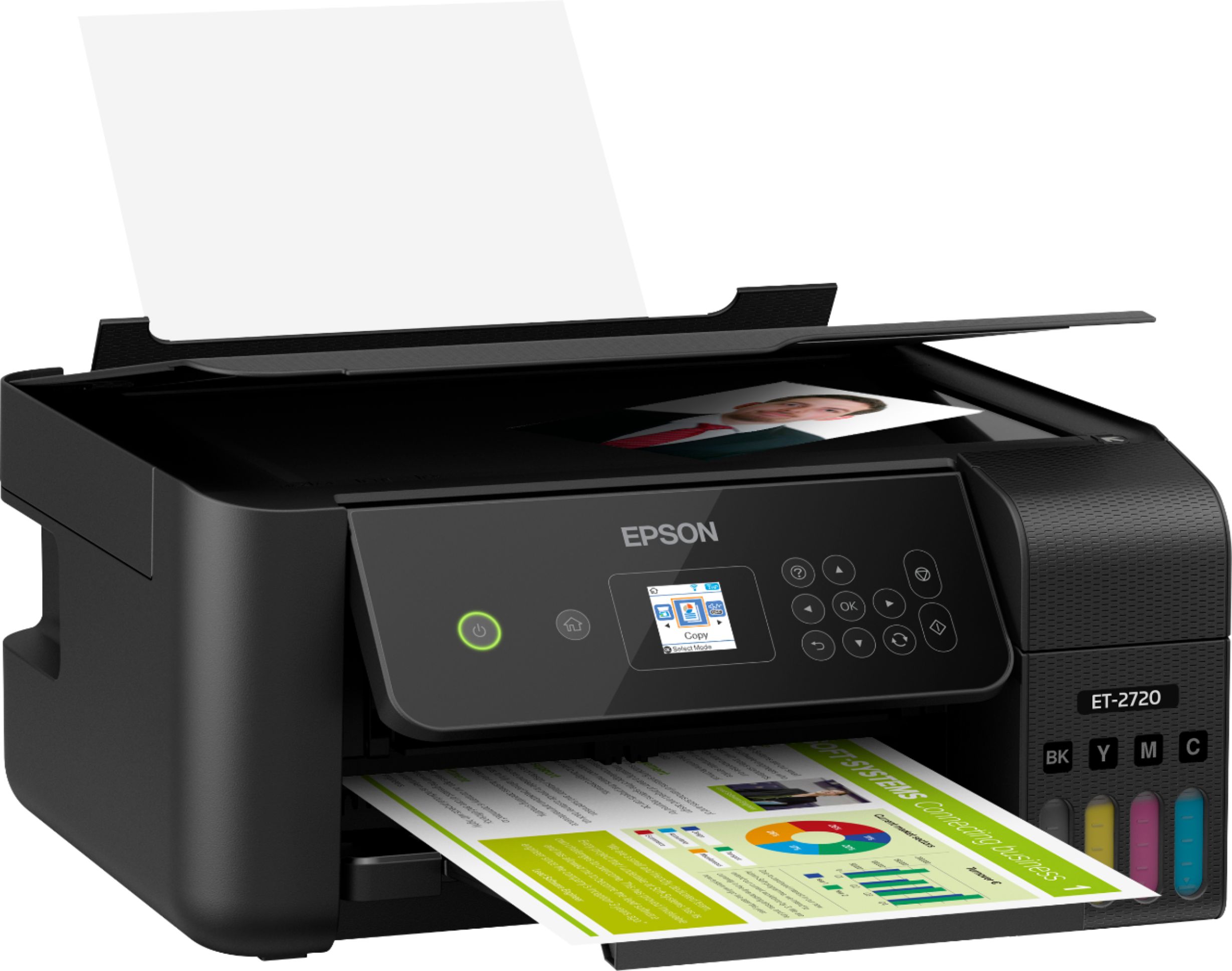
A:AnswerHi Guiseppe, The EcoTank ET-2720's dimensions when all trays are open for printing is 14.8" x 22.8" x 10.0" (W x D x H). Regards, Mark - The Epson Team.
A:AnswerHi Ginb68. The Epson EcoTank ET-2720 is 14.8" x 22.8" x 10.0" (W x D x H) when printing, and 14.8" x 13.7" x 7.0" (W x D x H) when stored. Regards, Bobby - The Epson Team.
A:AnswerI recommend going to the manufacturer's website and clicking 'notify me when available' and they will send you an email once they restock. Best Buy seems to always have it when it is restocked.
A:AnswerHi momof4, We do not test third-party media, so cannot guarantee the quality of non-Epson paper . For a complete list of compatible paper types visit the Epson support site. Regards, Mark - The Epson Team.
A:AnswerHi. No, the Epson EcoTank ET-2720 can not scan Legal-size documents. The scanner bed can only support up to Letter (8.5" x 11") -size originals. Regards, Bobby - The Epson Team.
A:AnswerHi ladyV, The EcoTank ET-2720 is not a wide format printer. The largest size sheet it will print is 8.5" x 14". Visit the Epson support site to see details on wide-format desktop printers that handle 13" x 19" paper. Regards, Mark - The Epson Team.
A:AnswerHi jakethedog, Yes, you can reduce and enlarge copies from 25% to 400% on the EcoTank ET-2720 using the front panel controls. You can also reduce and enlarge prints and scans from a computer, smart phone or tablet. Regards, Mark - The Epson Team.
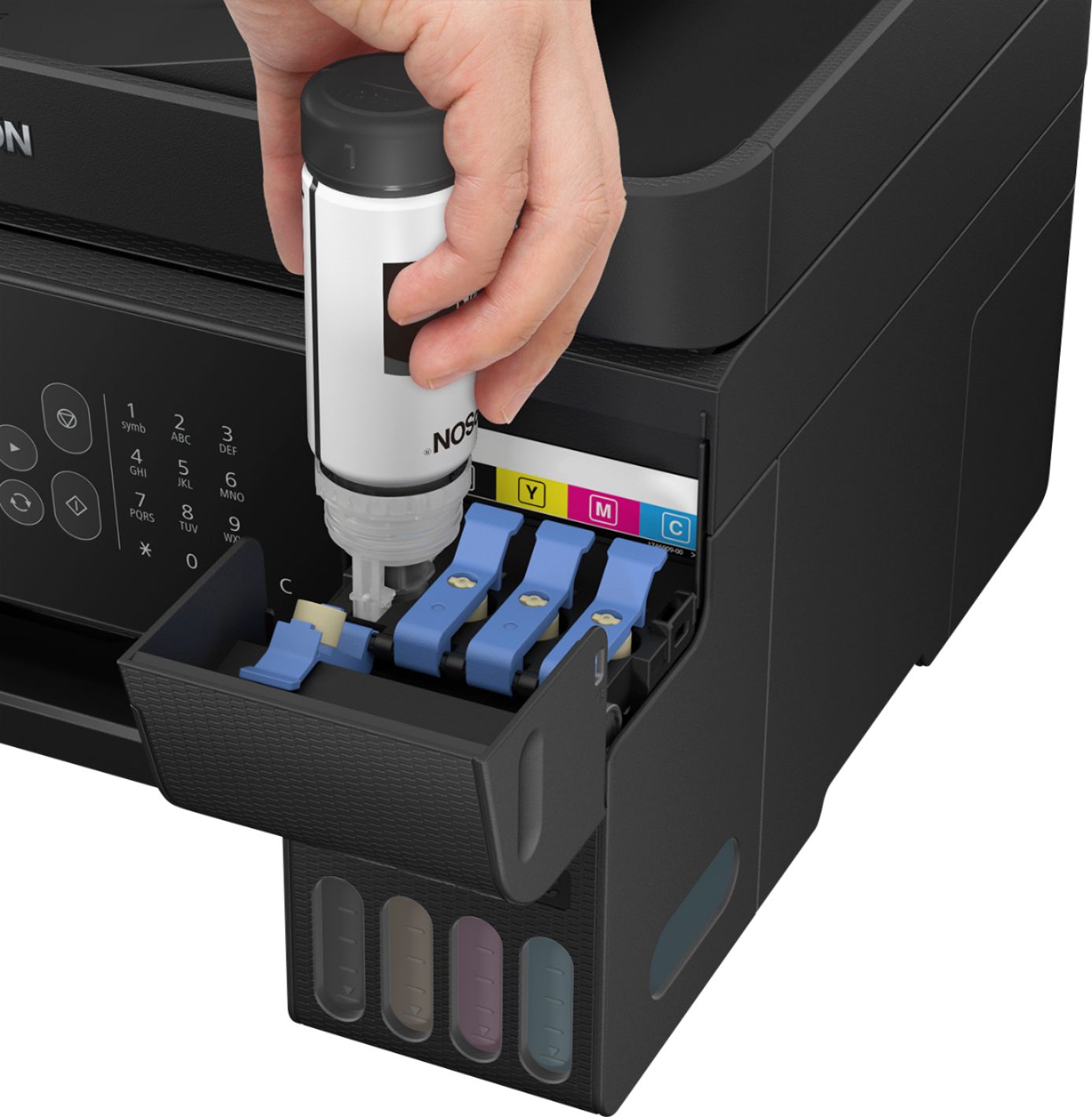
A:AnswerHi, The EcoTank ET-2720 does not include fax. Please visit the Epson support site to see higher-end EcoTank models which have fax capabilities. Regards, Mark - The Epson Team.
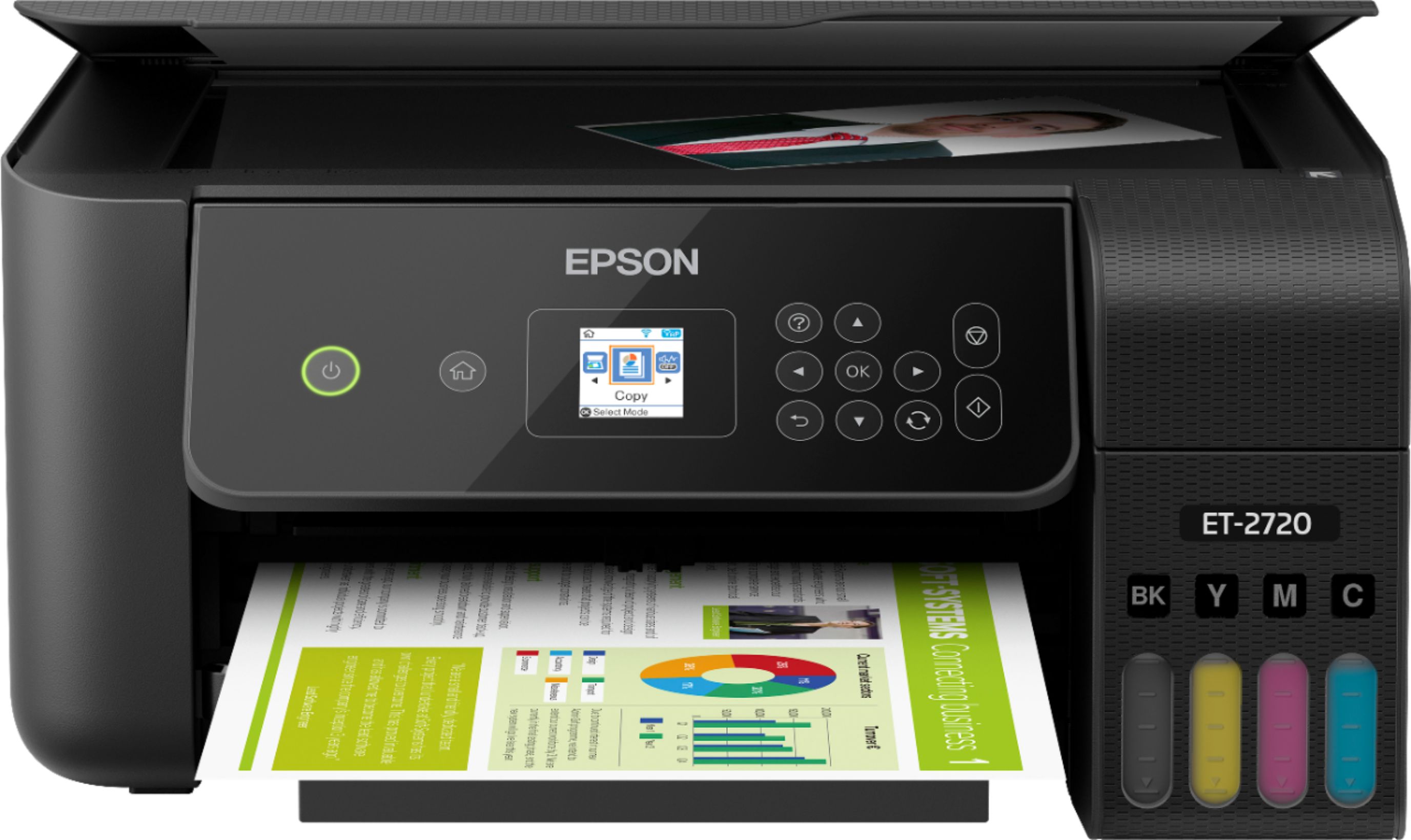
A:AnswerHi Anonymous, The EcoTank ET-2720 supports matte and glossy photo paper. Please visit the Epson support site for a list of compatible paper types. Regards, Mark - The Epson Team.
A:Answerrun the clean print head option then print a test page you might have to do it twice . And also make sure that you use the best quality print option .