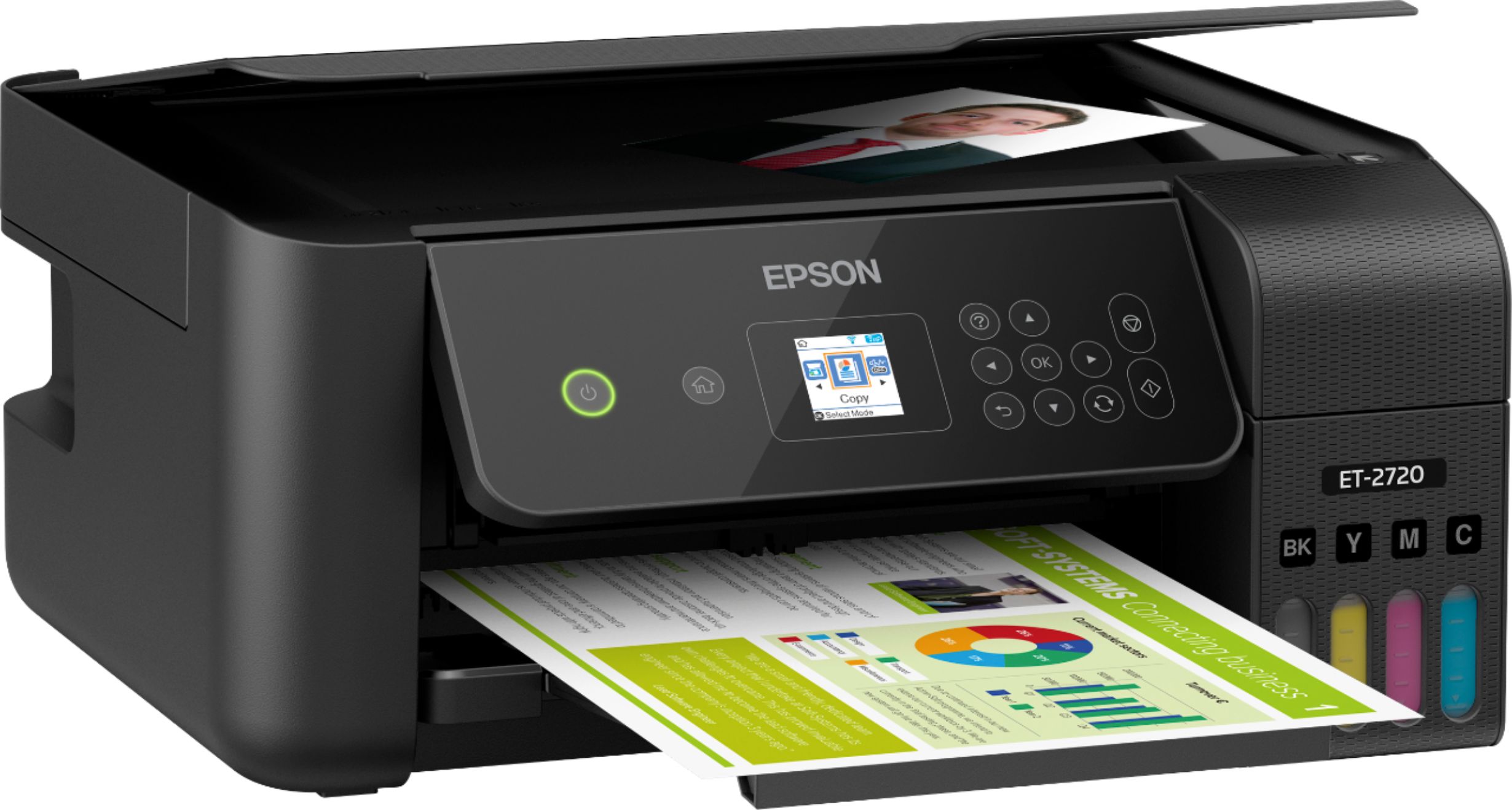
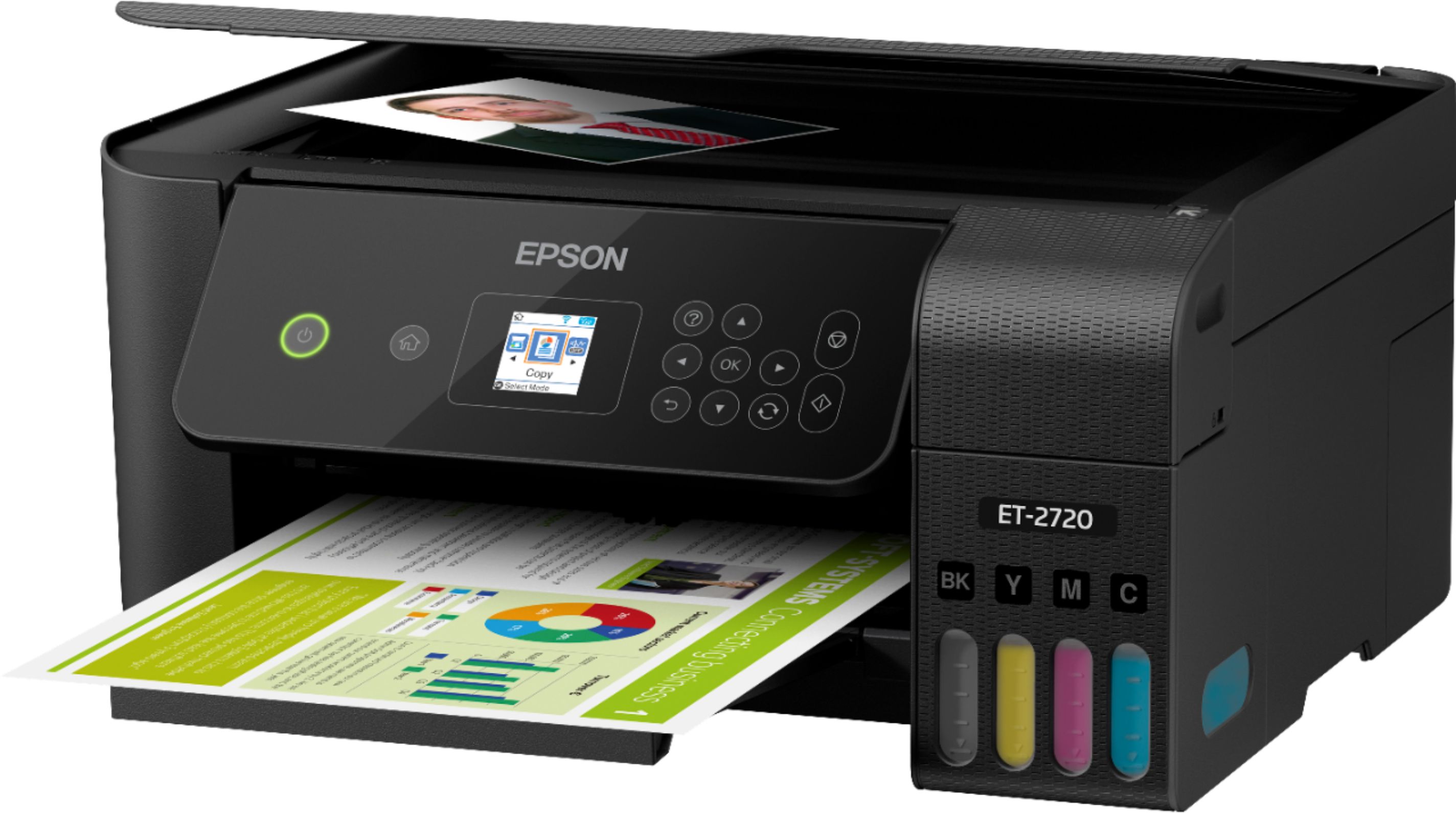
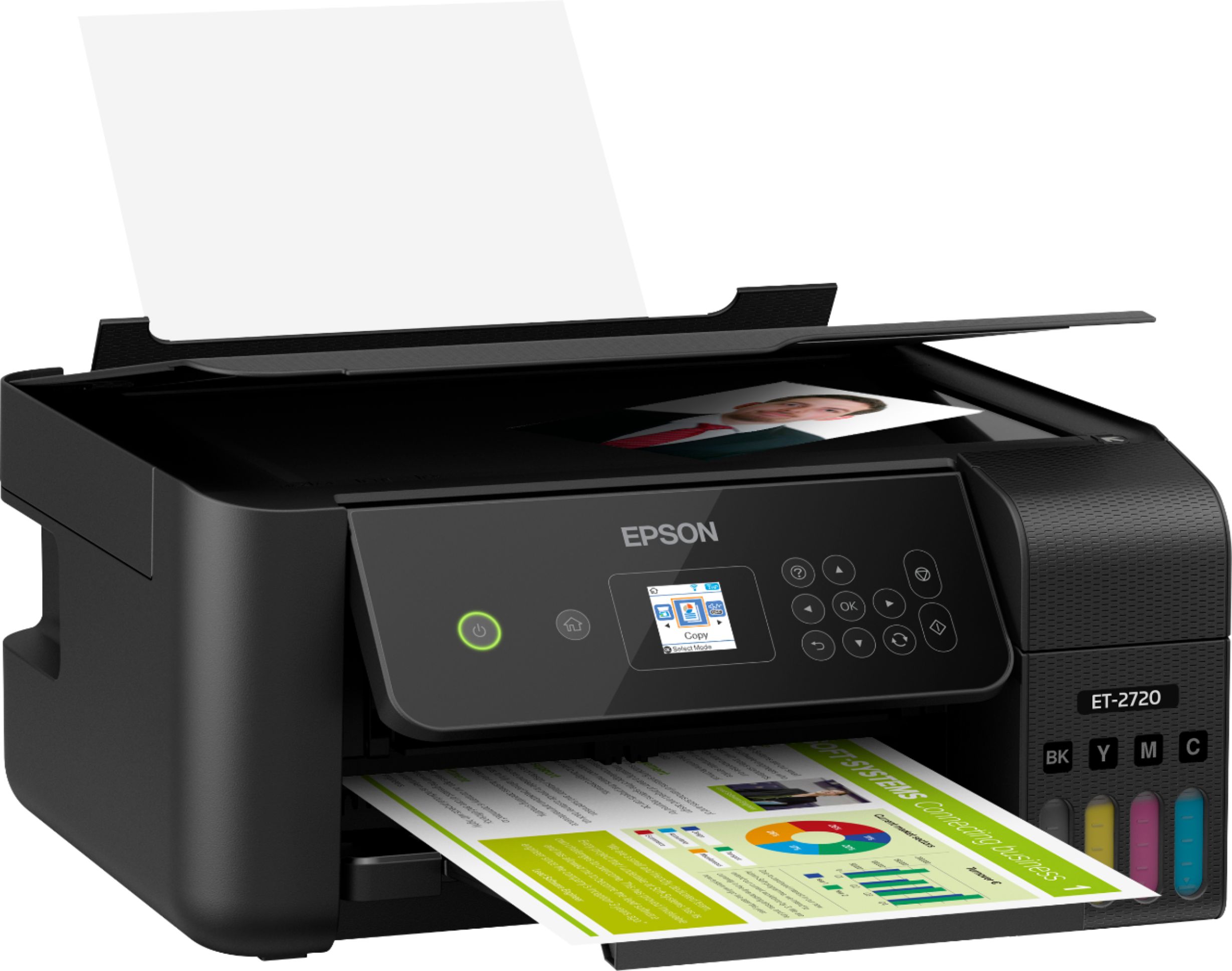
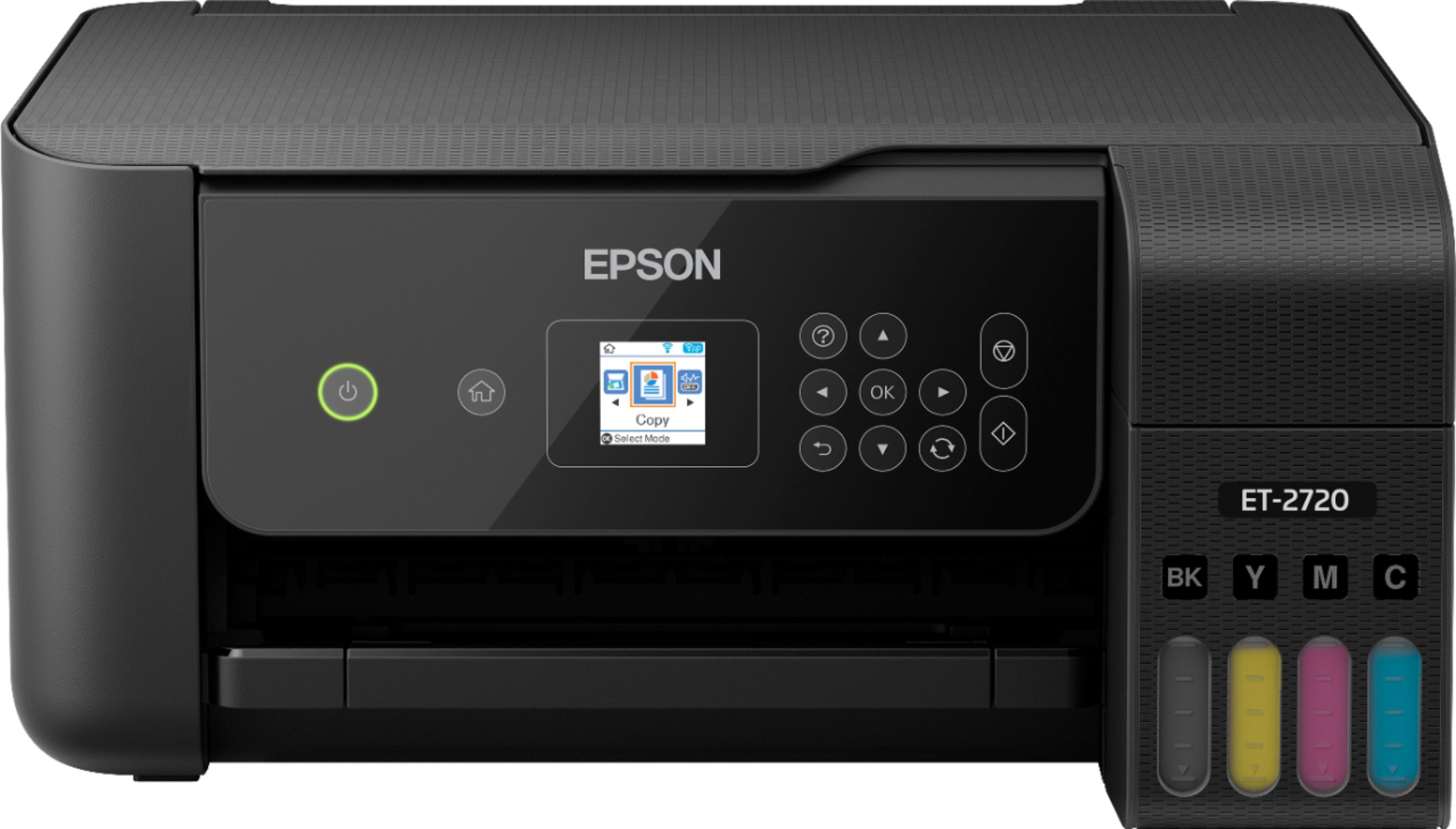
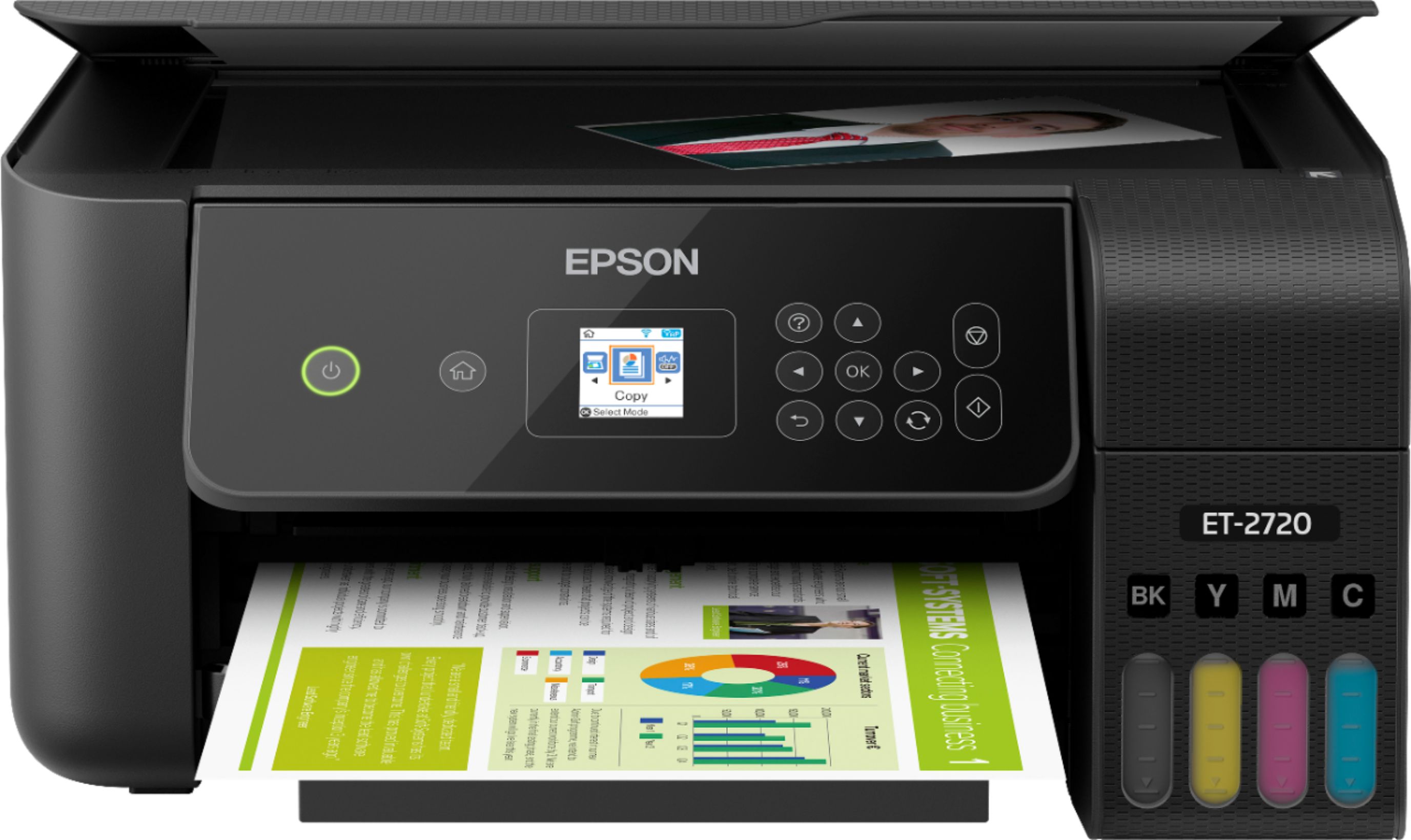
A:AnswerHi mine, The EcoTank ET-2720 can print pictures. For the best quality use Epson photo paper. See the Epson support site for a list of compatible paper types. Regards, Mark - The Epson Team.
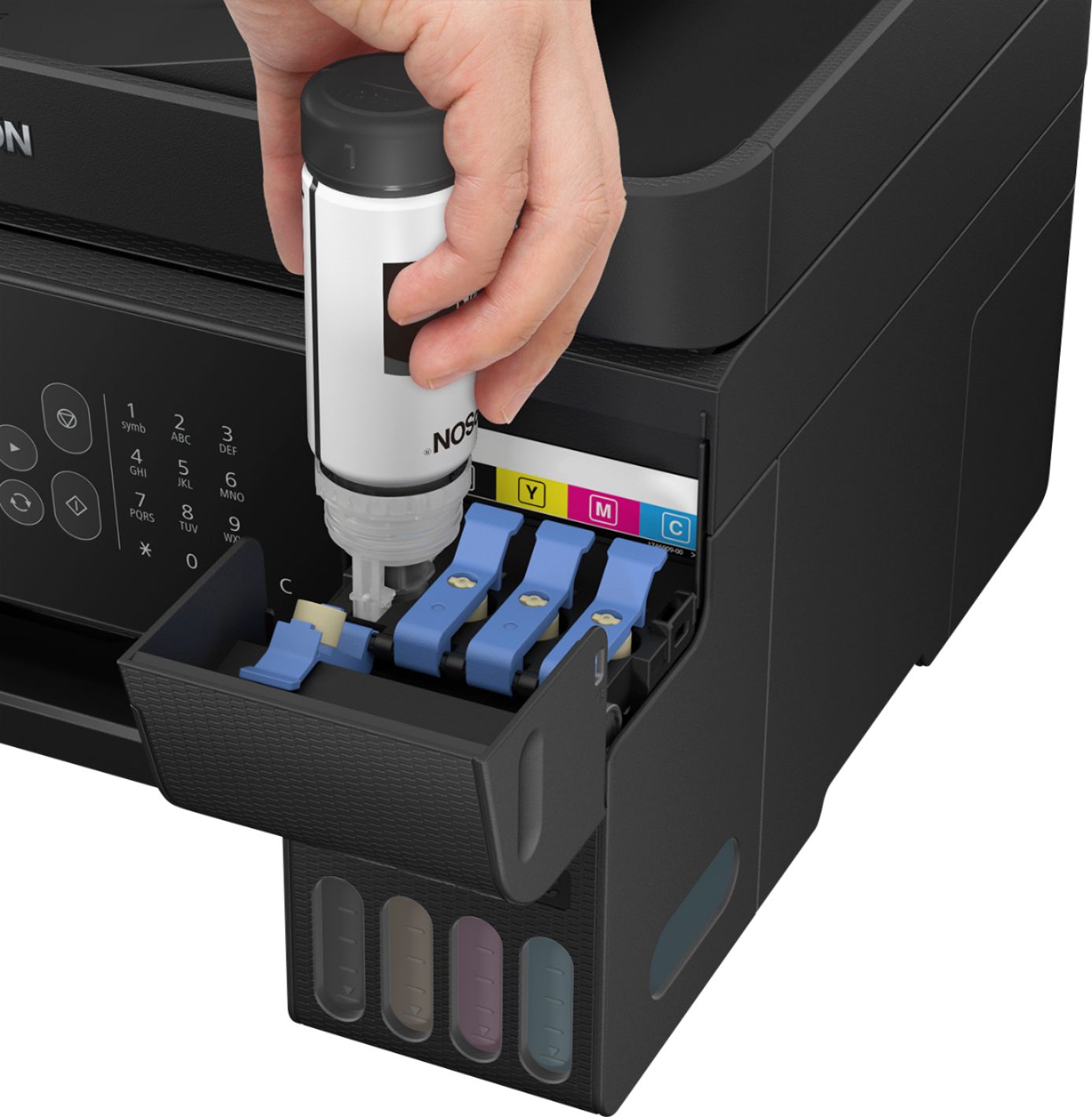
A:AnswerHi Kanha. After filling the ink tanks, you will need to press the START button, located on the control panel, to start ink charging. Please refer to the "ET-2720 Start Here" installation guide for more information. Regards, Bobby - The Epson Team.
A:AnswerIt says online "You get up to 2 years of ink with each included or replacement ink set" That means that they are saying that the ink that comes with the printer, or the refill that you can buy, can last for up to 2 years. In the fine print it says "Based on average monthly document print volumes of about 125 pages." So that means that if you print about 125 pages per month, the ink included, or each replacement, will last up to 2 years.
A:AnswerHi billb. Yes, you can enlarge or reduce a scanned image with the copier feature on the Epson EcoTank ET-2720 printer. Regards, Bobby - The Epson Team.
A:AnswerHi, You can manually print two-sided documents by printing the first side, flipping the stack and reloading the paper. The included software keeps the sheets in the correct order. Regards, Mark - The Epson Team.
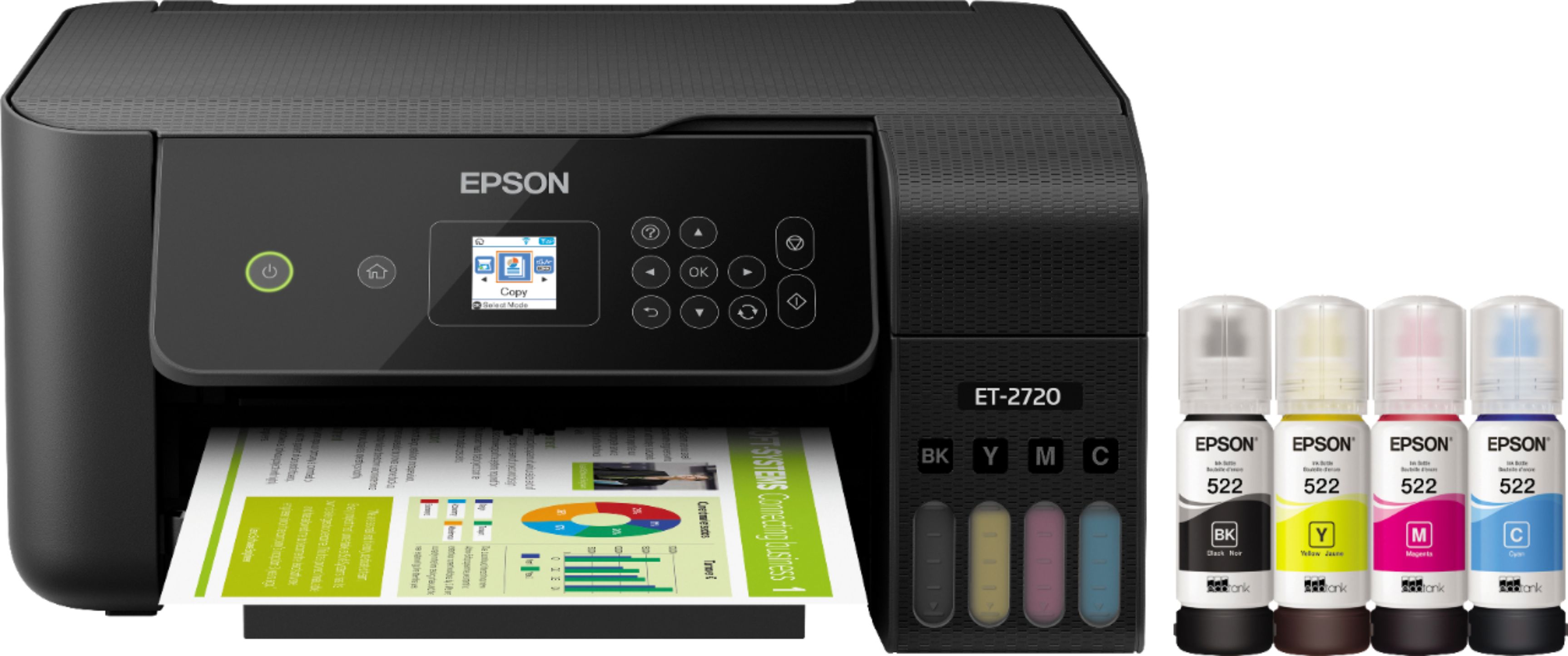
A:AnswerHi Jt, The ET-2720 uses Epson 522 ink bottles. Typical ISO ink yield is 7,500 color pages (Cyan, Magenta, Yellow) and 4,500 black pages. Regards, Mark - The Epson Team.
A:AnswerHi Maryam. If you're printing from a Windows-based computer, change the Color option in Printing Preferences. On a Mac, go to Print Settings and uncheck "Grayscale." Regards, Bobby - The Epson Team.
A:AnswerHi Dee, the EcoTank ET-2720 printer can yield up to 4,500 pages in black and 7,500 pages in color before needing to be refilled with Epson T522 ink. Regards, Bobby - The Epson Team.
A:AnswerHi Annette, The ET-2720 works with Chrome OSs built-in printer driver. Please visit the Epson support page for information and setup instructions. Regards, Mark - The Epson Team.
A:AnswerHi Nancy. Yes, you can enlarge and reduce documents by changing the scanning resolution in Epson Scan 2 or Epson ScanSmart utilities. Regards, Bobby - The Epson Team.
A:AnswerHi, We cannot guarantee the results with all third-party paper types, but if you are using labels that are designed for ink jet printing, it should work. For a list of Epson paper types compatible with the ET-2720, please visit the Epson support site. Regards, Mark - The Epson Team.
A:AnswerHi Longhorn, Yes, the EcoTank ET-2720 has a Vista driver. Please check the Epson Support Site for information on which other EcoTank printers support Vista and to download the latest drivers. Regards, Mark - The Epson Team.
A:AnswerHi Olga, Sorry 1 mm is took thick for the Ecotank ET-2720. Media that thick requires a printer with a straight-through paper path. Regards, Mark - The Epson Team.