A:AnswerHello Kenny. Our product support team would like to hear more about this issue. Please visit our official Epson Support page for the contact information to our support team. Regards, Kevin - The Epson Team.
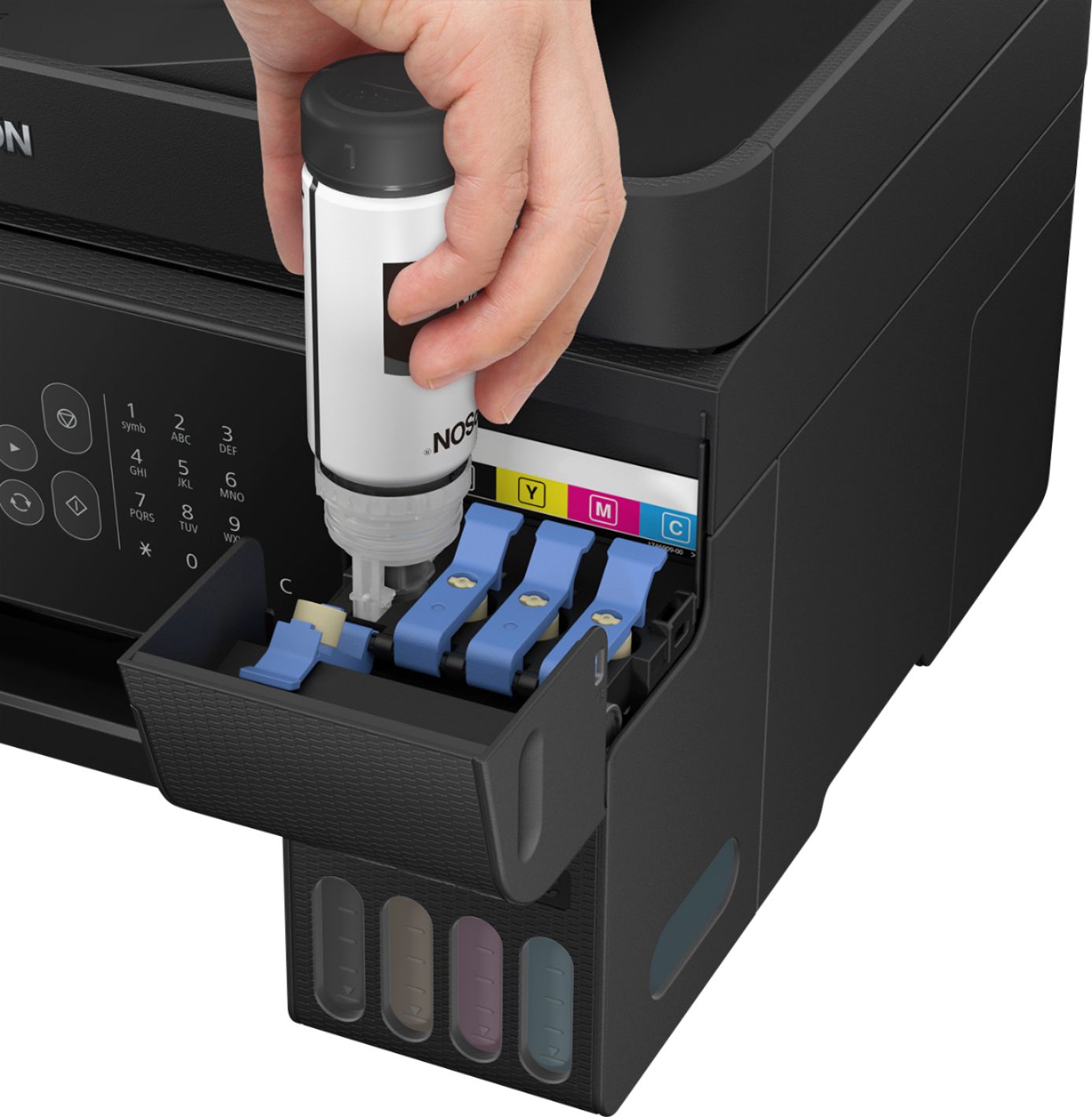
A:AnswerHi Mads. Epson provides detailed instructions in the User's Guide on how to refill the ink tanks. Please refer to the "Refilling Ink" section on page 124. Additionally, the EcoTank ET-2720 was designed to use only Epson T522 ink bottles. Regards, Bobby - The Epson Team.
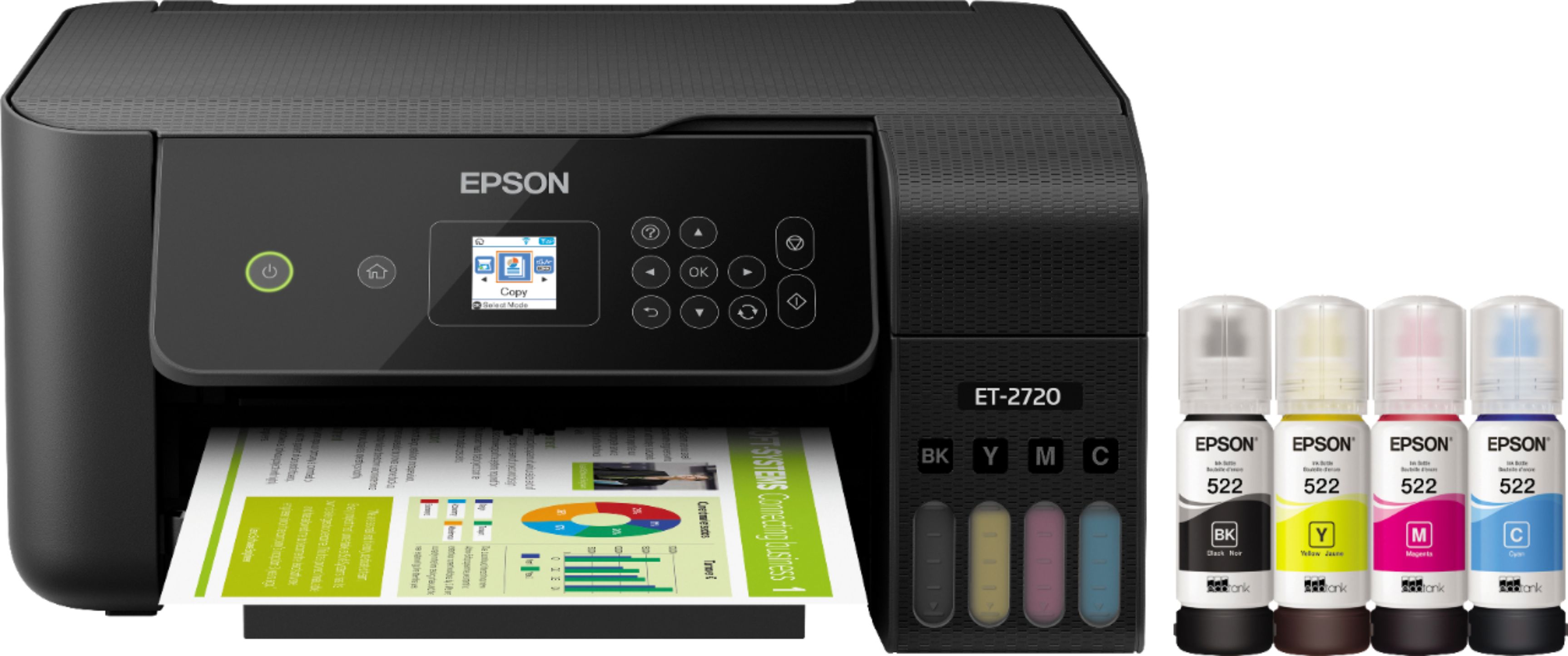
A:AnswerHi Silly, The EcoTank ET-2720 is designed for only Epson EcoTank 522 ink bottles. Any other ink may not work reliably, or may not work at all. Regards, Mark - The Epson Team.
A:AnswerHi Beanie, Sorry, the EcoTank ET-2720 has not been tested using Ink Jet Transparencies, so we cannot guarantee the printed results. For a list of compatible paper types, please visit the Epson support site. Regards, Mark - The Epson Team.
A:AnswerHi tops, The EcoTank ET-2720 is compatible with Windows OSs. You can also use an Android or Apple smart phone or tablet to print or scan wirelessly. Regards, Mark - The Epson Team.
A:AnswerHi madkitten, The EcoTank ET-2720 is designed for use with Epson 522 ink bottles. Any other ink or ink type may not be compatible and may damage the print heads. Regards, Mark - The Epson Team.
A:AnswerHi Hobbyist, typically, the default print settings of the ET-2720 is a color printout, on 8.5"x11" plain paper, Portrait orientation, and Standard quality. There are no standard print settings that could be universally applied to different paper types or categories. However, original manufacturers of specialty paper will provide recommended print setttings. Based changes in Printing Preferences (Windows) or Printer Settings (Mac), the printer will adjust print head carriage speed, ink droplet size, time between passes, and other mechanisms related to printing. Regards, Bobby - The Epson Team.
A:AnswerHi, For the Epson EcoTank ET-2720 Wireless All-In-One printer you can scan one at a time and create one pdf file. Check your user's guide on how to set it. Hope this helps. Regards, Eduard - The Epson Team.

A:AnswerA few questions back someone responded that they had no trouble with card stock. I have been running into feeding problems and not sure if it is due to a thicker paper so...
A:AnswerHi, No. The Epson EcoTank ET-2720 Wireless All-In-One Inkjet Printer is not guaranteed to work with vinyl. Check this list for compatible paper types: Plain paper, Epson Bright White Paper, Photo Paper Glossy, Premium Photo Paper Glossy, Ultra Premium Photo Paper Glossy, Presentation Paper Matte, Premium Presentation Paper Matte and Premium Presentation Paper Matte Double-sided. Hope this answers your inquiry. Regards, Eduard - The Epson Team.

A:AnswerI haven't used the scanner yet but the printing is very clear! I like this new printer very well and I would say that that all features are going to work well. I especially like the new ink bottles instead of the cartridges. They will last longer and I believe you won't be spending as much for ink. Sorry I can't be of more help. I am very happy with this printer especially since it is my first Epson.
A:AnswerGo through your network settings in the printer. You have to find your network & enter the password. You’ll also have to add the new printer on your computer.