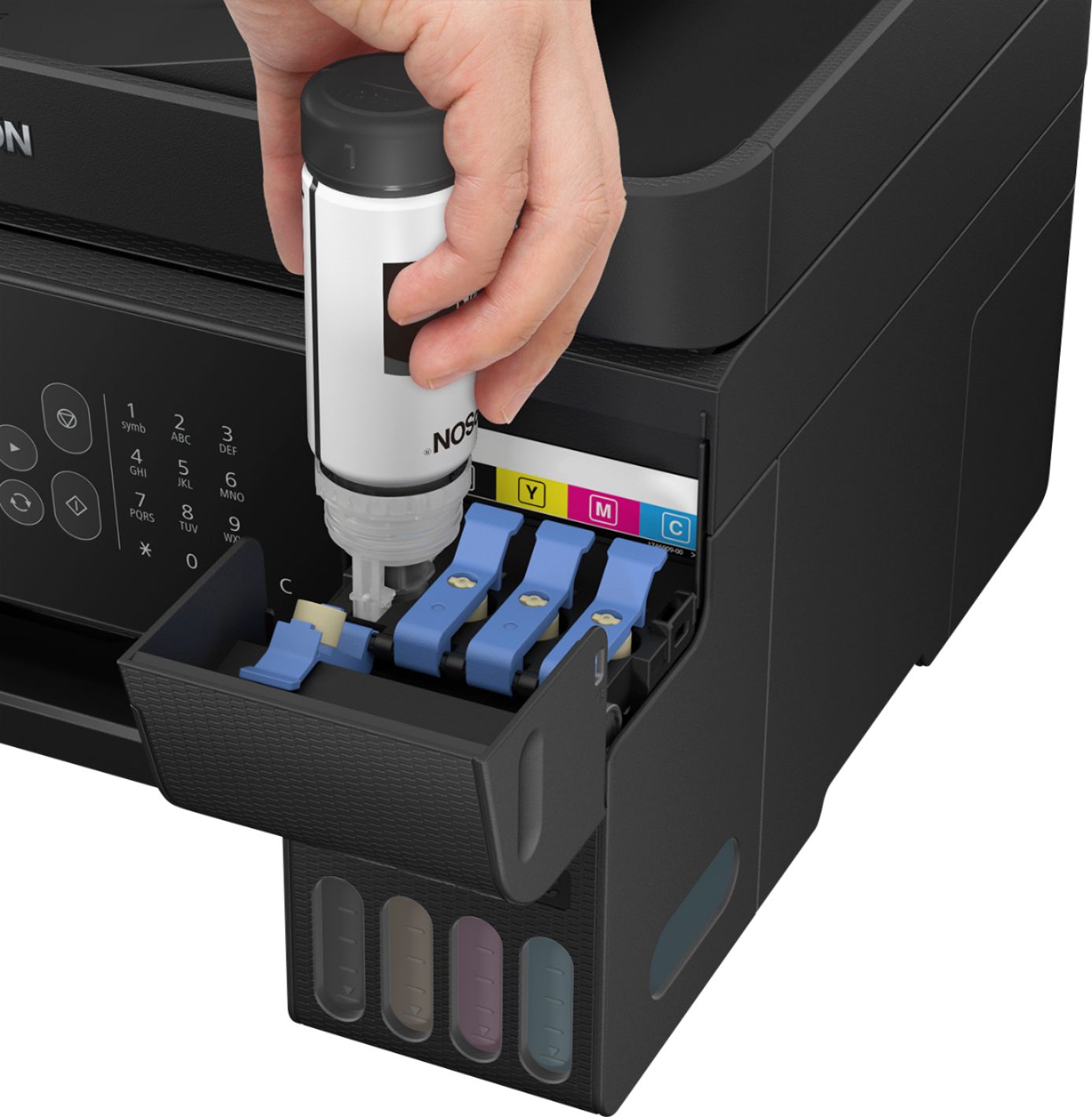
A:AnswerHi Gayle, 4,500 pages. Replacement and included ink bottle yields for the ET-2720 are based on the ISO/IEC 24712 pattern with Epson’s methodology. Actual ink yields will vary considerably for reasons including images printed, print settings, temperature and humidity. Yields may be lower when printing infrequently or predominantly with one ink color. All ink colors are used for printing and printer maintenance, and all colors must be available for printing. For more information, visit the Epson support site for the ET-2720. Regards, Mark - The Epson Team.
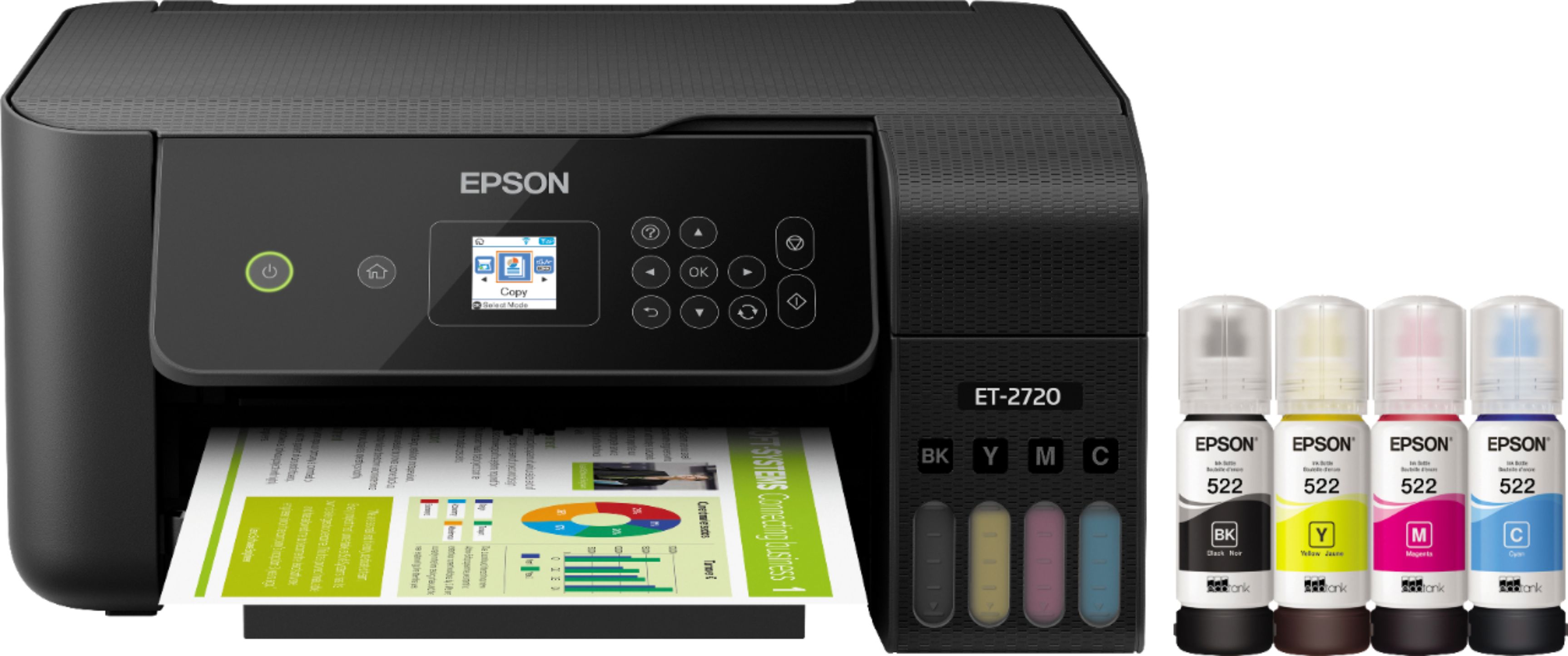
A:AnswerHi MNVic, Yes, you can print from your Android phone, as long as your phone and the ET-2720 are both connected to the same 2,4 GHz Wi-Fi network.
A:AnswerHi Joanie, Sorry, we do not test the ET-2720 with third-party media so cannot guarantee the print quality. For a full list of media guaranteed to be compatible, visit the Epson support site for the ET-2720. Regards, Mark - The Epson Team.
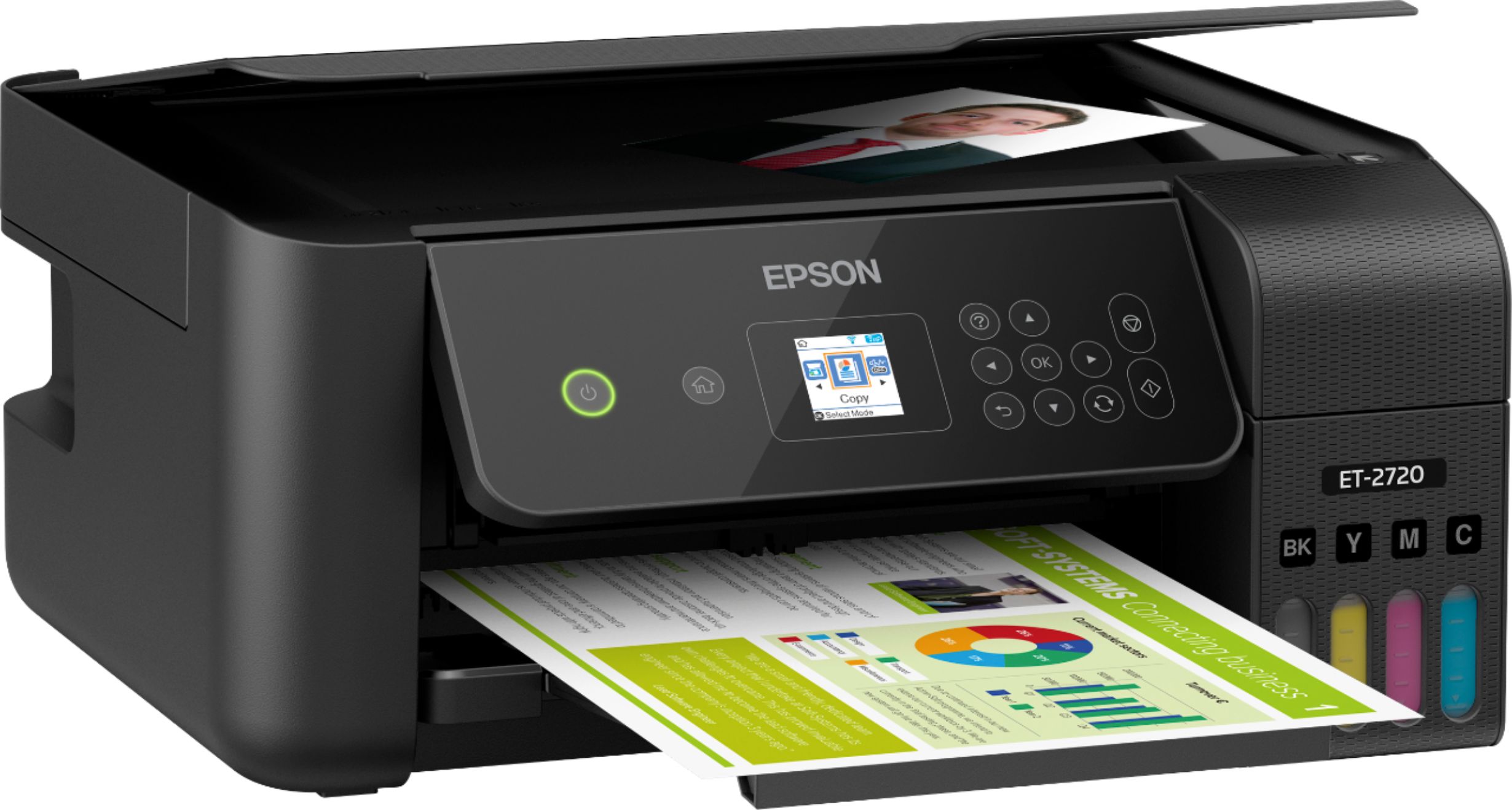
A:AnswerHi MSH. The Epson EcoTank ET-2720 is compatible with computers running the MAC OS 10.6.x - 11.x operating systems. If you need more information, visit the official Epson Support website. Regards, Bobby - The Epson Team.
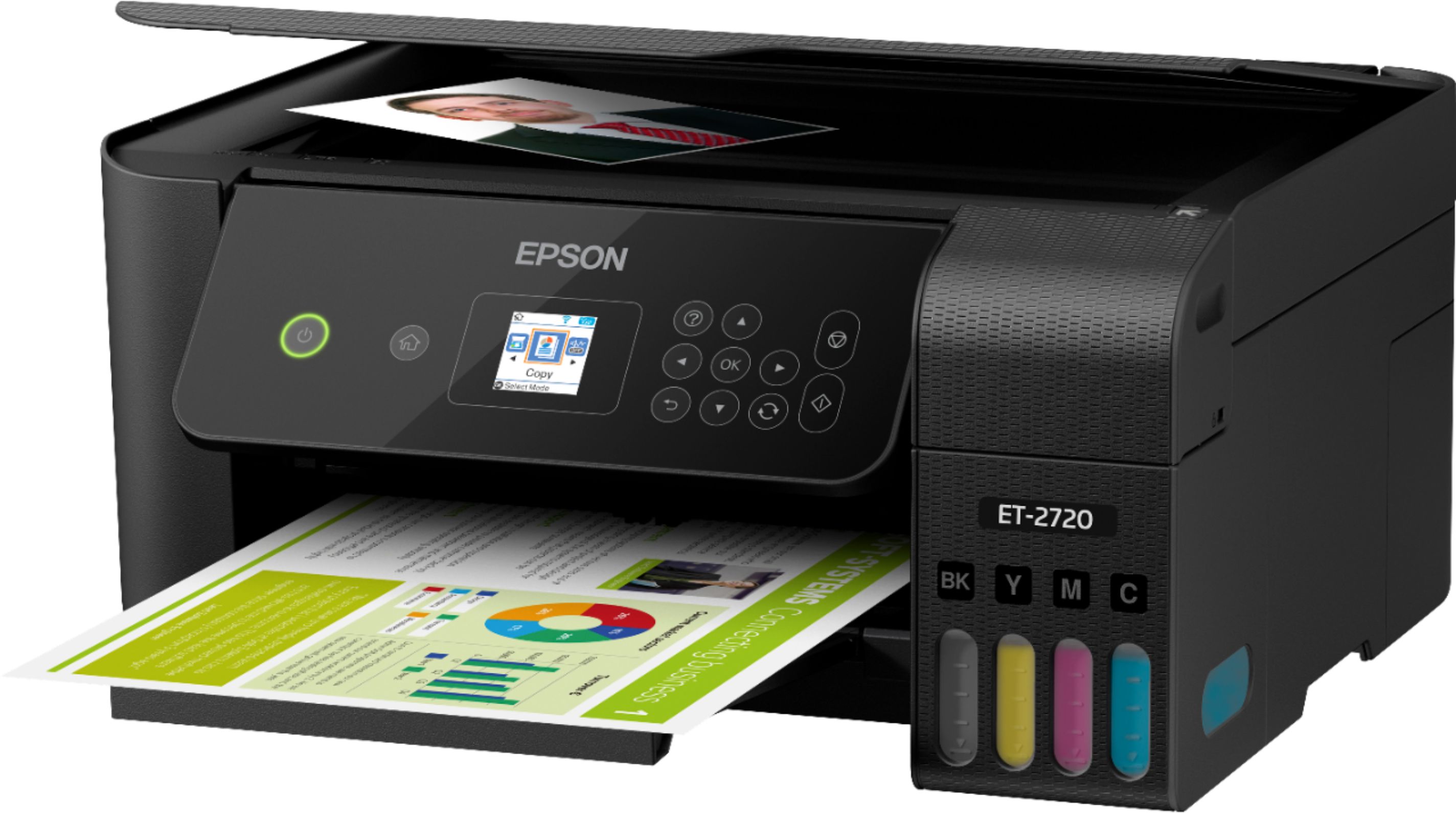
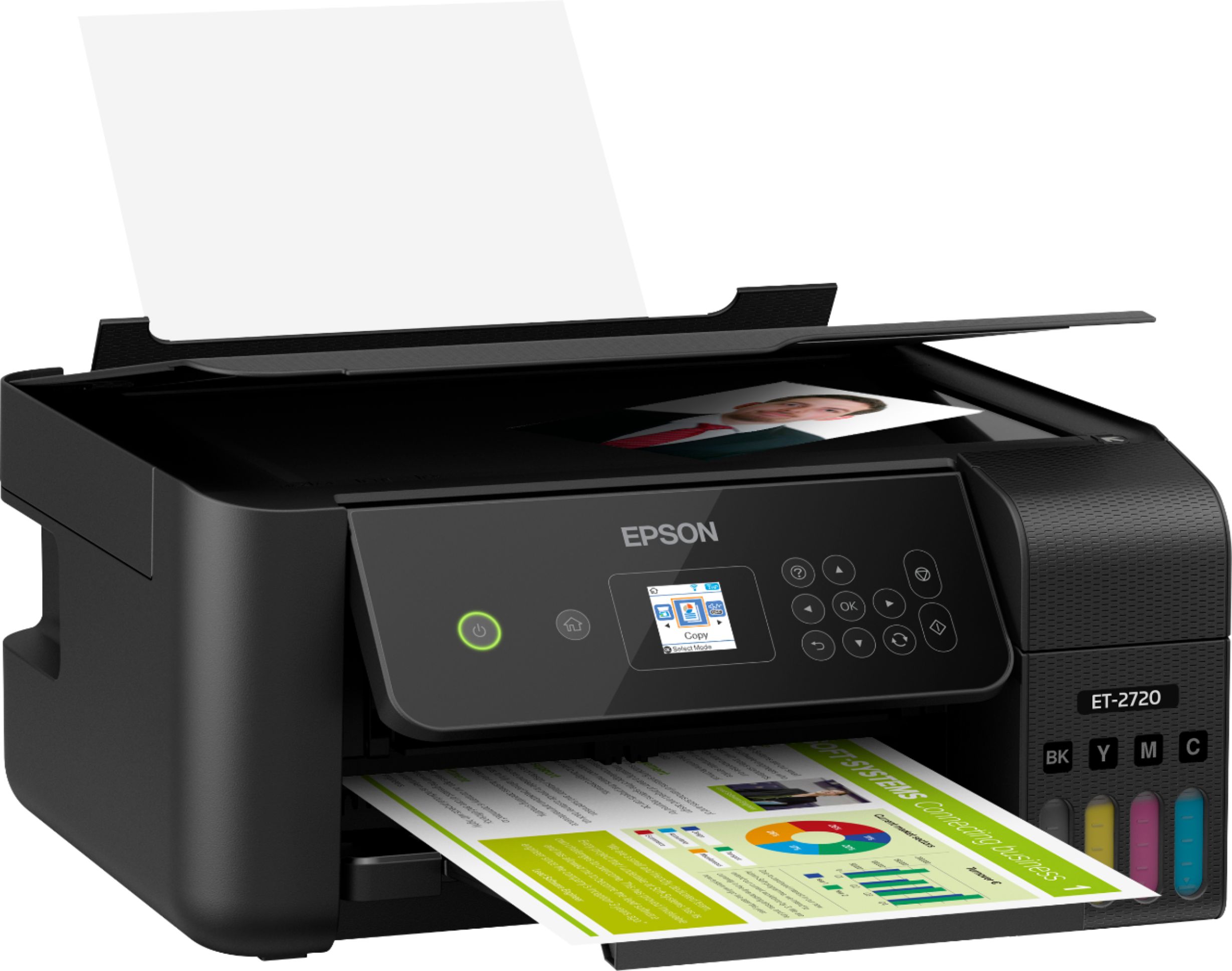
A:AnswerHi. The Epson EcoTank ET-2720 was not designed with Faxing capabilities. However, this printer was built with a scanner and can function as a standalone copier. Regards, Bobby - The Epson Team.
A:AnswerHi Pami, When the EcoTank ET-2720's dimensions are 14.8" x 22.8" x 10.0" (W x D x H) with all trays open for printing and 14.8" x 13.7" x 7.0" (W x D x H) when all trays are closed for storage. Regards, Mark - The Epson Team.
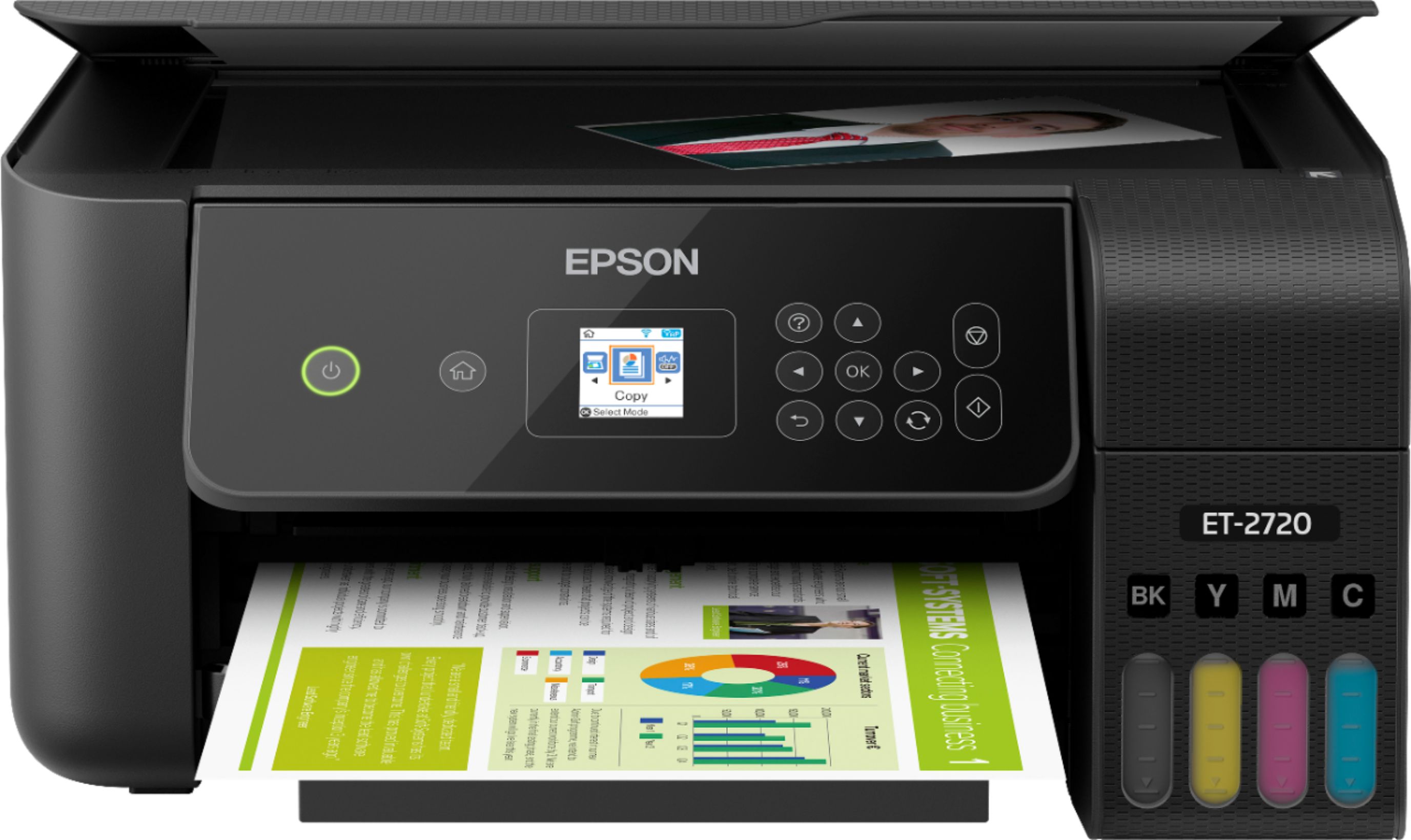
A:AnswerHello Brooke. The smallest size sheet that can be fed through the Epson EcoTank ET-2720 is 2.13 x 3.39 inches or 54 x 86 mm (width x height). Regards, Bobby - The Epson Team.
A:AnswerHi tom. If you're connecting the EcoTank ET-2720 to a Windows or macOS computer, you'll need to download and install the printer driver, scanner driver, and Epson Scan 2 Utility. Please visit the official Epson Support website for more information. Regards, Bobby - The Epson Team.

A:AnswerHi Jimmy. Yes, the Epson EcoTank ET-2720 was designed with a scanner. This printer can also function as a standalone (PC-free) copier. Regards, Bobby - The Epson Team.