A:AnswerHello Tyrone. You only have to initialize and charge the ink on ET-M1170 one time. If you use a different computer at home, you would only need to re-download and set up the software on your device. You can find the latest printer driver available on our official Epson Support page. Regards, Kevin - The Epson Team.
A:AnswerHello Anonymous. We have not tested index cards on the ET-M1170. However, if your index card is plain and similar to card stock material, it might work, but please note that this is not guaranteed, and your results may vary. Regards, Kevin - The Epson Team.
A:AnswerHello MRNJ. Both printers are identical in features and design. The only difference is the ET-M1170 does not include PCL support. Regards, Kevin - The Epson Team.
A:AnswerHello SID. The ET-M1170 can print on paper sizes ranging from 2.2" x 3.4" to 8.5" x 47.2". Unfortunately, 11" x 17" would not work in the machine. Regards, Kevin - The Epson Team.
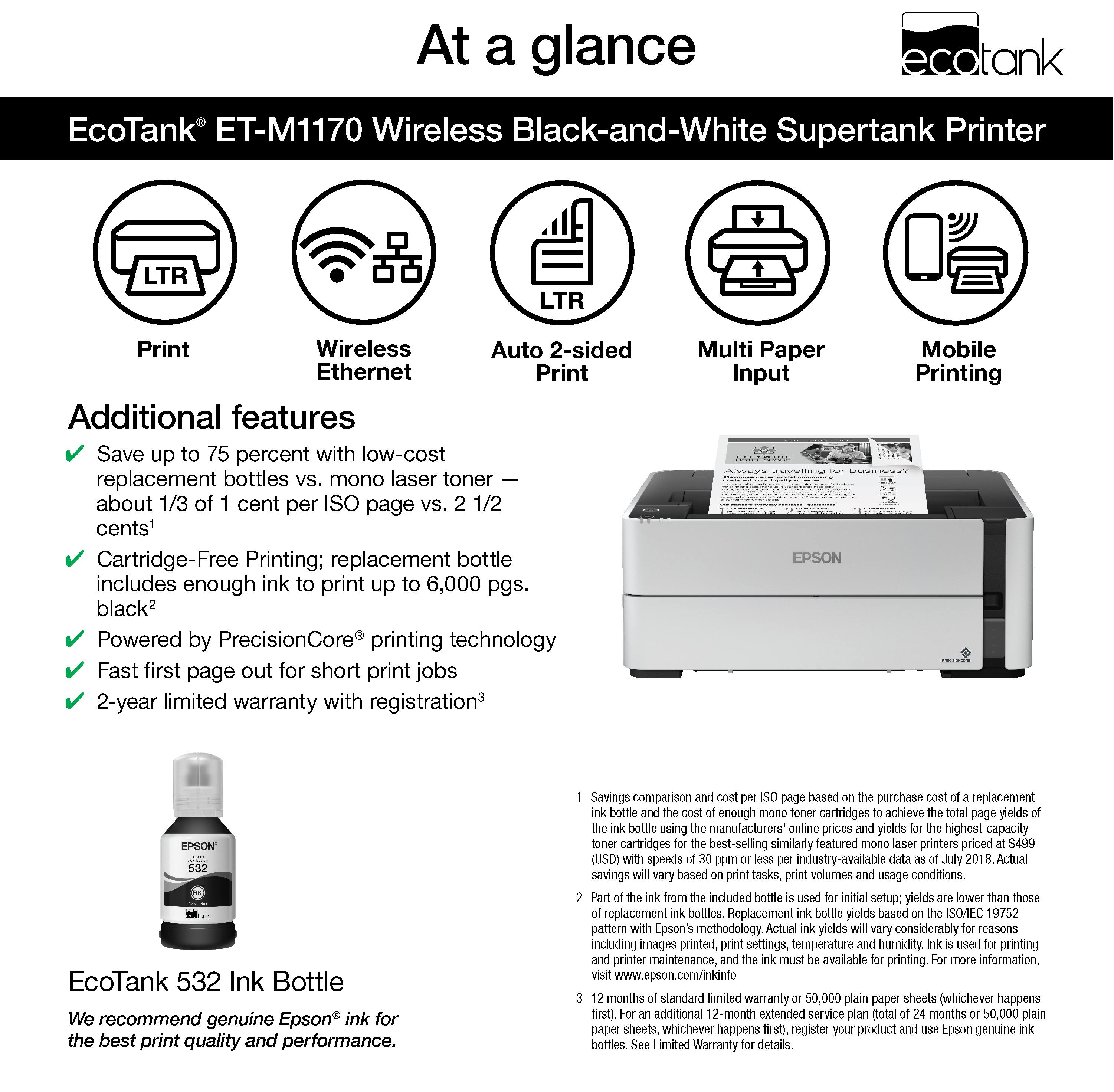
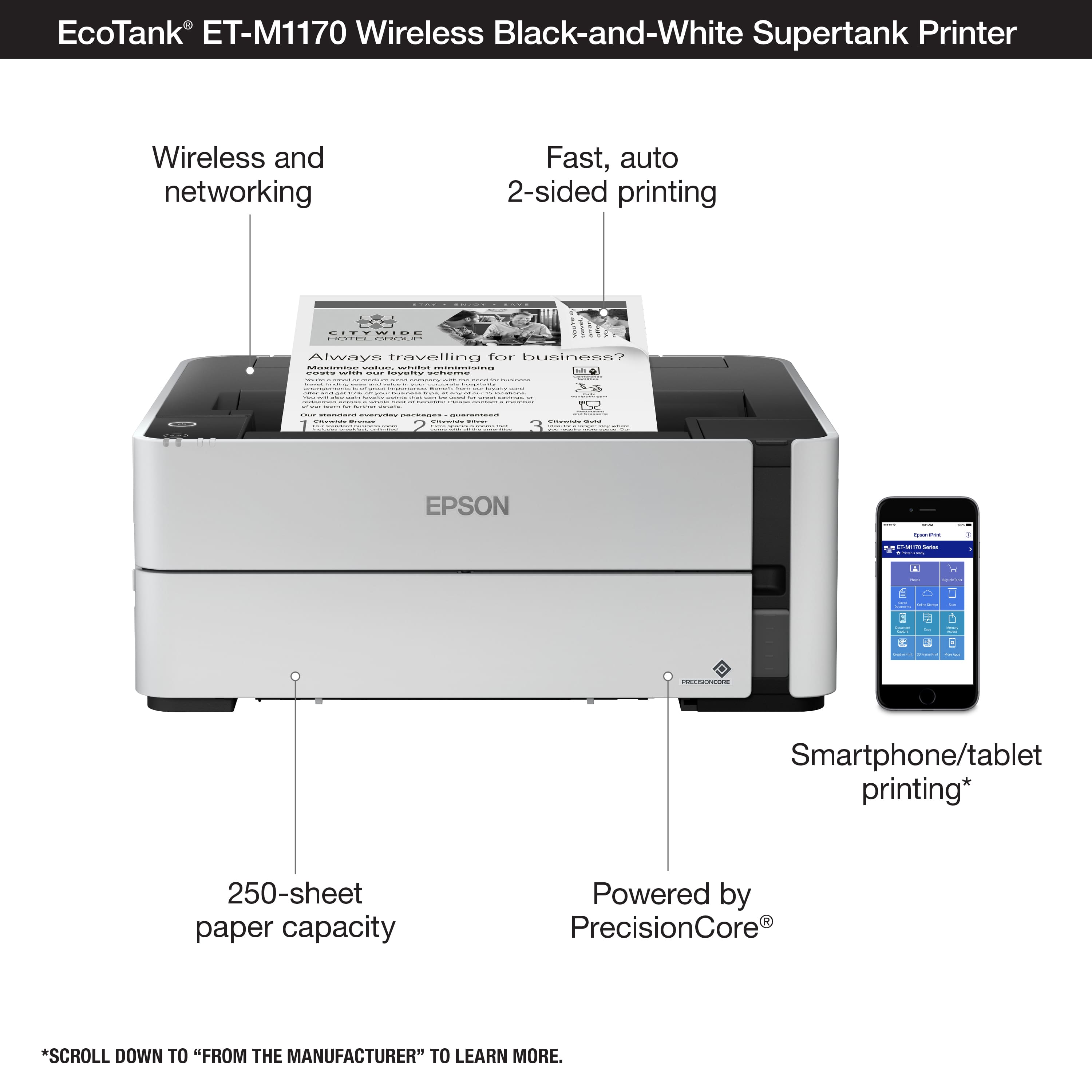
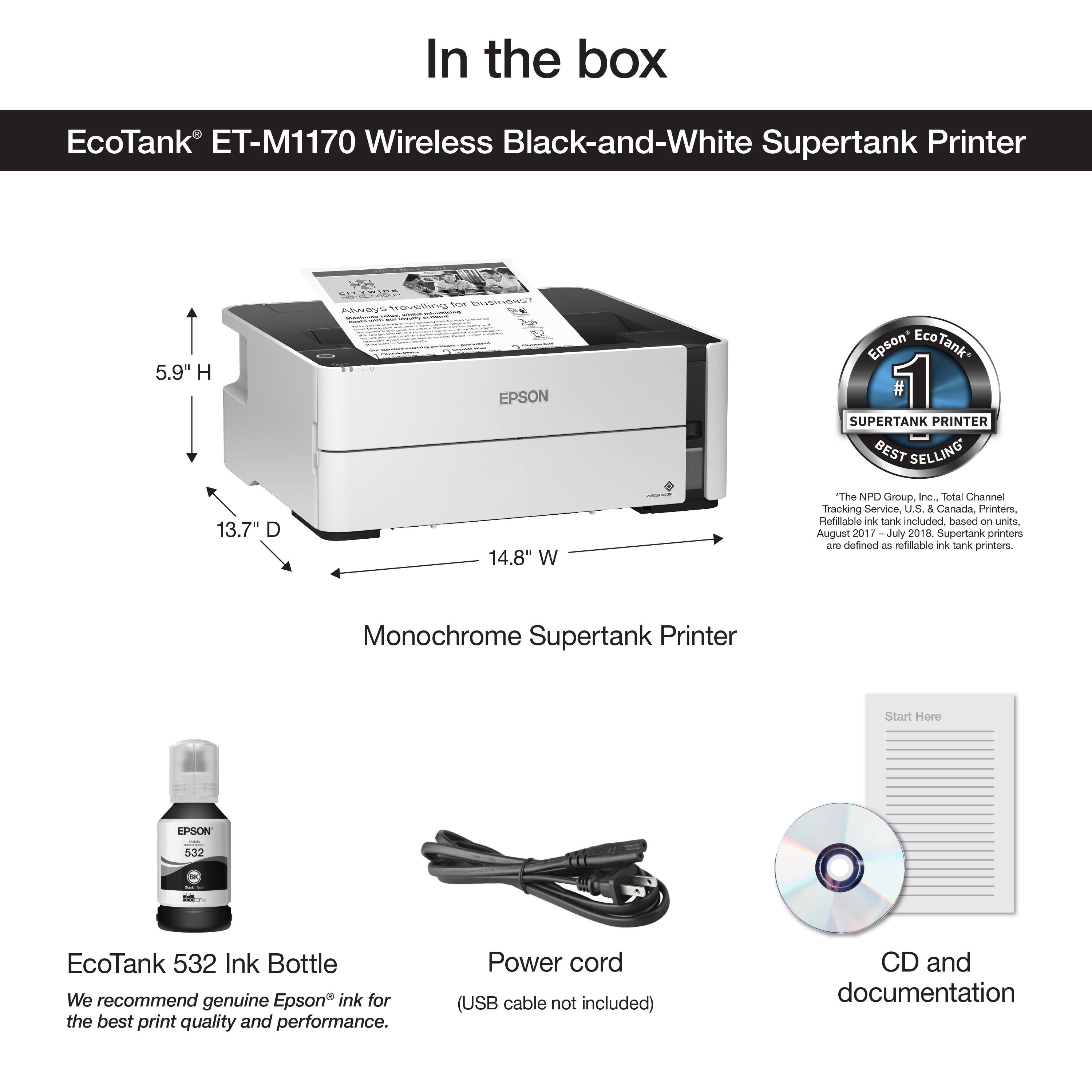
A:AnswerHello Neil. Yes, the ET-M1170 can be used via Wi-Fi and a USB connection. If you choose to use a direct connection, you want to ensure you have a "USB A to B" cable. Regards, Kevin - The Epson Team.
A:AnswerThis is a lie, I bought this product because of this answer and the printer does not have a scanning feature and there is nothing in the web that says so.
A:AnswerHi lui, The thickest paper the EcoTank ET-M1170 is designed to feed is 10.3 mil (.26 mm). 3 mm paper will not feed through the printer. Regards, Mark - The Epson Team.
A:AnswerHi, If your Lenove is running Windows 10, then it should work with the EcoTank ET-M1170. Download the latest drivers from the Epson ET-M1170 support site. Regards, Mark - The Epson Team.
A:AnswerHi David. The ET-M1170 supports compatible paper types distributed by Epson. Unfortunately, we have not tested barcode labels on the machine. We recommend contacting the paper's manufacturer to confirm compatibility. Regards, Kevin - The Epson Team
A:AnswerHi stacie. The ET-M1170 does not work as a copier. For more information, please visit the official Epson Support page. Regards, Sam - The Epson Team
A:AnswerHi Becky. The Epson EcoTank ET-M1170 was not designed for dye-sublimation printing nor use non-genuine Epson ink cartridges. Regards, Bobby - The Epson Team.
A:AnswerHi, The EcoTank ET-M1170 works with iPads using the built-in AirPrint utility. Alternately, you can use the free Epson iPrint app. Regards, Mark - The Epson Team.
A:AnswerHi KJoB, The EcoTank ET-M1170 works fine with Macintosh computers. You can connect it using a standard USB cable or using WiFi. Regards, Mark - The Epson Team.