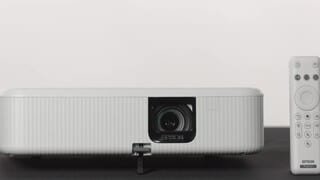
A:AnswerHello. The CO-FH02 is not intended to be ceiling-mounted. We recommend using this projector on a flat surface. Regards, Kevin - The Epson Team.
A:AnswerHello jo. The projector doesn’t have a built‑in TV tuner to watch local channels, so you can’t connect an antenna directly to it. If you want to watch local channels via live TV using an antenna, you’ll need an external TV tuner and then connect that tuner to the projector via HDMI. Since the projector includes Android TV, you may also be able to access local channels through compatible streaming apps available for download on the device. Regards, Kevin - The Epson Team.
A:AnswerHello jo. The projector doesn’t have a built‑in TV tuner, so you can’t connect an antenna directly to it. If you want to watch local channels via live TV using an antenna, you’ll need an external TV tuner and then connect that tuner to the projector via HDMI. Since the projector includes Android TV, you may also be able to access local channels through compatible streaming apps available for download on the device. Regards, Kevin - The Epson Team.
A:AnswerHello jo. The projector doesn’t have a built‑in TV tuner, so you can’t connect an antenna directly to it. If you want to watch live TV using an antenna, you’ll need an external TV tuner and then connect that tuner to the projector via HDMI. Since the projector includes Android TV, you may also be able to access local channels through compatible streaming apps available for download on the device. Regards, Kevin - The Epson Team.
A:AnswerHello sngg. To connect a MacBook wirelessly, you’ll need to use a device like Apple TV, which can be connected to the projector and accessed through AirPlay. The other option is to connect the MacBook directly to the projector using an HDMI cable. Regards, Kevin - The Epson Team.
A:AnswerHello. Yes, the CO-FH02 includes a keystone correction setting, which allows you to adjust the shape of the image. Regards, Kevin - The Epson Team.
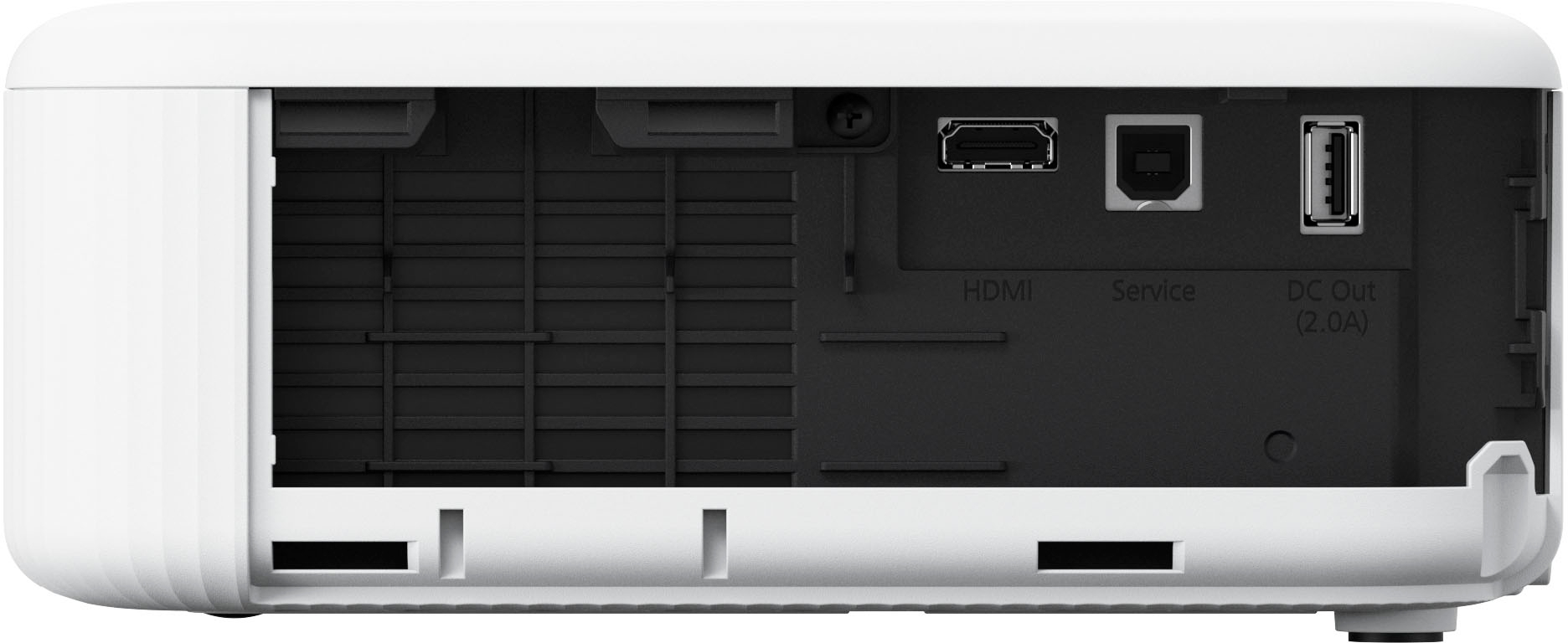
A:AnswerIt should. There’s an HDMI input on one side where you can plug in a Roku and use it. Just like a tv. It only has one HDMI and it also comes with its dedicated Epson smart hub that has app just like the Roku.
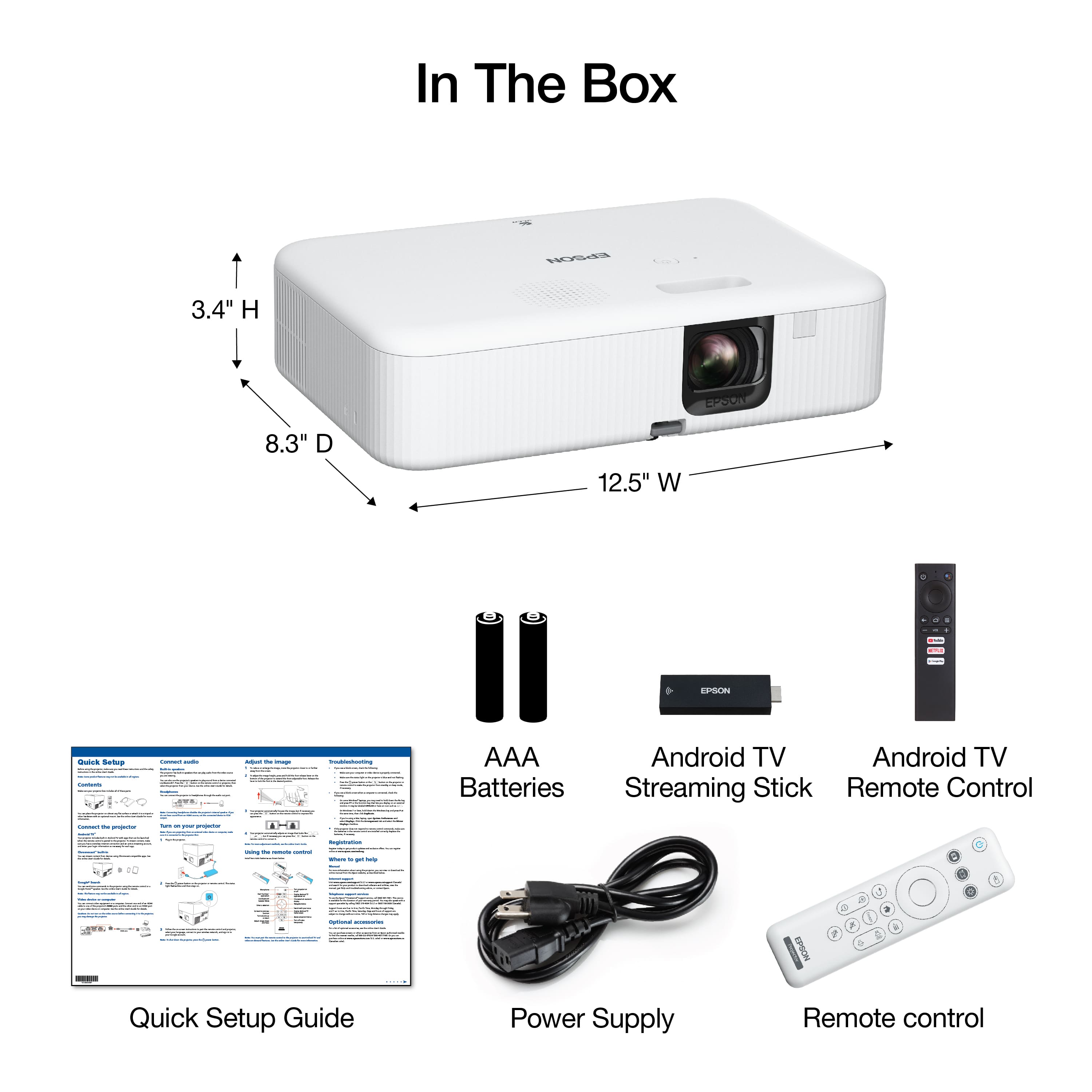
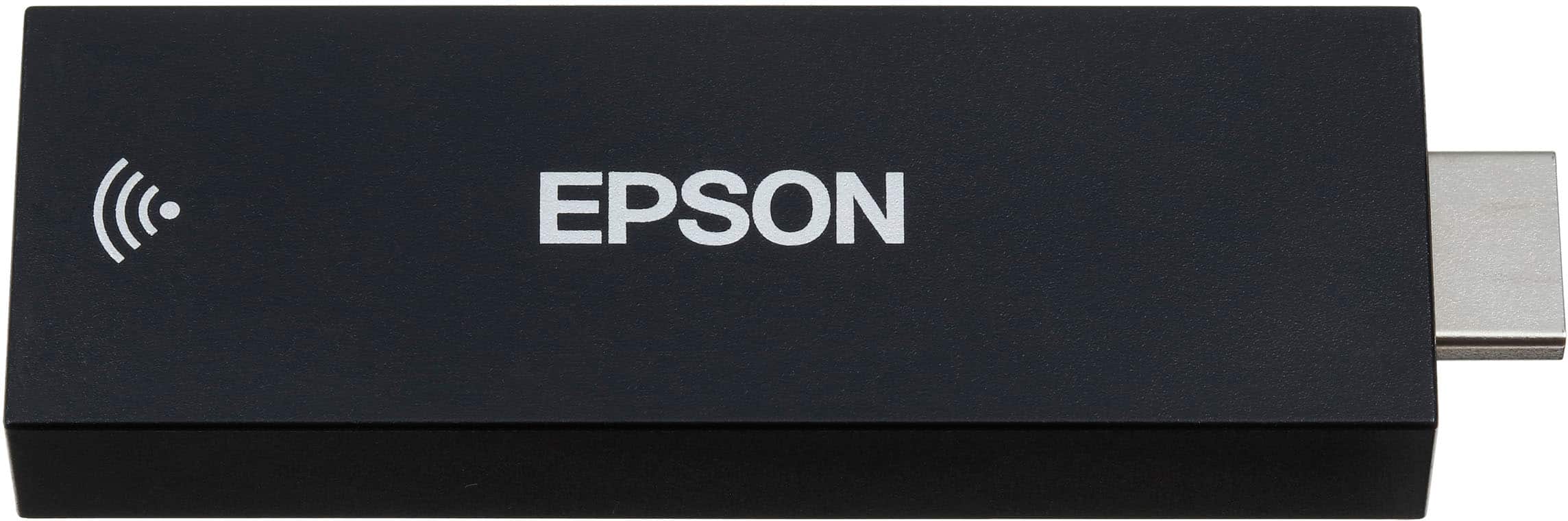
A:AnswerThats what i did. Mine came with a streaming stick that works well but i ultimately used my fire tv stick and the built in speakers arent very loud so I used a bluetooth speaker.
A:AnswerHello christian. You can connect your computer to the projector using an HDMI cable, as Bluetooth is not supported for this type of connection. The projector also includes Google TV, which can wirelessly cast content from your computer using Chromecast. Regards, Kevin - The Epson Team.
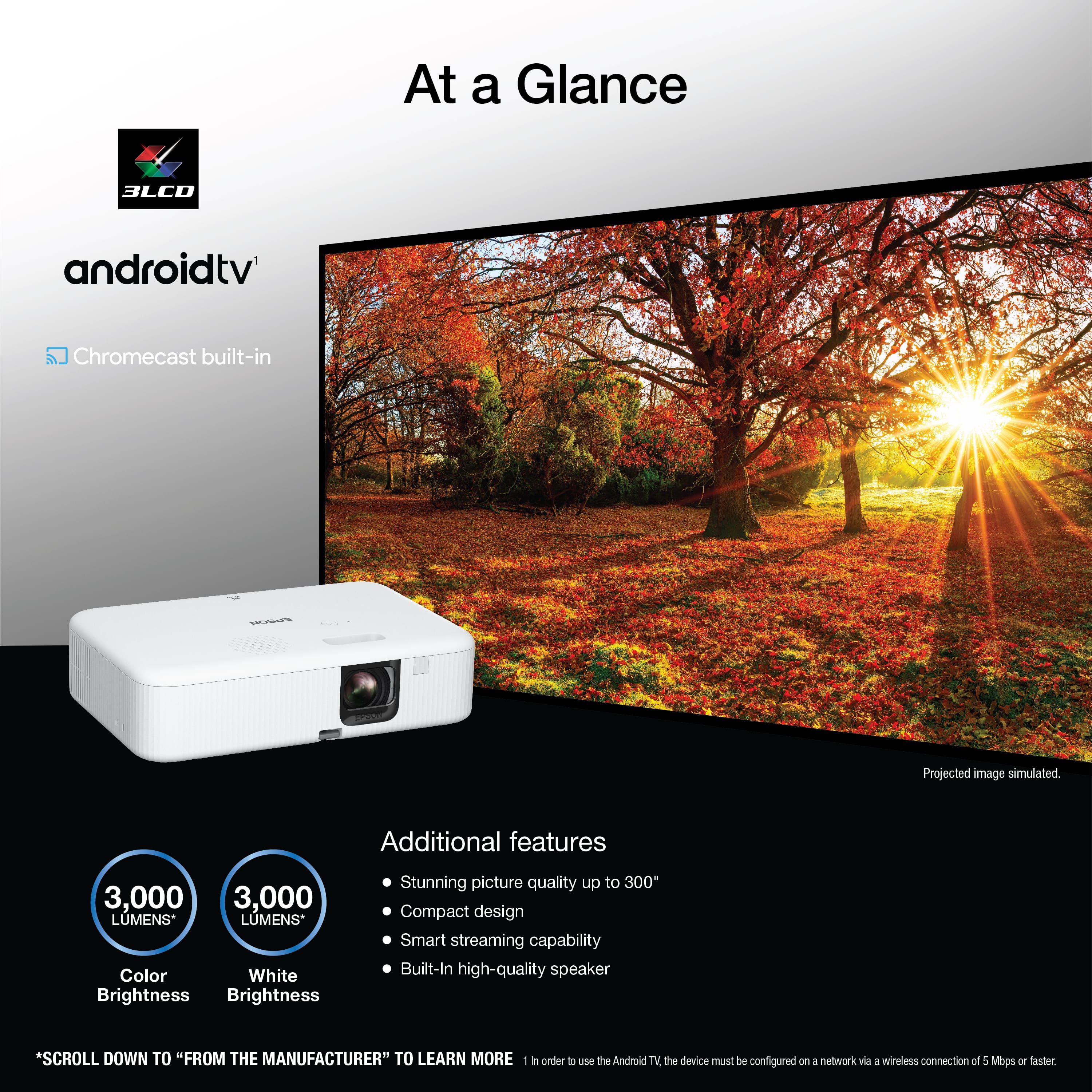
A:AnswerHello Chuck. You can use the CO-FH02 outdoors, but it should not be used in direct sunlight, either on the projector or the screen. While the projector offers 3000 lumens of brightness, the image may still appear washed out in high ambient light. It performs best at night or in low-light environments. For casual setups, a white wall or sheet will work; just ensure no bright light is hitting the surface. Also, be cautious when moving the projector from a warm indoor space to the cold outdoors, as condensation can damage internal components. Let it acclimate before powering it on. This is usually only a concern in colder weather. Regards, Kevin - The Epson Team.
A:AnswerHello Ashley. The CO-FH02 includes digital zoom, which enlarges the image by cropping it. For the best results, we recommend adjusting the image size by physically moving the projector closer to or farther from the screen, as digital zoom can impact image quality. Regards, Kevin - The Epson Team.
A:AnswerHello Kelvins. Yes, you can adjust the color temperature on the Epson CO‑FH02. Press the Menu button on the remote, go to Image > Expert Settings > White Balance, and select Color Temp. The higher values will give you a cooler image, and the lower values produce a warmer tone. You can also choose a more customized look under White Balance, where you can manually adjust the red, green, and blue (RGB) offset and gain levels. Regards, Kevin - The Epson Team.
A:AnswerHello Mack. The CO-FH02 is not intended to be ceiling-mounted. We recommend using this projector on a flat surface. Regards, Kevin - The Epson Team.
A:AnswerHello Brian. The CO-FH02 does not have a built-in TV tuner. However, you can connect a digital TV tuner box or device with an HDMI output to the projector’s HDMI port. Regards, Kevin - The Epson Team.
A:AnswerHello Chuck. You can only connect an external Bluetooth speaker to the included Android TV streaming device. If you plan to use a different video device with the projector, please ensure it includes Bluetooth functionality to connect your speaker separately. Regards, Kevin - The Epson Team.
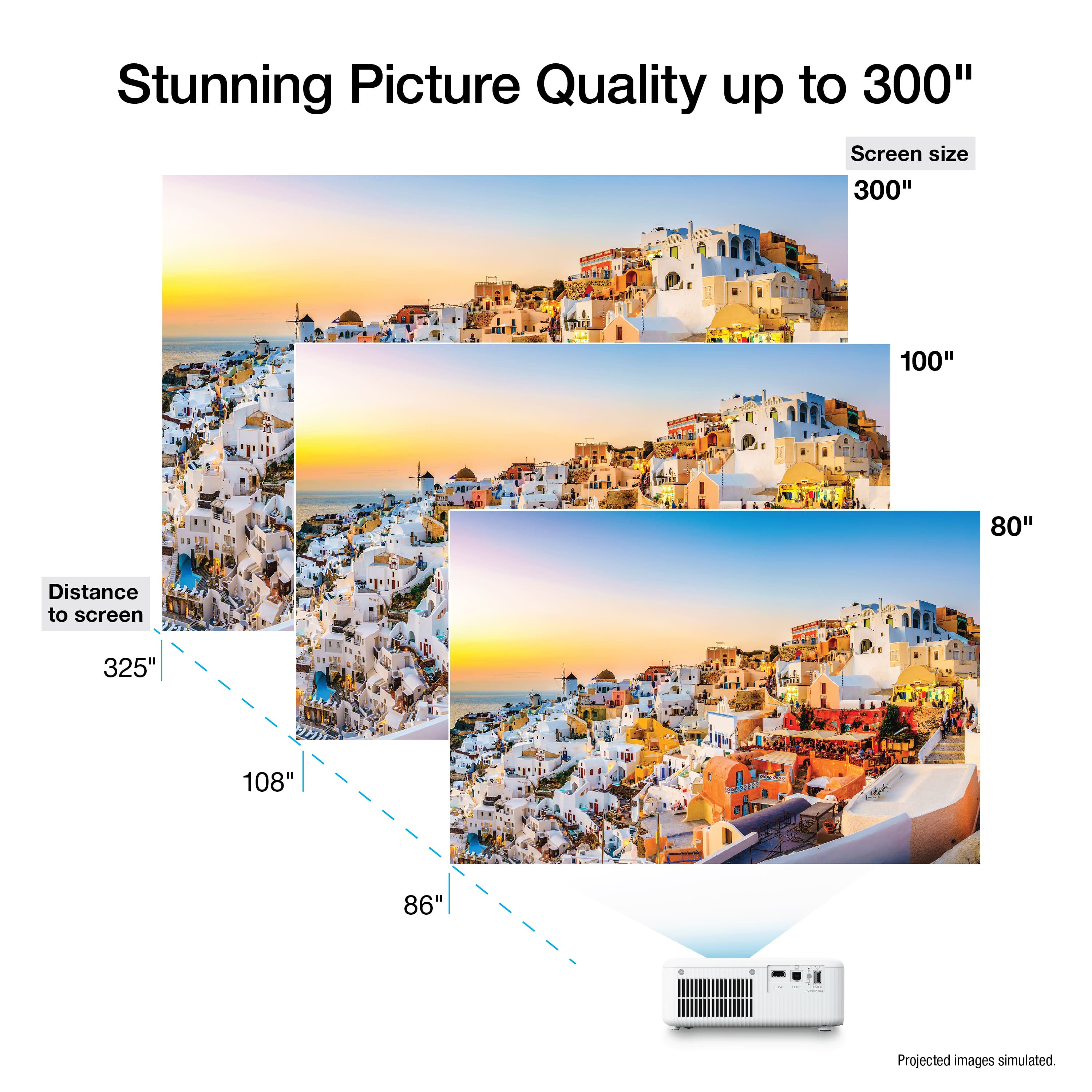
A:AnswerHello Basil. The image size would be approximately 390 inches if you place the projector 40 feet away from the screen. Regards, Kevin - The Epson Team.