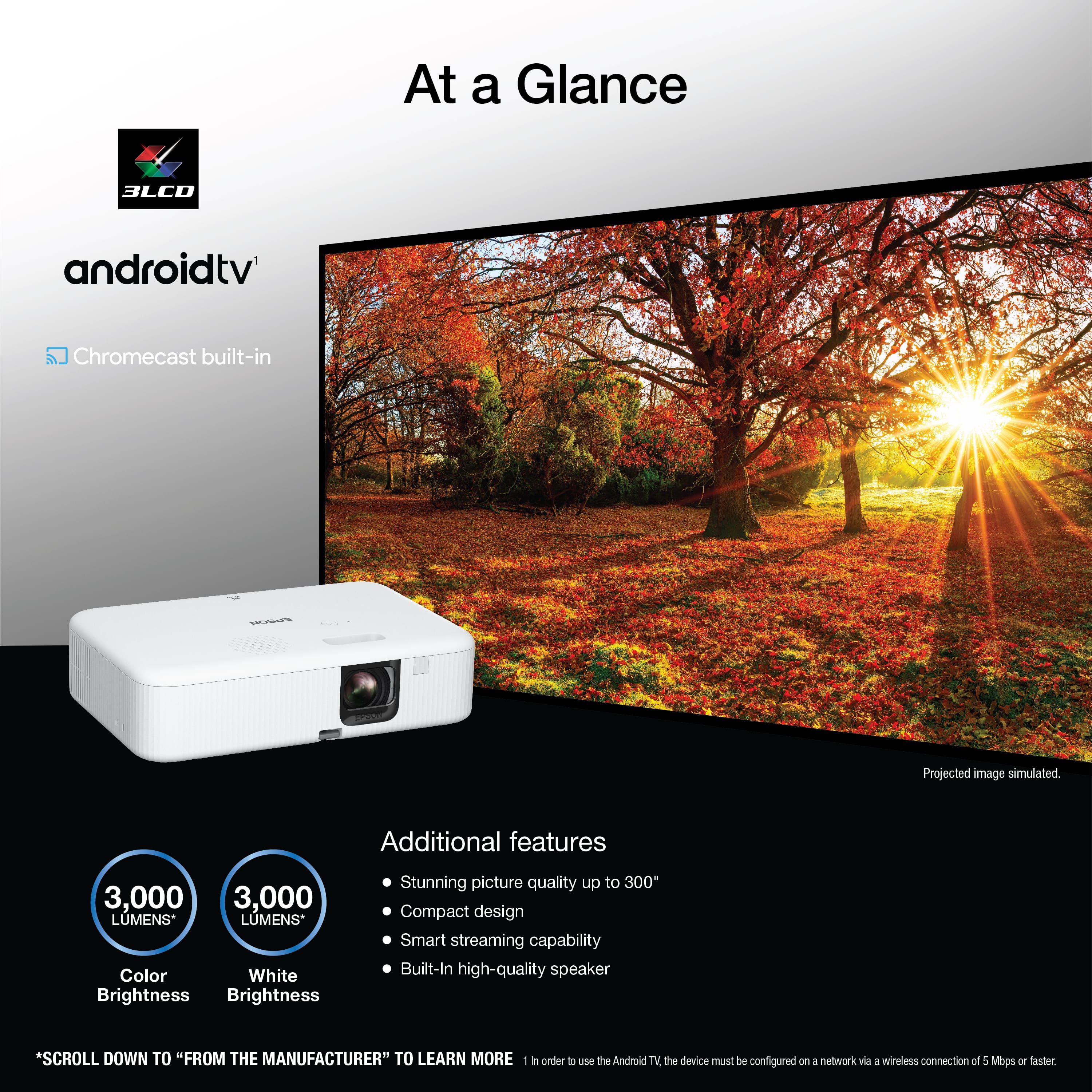
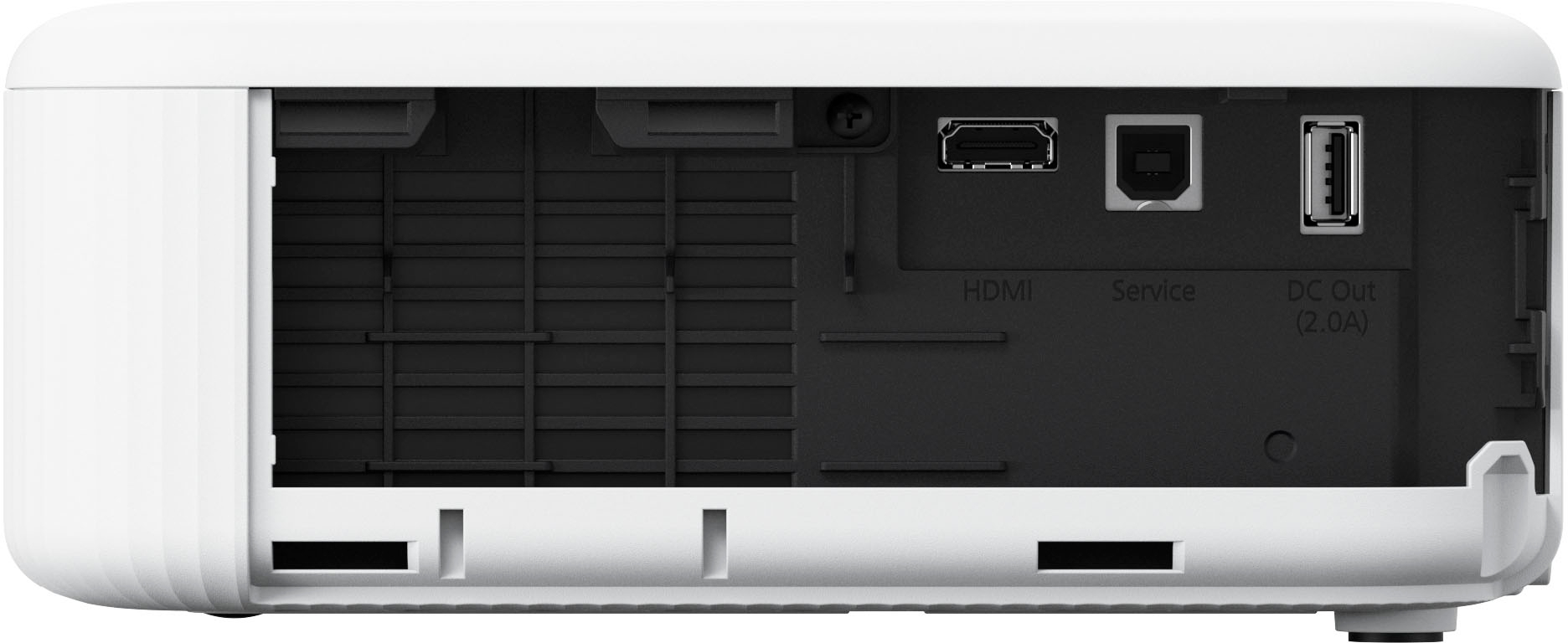
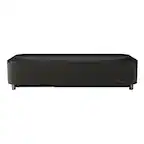
A:AnswerHi JohnnyISMO, The EpiqVision Flex CO-FH02 has a built-in speaker. It does not have audio output capabilities. Your option would be to send video from your receiver to the projector's HDMI port and audio to your speaker system. Regards, Mark - The Epson Team.
A:AnswerHello. Unfortunately, the CO-FH02 cannot wirelessly cast pictures from the iPhone. We recommend looking at the CO-W01 as it has built-in Wi-Fi and can be used with the Epson iProjection app to wirelessly project from your iOS device. Regards, Kevin - The Epson Team.
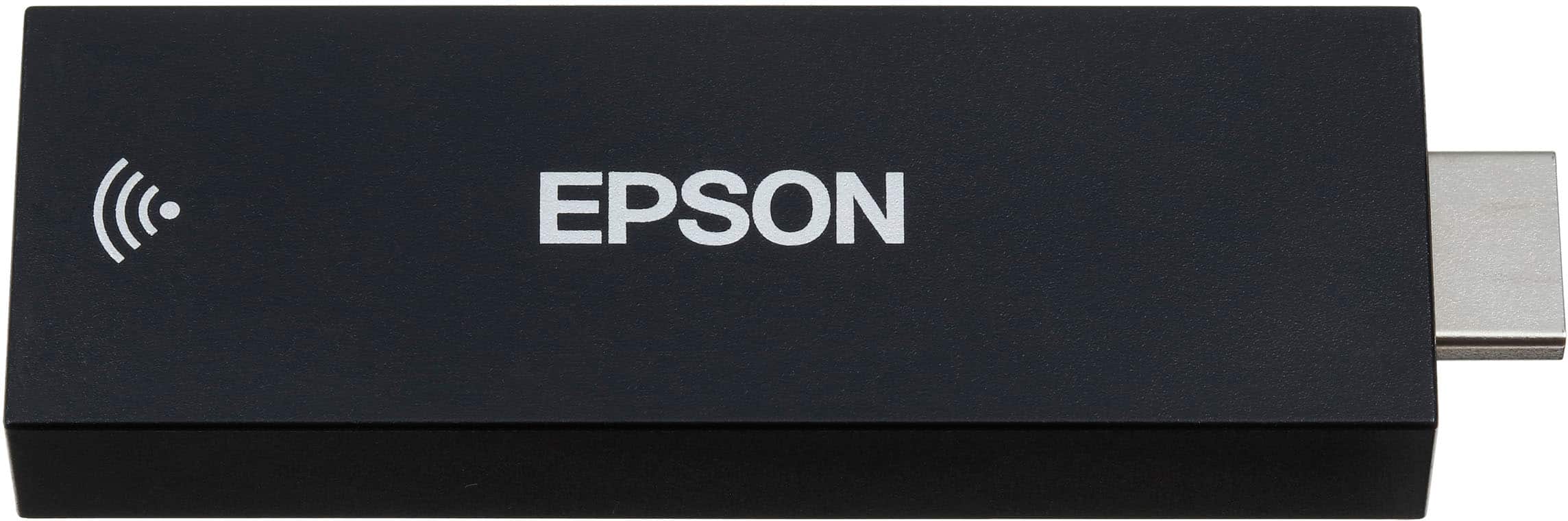
A:AnswerYou can use the streaming media player to connect your projector to Bluetooth audio devices such asspeakers or headphones.Note: There may be a slight delay in audio output. Bluetooth audio devices are not supported in somecountries and regions.Note: When a Bluetooth audio device is paired to the projector, the built-in speaker system is disabled.1. Turn on the projector.2. Select the icon at the top right of the Android TV Home screen and press Enter.3. Select Remotes & Accessories and press Enter.4. Select Add Accessory.
When i did this the aound was as loud as my bt speaker could go. I used a jbl xtreme sounded great.
A:AnswerI’ll be honest, I’ve search all over the place, even the Epson support site, and from what I’ve found out you can’t actually connect Bluetooth speakers to this projector. You have to connect whatever device you are streaming from to the speakers. Of course I’ve only tried that through my phone and it won’t work, and I couldn’t find any options through the google tv dongle for Bluetooth output option.
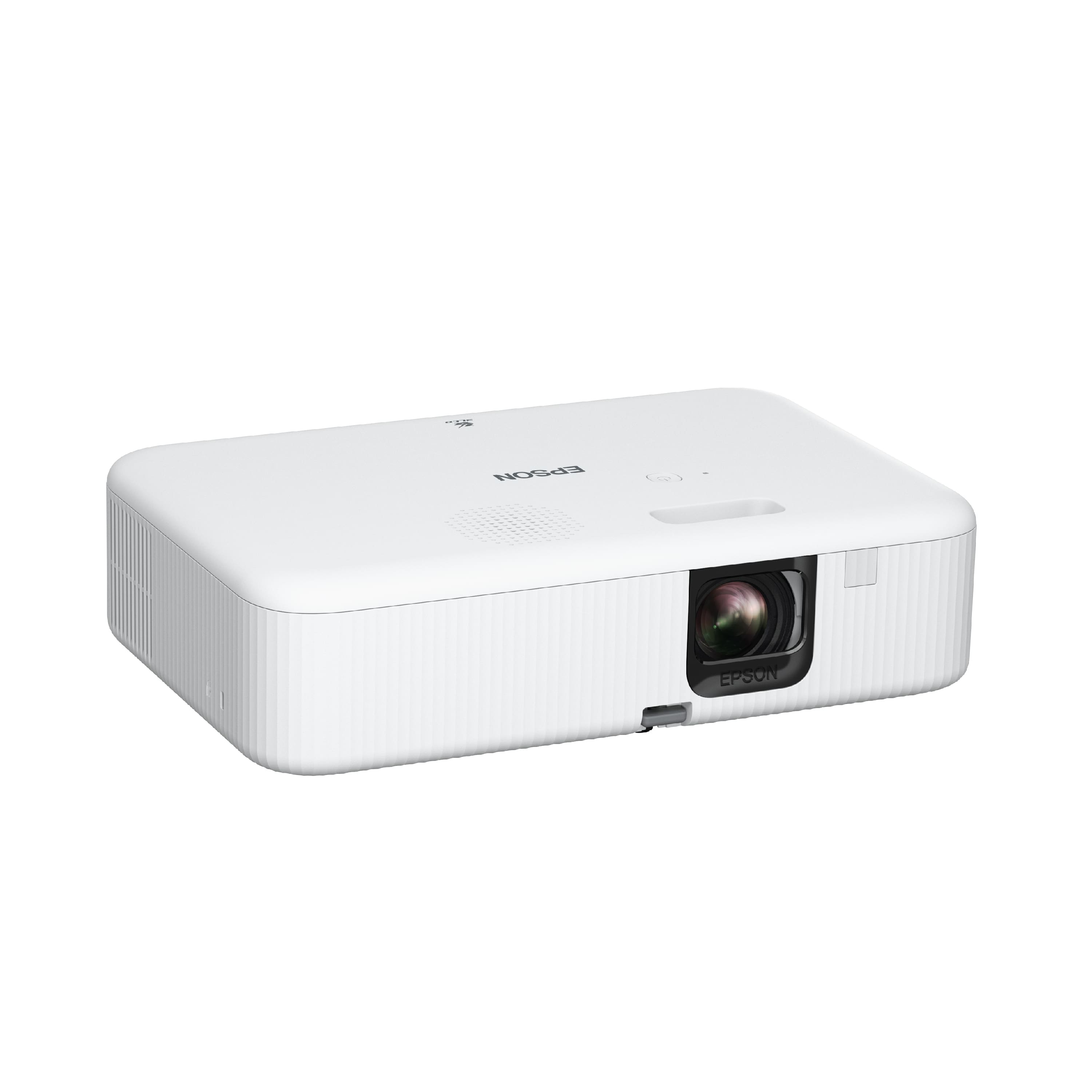
A:AnswerHello JF. The CO-FH02 supports front and rear projection only. Unfortunately, ceiling mounting the projector is not recommended. Regards, Kevin - The Epson Team.
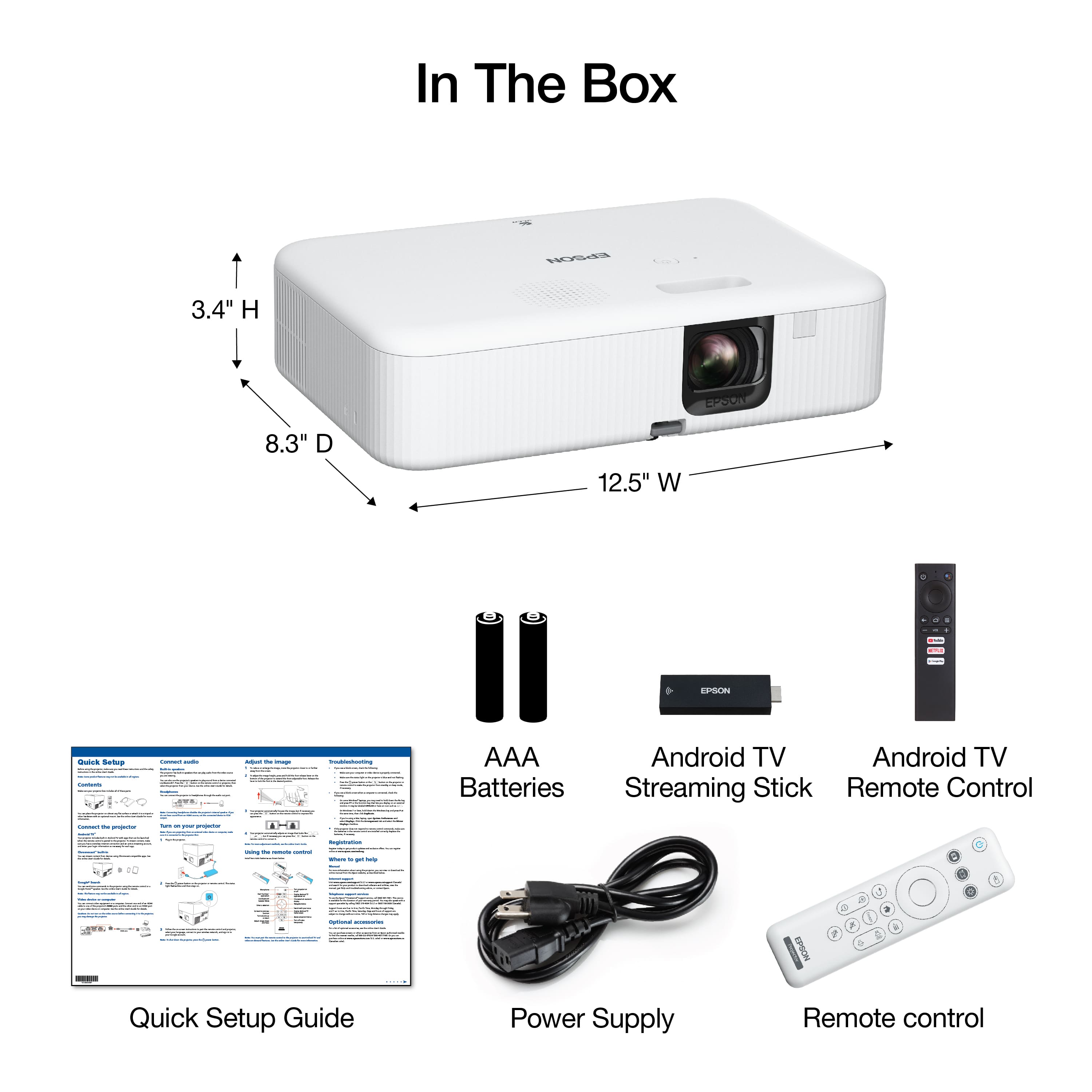
A:AnswerHi Sudden, The Android TV streaming device included with the EpiqVision Flex CO-FH02 can connect to Bluetooth speakers. Visit the Epson support site for the Flex CO-FH02 for more details. Regards, Mark - The Epson Team.