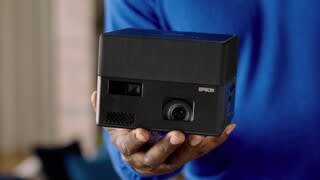
A:AnswerHello Eman. We recommend trying to restart the EF12 projector to see if it can clear safe mode. If the issue persists, please visit our official Epson Support page to contact our Technical Support team. Regards, Kevin - The Epson Team.
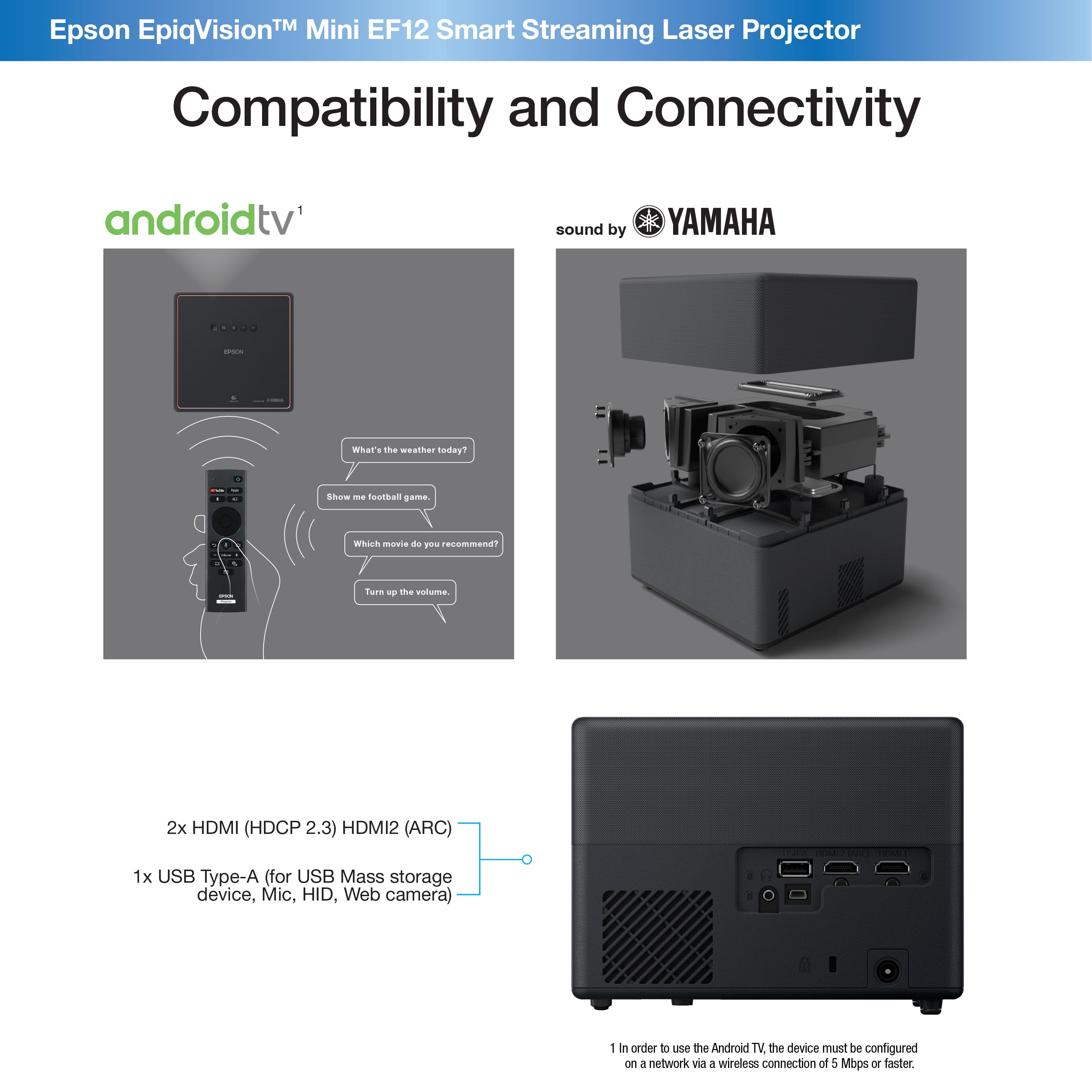
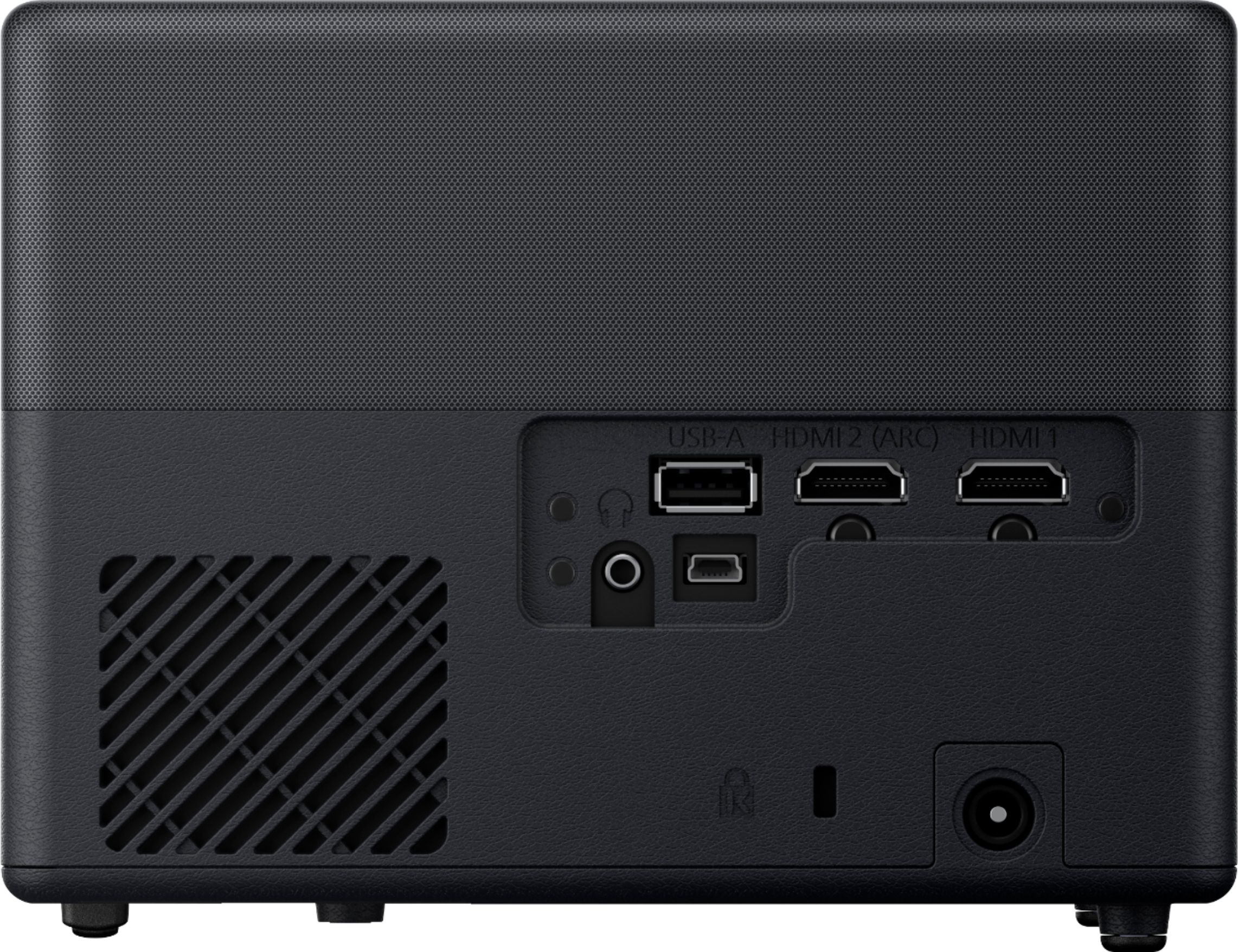
A:AnswerHi Jmm, The EpiqVision Mini EF12 projector is equipped with two standard HDMI ports. You can connect your AppleTV device and use it for iPhone and iPad connectivity. Regards, Mark - The Epson Team.
A:AnswerAlready did that. Doesn't help. This issue is reported all over the internet, as happening after performing the recommended firmware update (which I did, and now wish I had not).
A:AnswerHi SDay, Yes, you can mount the EF12 projector on a tripod. In order to attach the projector to a tripod or VESA mount, you have to attach the optional Mount Plate (ELPMB65) first. Regards, Mark - The Epson Team.
A:AnswerI agree that it is a little annoying that app support for prime and Netflix is missing, I’m not sure why this is the case. I think Netflix has to certify devices before they can run the app. Hopefully Epson will update this in a future firmware update.
A:AnswerBrig,
Pair your Bluetooth speaker to your EF12 projector and you’ll be set. I do this with a Beats Pill, and will be upgrading to a proper sound system with Bluetooth capability once I have my projector all setup. I had to play around with the system, as the user manual doesn’t provide any detail regarding pairing devices. From your Home screen, you’ll see a Settings (gear icon) in the upper right corner. Click settings, go down to Remotes and Accessories, click Add Accessory, begin pairing your Bluetooth speaker. Note that the settings/gear icon on your remote control will not take you to the correct place, you must click on settings from the home screen.
As for Netflix, I’m still trying to figure that out. I can’t cast my mobile Netflix, and when I screen mirror from mobile Netflix, it won’t play. Also, no Netflix on the google store via the Epson user interface.