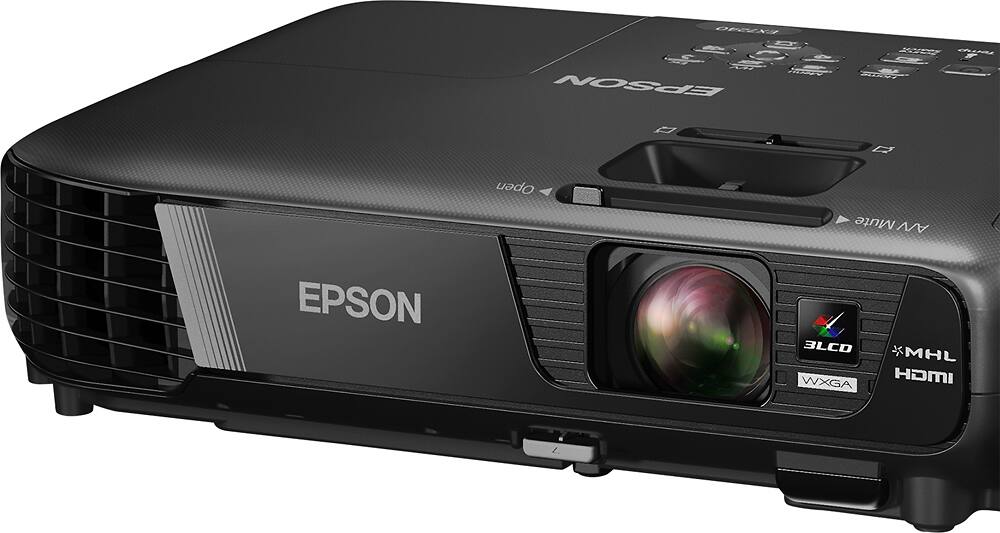
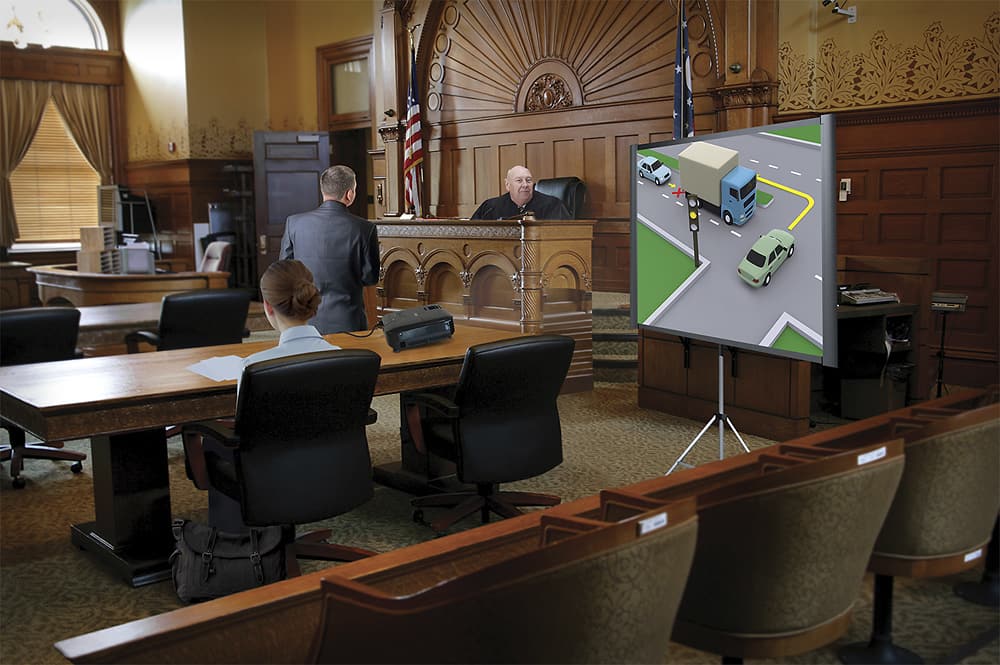
A:AnswerThis isn't a printer, I'm guessing you me projector. Yes, the remote is included. You can advance slides in PowerPoint, control the projector settings and move the mouse. I found moving the mouse difficult with the remote. Also the remote does not have a laser pointer. In my opinion, it needs one but it's not a reason not to buy the projector. It's a good unit.
A:AnswerI'm sorry to report but this projector though wireless does not have a cable-free option. I have never seen projectors of this level offering that capability. Good luck with your search. Consider googling for one.
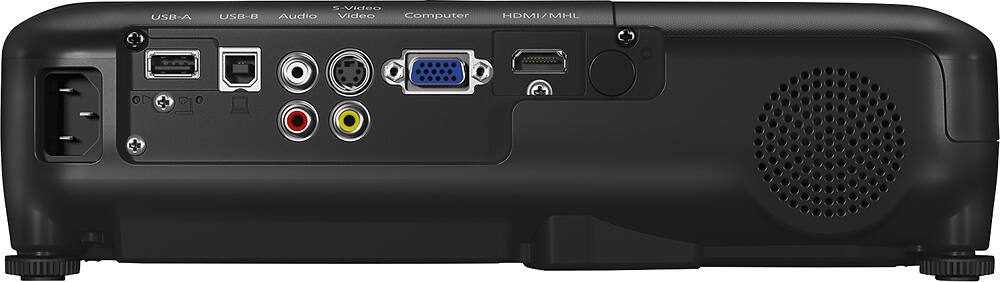
A:AnswerI've played video that was on my phone. I assume that video would play from a web page, but I haven't tried that. There are some restrictions on the type of video that will play directly from a flash drive rather than from another device via wifi. The built-in speakers don't produce a lot of volume.
A:AnswerYou don't. You have to hook up the surround sound speakers to your receiver. Basically you run an HDMI cable from your source to your receiver and another one from your receiver to your projector. Your receiver strips out the audio and plays it through your speakers. The projector takes the place of your TV in this setup.