A:AnswerFrom the brochure for this model found at Epson.com
Wireless — project from your laptop, tablet, or smartphone4 without plugging
into the projector, so you can move freely about the room
A:AnswerYes, I do this. Set up the projector for Advanced wireless instead of quick-connect wireless. In advanced mode you can connect the projector to your laptop's hotspot, then using the Epson iProjection for Mac or PC applications you can project your desktop. The iProjection software can be downloaded from the Epson site. The iProjection software will project your desktop and your hotspot provides internet access to your laptop.
A:AnswerHmm I made a question about the frame rate of the projector and the answer was 5 fps.
If movies move at 24 and 48 fps and video games between 30 and 60 fps this frame rate seems a little low. Is this correct?
Cheers
A:AnswerThe projector is wireless--you don't need the dongle/wireless LAN. I had to call tech support and was able to connect with the setup that he gave me (quick connect and open network). Good luck.
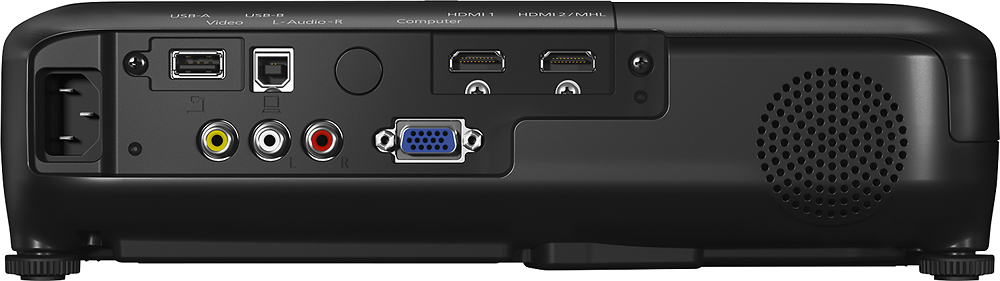
A:AnswerYou actually can do this. I have it set up that way with my Bose home theater speakers. The hdmi caries the sound to be put through the receiver then sent to the speakers.