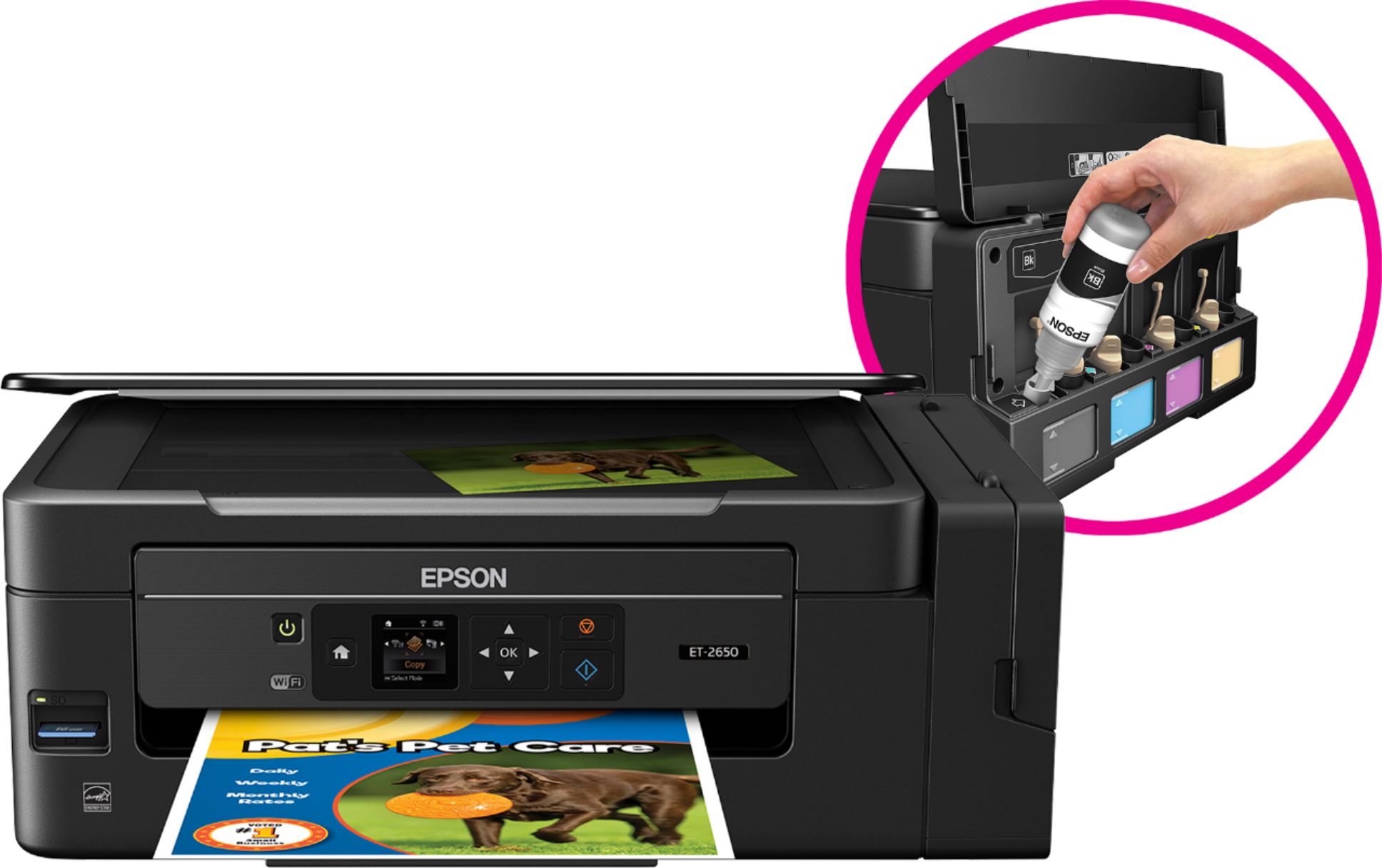
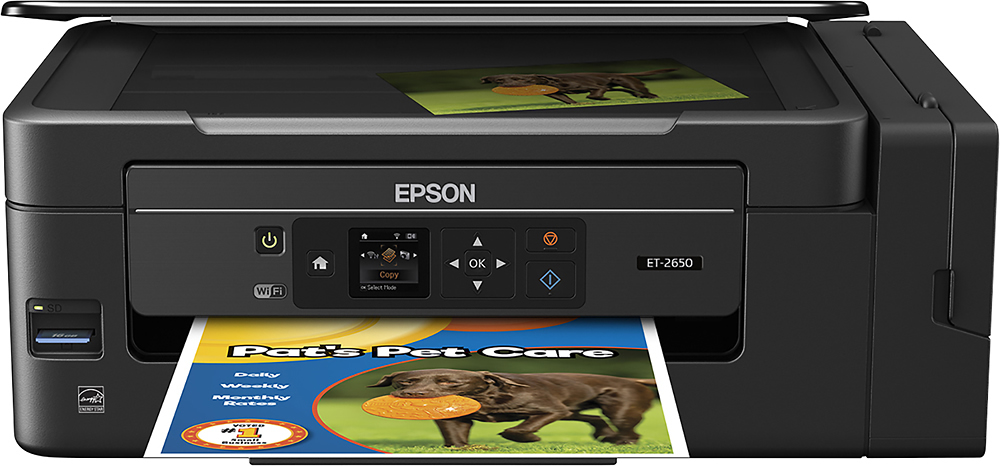
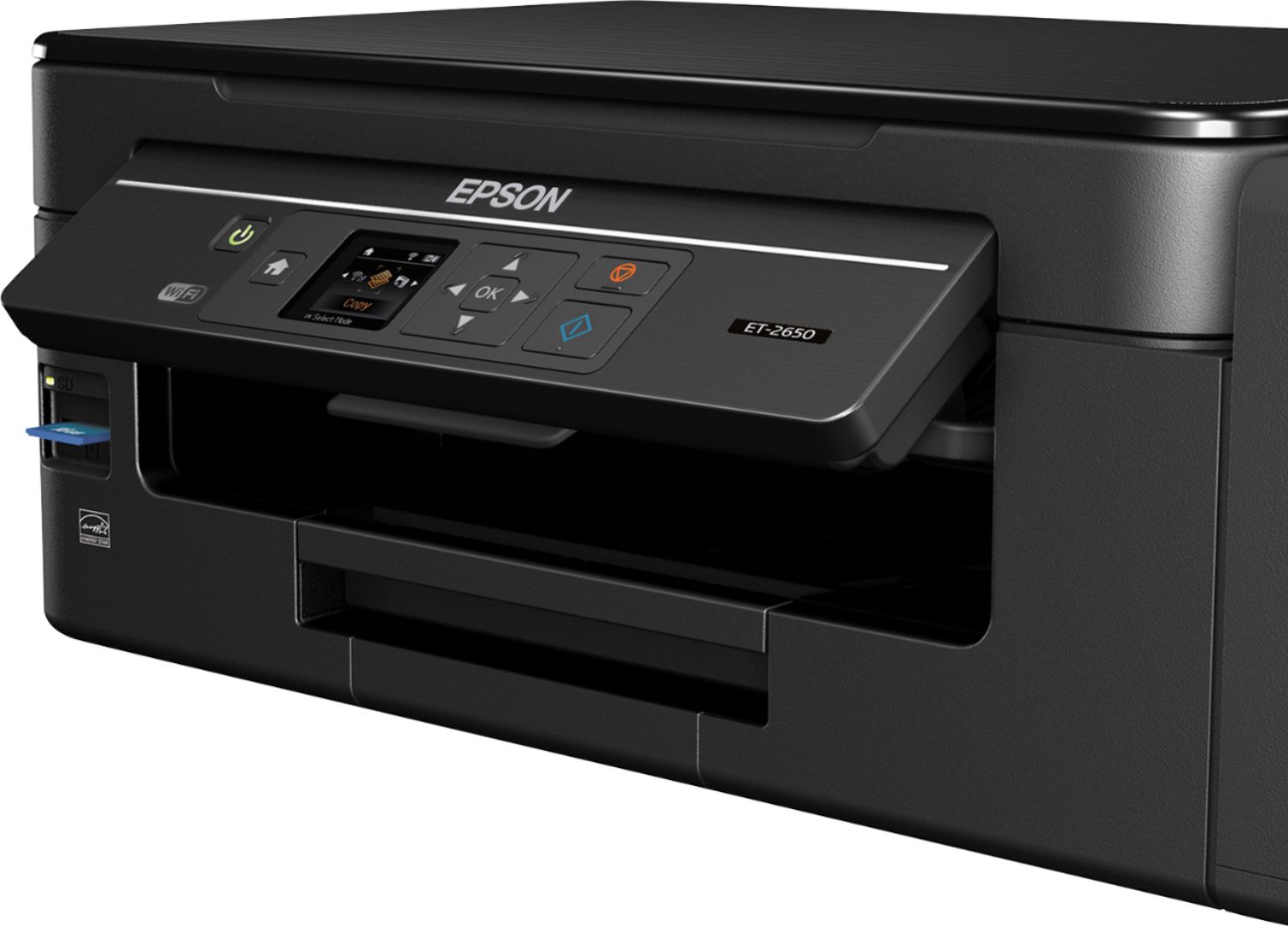
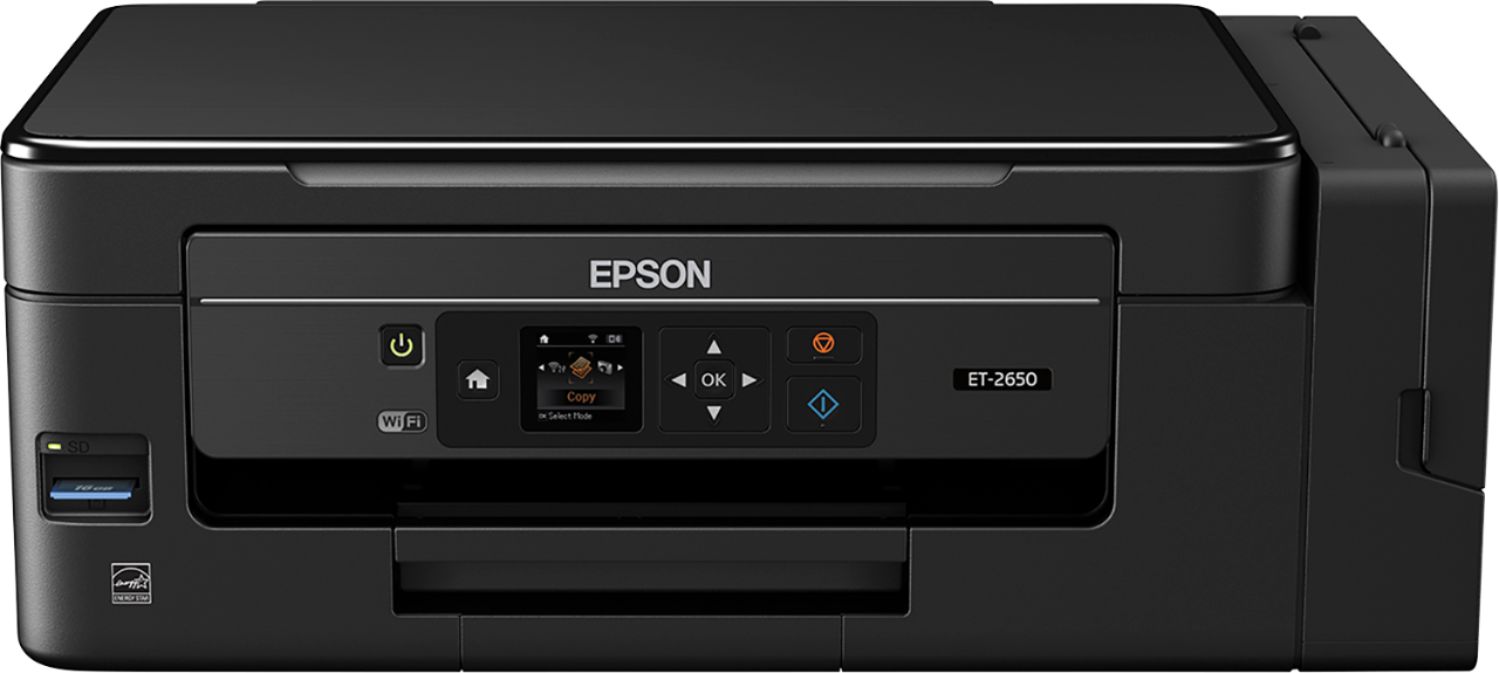
A:AnswerThe print heads can be cleaned using the print driver (by selecting the Epson printer icon in the System Tray [Windows]). You can also clean the print heads using the control panel on the printer itself (no connection to computer required) which gives an additional "high power" head clean option. From using "ink tank" systems (third party) that I have added to my earlier Epson printers for years (don't tell Epson!), I feel comfortable "walking away" from this printer for a couple or so weeks. However, if you are going to not use the printer for an extended period of time, FILL the ink tanks and do an extensive head cleaning BEFORE letting it sit. Though I haven't had this particular printer or used the Epson-specific EcoTank system for very long, I expect it to endure reasonable periods of non-use when properly prepared in advance. DON'T drain the tanks and DON'T run it out of ink thinking that "drying it out" will prevent head clogging. Quite the reverse, you will likely end up with a printer that won't print proper (or print at all) ever again.
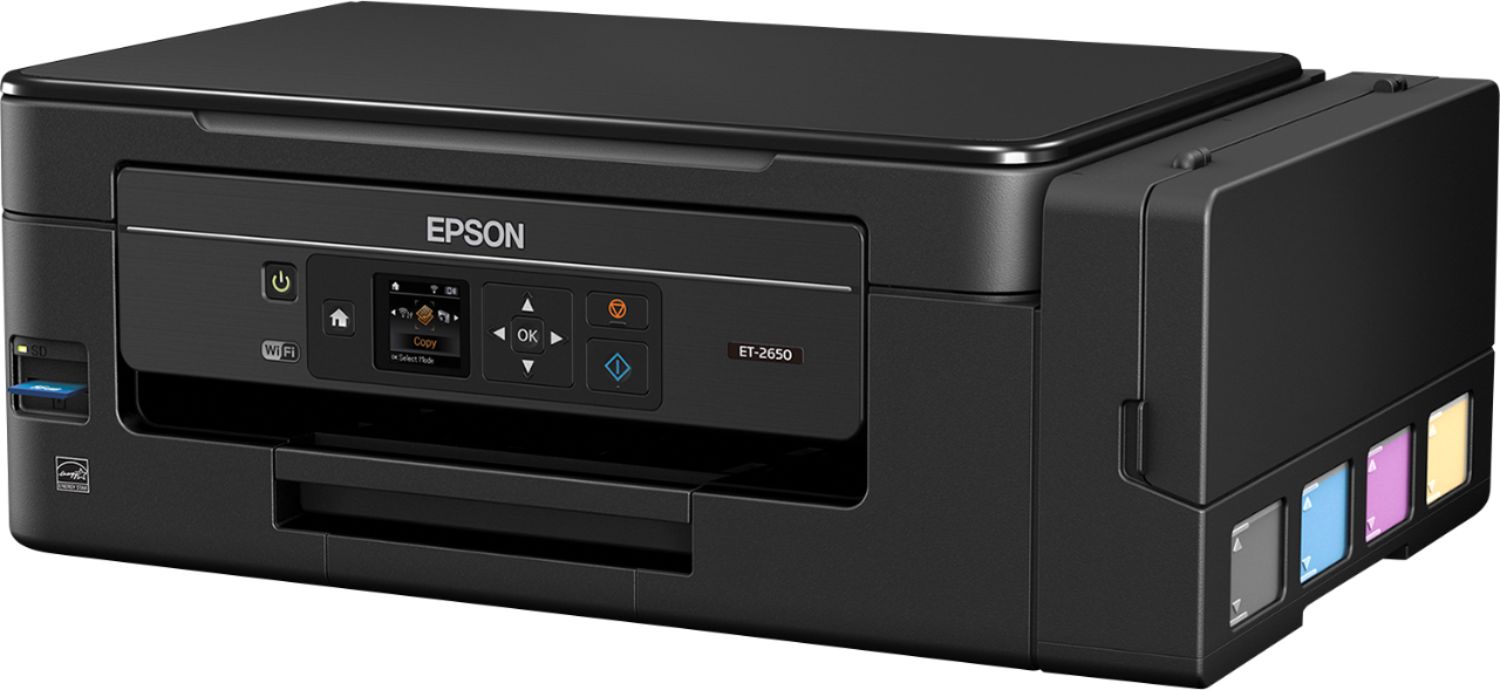
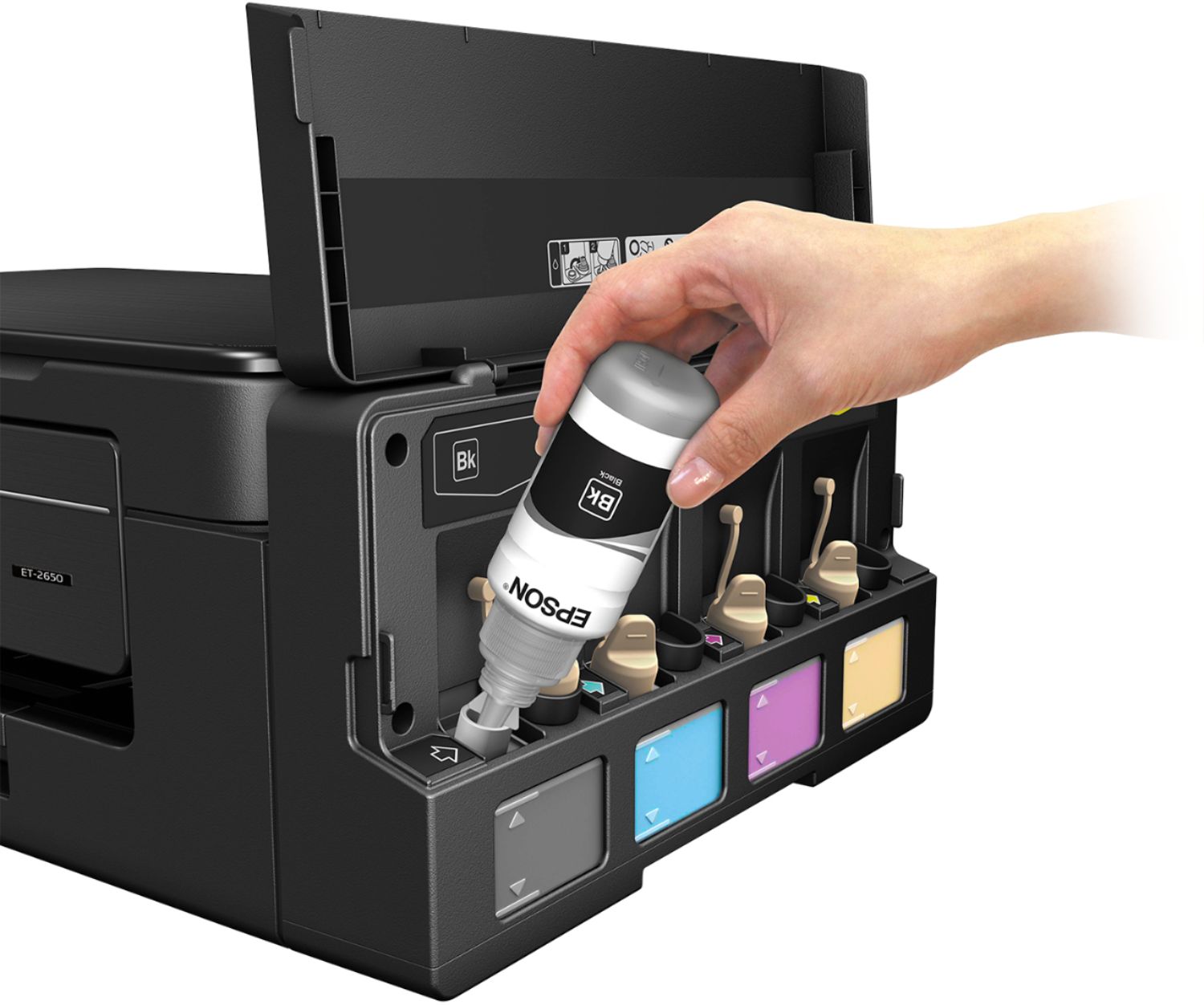
Also, with the Epson inks finally being very reasonably priced (MUCH LOWER on a per page basis than with the old cartridge system) I would resist the urge to use less expensive inks. The Epson inks really do seem to minimize print head clogs or the need for frequent head cleaning (I know from years of experience using both Epson and third party inks) and are very dense and produce very vivid colors, even though the color inks are dye based (I suspect the black is pigment based...it is tremendously black). AND Epson performs the magic of making its inks nearly smudge proof...even if the paper is wet.
A:AnswerYes you can use sublimation ink in this printer. If you’re not using a heat press the standard ink works quite well with transfer paper. If you change over to sub.ink use a syringe and 5 inch tube to remove remaining ink then run 15-20 full color pictures as the ink lines are pretty long. This printer is really good and I love the large size of the tanks but it will spit out anything heavier than 65# card stock and the support app sucks and really limits what you can do. Some setups have to be done in other programs. Hope this helped