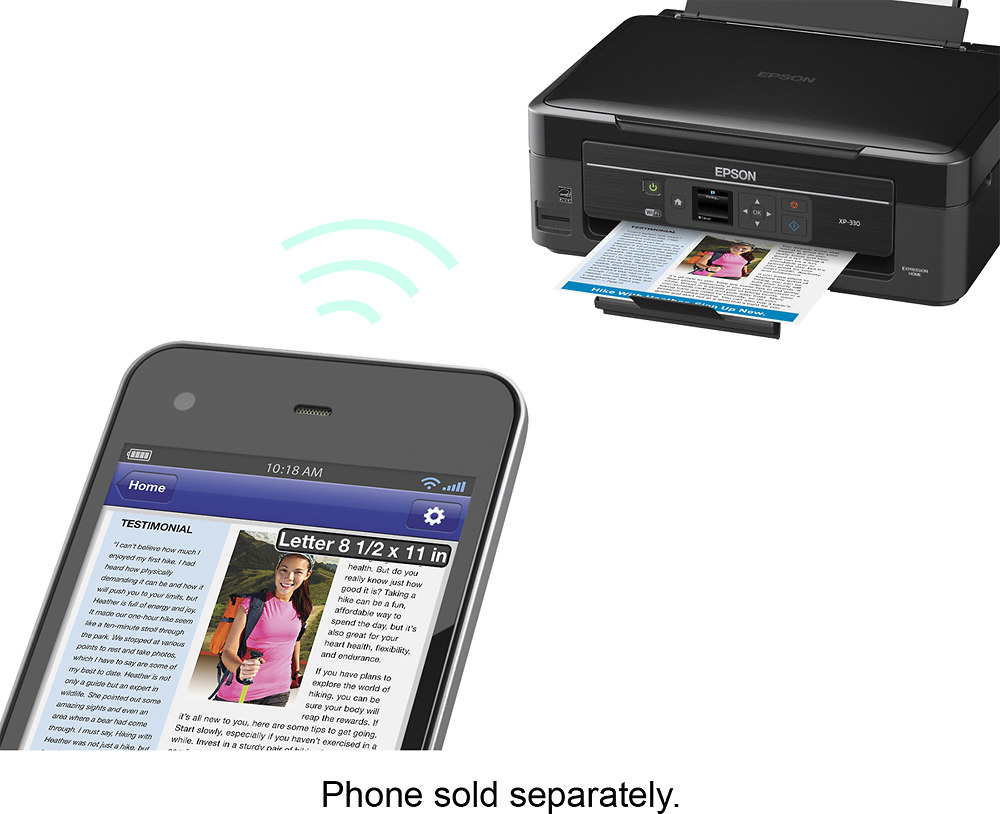
A:AnswerI don't know what air print is. But this printer is wi-fi. I can also print from multiple devices like cell phone and tablet.
Also photo scans directly to facebook.
A:AnswerI didn't have to do anything to get my iPhone to recognize the printer over WiFi and print. If the iPhone downloaded drivers, it did so without my knowledge.
A:AnswerYou can set up wireless printing in another room as long as its on your wifi network and to do 2 sided you have to reinsert copy to do so innpaper tray. Sorry
A:AnswerYes. This printer is designed to work off your wifi system, so if your laptop uses wifi then you're good to go. The printer also comes with a cable port (no printer cable supplied though) if no wifi available.
A:AnswerYou will need to download Epson iPrint app which will let you print, scan, and copy (among other features) from an Apple smartphone and/or tablet. This app is also available on Google Play.
A:AnswerInstall the the program disk and it should work my wife had the same question so she did as stated and it worked .Some people ran the wireless method and it worked for them .If you're buying one ask the sale rep and when I was buying mine a HP company rep was there trying to sale.his brand and they know each item they sale .