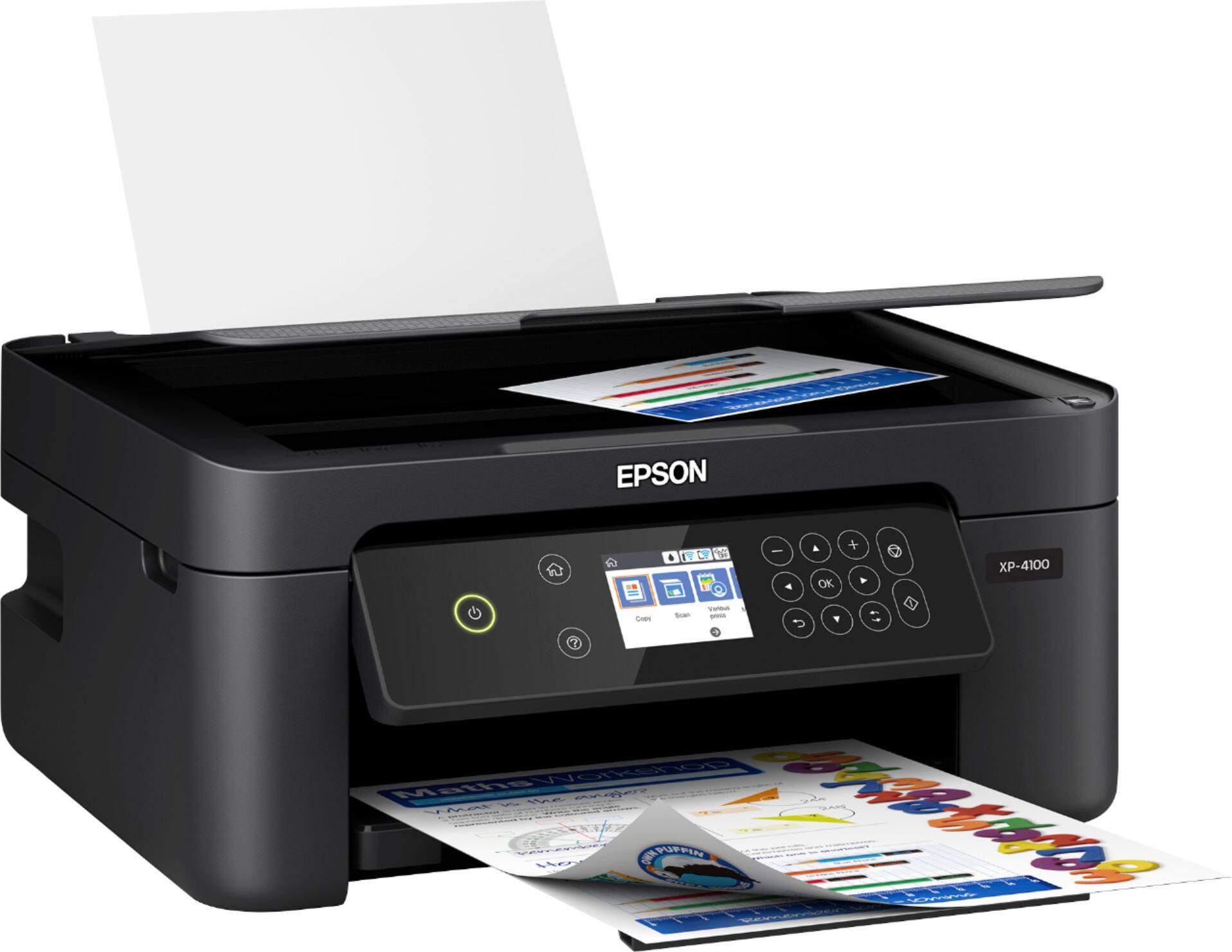
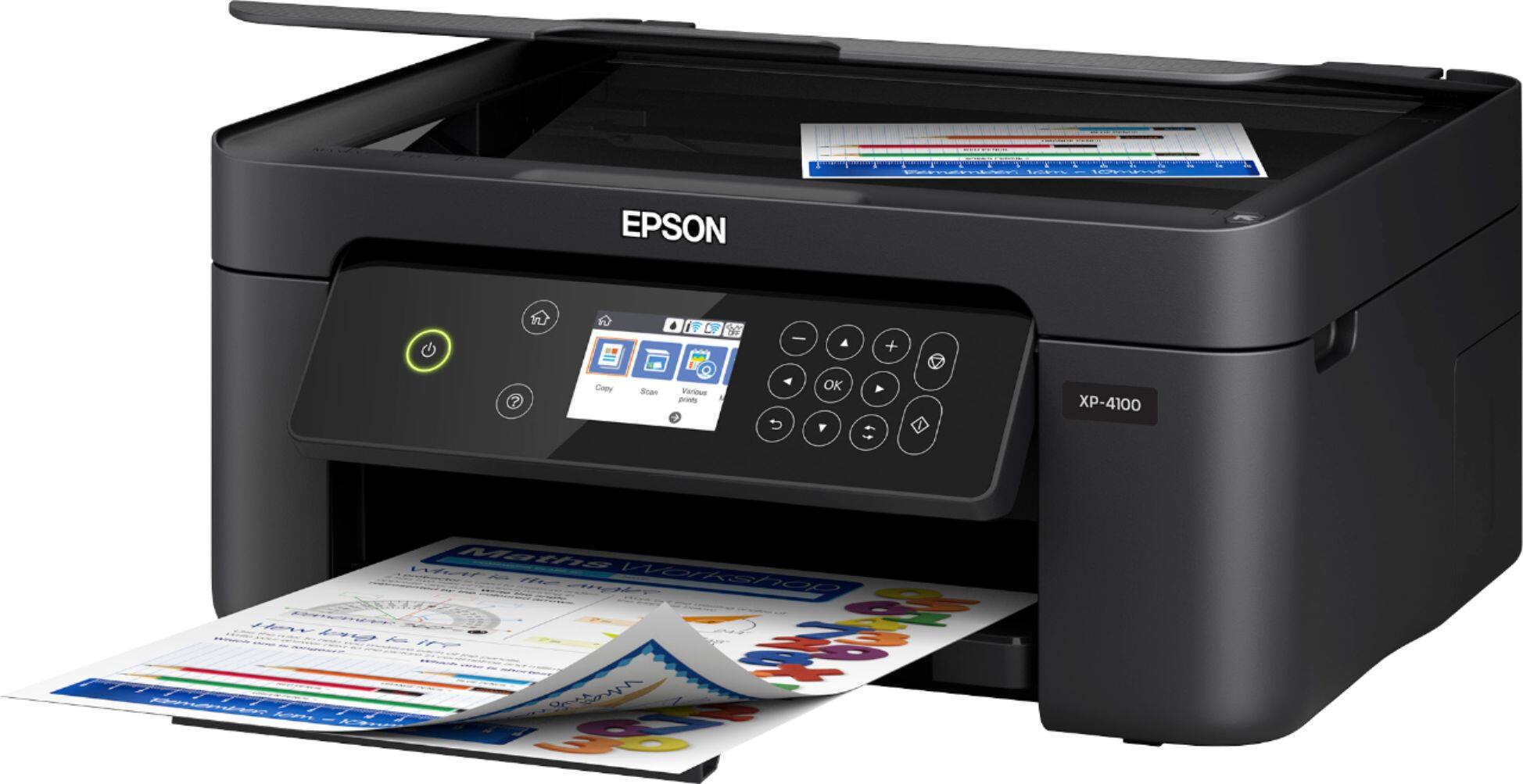
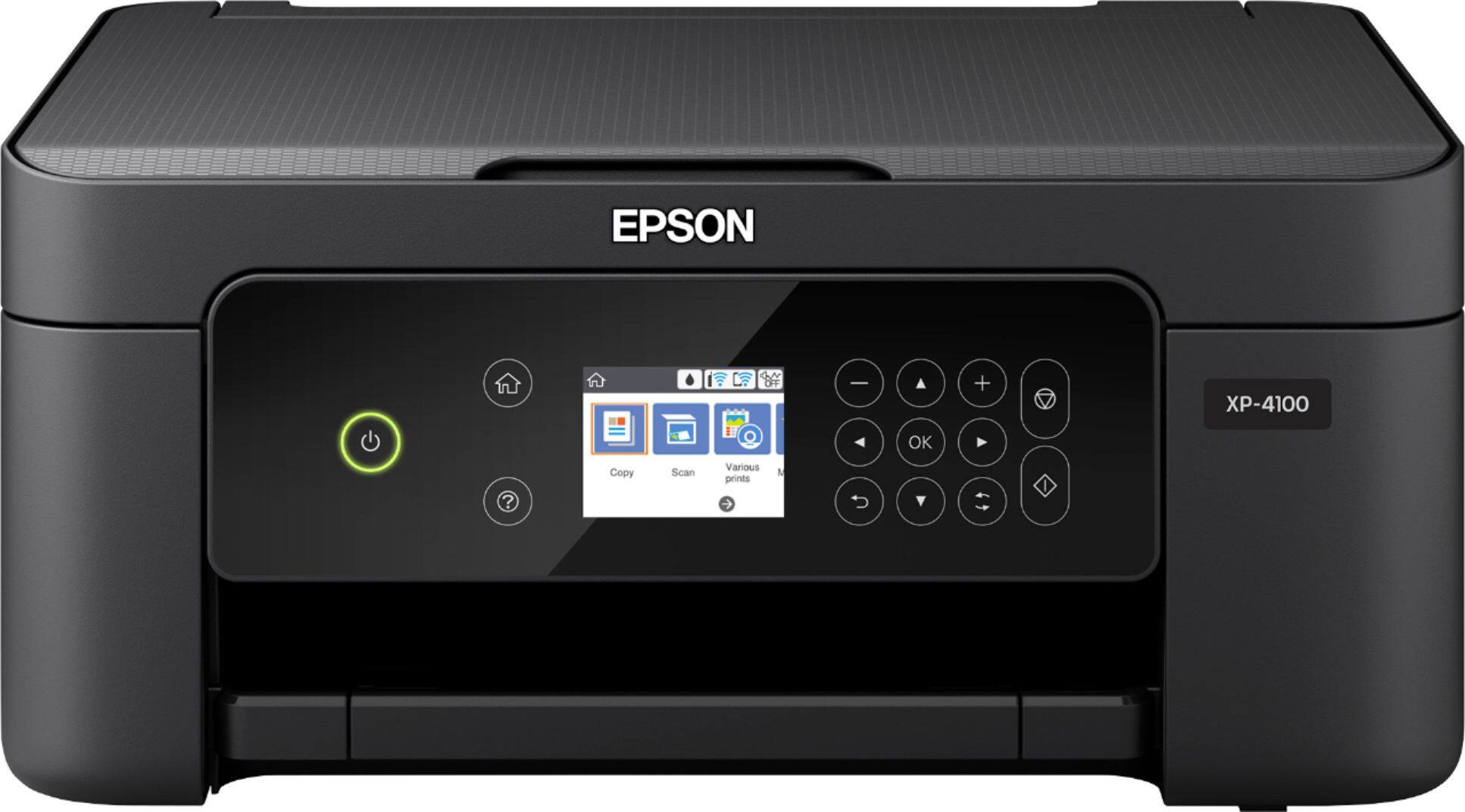
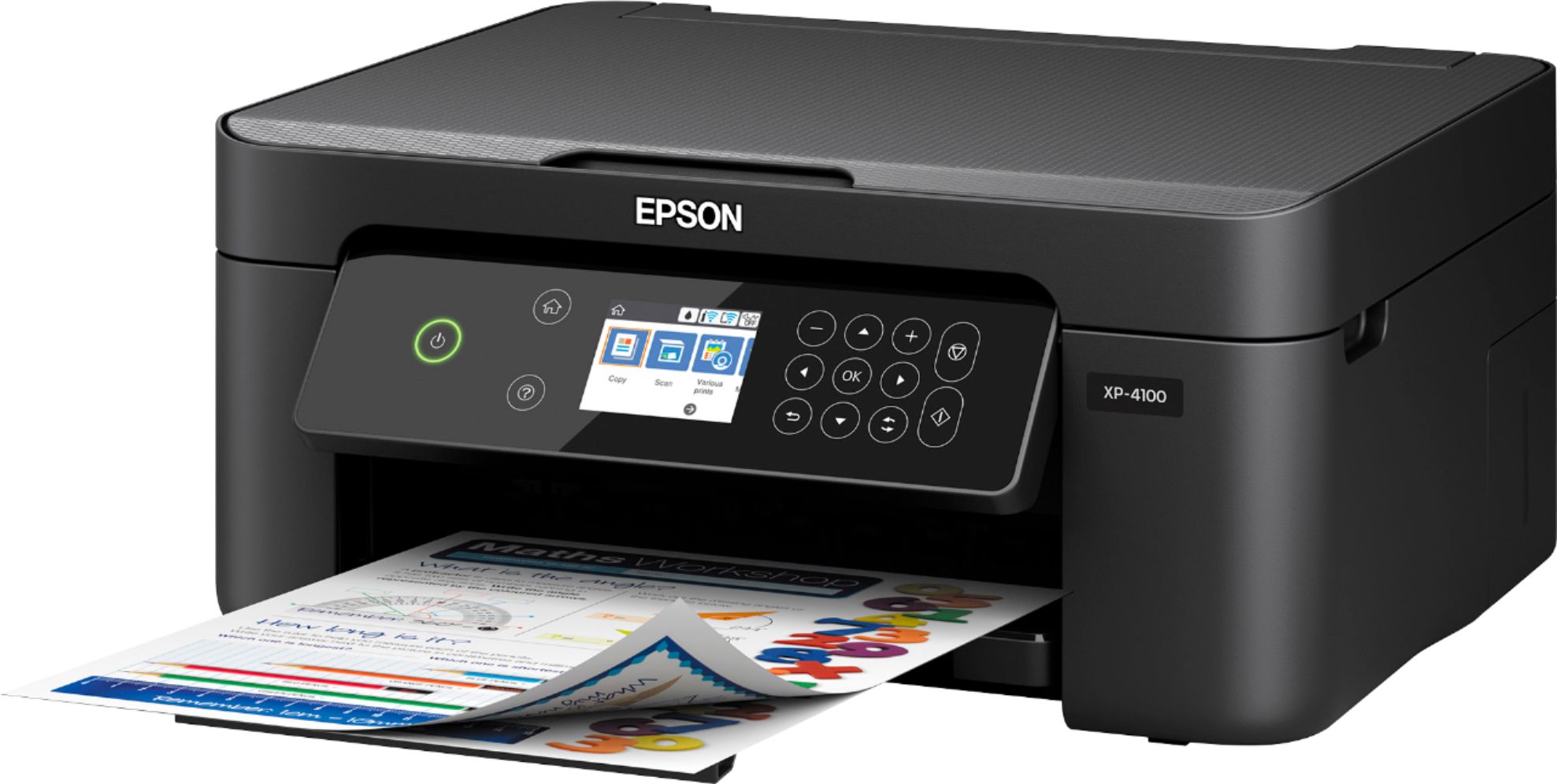
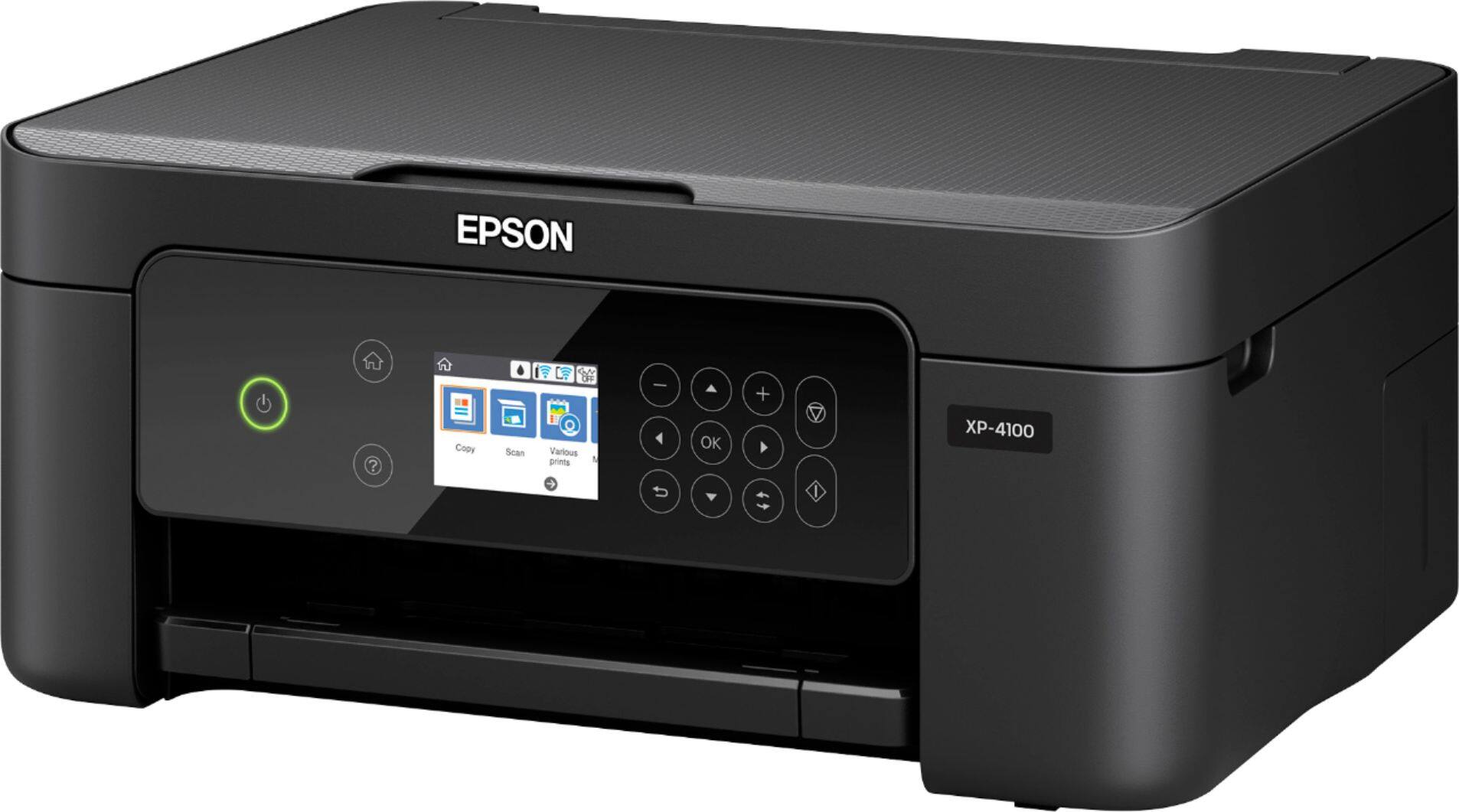
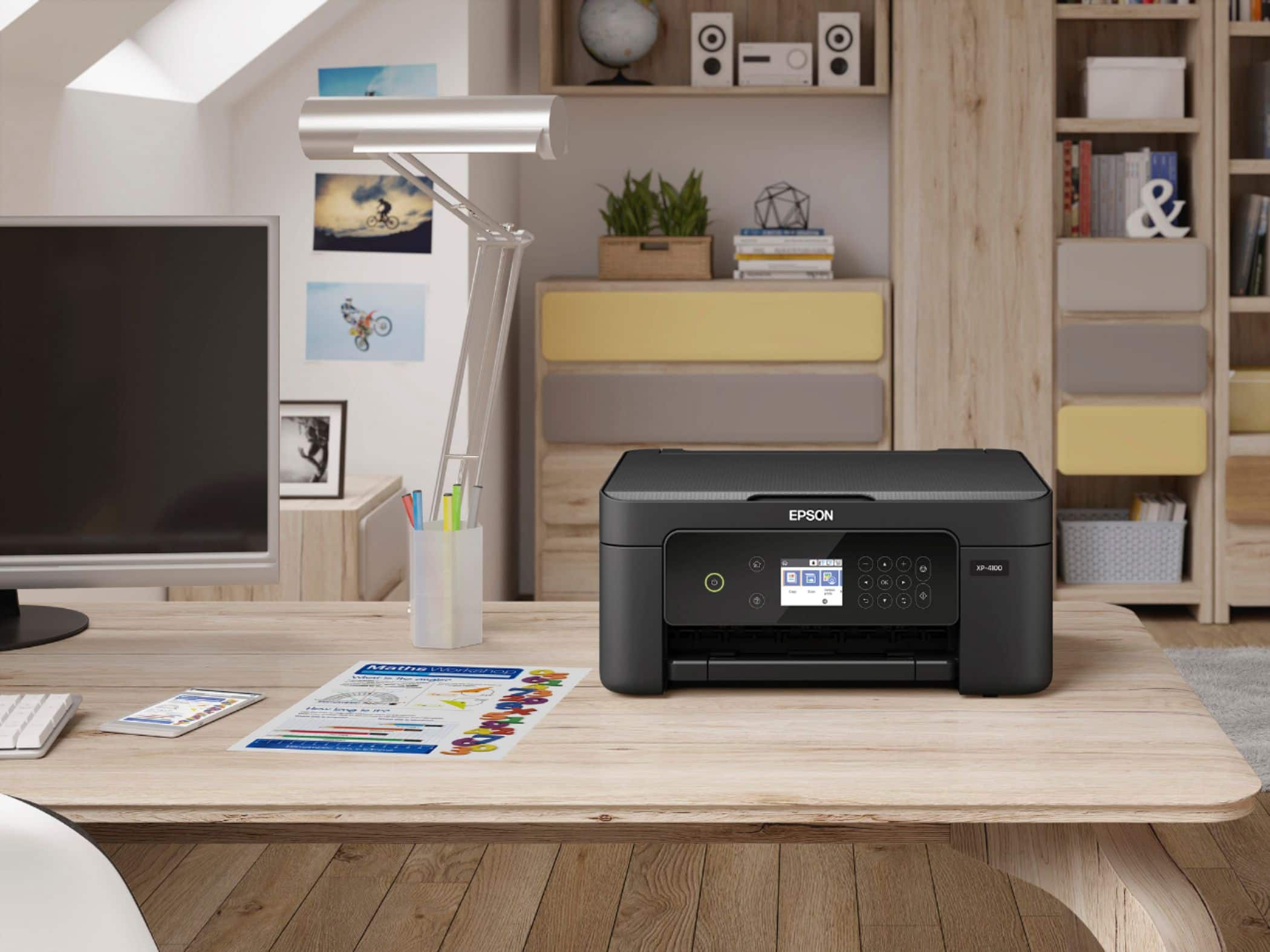
A:AnswerHello Dee. The XP-4100 is an All-In-One printer with print, copy, and scan functionality. Unfortunately, the printer does not include fax features. Regards, Kevin - The Epson Team.
A:AnswerHello Kim. You can scan multiple pages by loading them individually on the XP-4100. After scanning the originals, they can be saved to one single file in PDF or Tiff format. Unfortunately, the printer does not have an Auto Document Feeder to load multiple pages of paper simultaneously. Regards, Kevin - The Epson Team.
A:AnswerHi Quinjes5, Sorry, the XP-4100 does not do automatic double-sided printing. The Epson Expression Premium XP-6100 is available at Best Buy and it does do automatic double-sided printing. Inventory can vary. Regards, Mark - The Epson Team.
A:AnswerHi, The Expression Home XP-4100 prints, copies and scans. It does not fax. You have the option of setting it to print in black and white using the printer driver, or your iPhone. Faxing is more common in Epson's WorkForce line, like the WorkForce WF-4820, which is currently available on Bestbuy.com (inventory levels can change). Like the XP-4100, you can use the WF-4820 with a computer, smart phone or tablet. Regards, Mark - The Epson Team.
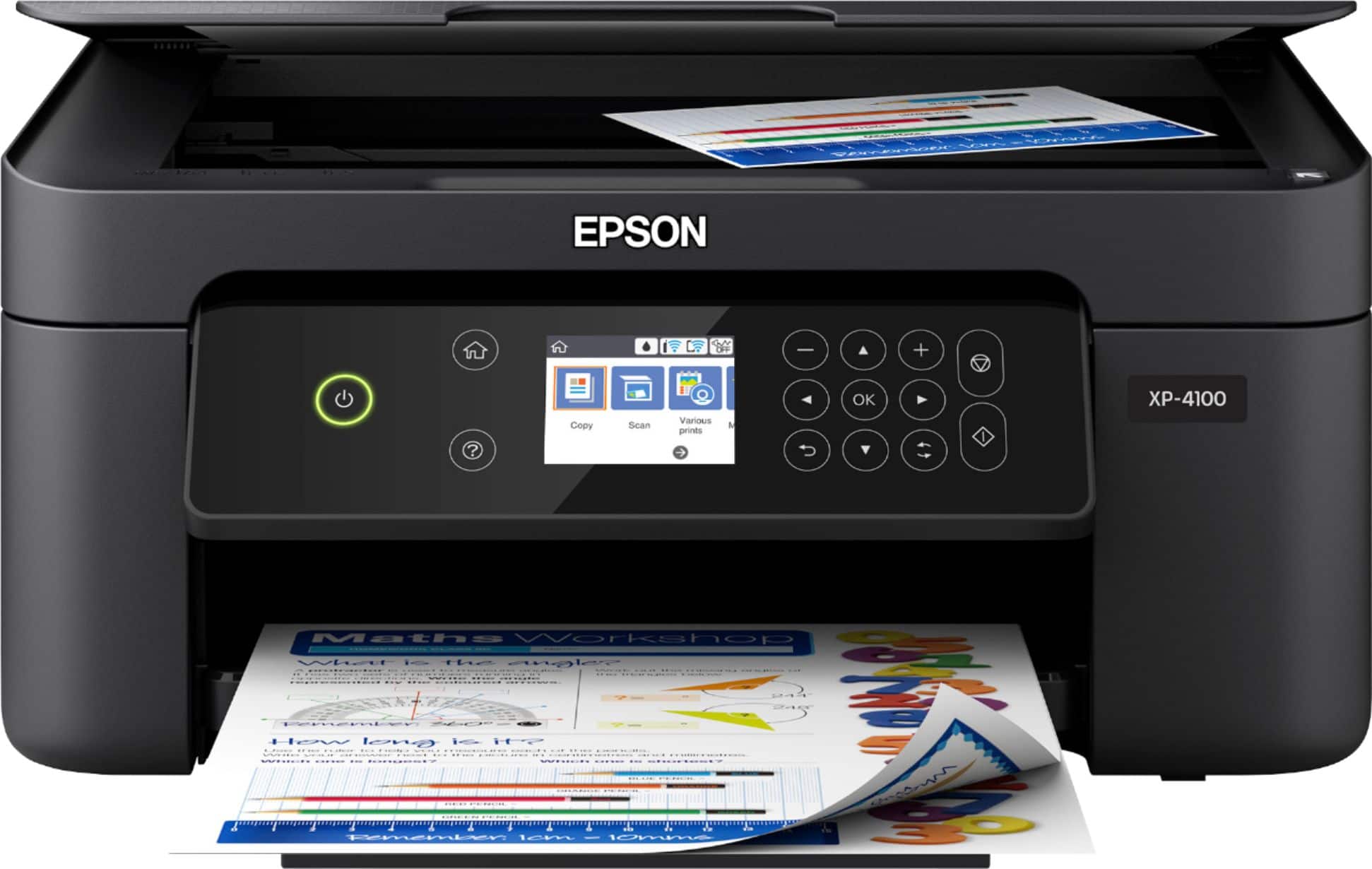
A:AnswerHello Ronnnie. We understand how frustrating that could be. The part number for the power cable used on the XP-4100 is 2068927. Regards, Kevin - The Epson Team.
A:AnswerHello Susie. Yes, the XP-4100 includes a USB port. You can only use the port to connect a Hi-Speed USB cable from the printer to a computer. Regards, Kevin - The Epson Team.
A:AnswerHello Mary6930. Yes, the XP-4100 can reduce and enlarge copies between 25% up to 400%. For more information, please visit the official Epson Support page. Regards, Kevin - The Epson Team.
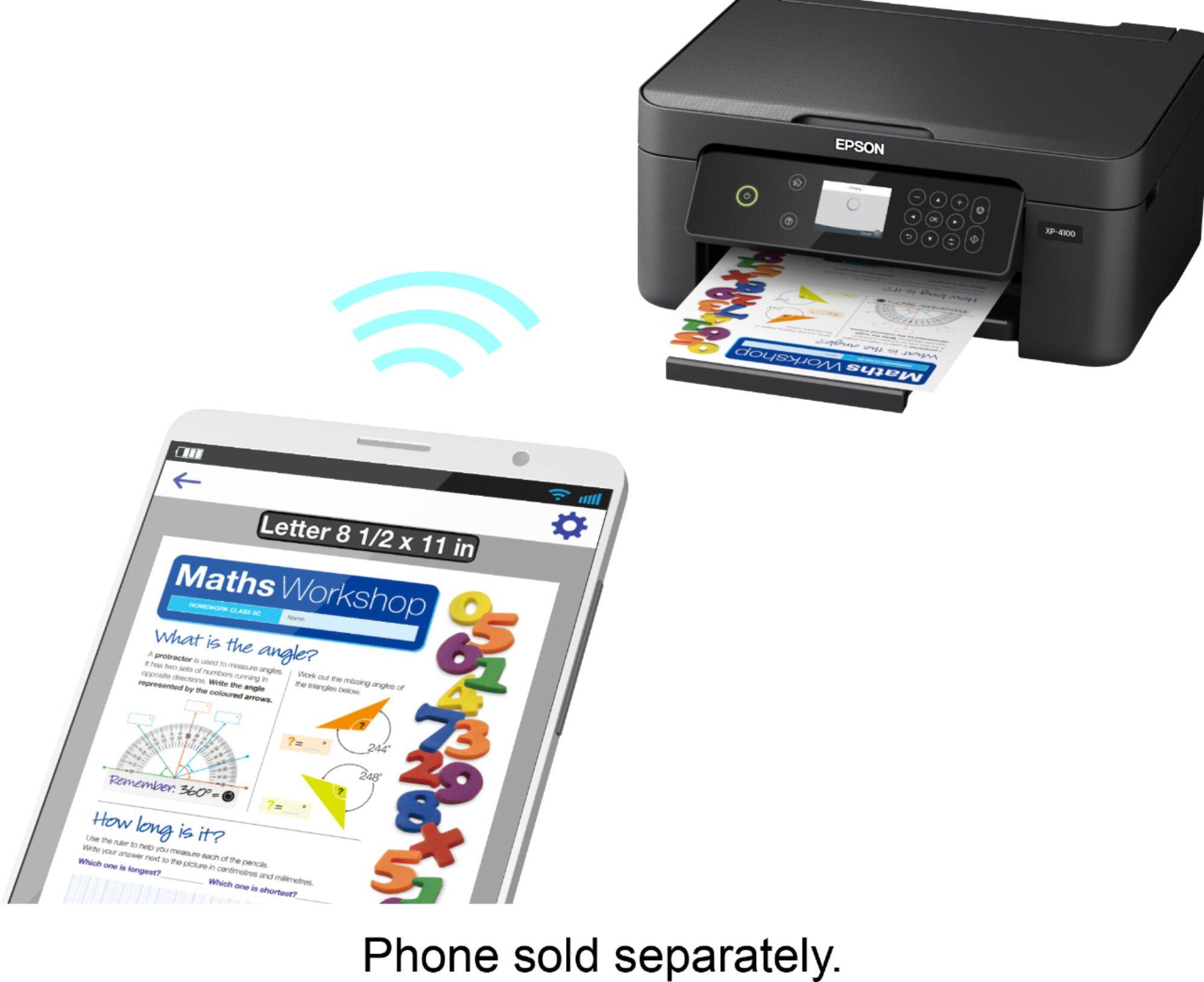
A:AnswerHi Macduff369, The Expression Home XP-4100 has a USB port. It will work with Macs running Mac OS 10.5 to the latest version. Be sure to download the latest drivers from the Epson support site for the XP-4100. Regards, Mark - The Epson Team.
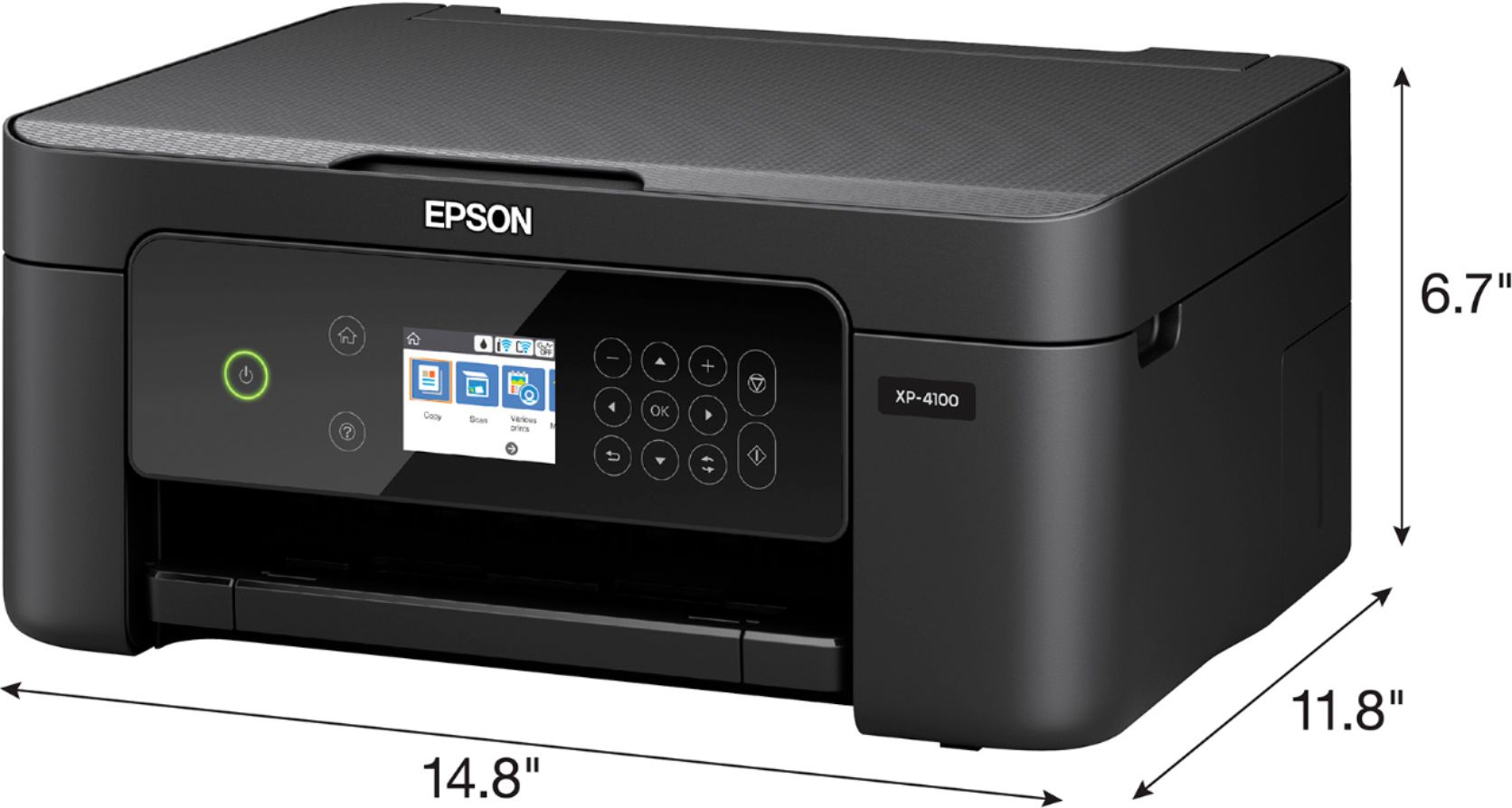
A:AnswerHello. The WF-2830 and WF-2850 are virtually identical printers in both design and specifications. The main difference is that the WF-2850 has a larger 2.4" LCD screen and the WF-2830 has a 1.4" screen. Regards, Kevin - The Epson Team. Regards, Kevin - The Epson Team.
A:AnswerHi Maria. The Epson XP-4100 was not designed for dye-sublimation printing nor the use of non-genuine Epson ink cartridges. Using sublimation ink in this printer could damage the print head and impact warranty coverage. Regards, Kevin - The Epson Team.
A:AnswerHi, If your Acer Aspire is running Windows 7 or later, it should work with the XP-4100. Visit the Epson support site to download drivers. Regards, Mark - The Epson Team.
A:AnswerHello justjo. Unfortunately, the Epson 200 ink cartridges are not compatible with the XP-4100. The printer is designed to only work with 212 and 212XL Epson Ink Cartridges. Regards, Kevin - The Epson Team.
A:AnswerHello Ch. Unfortunately, the XP-4100 does not have access for a memory card. We recommend taking a look at the XP-5100 as that printer has a slot for memory cards. Inventory can vary; at the time of this posting, the printer is available on BestBuy's website. Regards, Kevin - The Epson Team.

A:AnswerHello. Yes, the XP-4100 includes Automatic 2-Sided printing. You can enable and disable this option under the extended settings of your printing software. Regards, Kevin - The Epson Team.