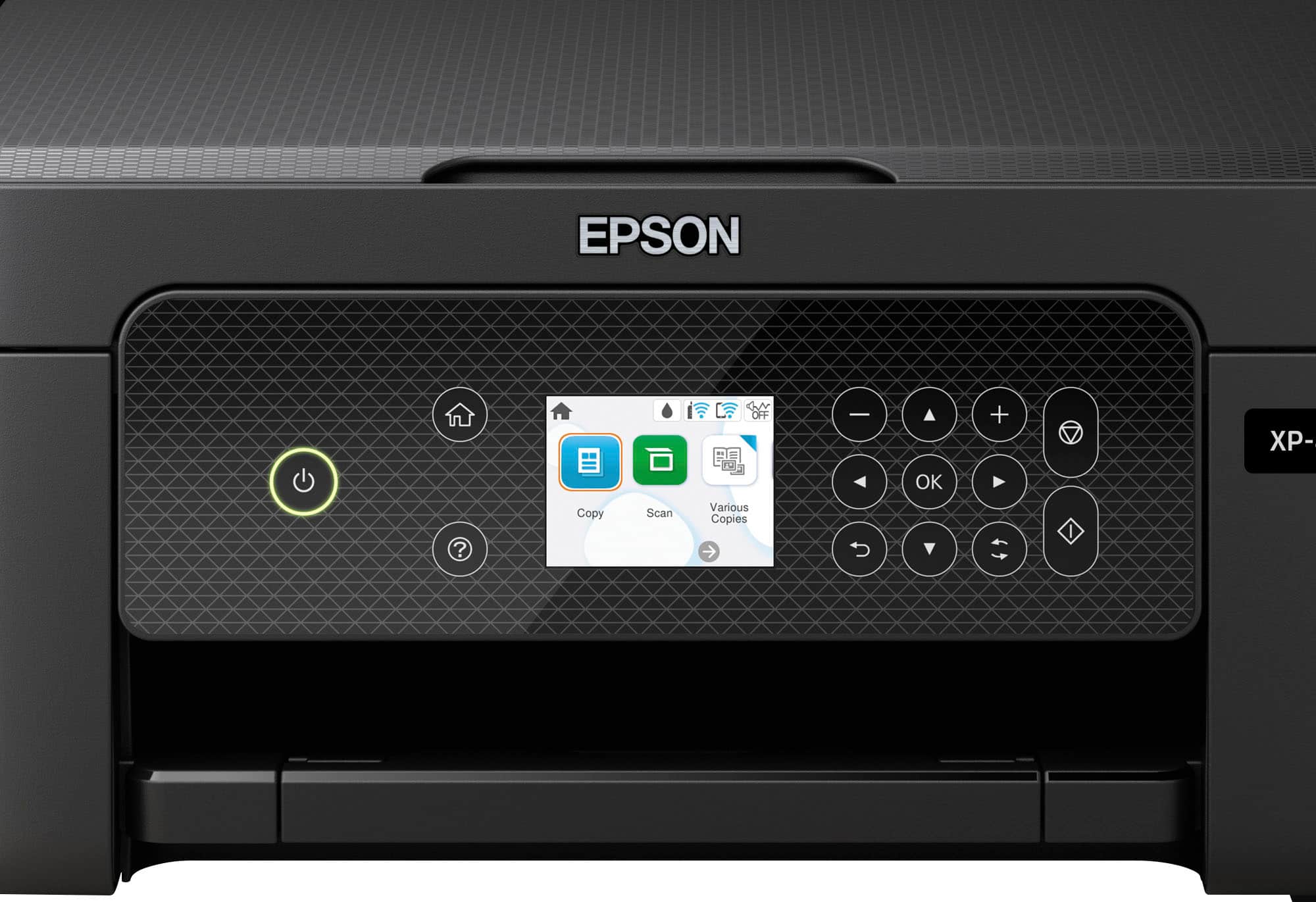
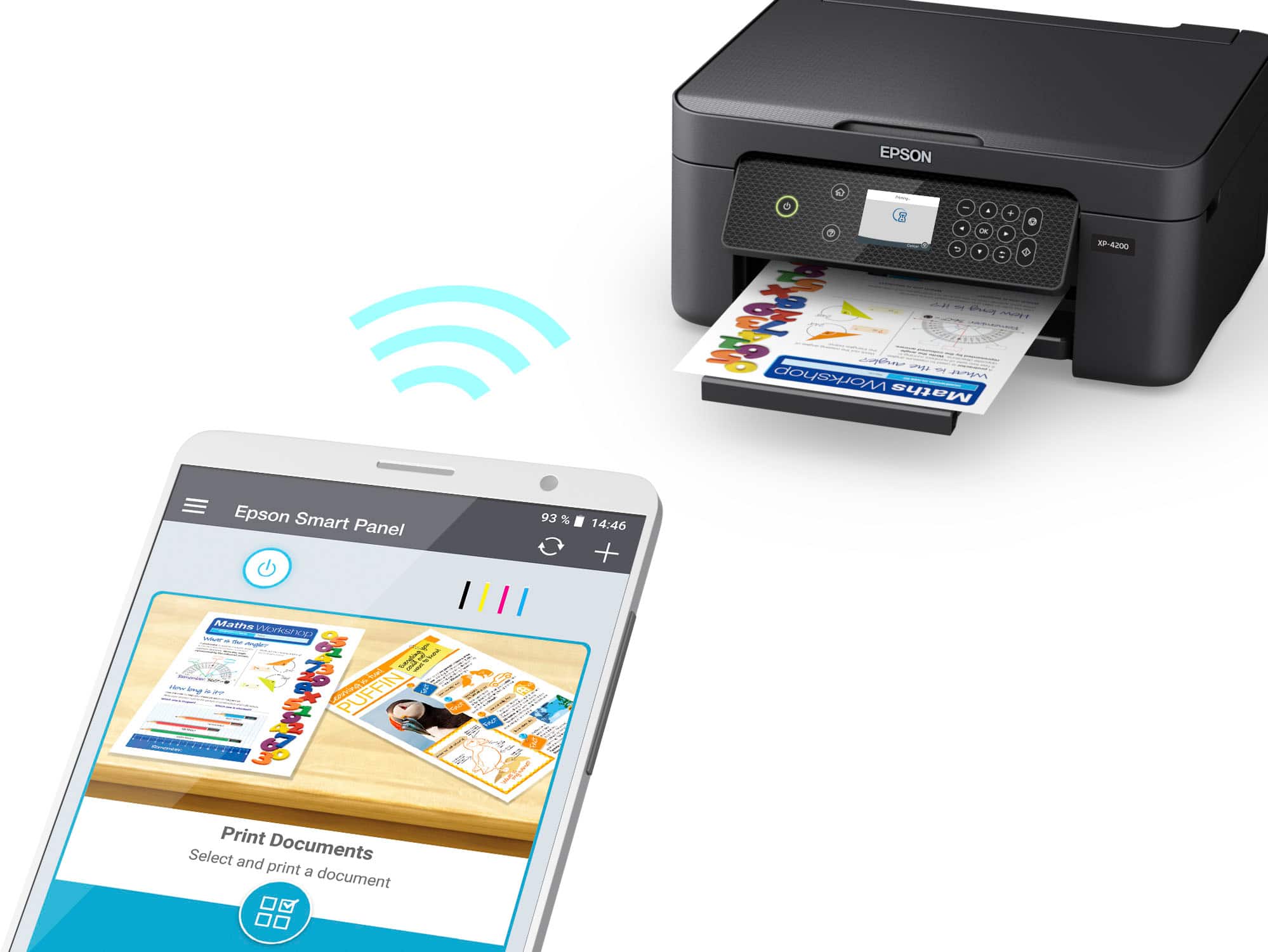
A:AnswerHi, Yes it is super easy. All you need is to connect your laptop and printer to the same wifi. You can manually search wifi and connect by the buttons on it. The screen is not a "touchscreen". But after connecting wifi be patient, coz you will get an update for the printer, which takes 5-10 minutes to finish. Overall, I was satisfied with that price.
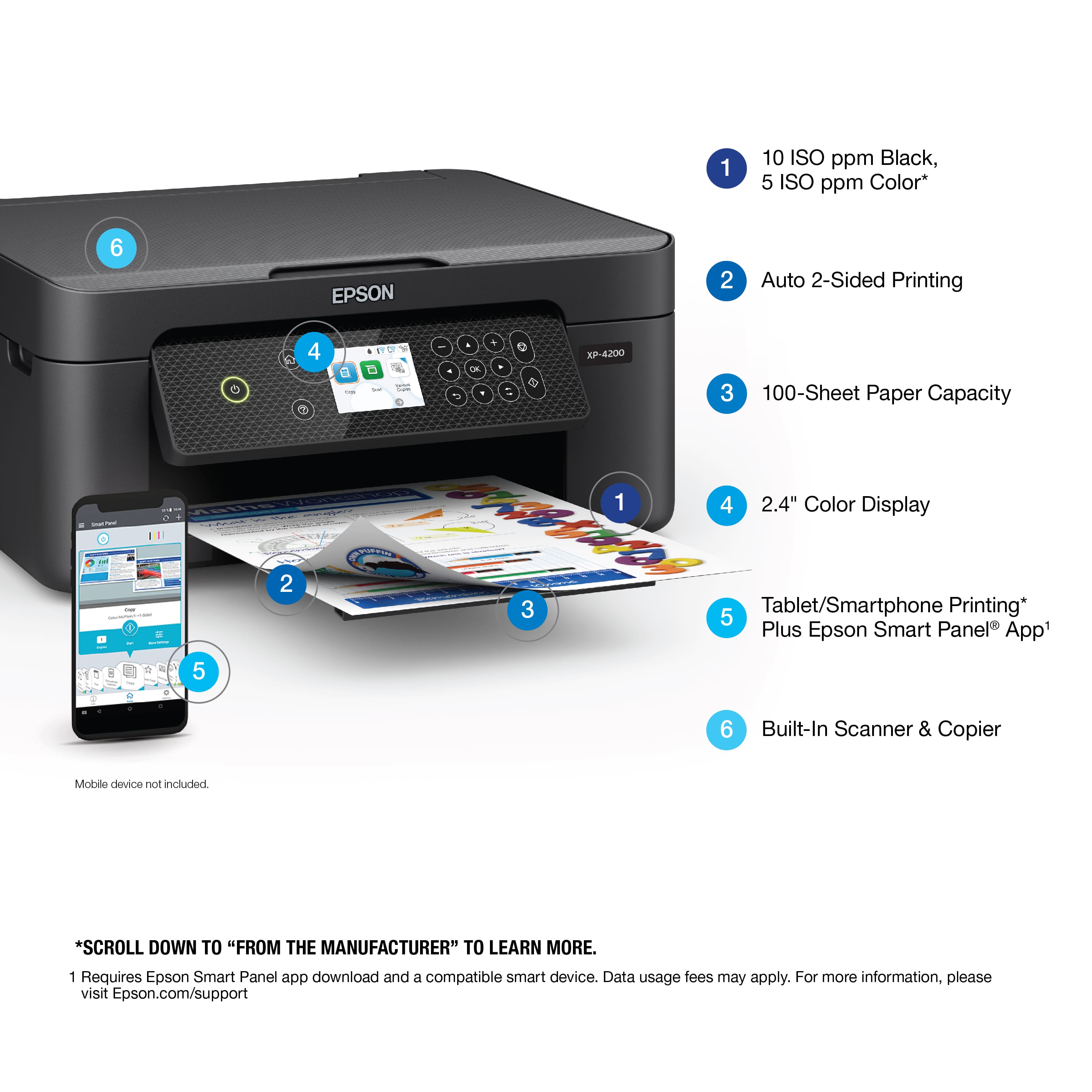
A:AnswerThe XP-4200 is capable of supporting both wifi and a direct cable connect (special printer USB cable required for direct connect). I have a desktop that is cable connected and I also have a laptop that is wifi connected.
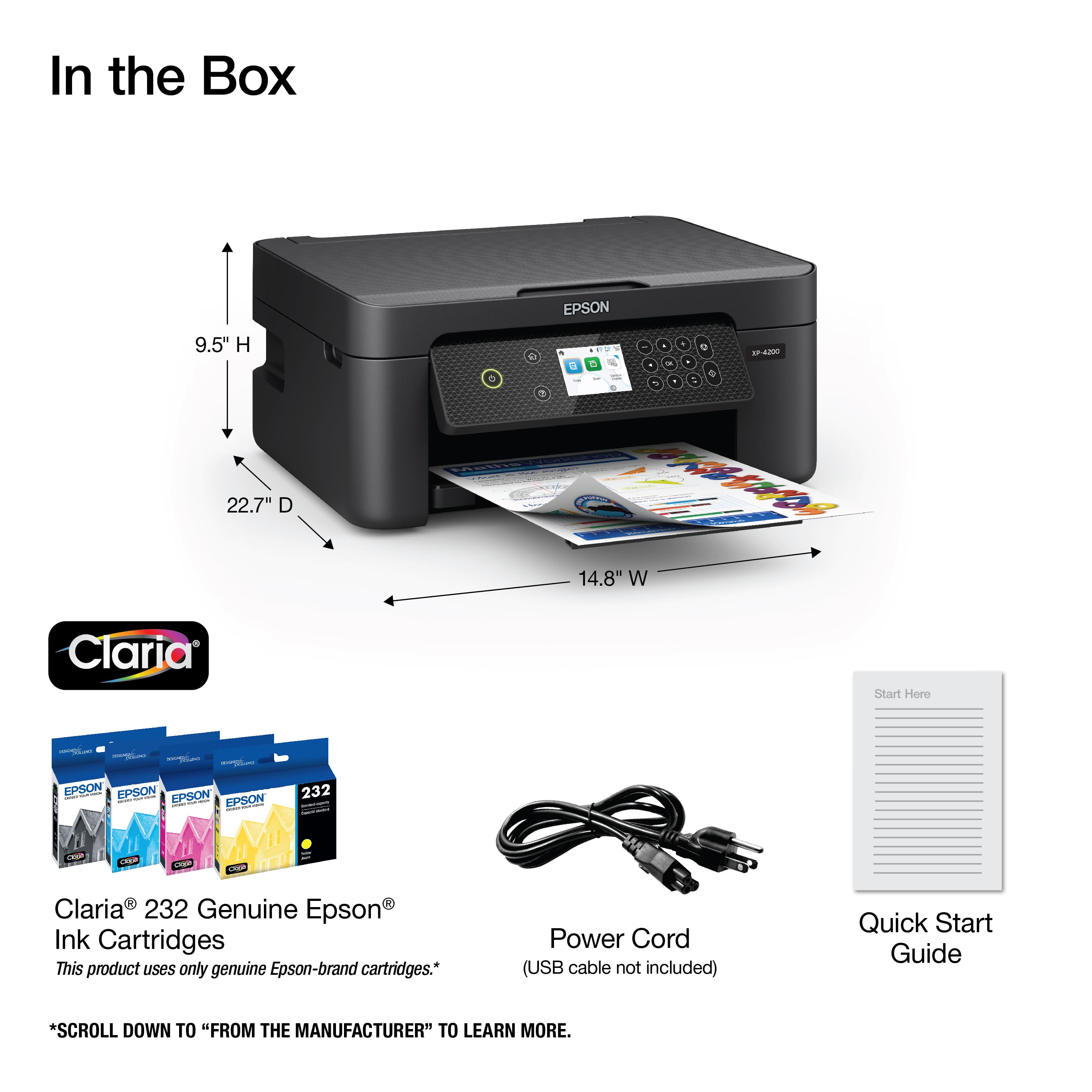
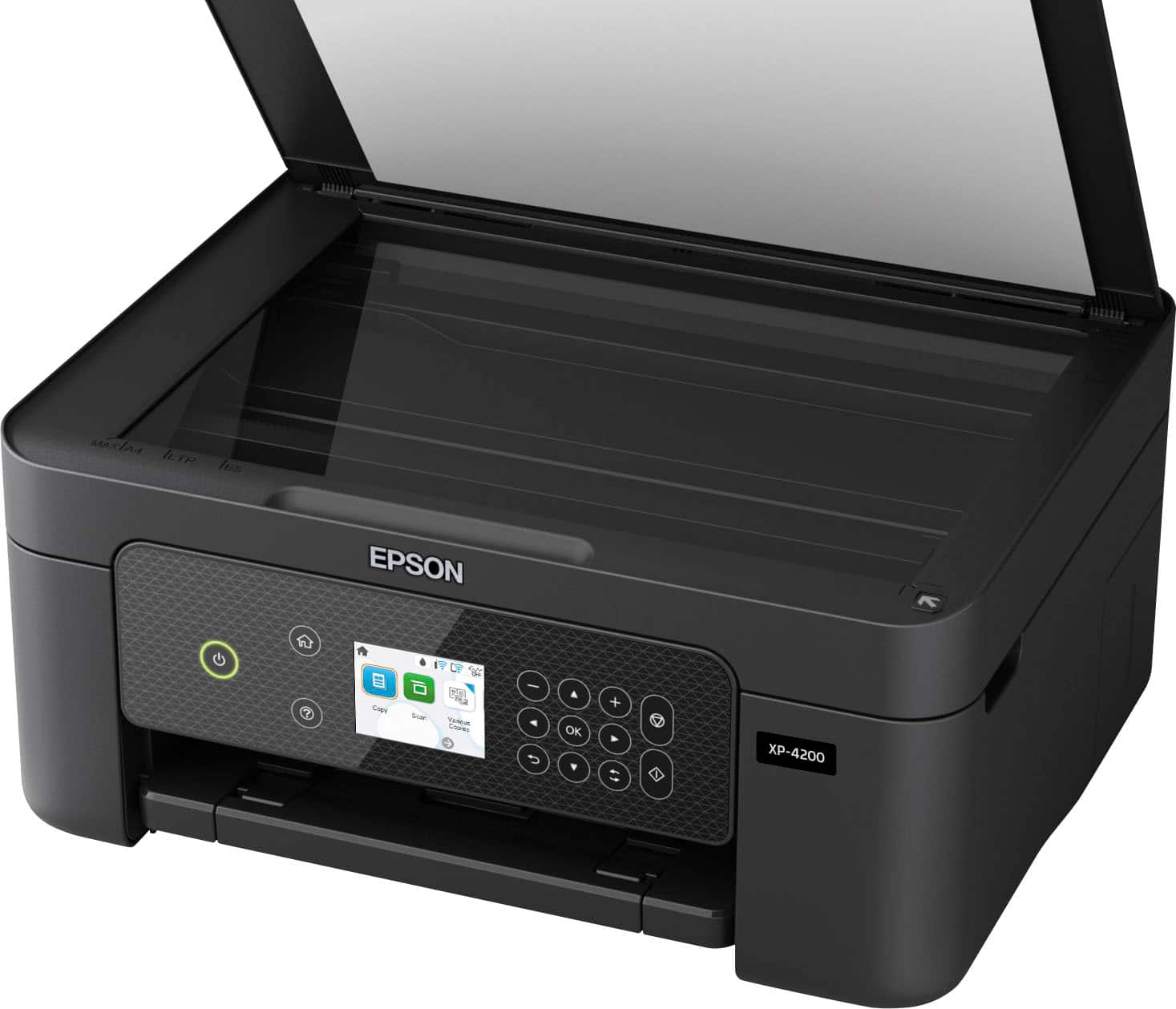
A:Answer(YES). This unit has no book for set up, so you will need internet to set up. Once set up I use this machine to scan and copy receipts that fade away with time. and the computer is not needed when scanning and copying.
A:AnswerI have found that all cartridges that come with machines are starter cartridges, and will use about half of the starters to set up, so yes you need a second set at time of purchasing your machine, I got the set that has double black ink.
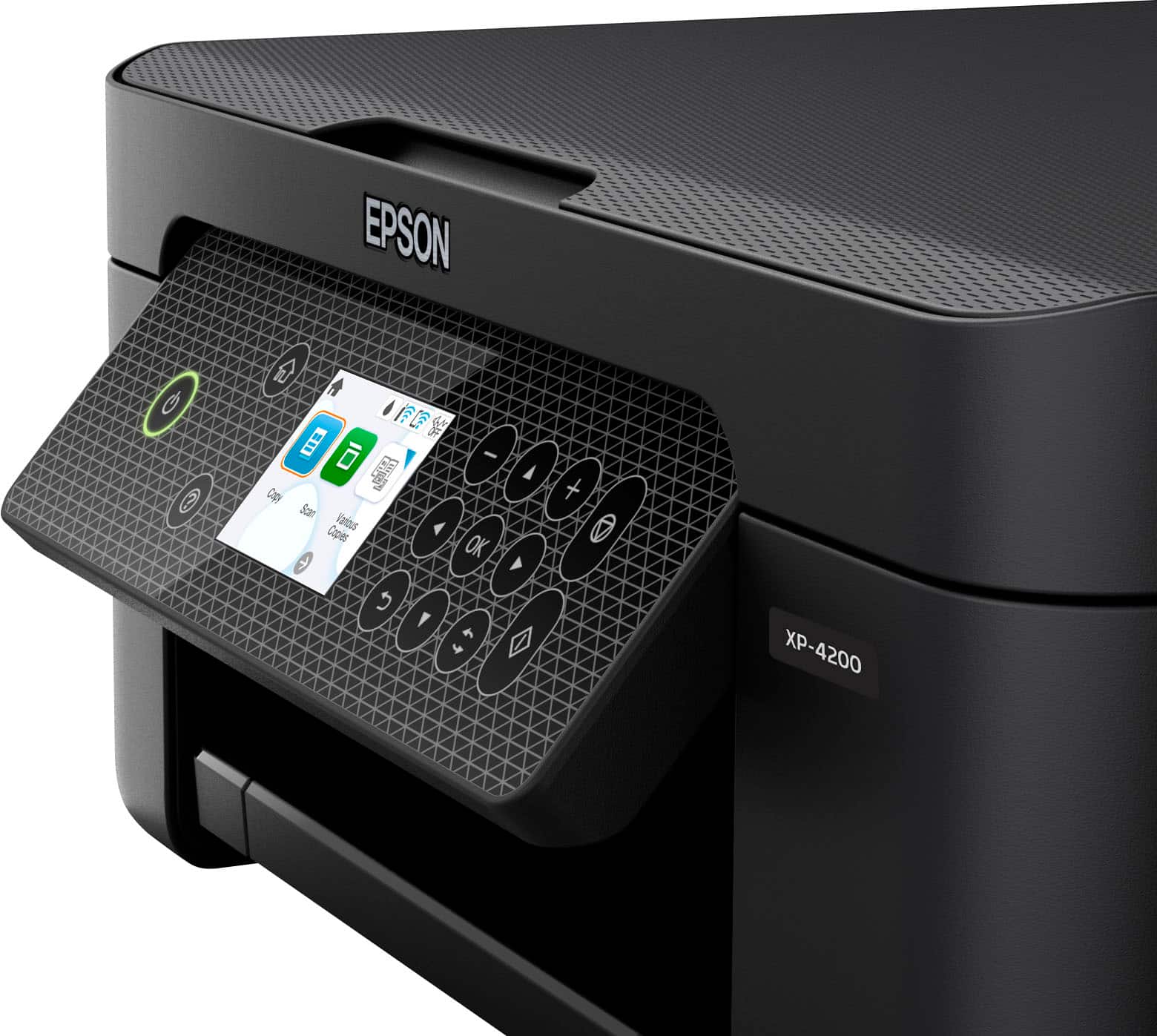
A:Answer(NO) You will need internet to set up this printer. Download the program on your computer and it configures the printer to match your computer, via onboard LCD screen, just follow the directions printed out on the screen. Printer prints quick and clear. No Book or CD or printer cable with this machine. It's made to be wireless, but will use USB printer cable, they are all the same, printer cable has USB on one end and the square printer plug on the other end. This is important! Not USB on both ends!
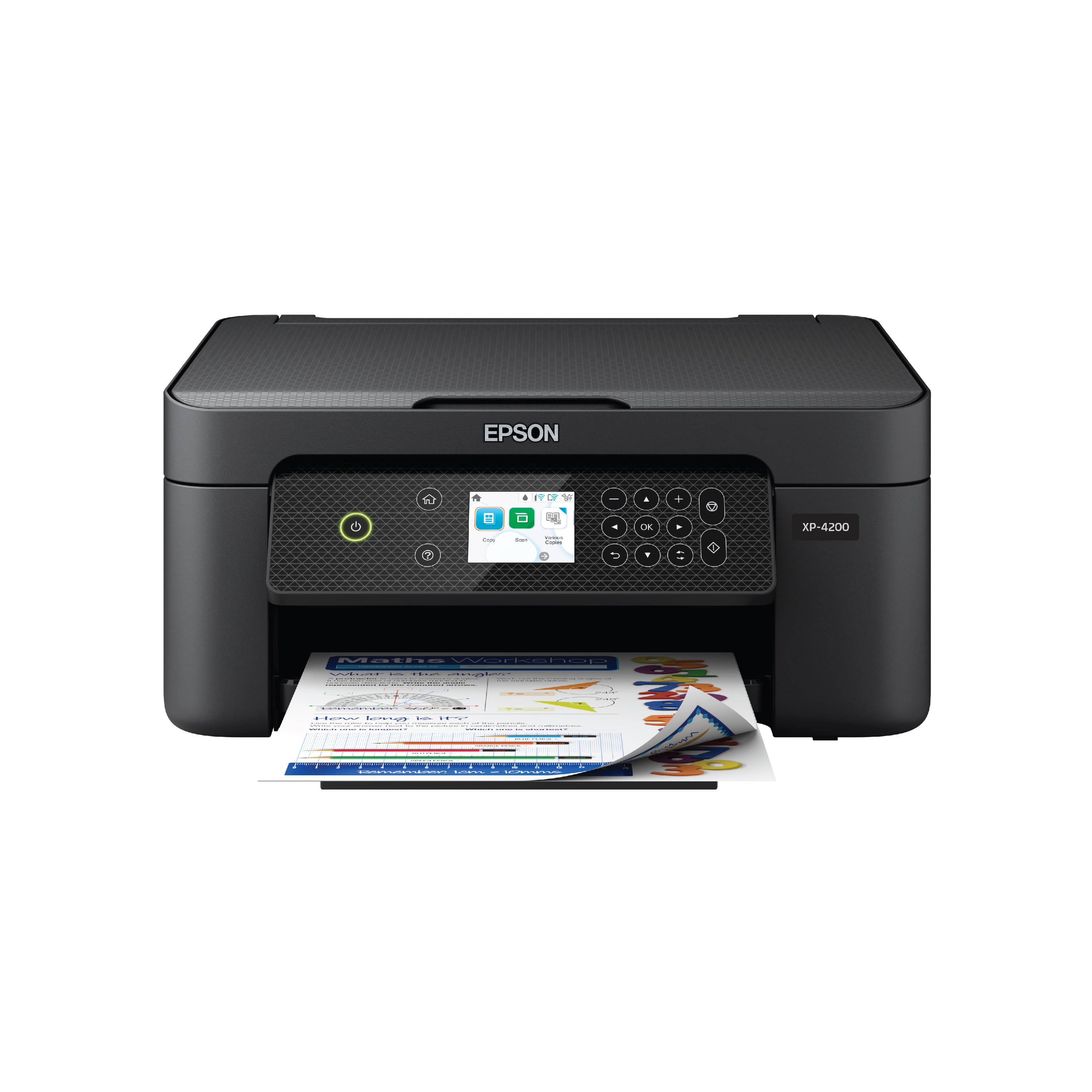
A:AnswerHello Shorty. Yes, the XP-4200 will work with Linux OS. Please visit our official Epson website, as we have a separate page dedicated to Linux Drivers. Regards, Kevin - The Epson Team.
A:AnswerSure can. I have used mine to print from my PC, my iPhone 14, and my iPad 10, as well as my wife's iPhone 14 and iPad. It took no setup either.
A:AnswerYou should be able to find that out by going into your settings, select printer, add/ install options. Once you input your printer info ( Epson XP 4105) it should tell you whether it's compatible or not.
A:AnswerYes it is a wireless printer. Not having problems with it so far 2 weeks although one of the inks is already low under moderate use, otherwise all good. I believe there is a plug in option where you do not have to go wireless. However, setup requires wireless
A:AnswerMy last printer was the WF 4630 and it quit working when the ink dried up in the print heads from non use. This XP-4200 is a great machine, is backwards compatible. You download from the internet to your computer then it decides how to configure the units together to work for you, and has a screen to read set up directions. The WF4630 printed very clear, this unit does the same but faster and easier to use Icons on screen. Through the years This is my 3rd Epson printer and the fastest to print and I have not had a paper jam yet. Make sure you get a extra set of ink cartridges with the unit as it uses about 1/2 the first ones on set up, I got the set that had the double ink for black.
A:AnswerHi Dave, You can use the Expression Home XP-4200 with smart phones, tablets, Macs, and Chromebooks as well as PCs. You can also use it as a stand-alone copier, without any external devices. Regards, Mark - The Epson Team.