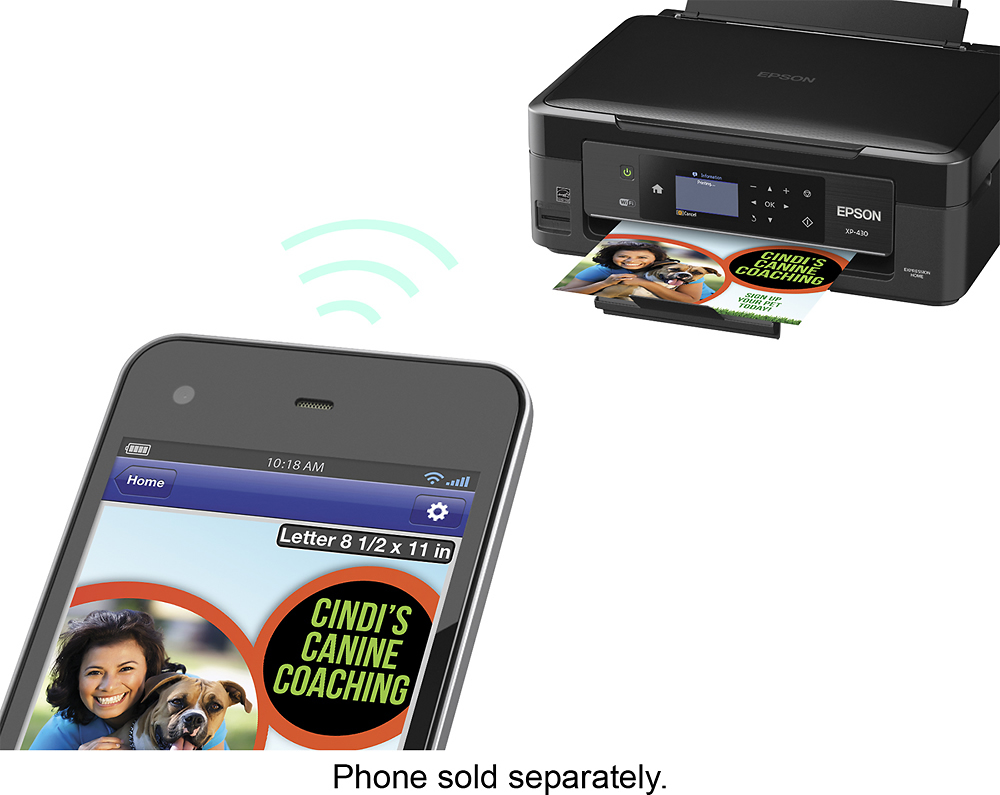
A:AnswerIt will work with the normal AirPrint application that is already installed on your iPhone. So whenever you want to print a photo, document, etc just click on the print button, choose the printer and it will work !
A:AnswerI have a Mac Book Pro and an iPad and it worked fine for me! It was really easy to set up on my Macbook and I didn't even have to set it up on my iPad. It works with AirPrint from Apple ! Hope this helps
(Unfortunately, I don't have a HP Desktop but as long as the software is compatible with the Epson software - which you can double check on the epson website - there should not be any problem).
A:AnswerNot certain about MacBook Pro; but worth mentioning that your daughter's wireless network is generally secure and only recognizes data sources that are logged on using a preselected or user selected password, usually numeric (I use the 1st phone number memorized as a child). Renegade dorm mates cannot access network printer nor, more importantly, daughter's MacBook Pro.