Best Buy Tech Fest SaleEnds Sunday. Limited quantities. No rainchecks.Shop now

Main Content

Questions & Answers

$339.00
Page Showing 1-20 of 29 questions
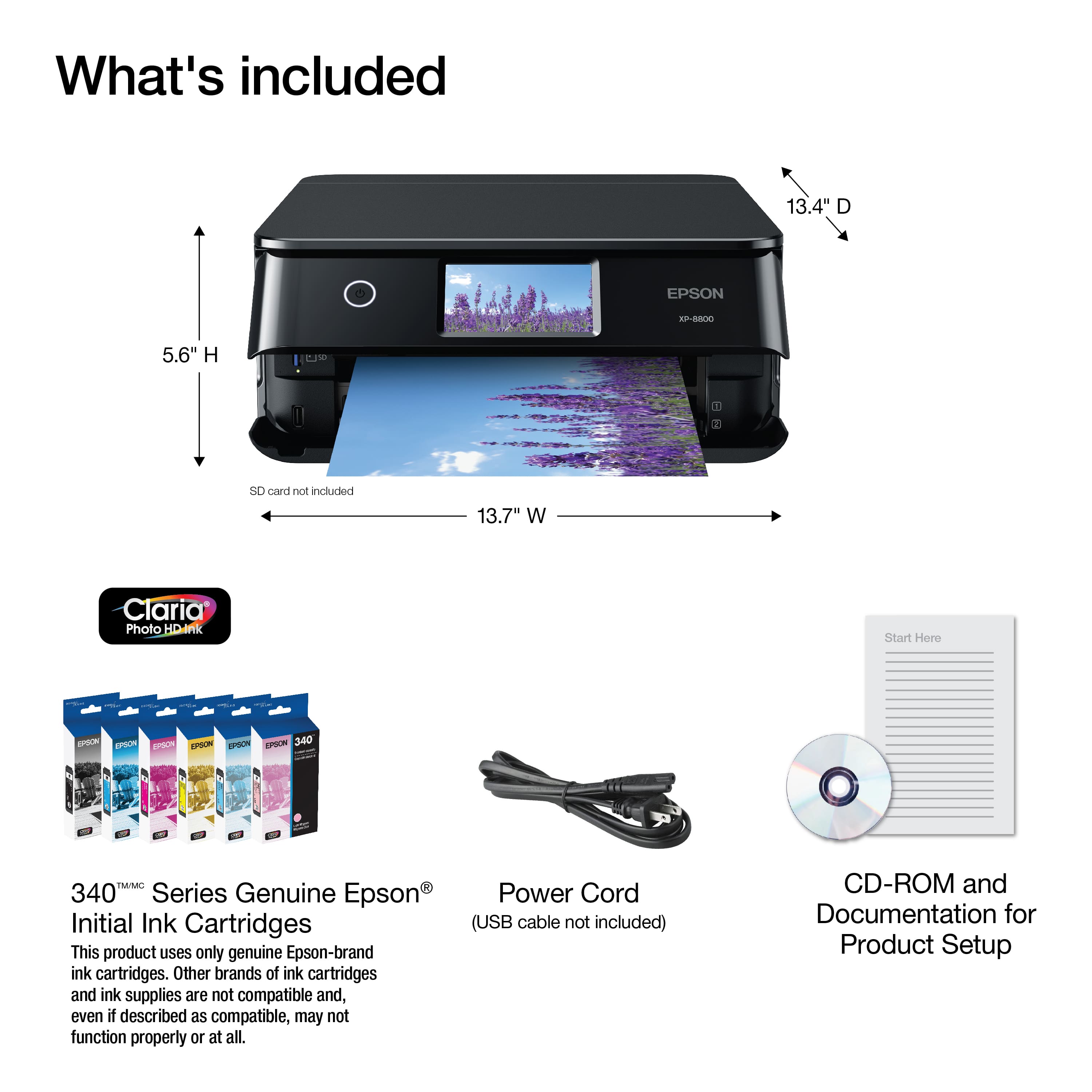
  • QuestionDoes the printer come with ink cartridges?

    • Answer Yes, the printer includes one black ink cartridge.
    This question and answer was generated by AI based on customer and product data.
  • QuestionWhat is the capacity of the paper tray?

    • Answer The paper tray can hold up to 120 sheets.
    This question and answer was generated by AI based on customer and product data.
  • QuestionDoes this printer offer wireless printing?

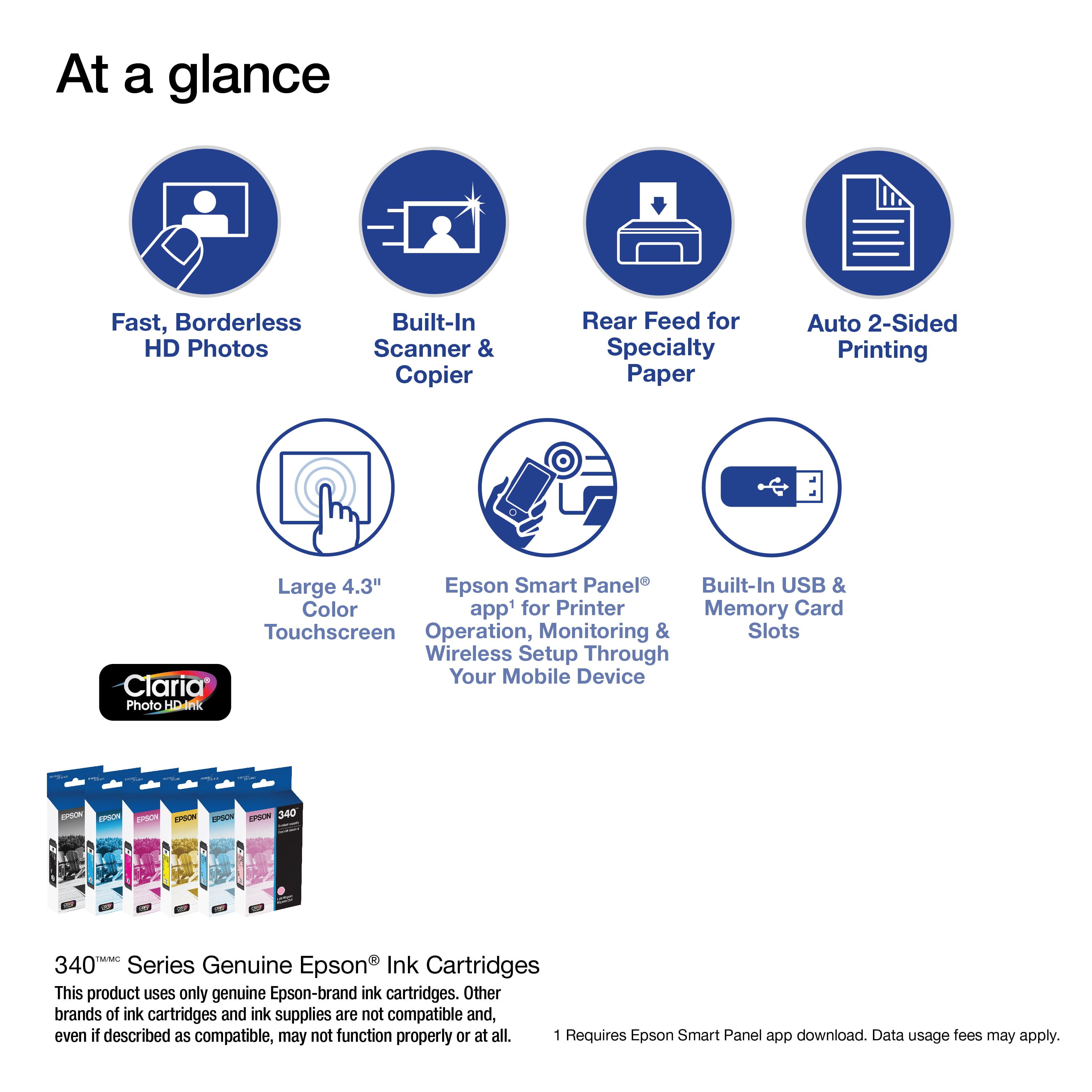
    • Answer Yes, you can print from your laptop, desktop, smartphone or tablet.
    This question and answer was generated by AI based on customer and product data.
  • QuestionHow long does it take to print a 4x6 photo?

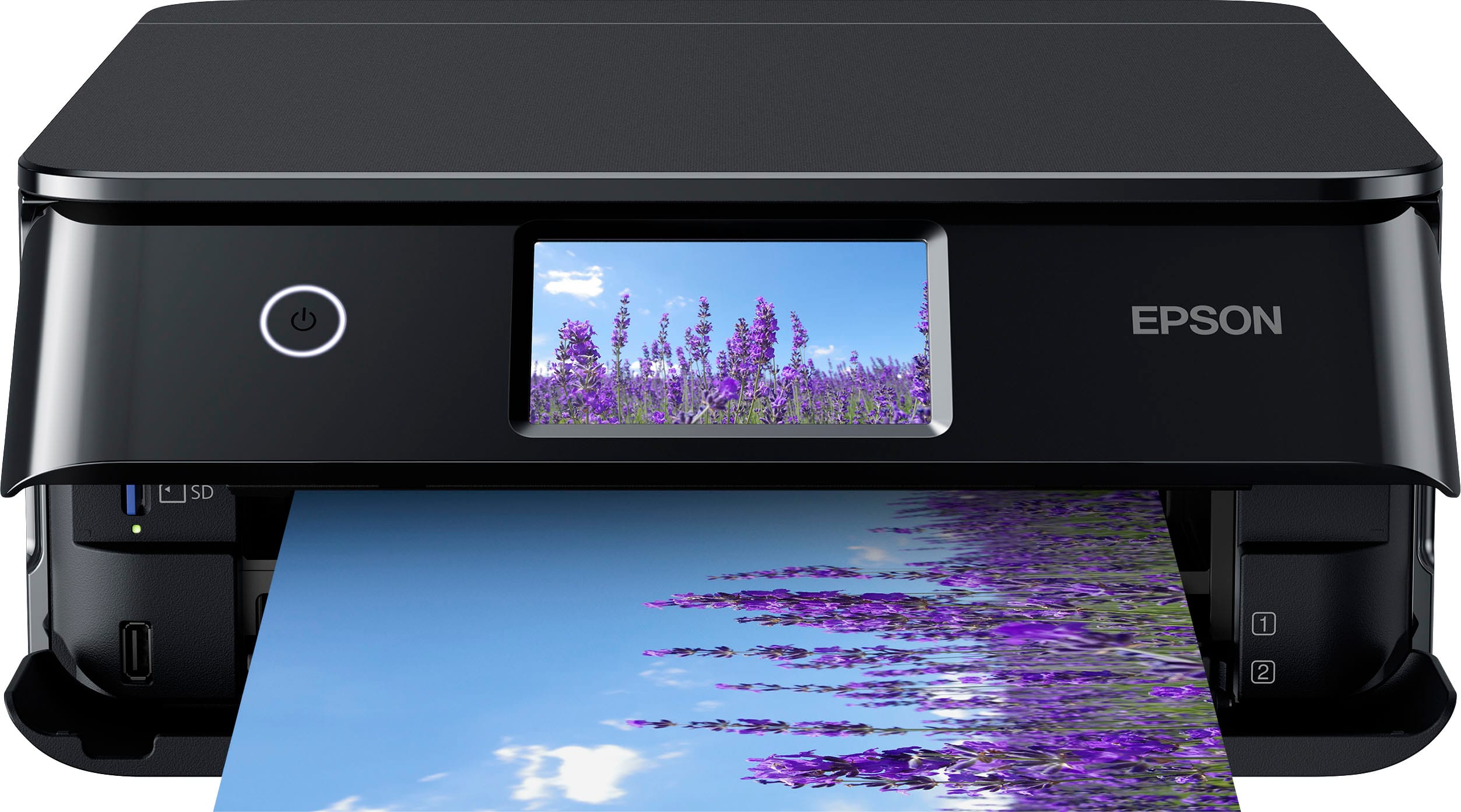
    • Answer This Epson printer can print a 4" x 6" photo in as fast as 10 seconds.
    This question and answer was generated by AI based on customer and product data.
  • QuestionWhat type of connectivity does this printer support?

    • Answer The printer supports both wired (USB-B) and wireless (Wi-Fi) connectivity.
    This question and answer was generated by AI based on customer and product data.

  • QuestionWhat is the maximum print size supported by this Epson printer?

    • Answer This all-in-one printer produces professional-quality borderless prints up to 8.5" x 11".
    This question and answer was generated by AI based on customer and product data.
  • QuestionCan I fax from this printer?

    Asked by Sand.

    • Answer Hello Sand. Unfortunately, our photo printers typically do not include fax functionality. If you’re looking for an All-in-One printer with fax capabilities, we recommend looking at our Workforce series or select models from the EcoTank lineup. Regards, Kevin - The Epson Team.

      Answered by Epson

  • Questionwhat does a scanner do?

    Asked by Anonymous.

    • Answer Hello. Scanners are used to create digital photocopies of your documents/photos. You can save your scanned originals as files that you can later view or edit onto a computer. Regards, Kevin - The Epson Team.

      Answered by Epson

  • QuestionWhere is the CD/DVD tray?

    Asked by Anonymous.

    • Answer Hello. The disc tray is underneath cassette 2. When you choose to load a CD/DVD, you can select the option to view an animation of the loading procedure. Regards, Kevin - The Epson Team.

      Answered by Epson

  • QuestionDoes this printer have a scanner

    Asked by Zaheer.

    • Answer Hello Zaheer. Yes, the XP-8800 is an All-in-One printer that includes printer and scanner functionality. Regards, Kevin - The Epson Team.

      Answered by Epson

  • QuestionCan I label a dvd

    Asked by Anonymous.

    • Answer Hello. Yes, the XP-8800 can print on compatible ink-jet-printable CDs or DVDs, including Blu-ray Discs. Regards, Kevin - The Epson Team.

      Answered by Epson

  • QuestionIs this printer Mac compatible???

    Asked by Gary.

    • Answer Hello Gary. Yes, the XP-8800 will work with Apple computers running macOS 10.9 - 26. You can find the latest driver on our official Epson Support page. Regards, Kevin - The Epson Team.

      Answered by Epson

  • QuestionDoes this work with 5G internet?

    Asked by Anonymous.

    • Answer Hello. The XP‑8800 works with Wi-Fi 5 GHz routers, but the printer itself can only connect to 2.4 GHz bands. Be sure that your Wi-Fi router is set to broadcast both 2.4 GHz and 5 GHz so the printer can join the network. If you're referring to "5G," which usually means mobile data networks used by phones and tablets, that's separate. However, if you're trying to connect the printer to a mobile device, it will work over Wi-Fi. Just download the Epson Smart Panel app to set it up and manage printing from your phone or tablet. Regards, Kevin - The Epson Team.

      Answered by Epson

  • QuestionCan this printer print directly onto CD'S?

    Asked by Hippie.

    • Answer Yes

      Answered by Shiloh111b

  • QuestionWhich ink accessories do I need to purchase?

    Asked by Mezike.

    • Answer Hello Mezike. The Epson XP-8800 comes with a set of ink cartridges. Most of this ink is used to charge the ink delivery system, and the remaining ink will be available for printing. Regards, Kevin - The Epson Team.

      Answered by Epson

  • QuestionHow many 4x6 photos can you print with one set of inks?

    Asked by TommyB.

    • Answer Hello TommyB. Epson uses ISO/IEC 24711 tests to determine page yield. Your results can vary based on print settings, image size, paper type, etc. A new set of standard capacity T340 ink cartridges can print approximately 240 Black or 360 Color ISO pages. If you use a new set of T340XL ink cartridges, you can expect to print approximately 500 Black or 830 Color ISO pages. Regards, Kevin - The Epson Team.

      Answered by Epson

  • QuestionWhat ink cartridges does this use?

    Asked by San.

    • Answer 340xl caria HD

      Answered by Shiloh111b

  • QuestionIs this printer compatible with Windows 10?

    Asked by Nick.

    • Answer I believe so.

      Answered by PaulD

  • QuestionCan this printer handle cardstock and labels?

    Asked by HappyCustomer123.

    • Answer I believe so.

      Answered by PaulD

  • QuestionHi, can I print onto iron-on transfer paper with this printer? I want to print out some images to iron onto t-shirts. Thanks!

    Asked by Phrenologyhead.

    • Answer Hello Phrenologyhead. The XP-8800 works with Epson Iron-on Cool Peel Transfer paper, which can be used with t-shirts. Please note that we have not tested other brands of transfer paper with the machine. If you plan to use third-party paper, we recommend trying a small batch first to ensure it works properly and has satisfactory image quality. Regards, Kevin - The Epson Team.

      Answered by Epson