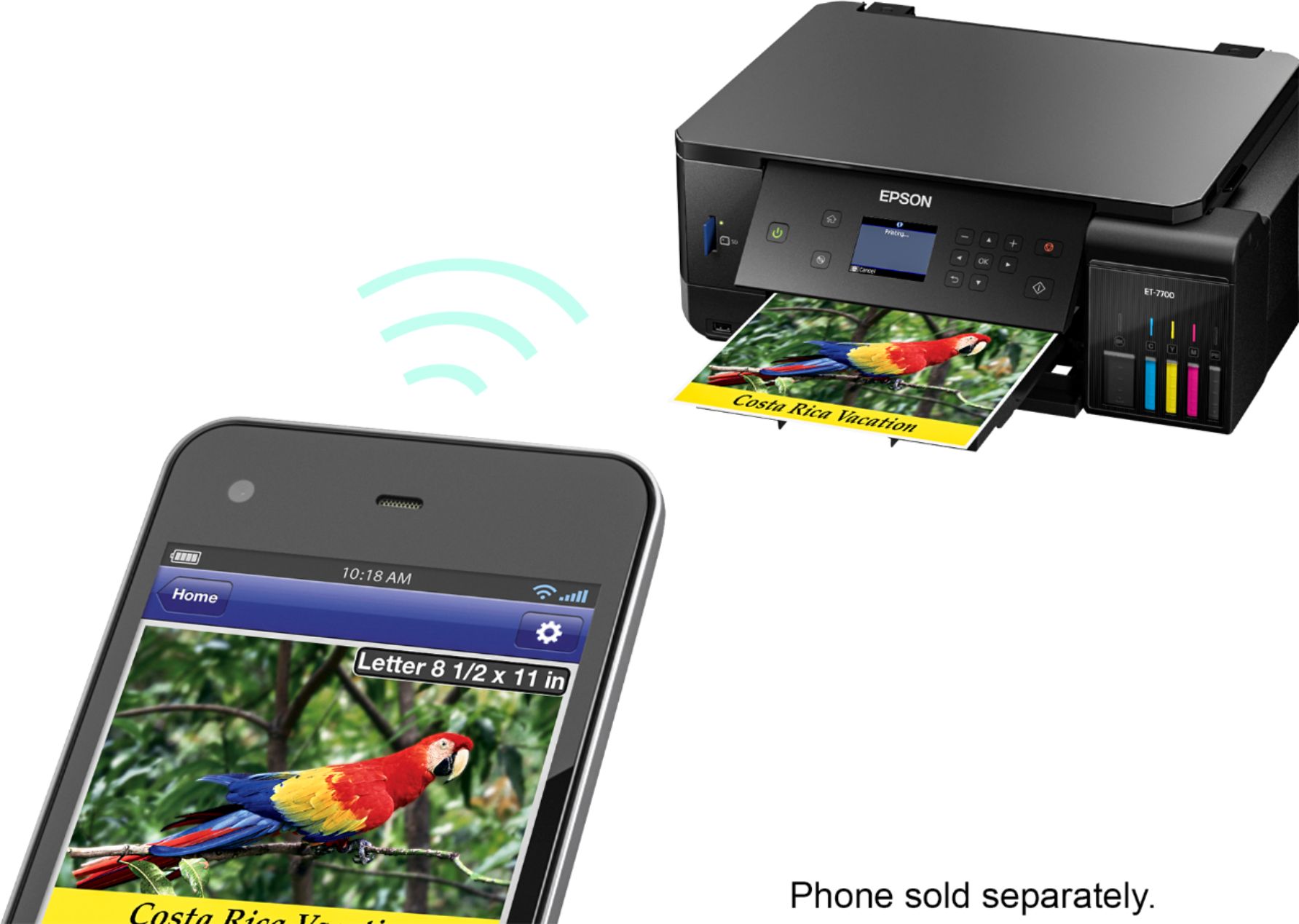
A:AnswerYes it will. I use the print feature from my phone a ton. When I send something to print it is pre-selected for single pages. Touch that option and you can change to double sided.
A:AnswerUsually all you have to do for mail labels is download the label template for the labels you are going to use in Word or whatever Mac uses. Then make a document using that template, load the label paper (the right way), and print it. Usually labels come with instructions for this. If you are trying to use it as a label maker (run label tape through it) this printer isn't made for that.
A:AnswerI really don't know from experience, but I would expect the printer to jam if enough seeds fell off the paper inside the printer. I recommend you contact the mfg. about acceptable paper thickness range - and about how to clean the printer.
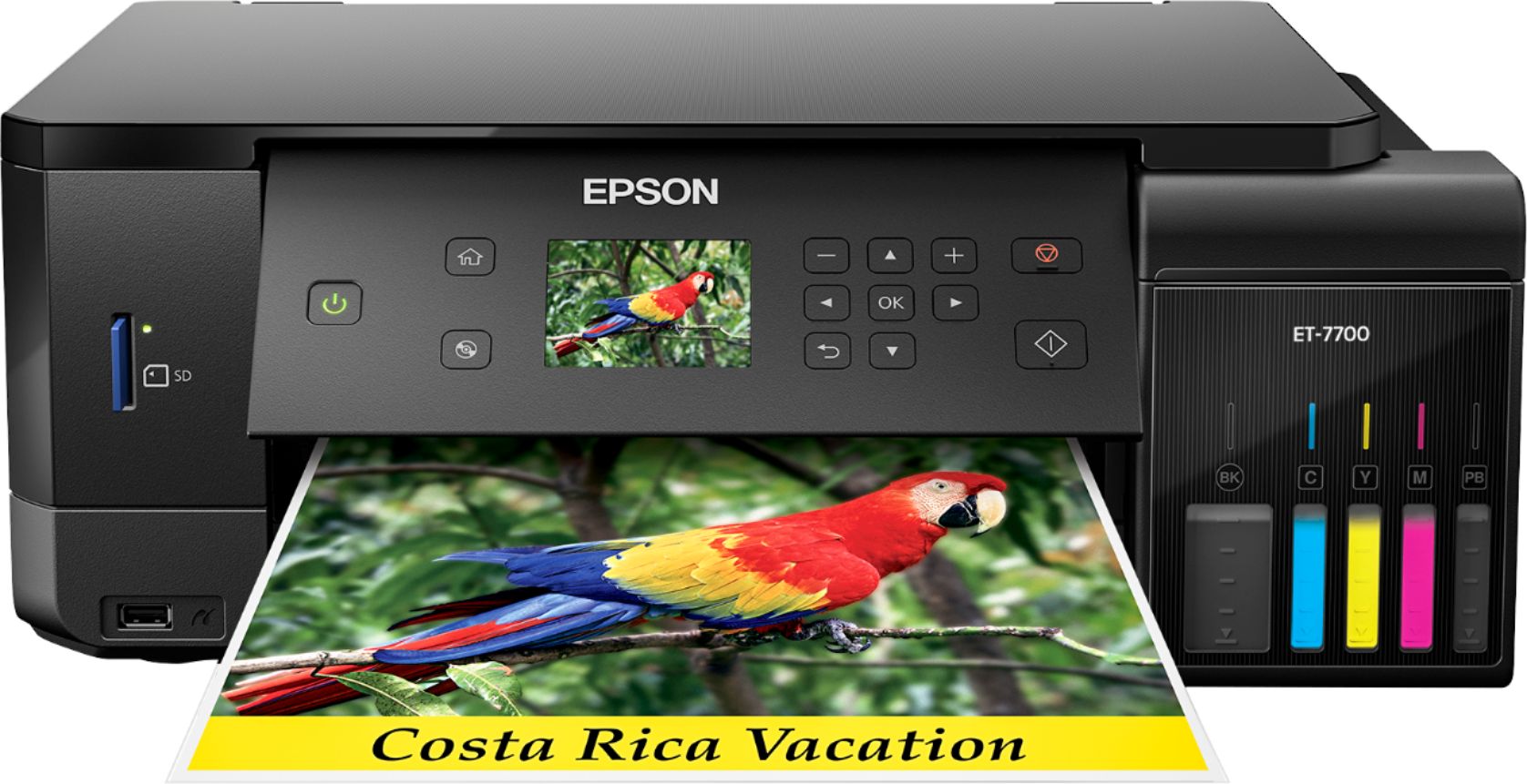
A:AnswerI love my ET7700 Printer. I have not had the problem you describe with this printer but did have it with an Epson 640 printer. I could not get any help with that printer...
Every so ofter it would drop ink blobs while printing on DVDs...I print a bunch of DVDs in my business so I finally gave the printer to my daughter who does not print on DVDs...
I hope you can get a fix from epson!