No content
Questions & Answers
- Model:
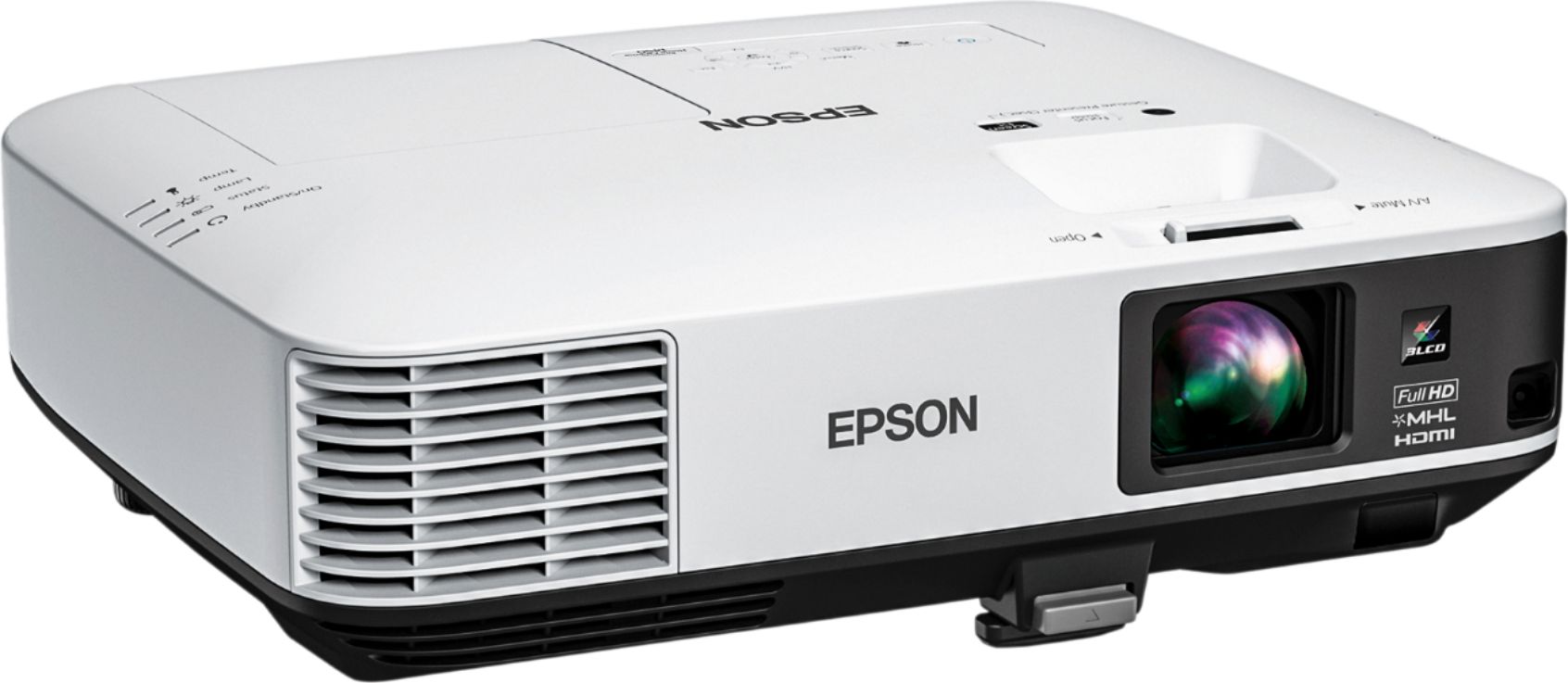
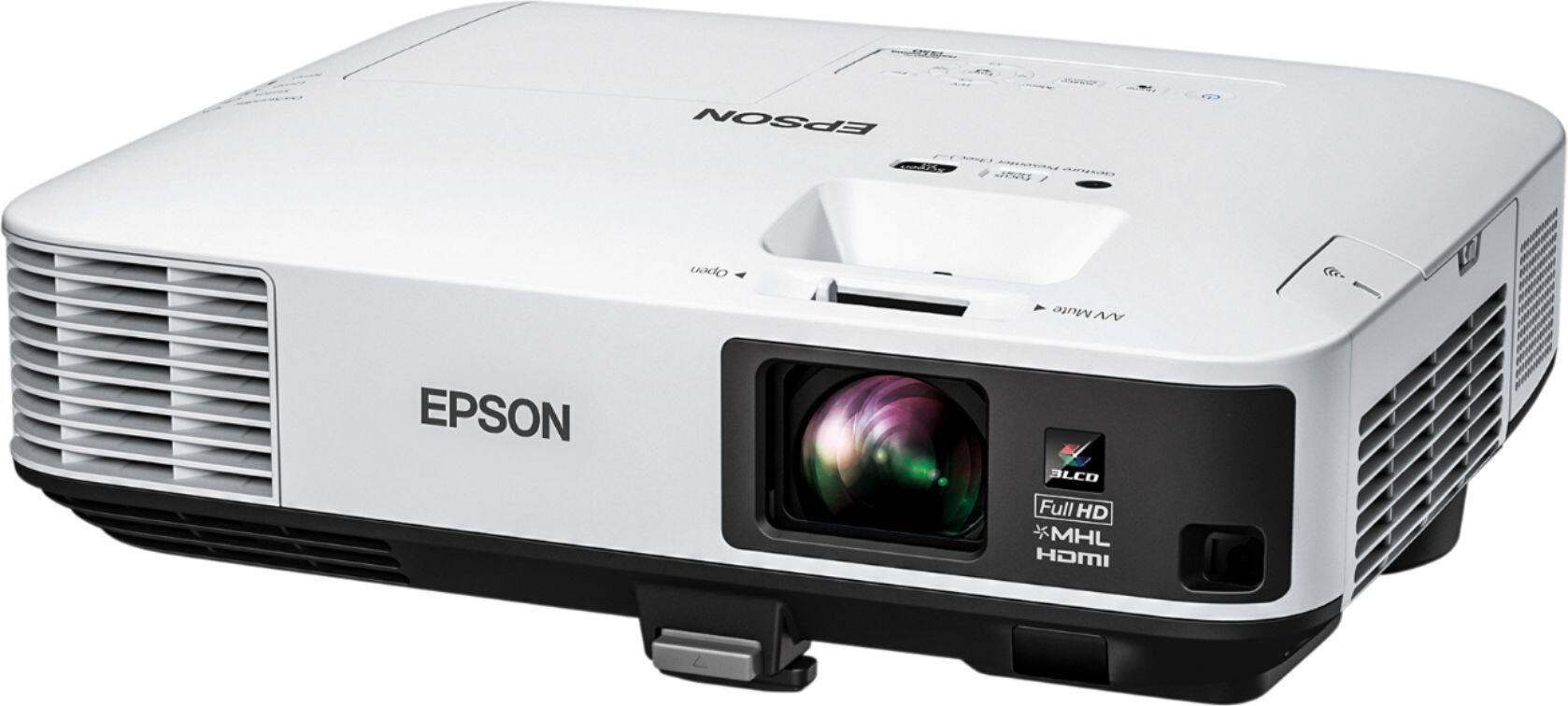
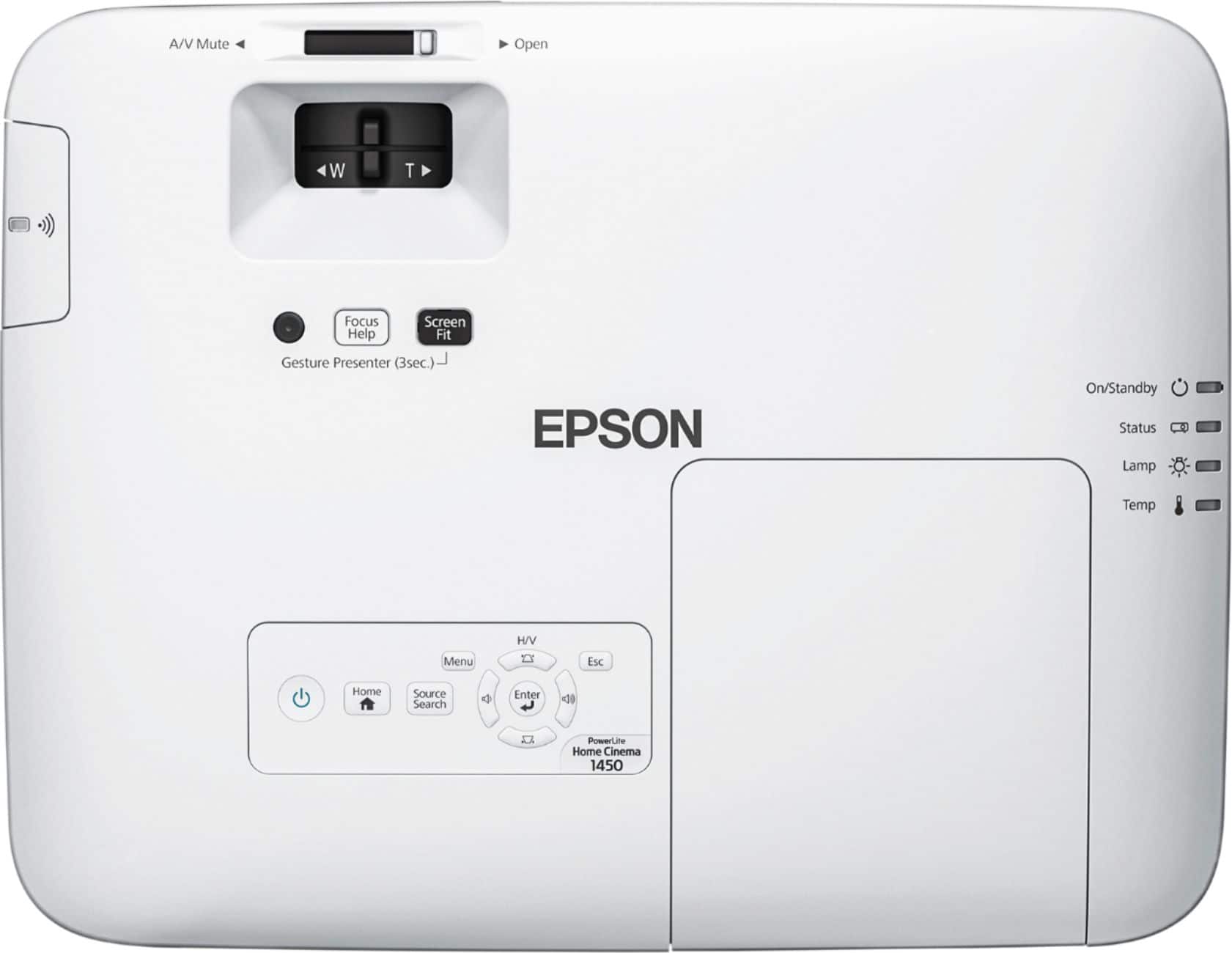
- EPSON HOME CINEMA 1450 V11H836
- |
- SKU:
- 5799500
Highly rated by customers for: Picture Quality, Brightness, Ease of use
Page Showing 1-13 of 13 questions
Q: Questioncan i watch Netflix and Amazon?
Asked by HC1450.
- A:Answer Absolutely. Remember the projector acts only as a monitor. Make sure you have a receiver with lots of HDMI inputs and you can plug Apple TV, firestick, DVD etc. then connect the receiver with just one HDMI our and you’re golden.
Answered by Kevin
Q: QuestionDoes this model have an audio out to run sound through a receiver to an external speaker system?
Asked by rickO.
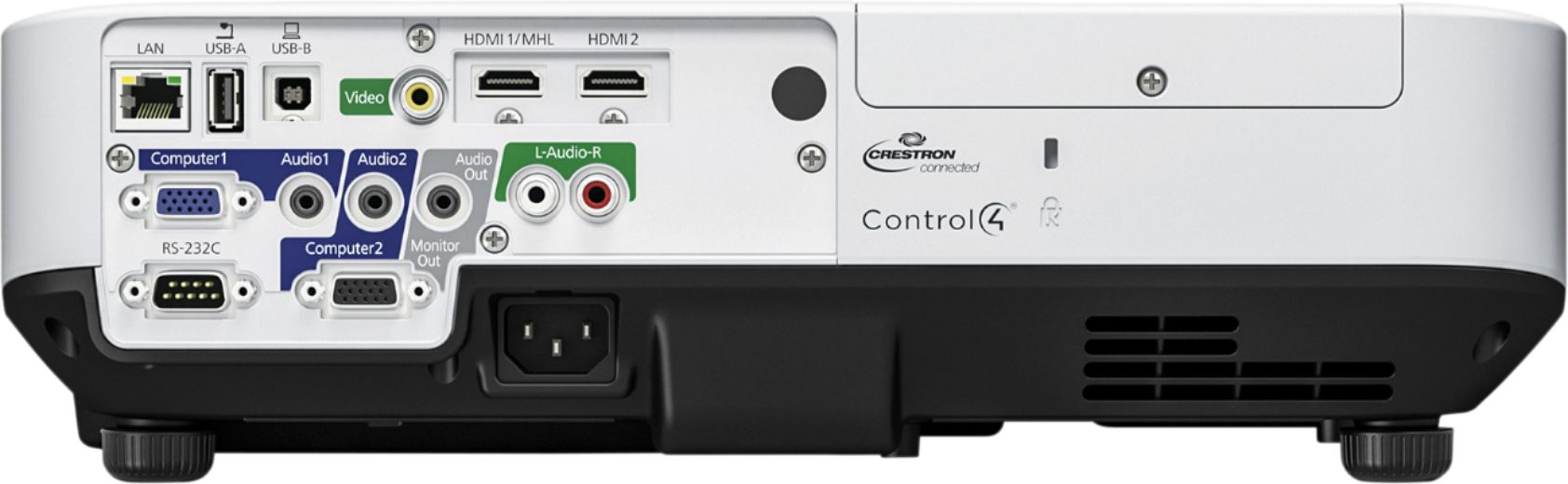
- A:Answer Yes it does - standard 3.5mm(1/8") stereo (min-pin) jack. From the manual: Connecting to External Speakers To enhance the sound from your presentation, you can connect the projector to external self-powered speakers. You can control the volume using the projector's remote control. You can also connect the projector to an amplifier with speakers. If you want to output audio from the external speakers when the projector is turned off, you need to select Always On as the A/V Output setting in the projector's Extended menu. Note: The projector's built-in speaker system is disabled when you connect external speakers. Make sure your computer or video source is connected to the projector with both audio and video cables as necessary. Locate the appropriate cable to connect your external speakers, such as a stereo mini-jack-to-pin-jack cable, or another type of cable or adapter. Connect one end of the cable to your external speakers as necessary. Connect the stereo mini-jack end of the cable to your projector's Audio Out port.
Answered by Sponson
Q: QuestionDoes this have wi-fi capability?
Asked by Inquiringmind.
- A:Answer Hi Inquiringmind, The Home Cinema 1450 does not have WiFi capabilities as shipped. Check the Epson support page to learn about the optional wireless dongle. Regards, Mark - The Epson Team.
Answered by Epson

Q: QuestionCan you mount this upside down? Will the picture adjust?
Asked by Mounting.
- A:Answer Hi Mounting, Yes. The Home Cinema 1450 can be mounted upside-down. You have to change a setting in the menu to invert the display. Regards, Mark - The Epson Team.
Answered by Epson

Q: QuestionDoes the Epson HC1450 work like a smart TV? Connect to the internet, Netflix, etc?
Asked by Emack.
- A:Answer You will need a fire stick That’s how mine is set up.
Answered by MoeM
Q: QuestionIs this a smart projector meaning can you watch Netflix etc
Asked by Jjfoz.
- A:Answer Yes, you can watch Netflix with this.
Answered by CommunityAnswer
Q: QuestionCan I use a PlayStation with this for gaming ?
Asked by Keke.
- A:Answer Yes! Both my boyfriend and I have used our PS4s with it, and it’s really great quality. We have the PS4 and projector connected to an Amp. We also watch movies via PS4 on the projector as well. Would really recommend this! We’re thrilled we made this purchase. Makes gaming really fun :)
Answered by Stacie
Q: QuestionDoes it have Bluetooth to connect to Bluetooth speakers?
Asked by Mateo.
- A:Answer No, this model is not Bluetooth-enabled.
Answered by CommunityAnswer
Q: QuestionMy room is only about 15’ 5” long. How big of a picture can I get with that?
Asked by Jeff3955.
Q: QuestionHow will this projector do outside in the daytime?
Asked by astroman.
- A:Answer It looks washed,
Answered by marko
Q: QuestionWhat is the throw offset of this projector? I would like to mount this on the ceiling upside down but do not want it to hang too low off the ceiling. I know the Epson 2040 had a negative throw offset im hoping this one does not.
Asked by evergreen0077.
- A:Answer The throw ratio range is 1.57 (Zoom: Wide), 2.58 (Zoom: Tele).
Answered by CommunityAnswer
Page 1, Showing 1-13 of 13 questions
Top Rated
- $329.99$329.99The price was $469.99
- $299.99$299.99The price was $349.99
- $949.00$949.00The price was $1,099.00
- $139.99$139.99The price was $149.99
- $449.99$449.99The price was $649.99
- $279.99$279.99The price was $329.99