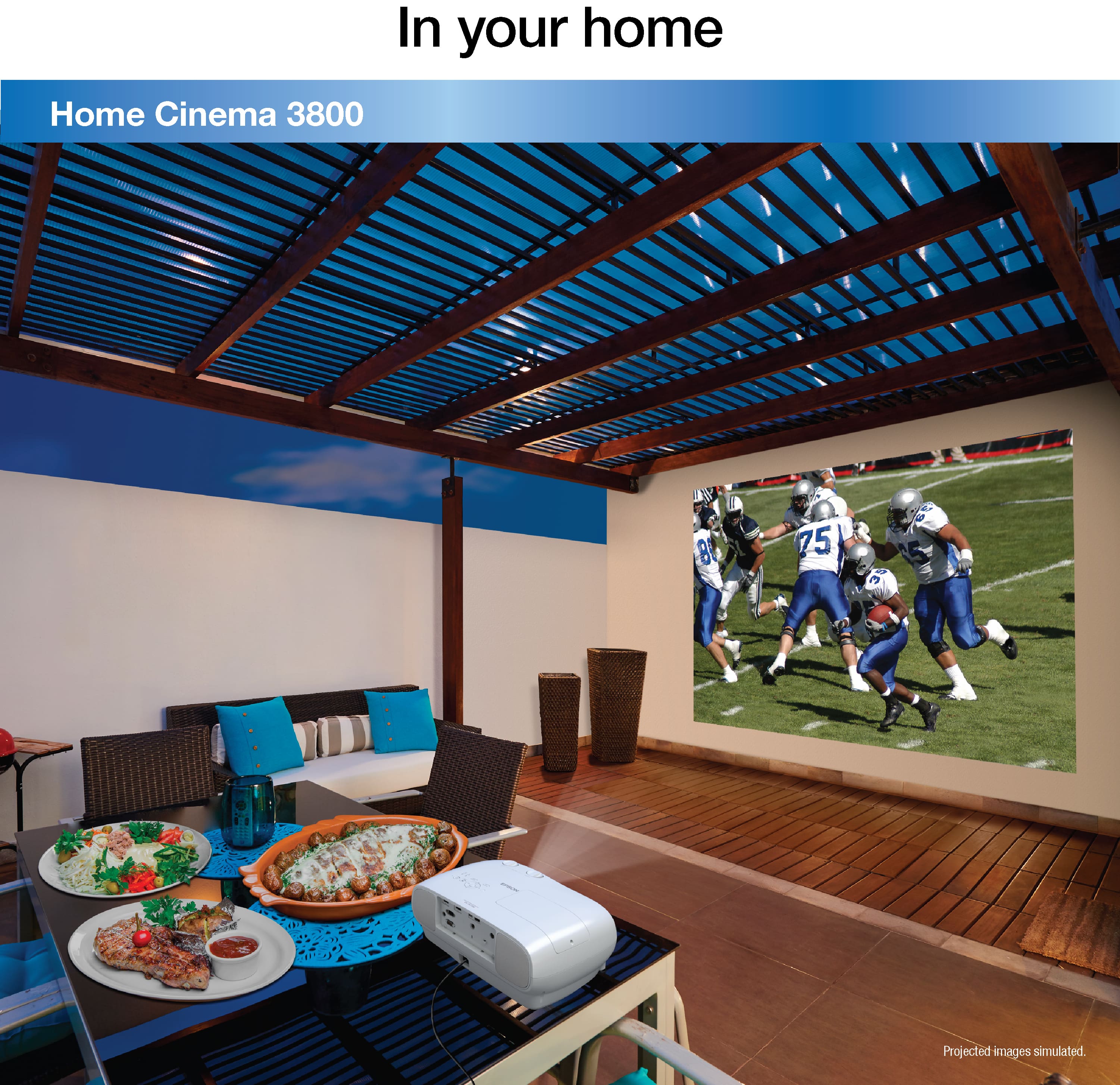
A:AnswerI use it inside my room and the room gets a little warm and static noisy because of the cooling process, so to answer you, yes it is really good to use it outdoors
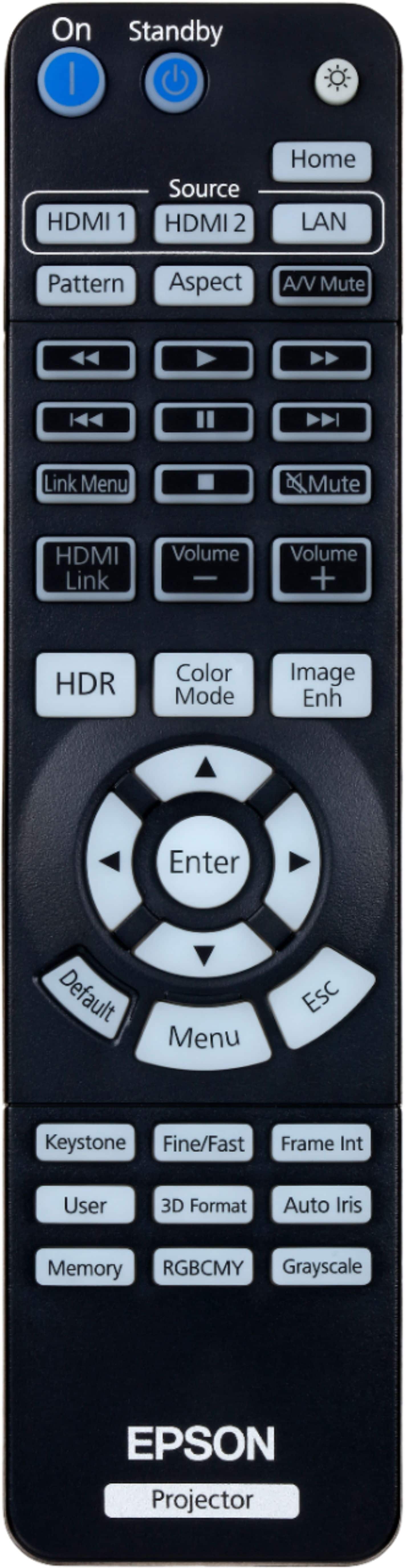
A:AnswerHello DS. Yes, the Home Cinema 3800 includes keystone correction buttons to correct the shape of an image that is unevenly rectangular on the sides. Regards, Kevin - The Epson Team.
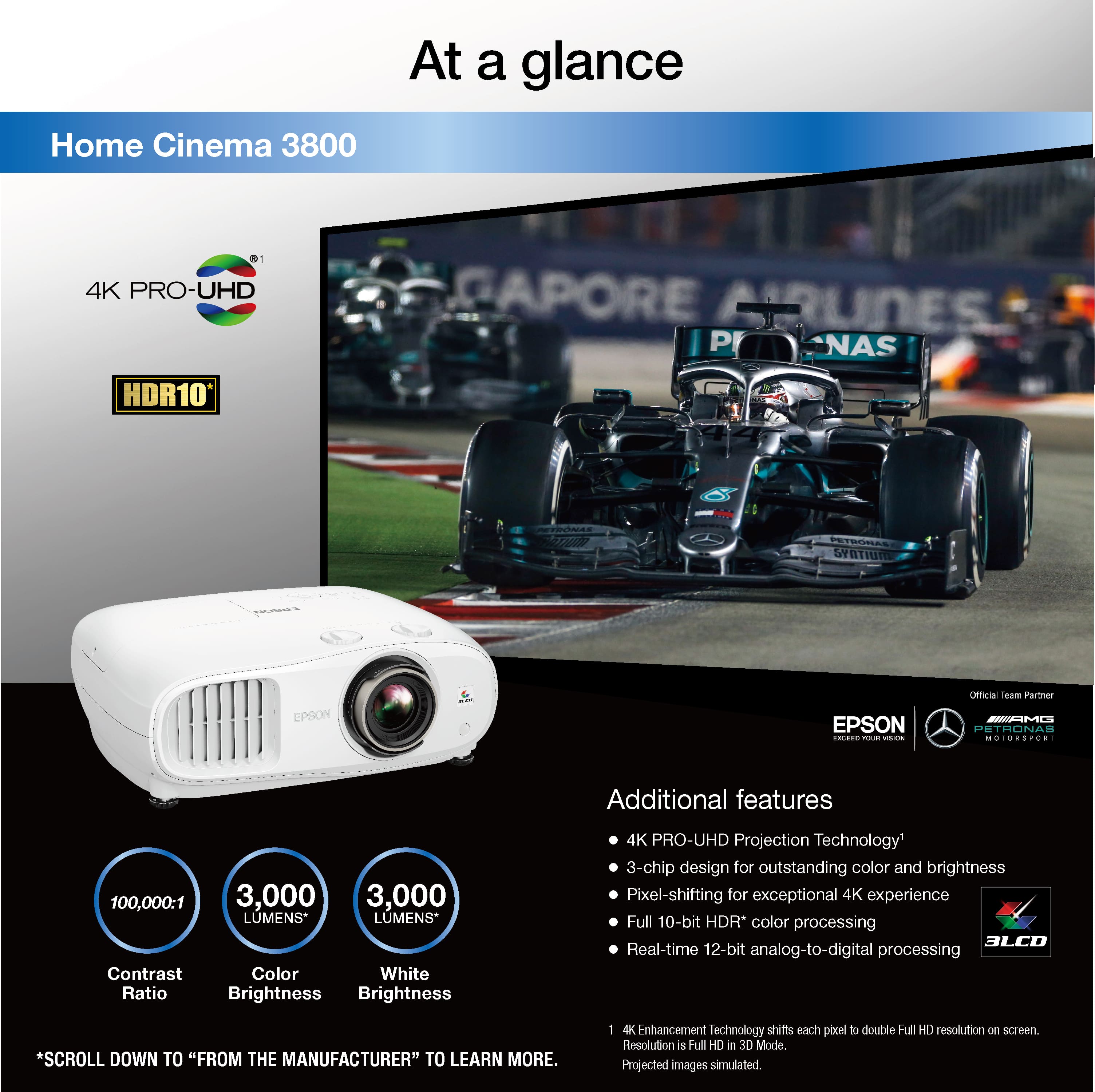
A:AnswerHi Otis, The Home Cinema's 4K PRO-UHD resolution does not change as room brightness increases. Your perception of the brightness and color of the projected image may be affected by bright rooms. The Home Cinema 3800 is designed for home theater, so a dimly lit room will allow you to enjoy its amazing color and contrast. Regards, Dylan - The Epson Team.
A:AnswerHi Receiverforepson3800, Visit the Epson support site for the Home Cinema 3800 to see FAQs, videos and user's guides that can help. To work with the projector, a Bluetooth audio device must support copyright protection (SCMS-T) and A2DP. Regards, Mark - The Epson Team.
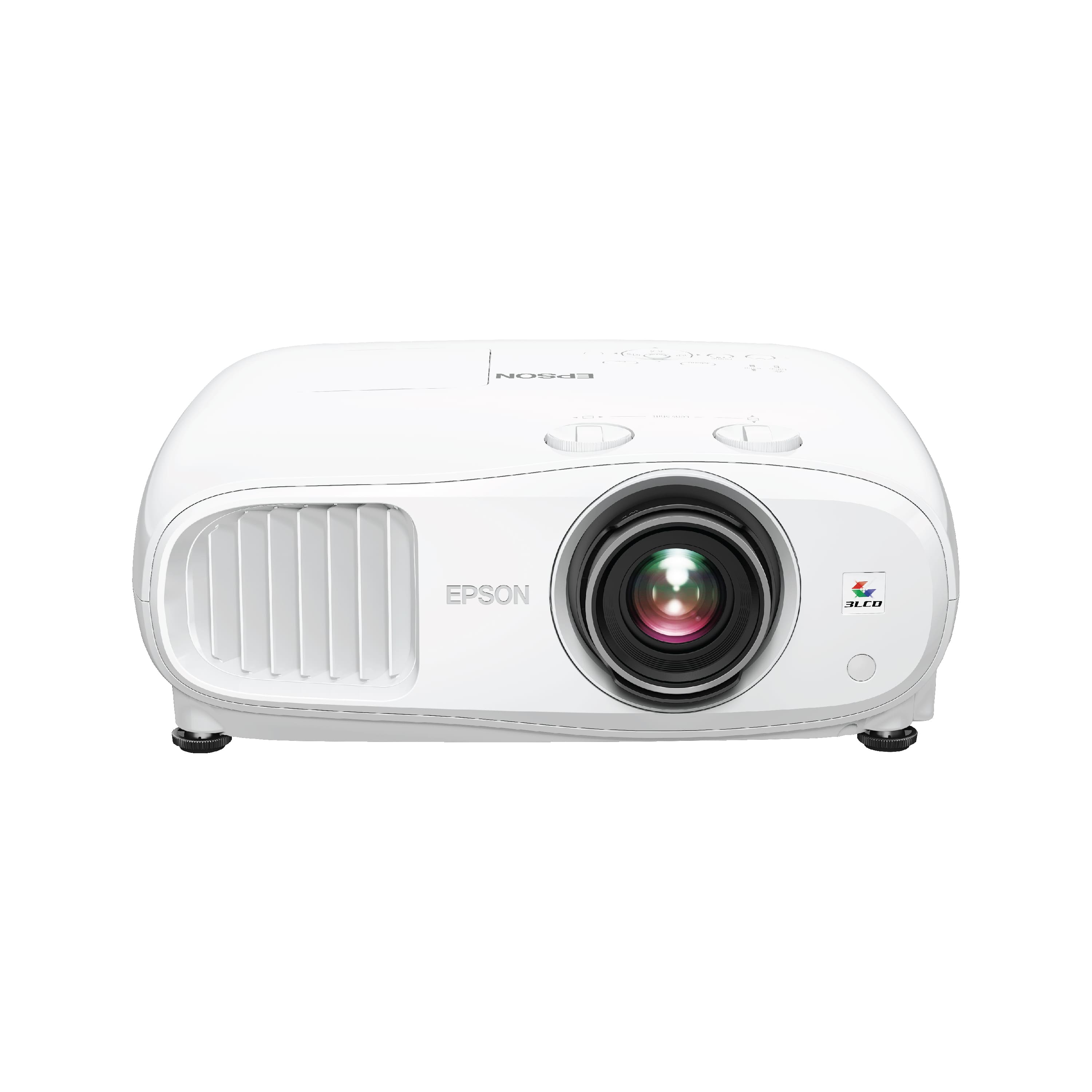
A:AnswerHi Cathy, The best way to get lag-free sound is to run video to the Home Cinema 3800 and an audio cable directly from your Apple TV and Blu-ray to an amplifier and speakers. Regards, Mark - The Epson Team.
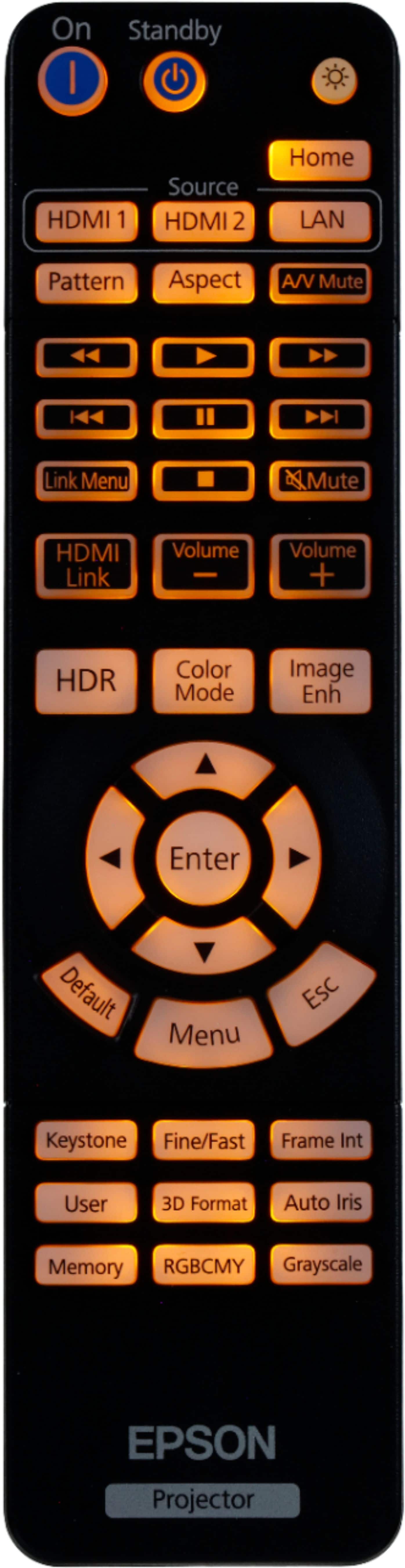
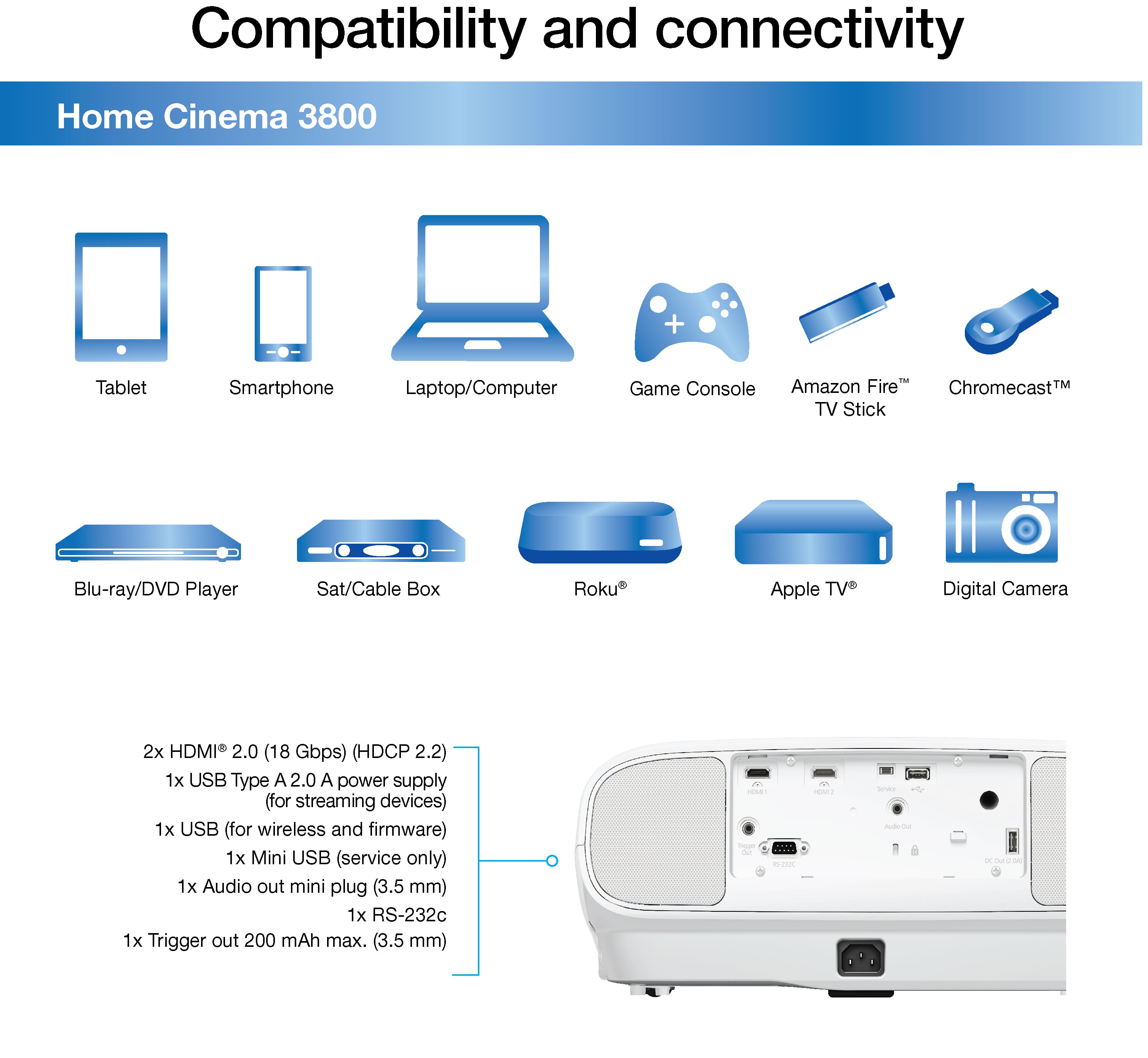
A:AnswerHi bali, The Home Cinema 3800 requires an optional wireless LAN module to connect directly to WiFi. Another solution is to connect a streaming device such as an Apple TV or Roku to one of the HDMI ports. Regards, Mark - The Epson Team.
A:AnswerHi Hp. Yes, the Epson Home Cinema 3800 projector can be placed in front, and between 46 - 377 inches away, from your screen. The projector's brightness should not be affected by frontal positioning. Regards, Bobby - The Epson Team.
A:AnswerHi Nandi, Yes, the Projector Ceiling Mount Kit has a quick release lever which provides fast connect/disconnect of the projector for service and enhanced security with an integrated key and lock system. Regards, Alexander - The Epson Team.
A:AnswerI also had an Epson 3010 with 3D glasses. Unfortunately the 3D glasses technology has changed from the 3010 to the Epson 3800. The Epson 3800 uses RF signals to communicate with the glasses and must be paired with the projector. There are several cheaper 3D glasses options that are not Epson branded that will work with the Epson 3800. Just make sure that it is compatible with the RF signals.