Questions & Answers
- Model:
- V11HB07120
- |
- SKU:
- 10781546
$1,995.00Your price for this item is $1,995.00
Page Showing 21-38 of 38 questions
Q: QuestionIs this projector good to use on a golf simulator?
Asked by GolfNut.
- A:Answer Hello. The LS650 isn’t ideal for golf simulators since it’s an ultra short throw projector that must be placed very close to the screen. Instead, we recommend looking at our standard throw laser projectors with a brightness of at least 3,500 lumens or above. Regards, Kevin - The Epson Team.
Answered by Epson
Q: QuestionHow far does the projector need to be from the wall to project a 100 inch image?
Asked by Steve.
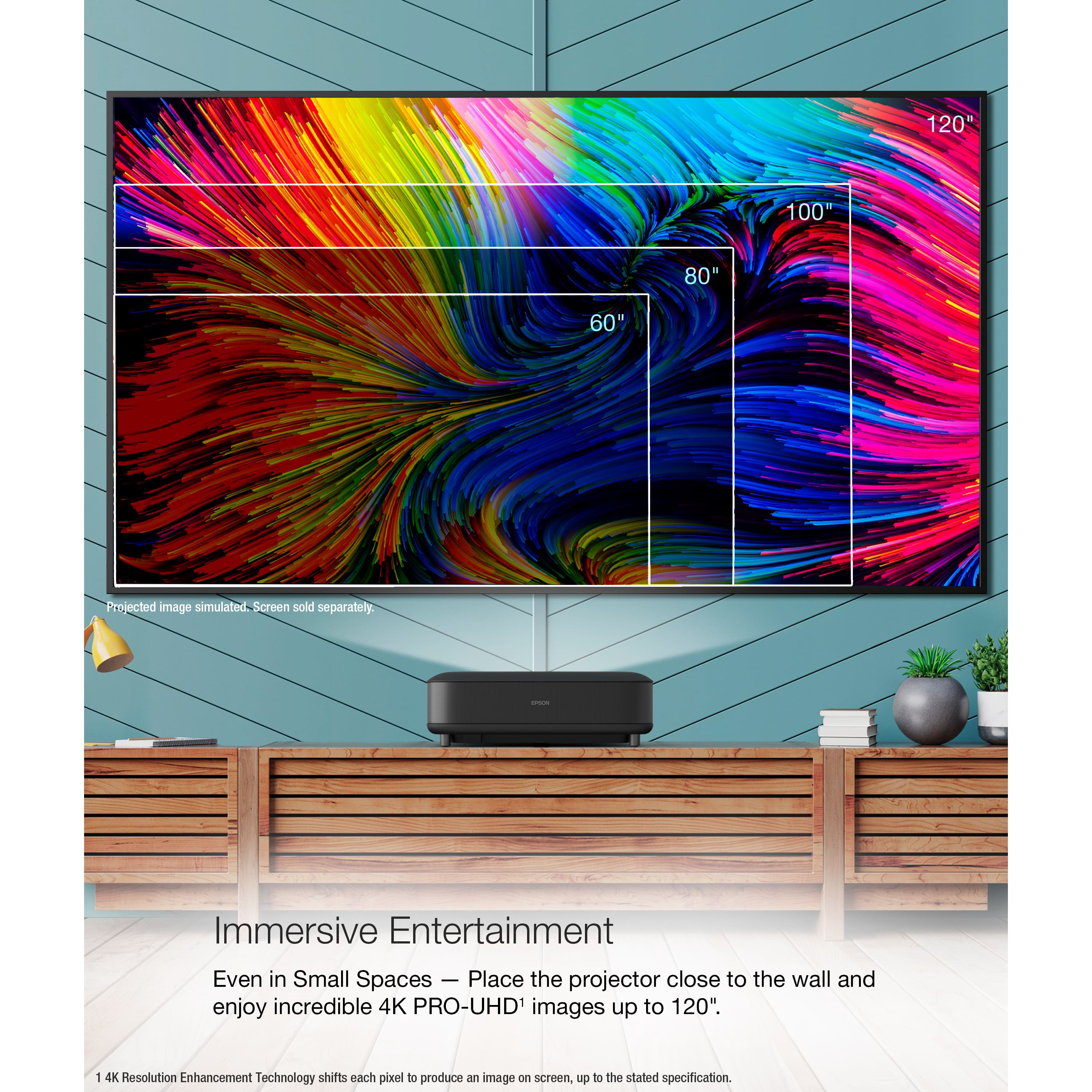
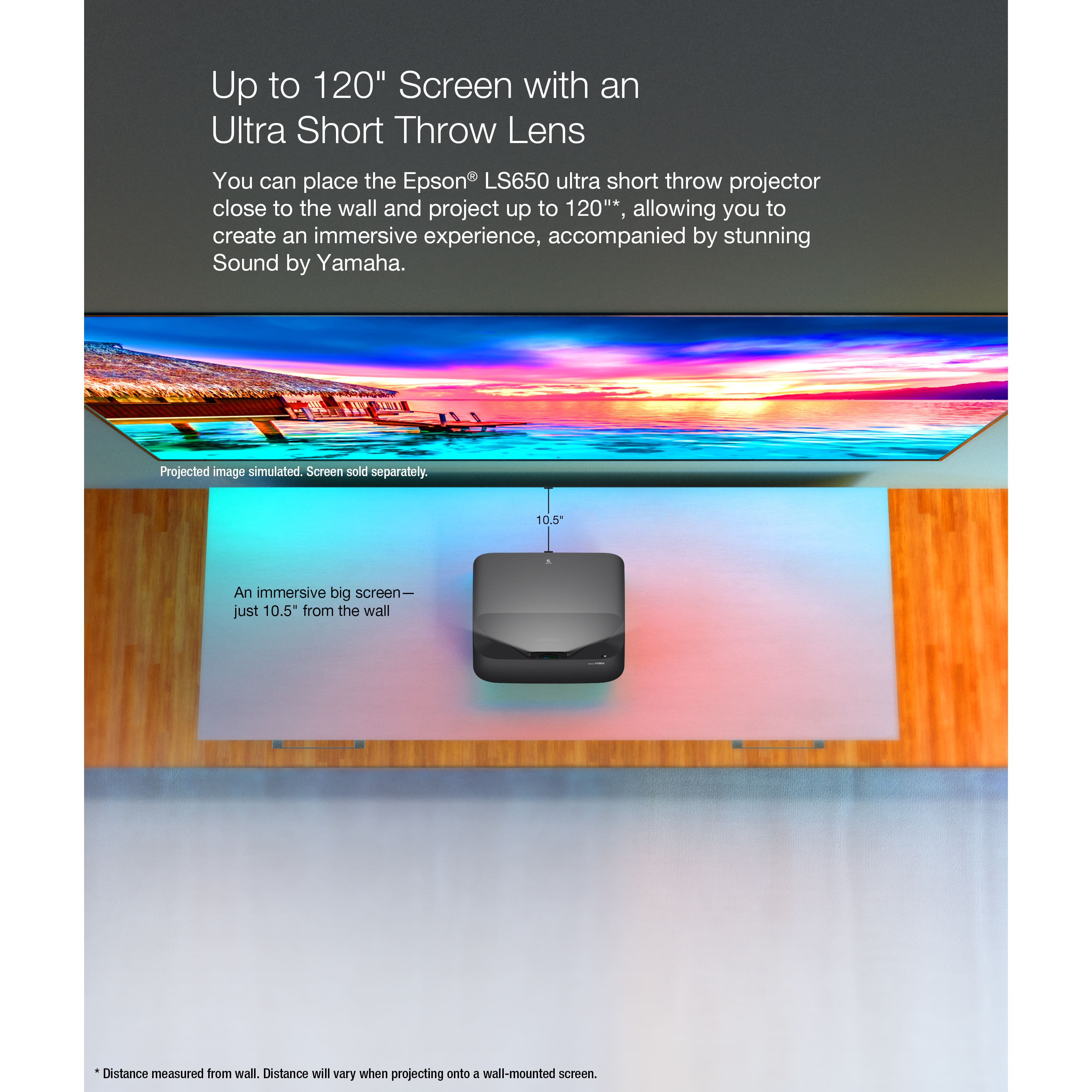
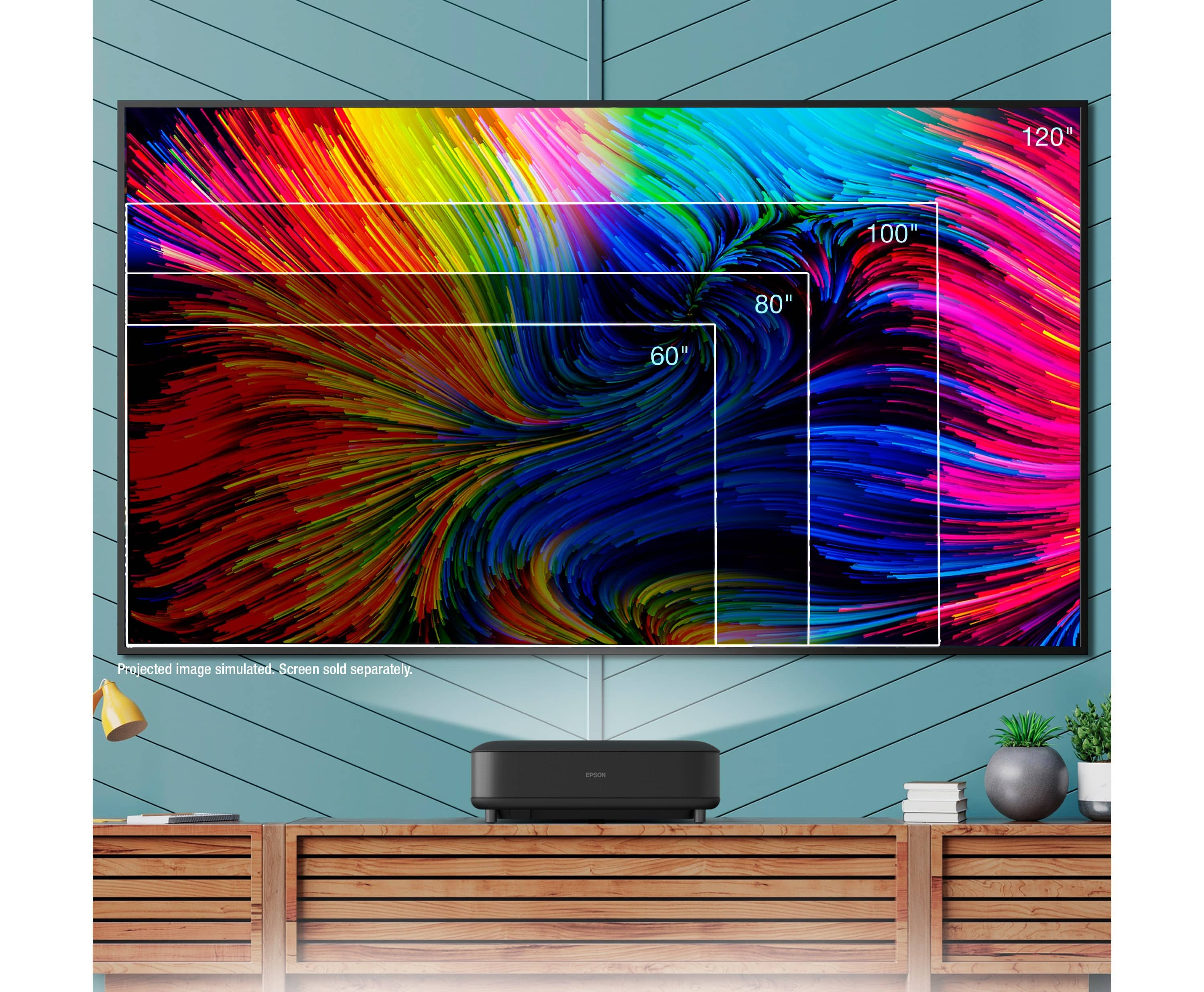
- A:Answer Hello Steve. The LS650 needs to be placed a minimum of 22.7 inches away from the wall if you are planning to use a 100-inch display. Regards, Kevin - The Epson Team.
Answered by Epson
Q: QuestionHow easy is it to replace a burnt out bulb? Please describe the process. How much do replacement bulbs cost currently?
Asked by OhioTechGuy.
- A:Answer Hello OhioTechGuy. The LS650 is a laser projector, so it does not contain a user‑replaceable bulb. Regards, Kevin - The Epson Team.
Answered by Epson
Q: QuestionWhat’s the Maximum throw distance or how far away can the projector be from the screen
Asked by Flea.
- A:Answer Hello Flea. The projector distance depends on the screen size you intend to use. The maximum supported screen size is 120 inches, so the device should be positioned no farther than 27.6 inches away. Regards, Kevin - The Epson Team.
Answered by Epson
Q: QuestionDoes it have horizontal and vertical keystone and to what degree?
Asked by Ed.
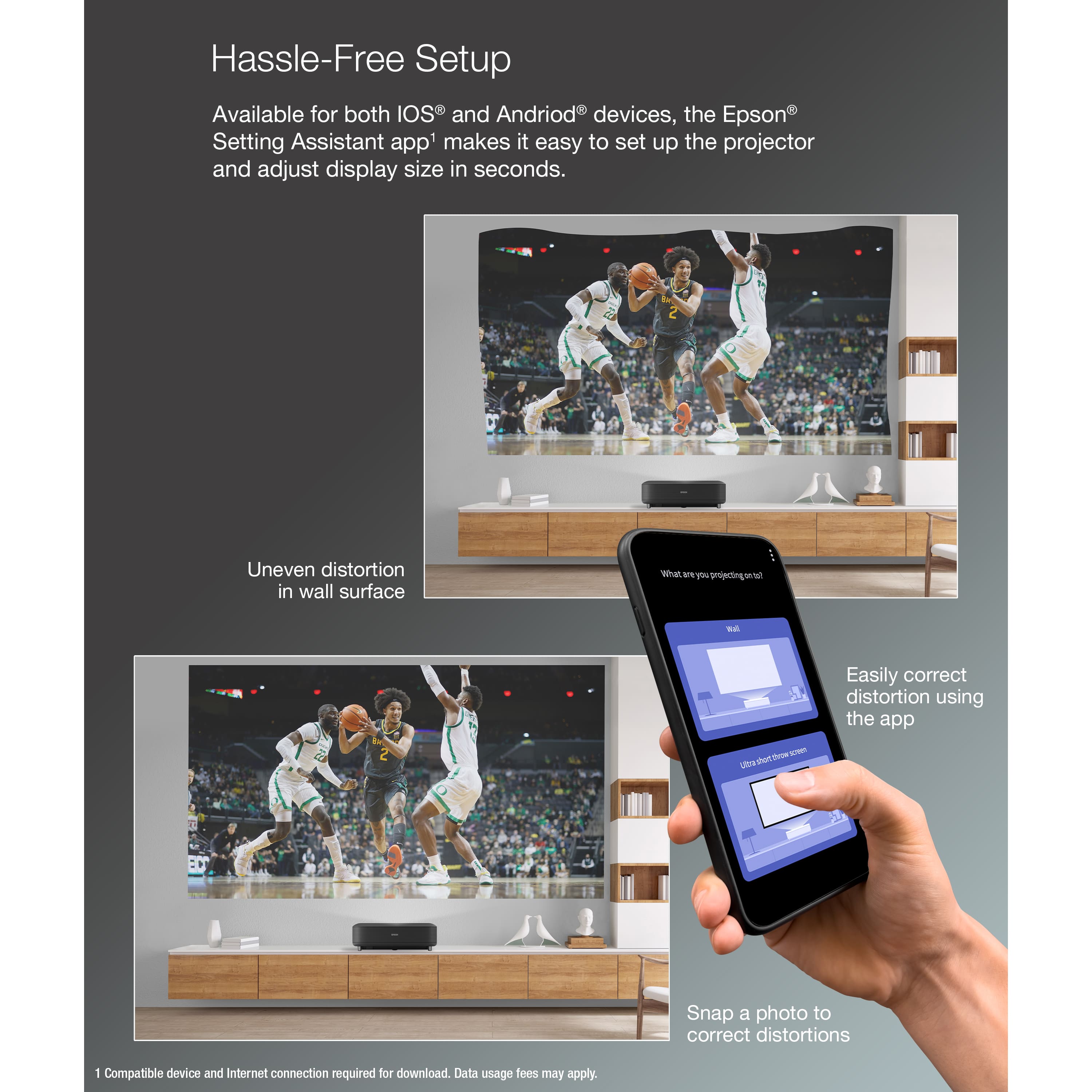
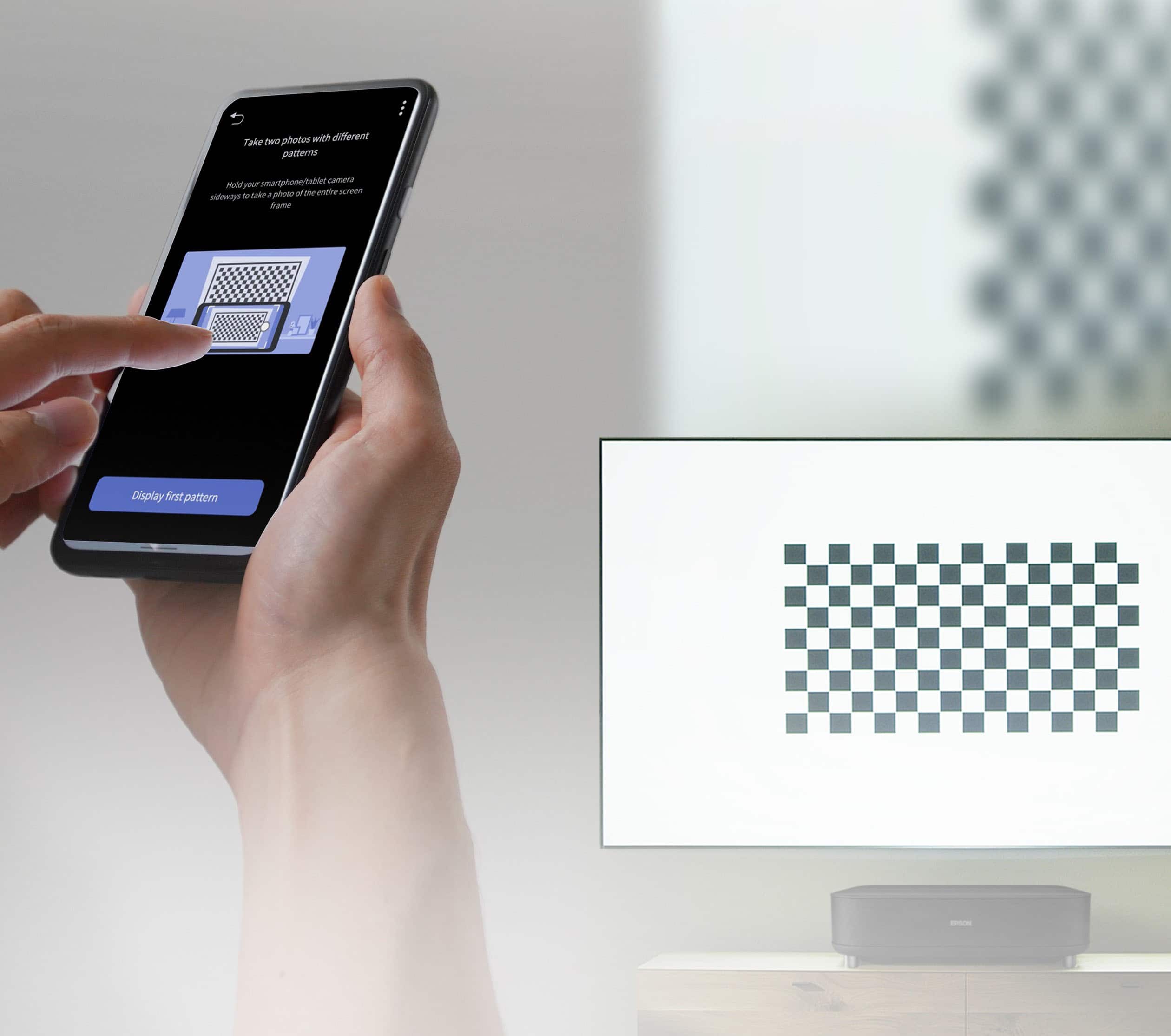
- A:Answer Hello Ed. The LS650 remote includes a dedicated Corner Adjustment button that adjusts the image shape. You can also use the Epson Setting Assistant mobile app, which offers a more detailed multi-point keystone adjustment. Regards, Kevin - The Epson Team.
Answered by Epson
Q: QuestionHow many htz ?
Asked by Dapixeladdict.
- A:Answer Hello Dapixeladdict. The LS650 projector supports 1080p content at refresh rates of up to 120 Hz. For 4K resolution, the refresh rate is limited to the standard 60 Hz. Regards, Kevin - The Epson Team.
Answered by Epson
Q: QuestionCan this projector be used outdoors during daylight?
Asked by Anonymous.
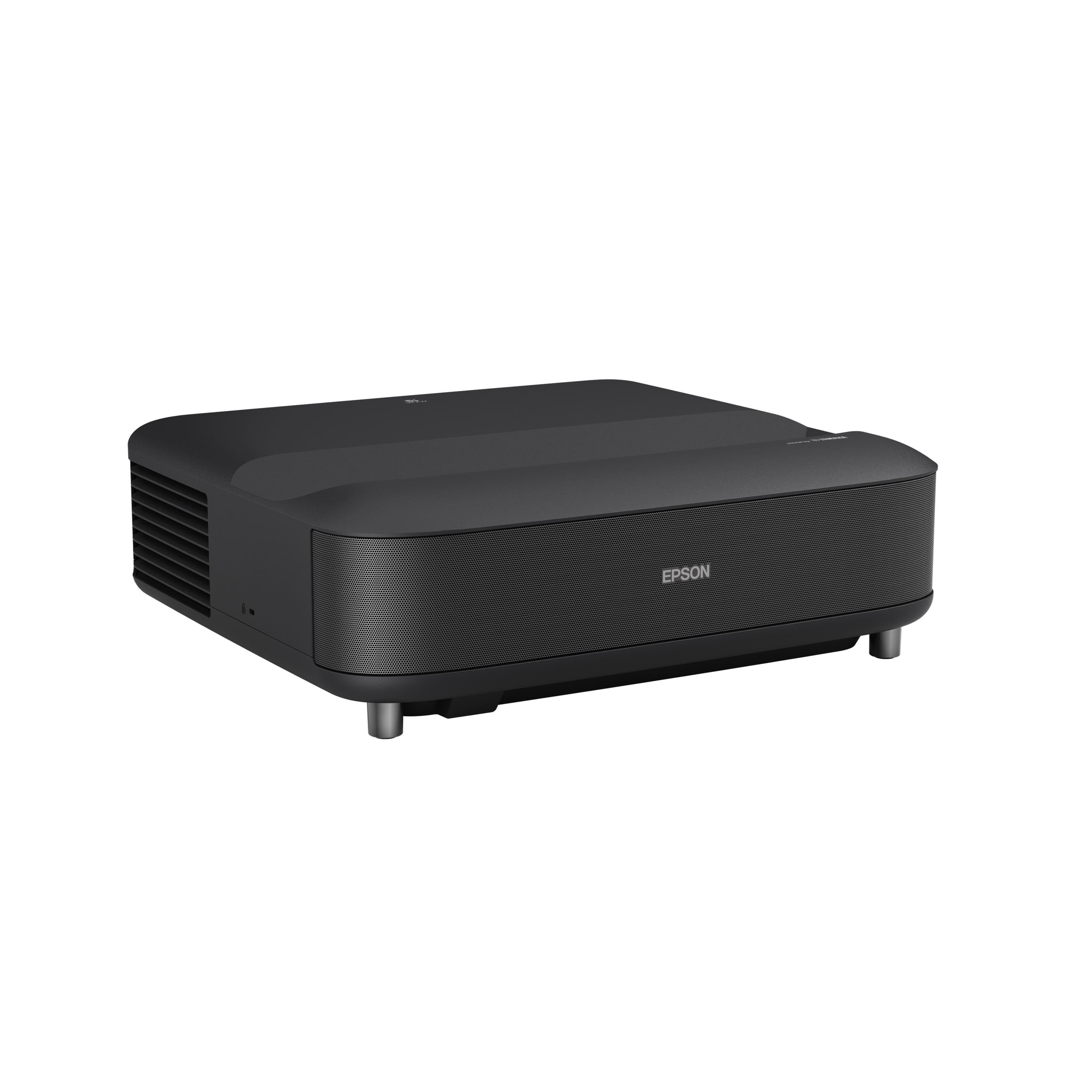
- A:Answer Hello. The LS650 can work well as an outdoor projector, with some caveats. It should not be used in direct sunlight, either on the projector or the screen. In bright outdoor settings, even under a cover, an Ambient Light Rejecting (ALR) screen like Epson’s SilverFlex® 100" or 120" is highly recommended to improve image quality. While the LS650 offers 3600 lumens of brightness, the image may still appear washed out in high ambient light. It performs best at night or in low-light environments. For casual setups, a white wall or sheet will work, just ensure no bright light is hitting the surface. If the image isn’t bright enough, try increasing the Laser Power and brightness settings, switch to Dynamic color mode, or reduce the image size for a more vivid picture. Also, be cautious when moving the projector from a warm indoor space to the cold outdoors, as condensation can damage internal components. Let it acclimate before powering it on. This is usually only a concern in colder weather. Regards, Kevin - The Epson Team.
Answered by Epson
Q: QuestionWhy does the built in Google TV apps NOT support HD and UHD content?
Asked by Taylor.
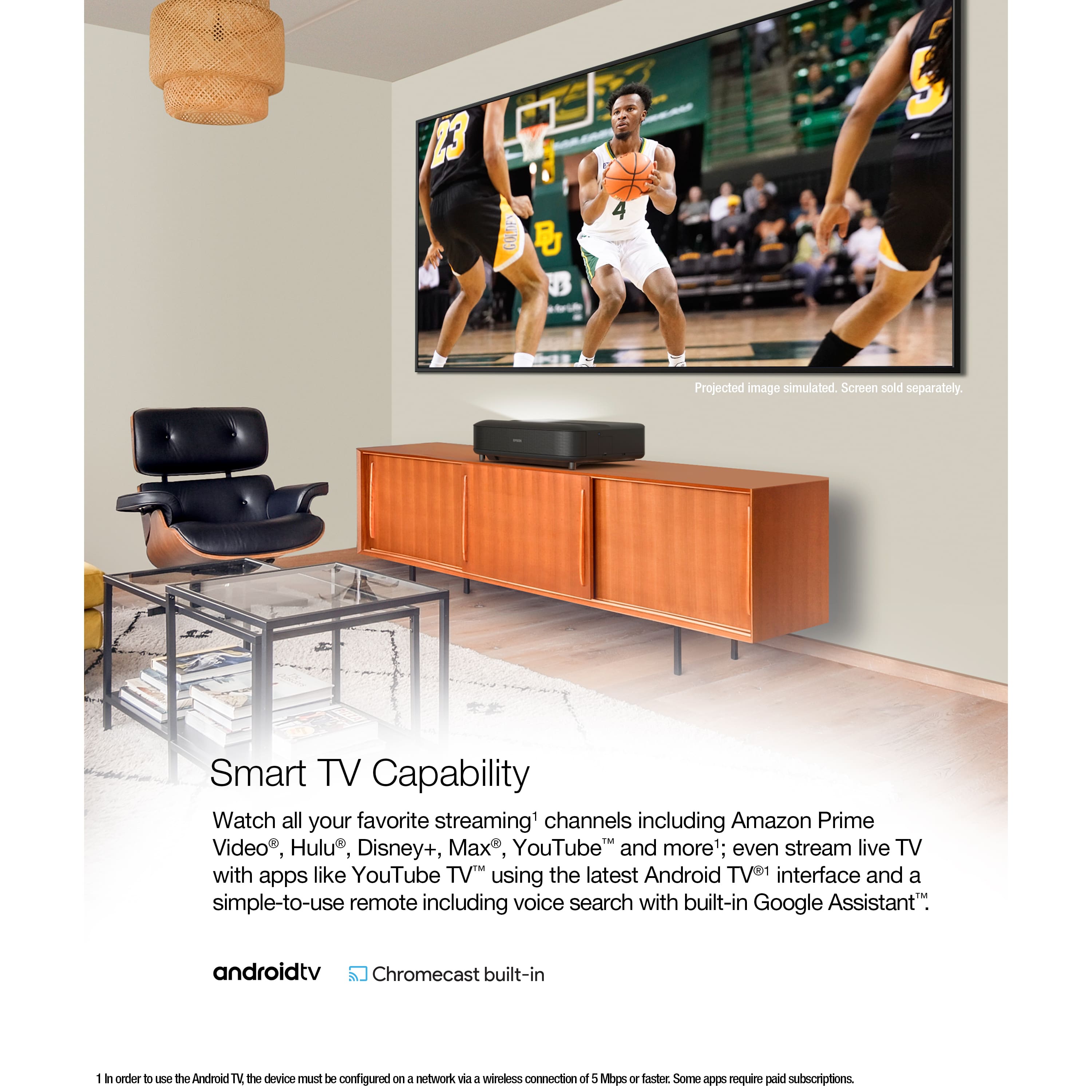
- A:Answer Hello Taylor. Google TV does support streaming HD content. Please make sure the streaming app's settings are configured correctly and that the content you're trying to watch is available in HD. Regards, Kevin - The Epson Team.
Answered by Epson

Q: QuestionI bought a 135 inch screen. Could I use this model with my screen. I know your specs say up to 120 or 125 inches but even a 135 inch screen doesn’t use all 135 inches I believe. Thanks
Asked by Robert.
- A:Answer Hello Robert. The largest supported screen size is 120 inches. If you use a larger screen you will likely run into image quality issues. Regards, Kevin - The Epson Team.
Answered by Epson

Q: QuestionCan it use the netflix app
Asked by MikeA.
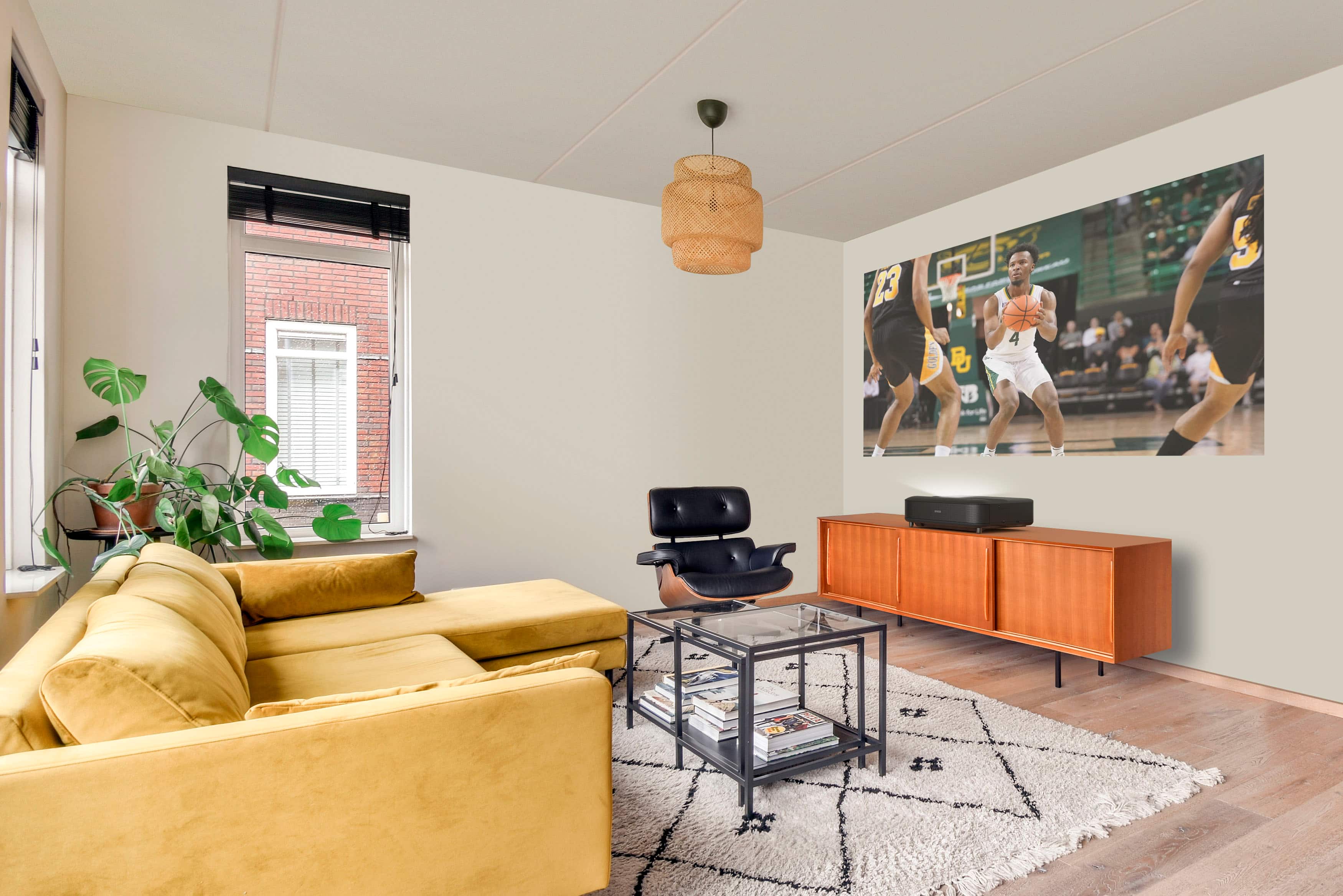
- A:Answer Hello MikeA. The easiest way to view Netflix on the LS650 projector is by connecting your streaming device that supports the app. Unfortunately, at this time, the app is not available with the built-in Android TV. Regards, Kevin - The Epson Team.
Answered by Epson

Q: QuestionDoes this unit connect to WiFi?
Asked by Casegbc.
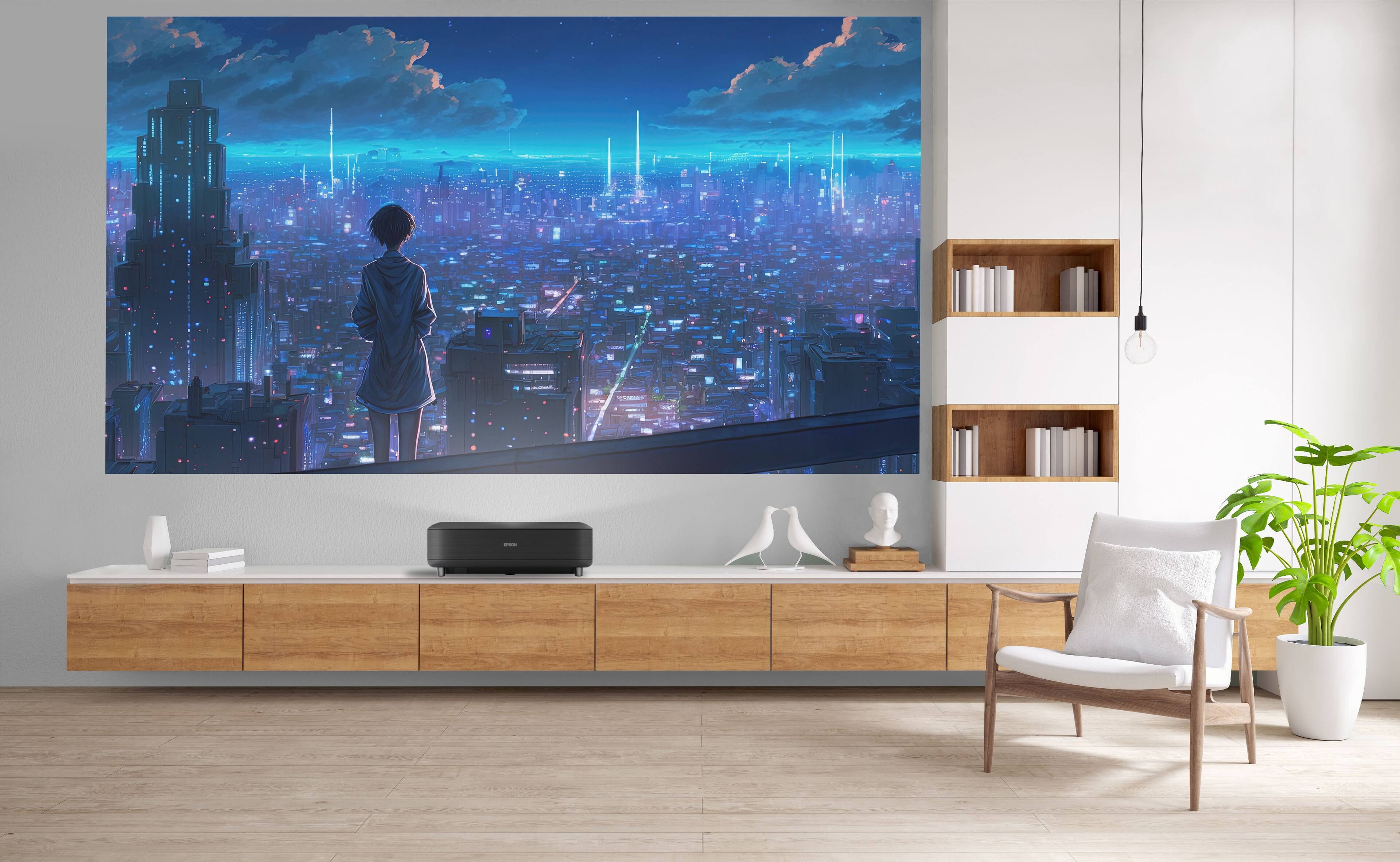
- A:Answer Hello Casegbc. Yes, the LS650 includes AndroidTV, which you can connect to using Wi-Fi. Regards, Kevin - The Epson Team.
Answered by Epson

Q: QuestionCan this play an MP4 video file directly from a USB stick?
Asked by Pa170.
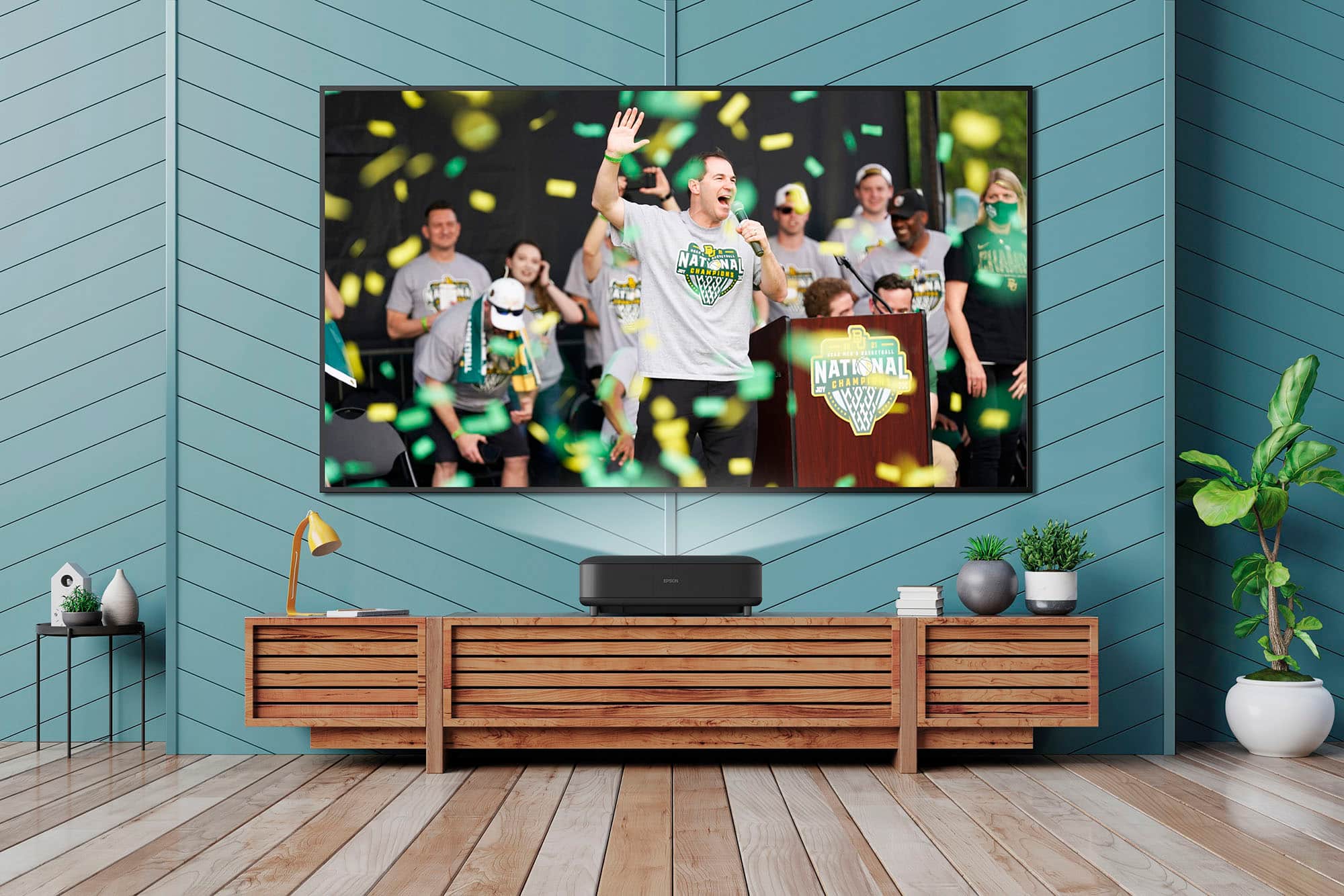
- A:Answer Hello Pa170. You can connect a USB device to the projector's USB-A port to project images from the device. However, you would have to find and download an Application that can play different media including MP4 files from the Google Play Store. Regards, Kevin - The Epson Team.
Answered by Epson

Q: QuestionHello There, would we be able to project onto a white wall? Or do we have to purchase/ install another "screen"? Thank you!
Asked by Derrick.
- A:Answer Hello Derrick. You can technically project onto a white wall, however, your picture quality will look washed out. Using a screen that has ambient light-rejecting technology like the Epson Silverflex screen with the LS650 projector is highly recommended. Regards, Kevin - The Epson Team.
Answered by Epson

Q: QuestionWhat is the refresh rate for the Projector?
Asked by Shagyy.
- A:Answer Hello Shagyy. The refresh rate can vary based on the video source you use with the LS650. For reference, at 1080p & 4K the projector supports refresh rates ranging from 24 - 60 Hz. If you plan to view 4K HDR, the refresh rate would range from 24 - 30 Hz. Regards, Kevin - The Epson Team.
Answered by Epson

Q: QuestionCan I mount this projector from either the ceiling or from the wall to have the projector above the screen in lieu of having it below the screen
Asked by Anonymous.
- A:Answer Hello. The LS650 is not intended to be ceiling or wall-mounted. We do not recommend mounting the projector on a ceiling or a wall as it could fall and cause damage or injury. Regards, Kevin - The Epson Team.
Answered by Epson
Q: QuestionWhat is the distance from wall to machine? I need to know for the cabinets size. So the ultra short throw is what?
Asked by Yeager.
- A:Answer Hello Yeager. The distance from the wall to the machine can vary based on the size of your display. For more details, please see the "Projector Placement" section in the User's Guide on our official Epson Support page. Regards, Kevin - The Epson Team.

Answered by Epson

Page 2, Showing 21-38 of 38 questions
Most-viewed items
- Winter Sale Deal$145.99Your price for this item is $145.99
- $749.99Your price for this item is $749.99$799.99The comparable value for this item is $799.99
- $699.99Your price for this item is $699.99$799.99The comparable value for this item is $799.99
- $549.99Your price for this item is $549.99$599.99The comparable value for this item is $599.99
- Winter Sale Deal$129.99Your price for this item is $129.99
- Winter Sale Deal$199.99Your price for this item is $199.99
- $1,699.99Your price for this item is $1,699.99$1,799.99The comparable value for this item is $1,799.99
- $1,999.99Your price for this item is $1,999.99$2,499.99The comparable value for this item is $2,499.99
- Winter Sale Deal$66.49Your price for this item is $66.49
- $1,399.99Your price for this item is $1,399.99
- $949.99Your price for this item is $949.99$999.99The comparable value for this item is $999.99
- $599.99Your price for this item is $599.99$649.99The comparable value for this item is $649.99
- $1,299.99Your price for this item is $1,299.99$1,399.99The comparable value for this item is $1,399.99
- $5,999.99Your price for this item is $5,999.99
- Winter Sale Deal$249.99Your price for this item is $249.99
- $2,999.99Your price for this item is $2,999.99$3,799.99The comparable value for this item is $3,799.99
- Winter Sale Deal$2,299.00Your price for this item is $2,299.00
- Winter Sale Deal$169.99Your price for this item is $169.99
- $3,499.99Your price for this item is $3,499.99