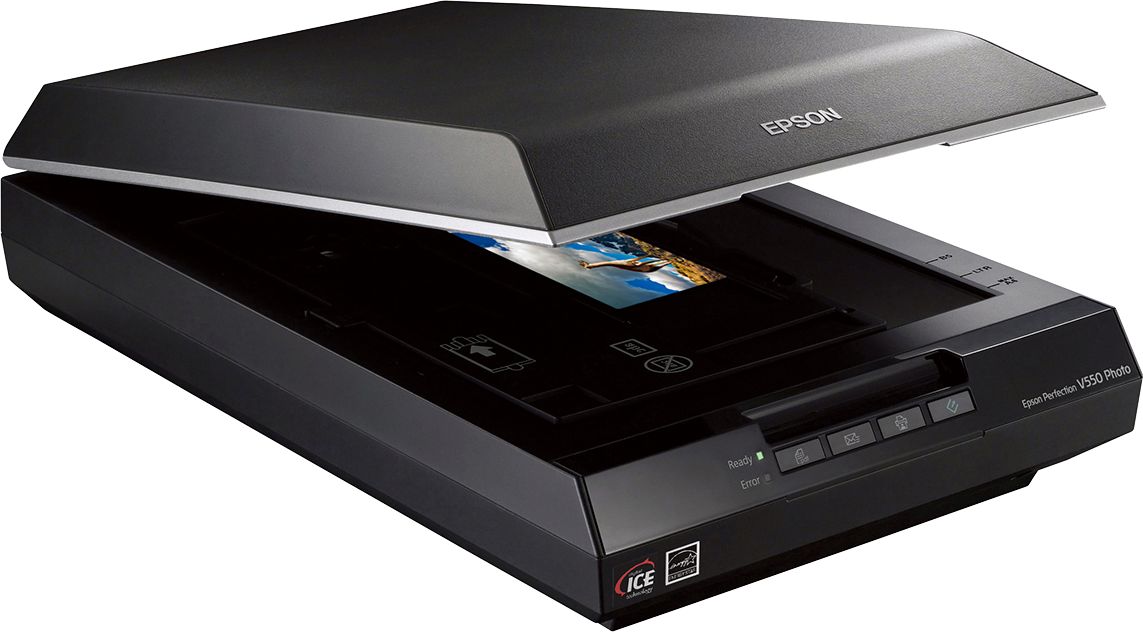
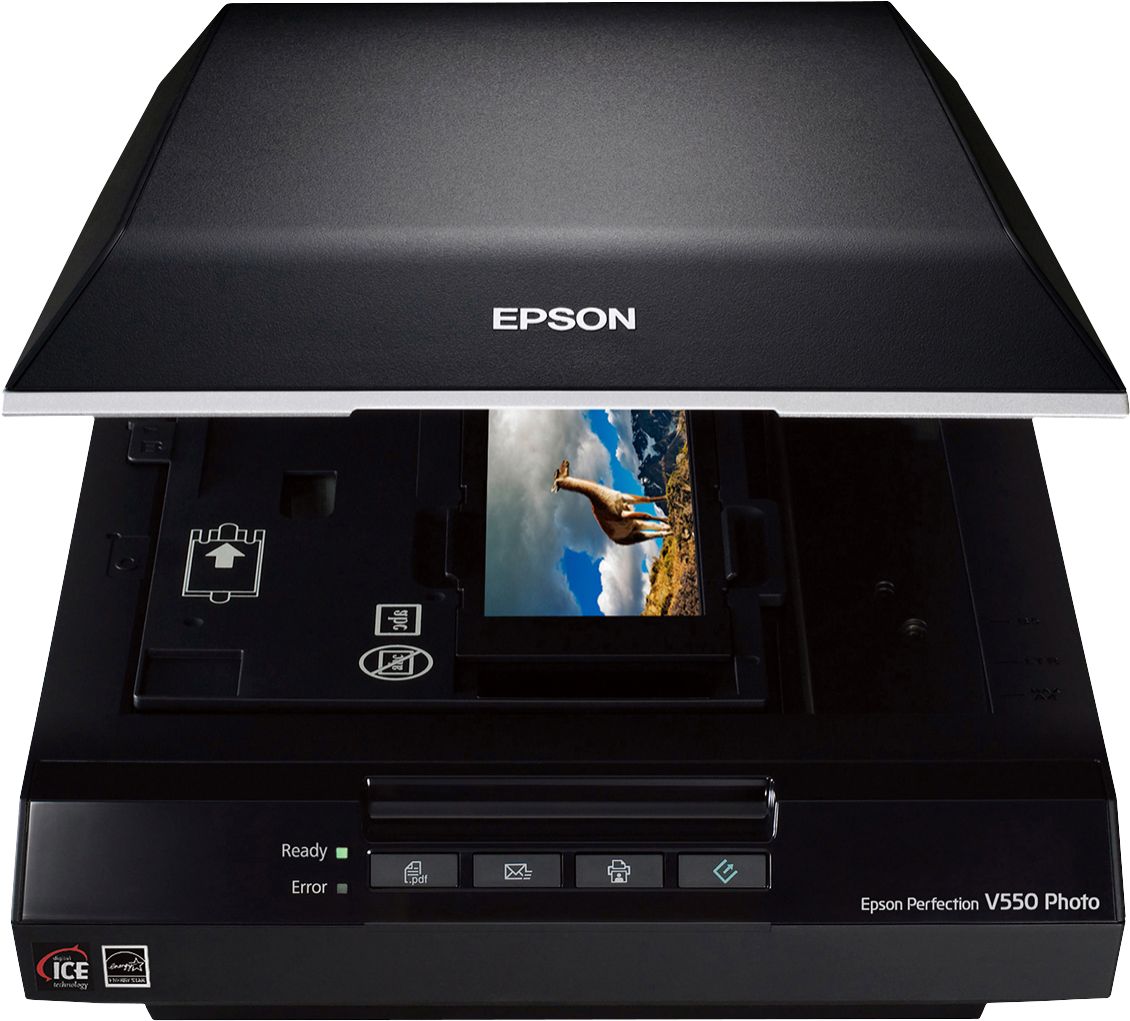
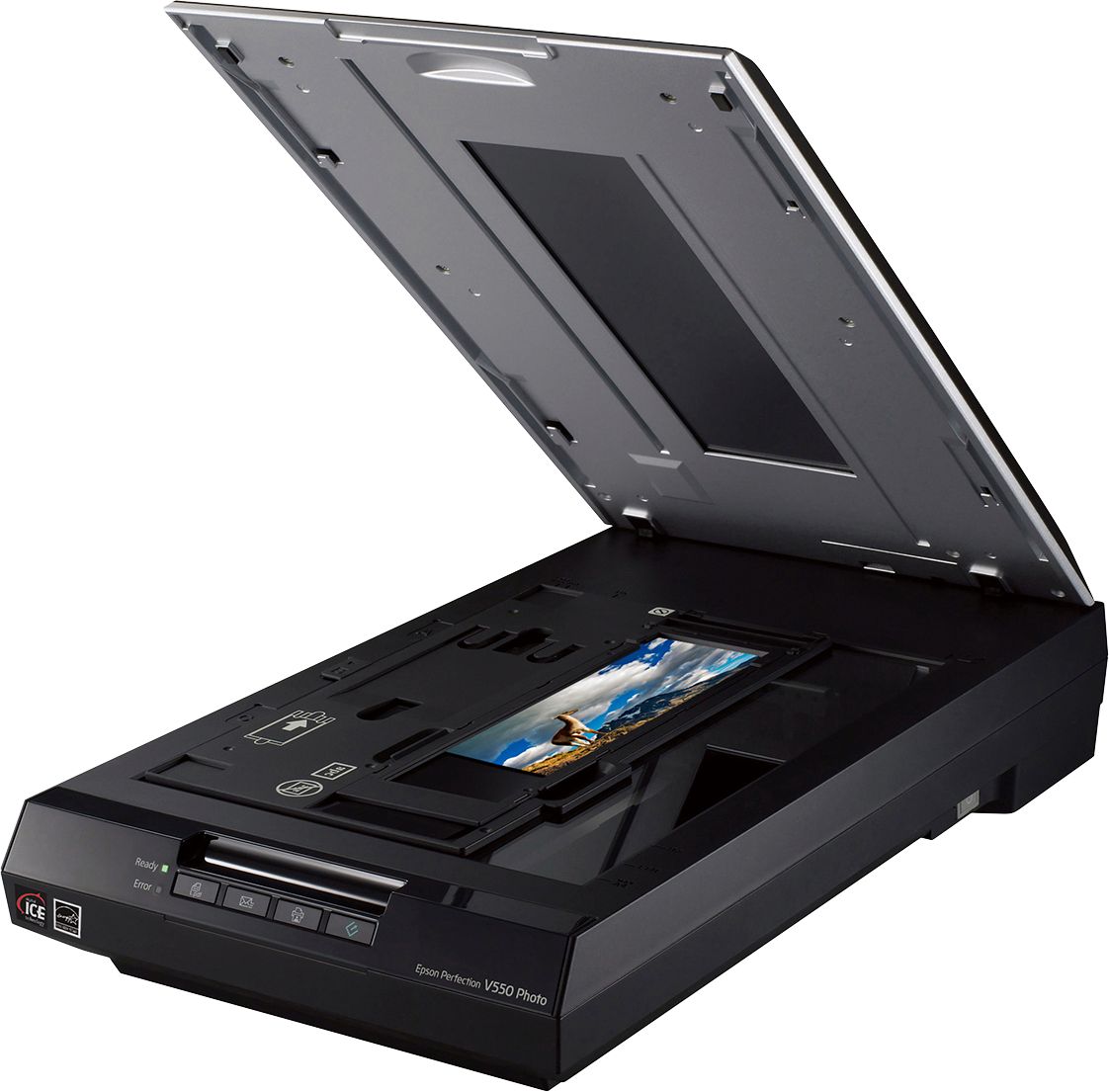
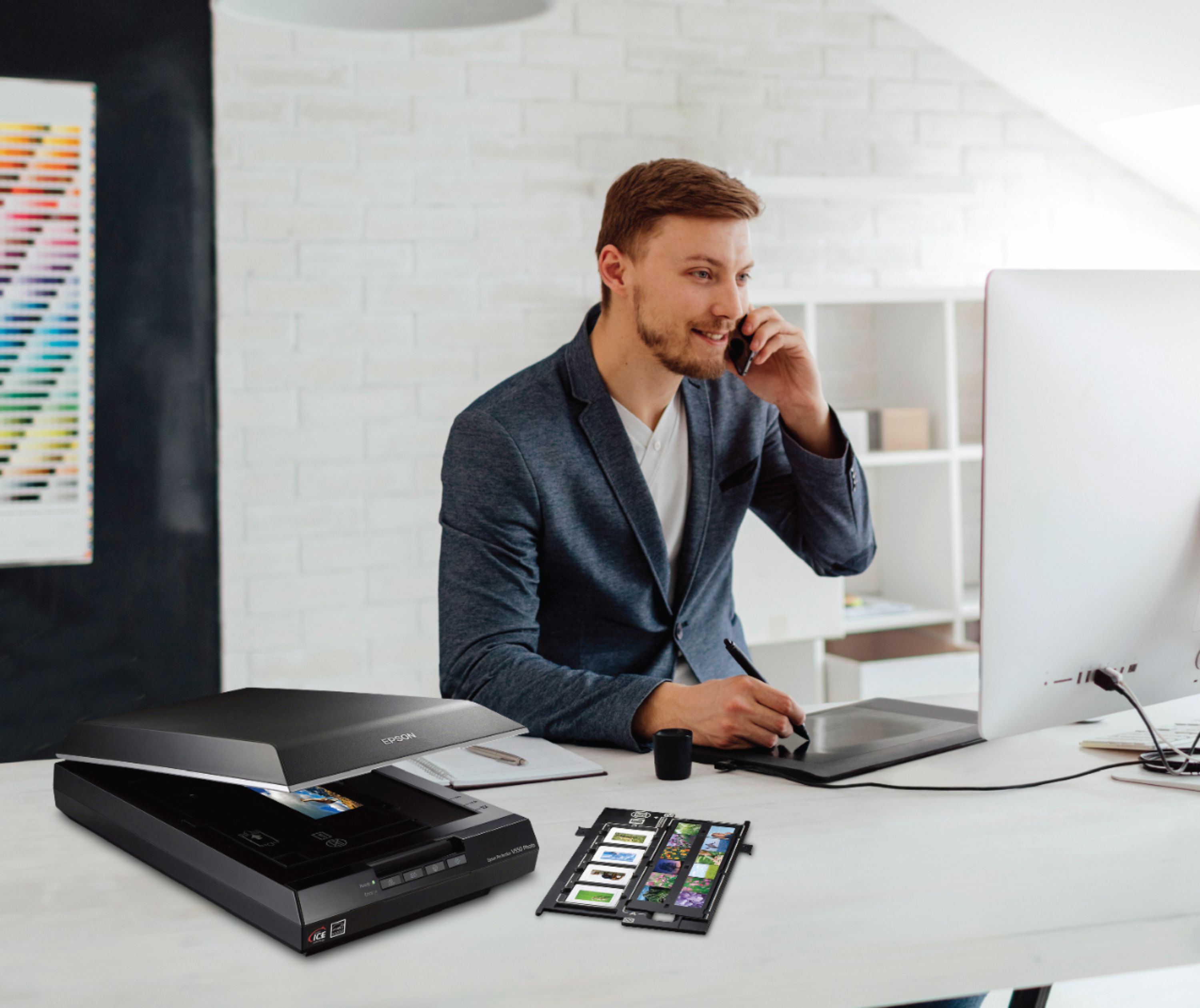
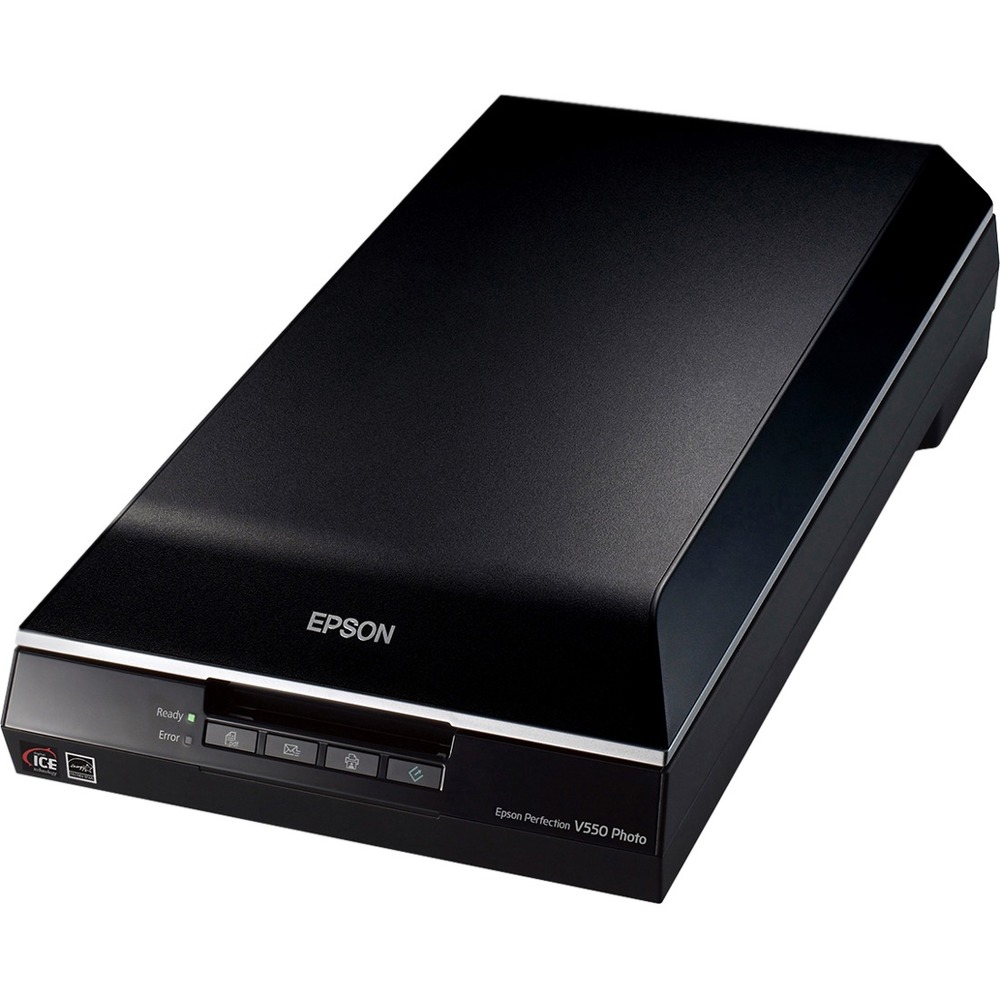
A:AnswerThe default settings of the Epson scan software, when used to scan negatives, will automatically convert the negatives to a normal photo positive ready for printing.
A:AnswerNo. The User's Guide may be downloaded here: https://epson.com/Support/Scanners/Perfection-Series/Epson-Perfection-V550-Photo/s/SPT_B11B210201#manuals
A:AnswerThe User's Guide says that it will work with XP. The guide can be downloaded here: https://epson.com/Support/Scanners/Perfection-Series/Epson-Perfection-V550-Photo/s/SPT_B11B210201#manuals
A:AnswerYes - it has a one button opens to scan application on the front of the scanner.
The actions may even be more customizable.
Additionally, the packaged software allows for a wide variety of auto correction and wizards for picture editing.
A:AnswerIt is not designed to, but if you absolutely, positively needed it to save to a micro sd card, might be able to creatively finagle something. First the scanner is not able to save anything internally, and is dependent on the computer with supporting twain driver and software which it connects to with a full size (not micro or mini) USB cord that virtually rules out anything that naturally would have a micro sd card. In theory you could direct the save to the SD card slot on the computer, usually full size SD, where you have inserted a micro sd card in an adapter. A lot of work. Just save to the hard drive on the computer and copy/paste to other instruments as appropriate.
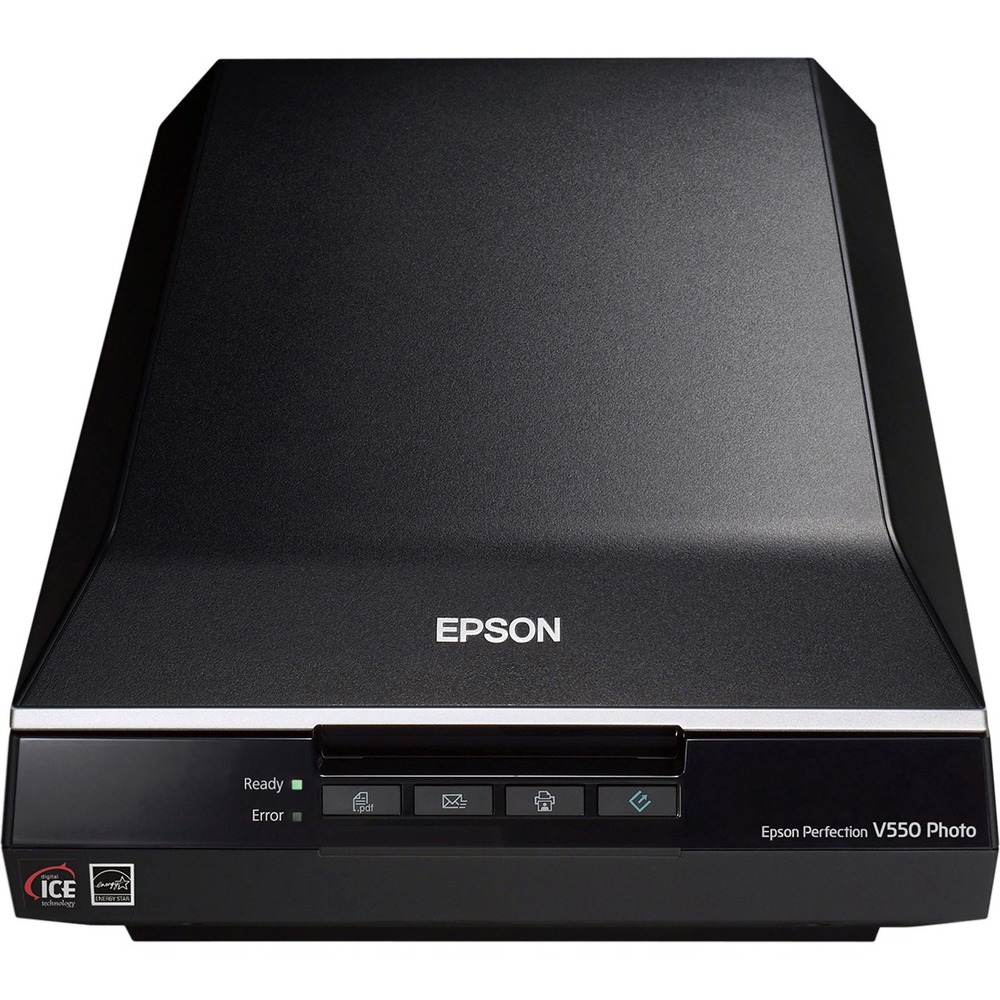
A:AnswerUp to 4 at once. I currently scan using 48 bit color and 6400 dpi using the Epson Scan. I have it use an unsharp filter, color correction digital ICE and grain reduction on each scan. On my 2012 I5 dual core Mac Mini, each set of 4 takes about 10 minutes.