A:AnswerIn the settings, you can tell it where to save the pictures. You should be able to save to a SanDisk as easily as the picture folder on your hard drive.
A:AnswerHello Janieoakly. All Epson drivers and software are available on our official Support page. When you navigate Epson's website, you will find the support option at the top. Type in your scanner model, and you can access all downloads associated with your model. Regards, Kevin - The Epson Team.
A:AnswerHello Wibby. The Epson V600 photo scanner includes a 1-year Limited Warranty plus free lifetime technical support. Please visit our official Epson Support page for more details on Warranty coverage. Regards, Kevin - The Epson Team.
A:AnswerHi MB, If you already worked with the Geek Squad, I assume you downloaded and installed the latest Windows 11 drivers and software for the Perfection V600. Rather than try to troubleshoot here, it would be quicker if you called the Epson support number on the Start Here poster that came with your scanner. It is free and you can troubleshoot in real time. Regards, Mark - The Epson Team.
A:AnswerHi Peter, If you are still using Windows 10 drivers with your Perfection V550, try removing them then downloading and installing Windows 11 drivers. The drivers are available at the Epson support site. Windows 11 drivers are also available for the Perfection V600. If you want to upgrade, the V600 should work fine with Windows 11. Regards, Mark - The Epson Team.
A:AnswerI have not noticed any differences in results at different locations on the scanner bed. I do know that the Epson V600 is much better than the Epson V300 that I had for quite some time.
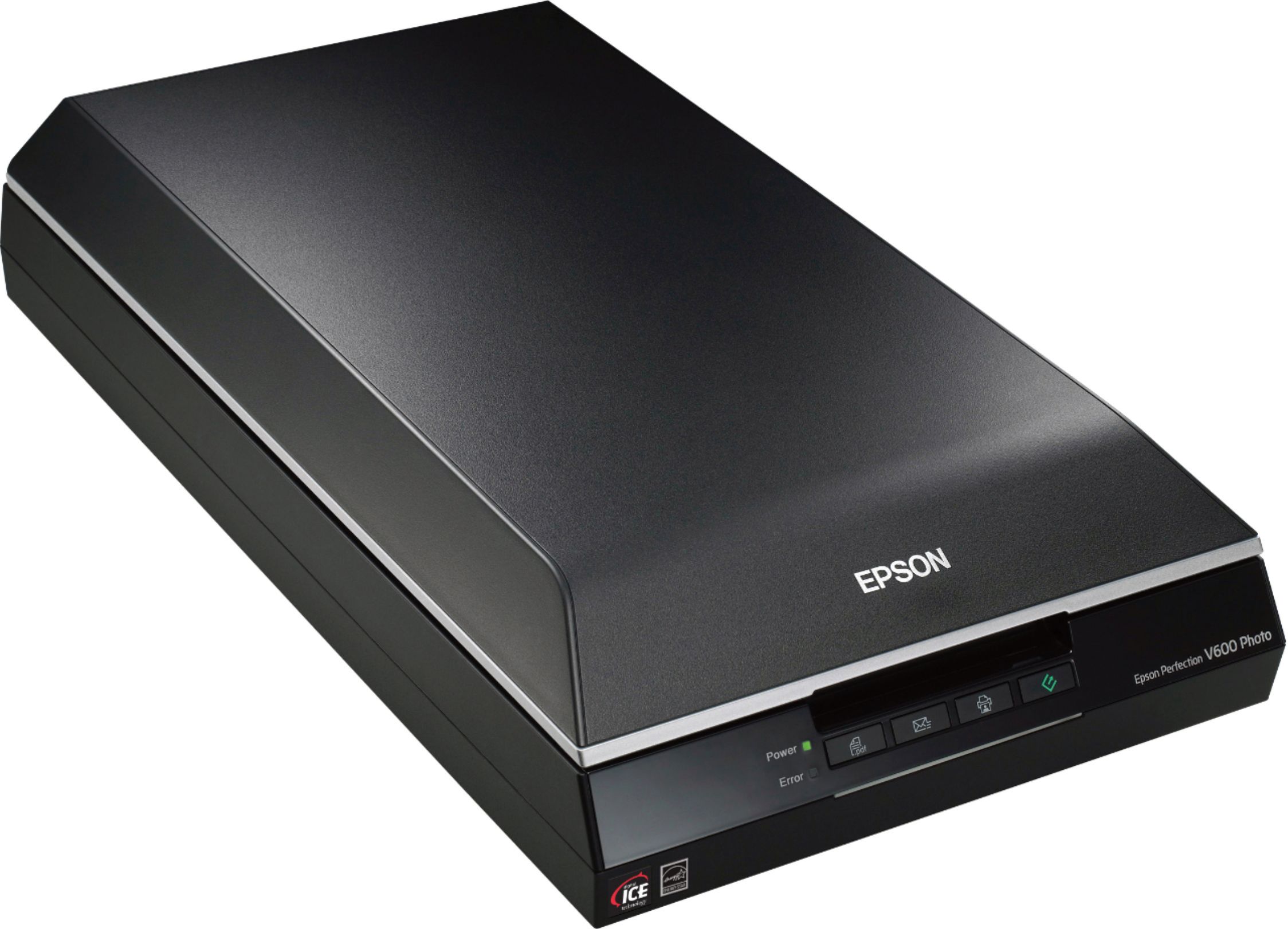
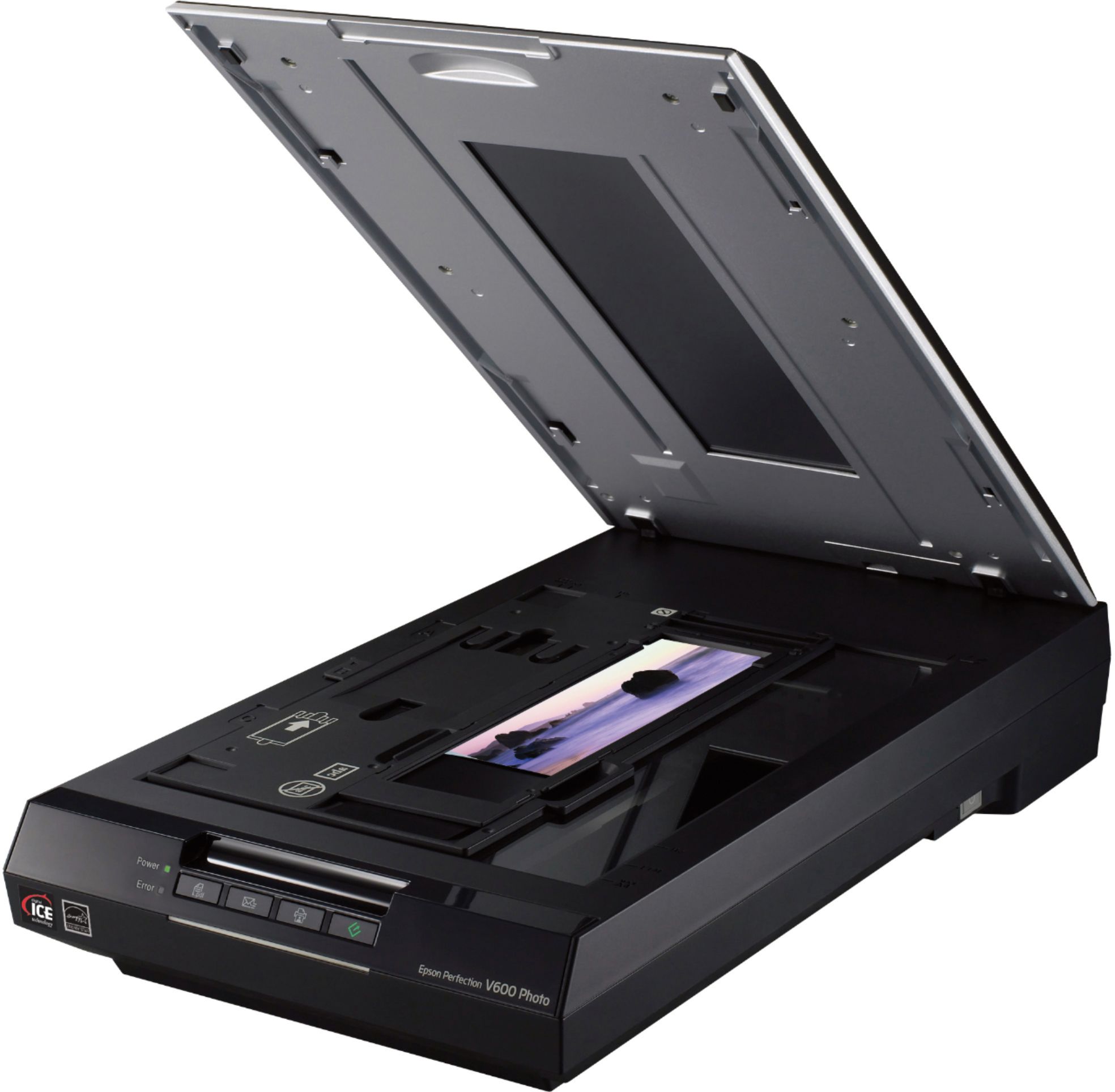
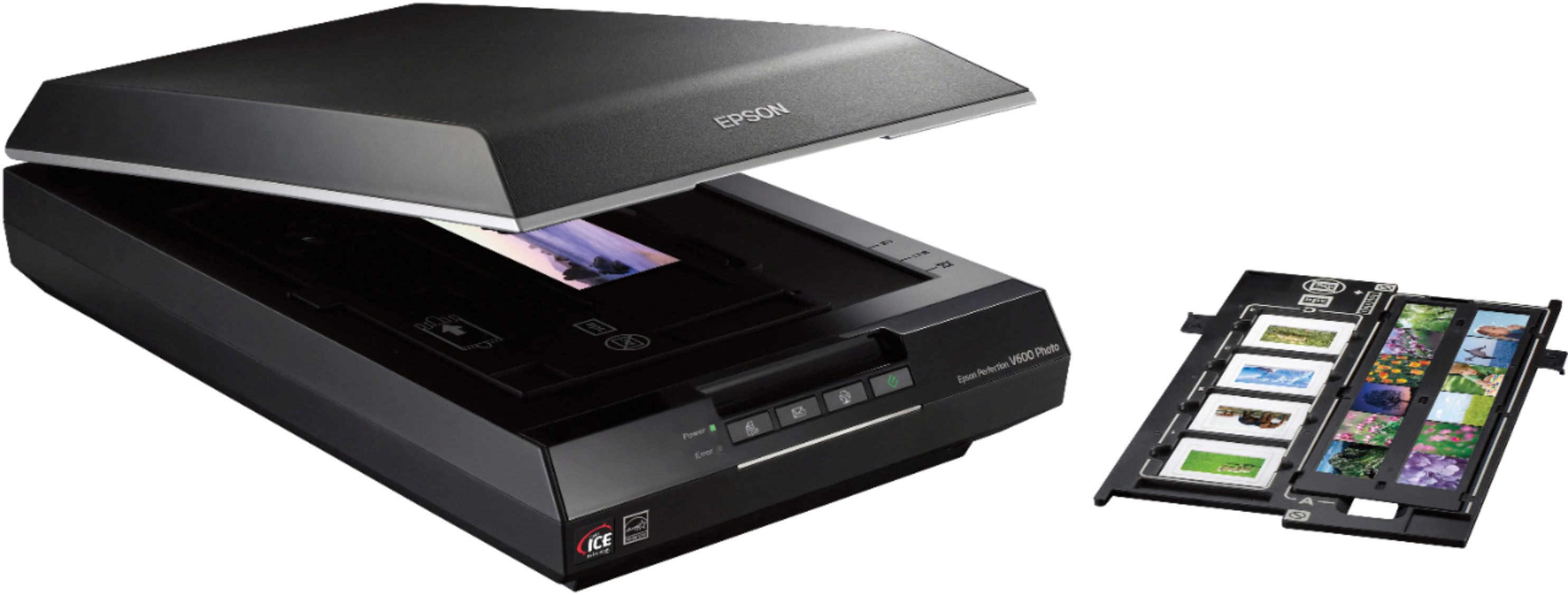
A:AnswerYes I believe so. This is a flat plane scanner that can handle almost anything you want to scan. You do not have to use the standard templates that come with it. The Silverfast 9 software will accommodate almost anything.
A:AnswerHello. The V600 can only be used with a computer. You can scan originals and save files onto the computer, then transfer to a USB drive, but unfortunately, it does not have scan to USB drive functionality. Regards, Kevin - The Epson Team.
A:AnswerYes, it's recessed maybe 1/8 inch. If your "art pieces" are not photographs, you might consider an overhead scanner such as the CZUR line. They are actually overhead cameras but will do up to A4 size which you can stitch together.
A:AnswerHi John, If your Perfection V600 is turning itself off, try adjusting the Power Off setting. On a Windows computer, go to > Programs > EPSON > EPSON Scan and run EPSON Scan Settings. Set the Power off Timer to a longer interval, or to turn off the Power Off Timer, change the interval setting to 0. Regards, Mark - The Epson Team.
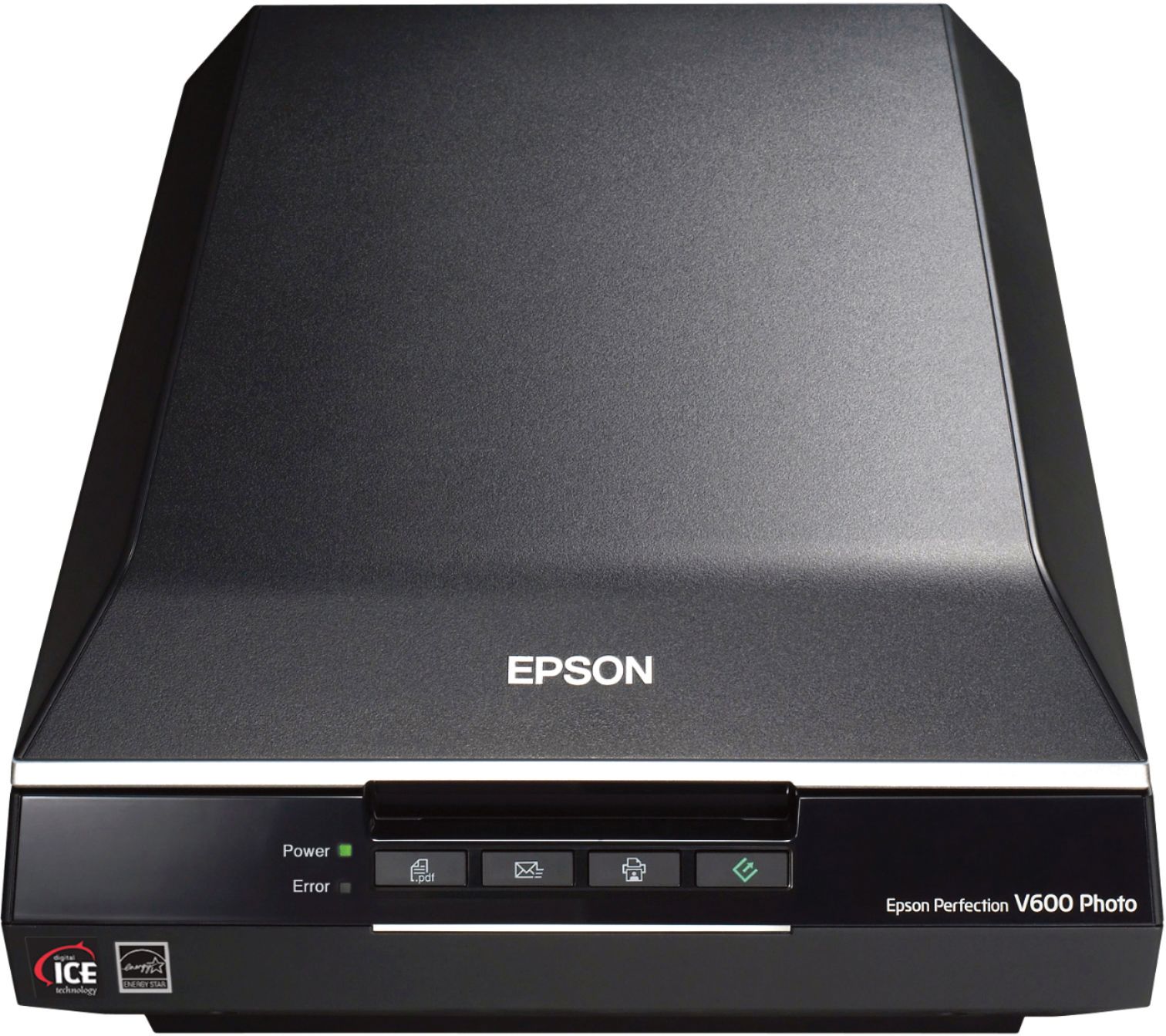
A:AnswerHello Alexander. The V600 photo scanner power adapter has a rated input voltage of 100 - 120 V. Unfortunately, the power adapter does not work with 220 V. Regards, Kevin - The Epson Team.