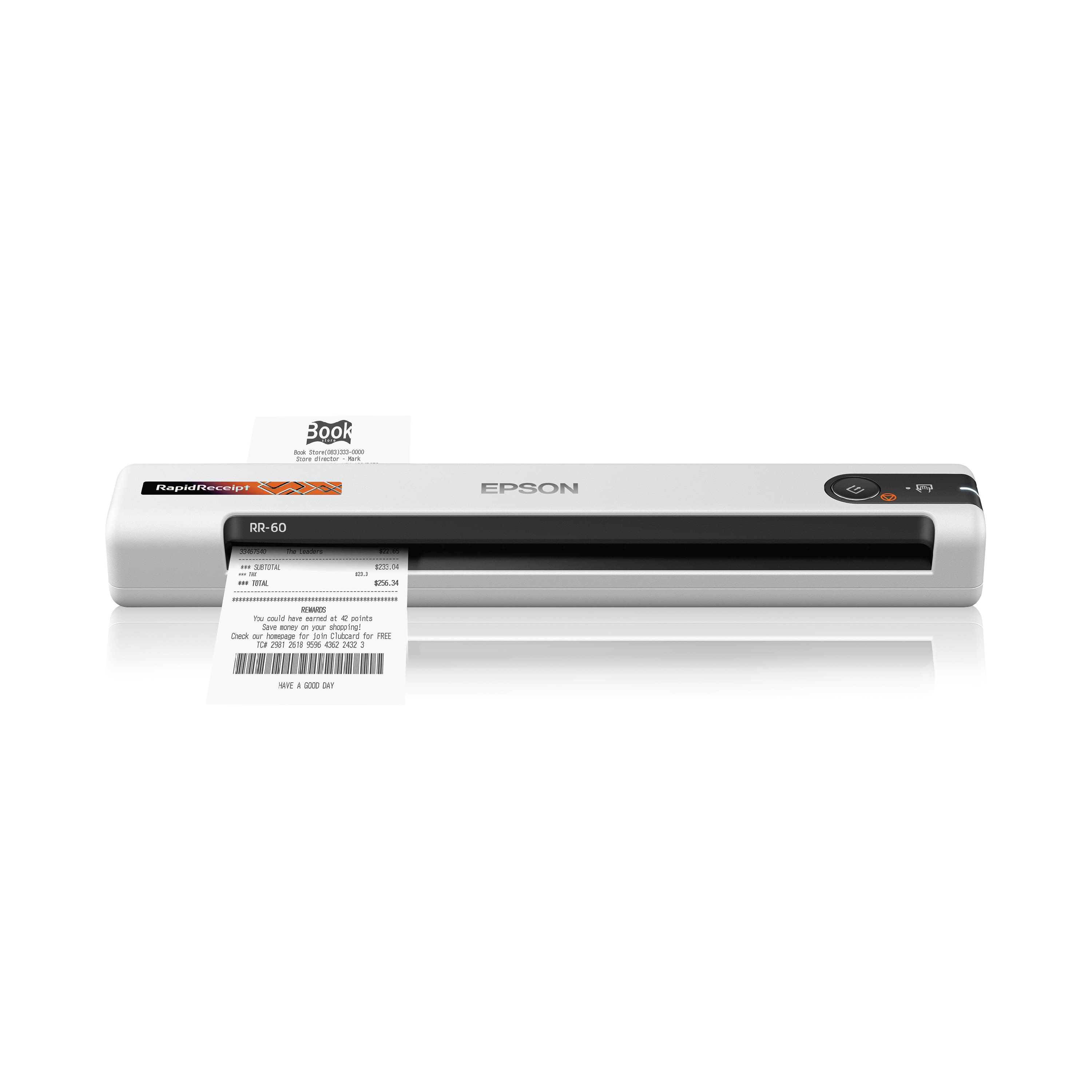
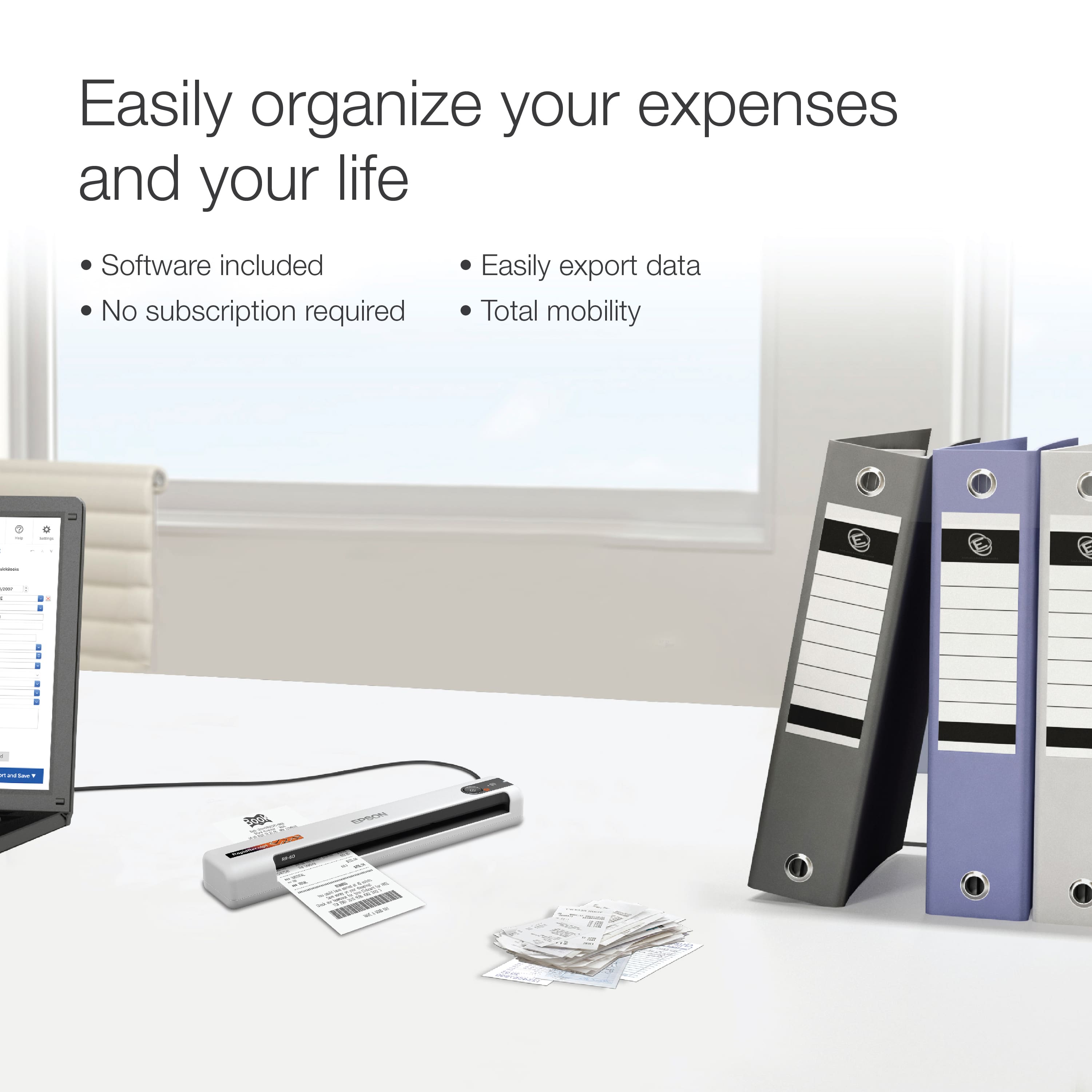
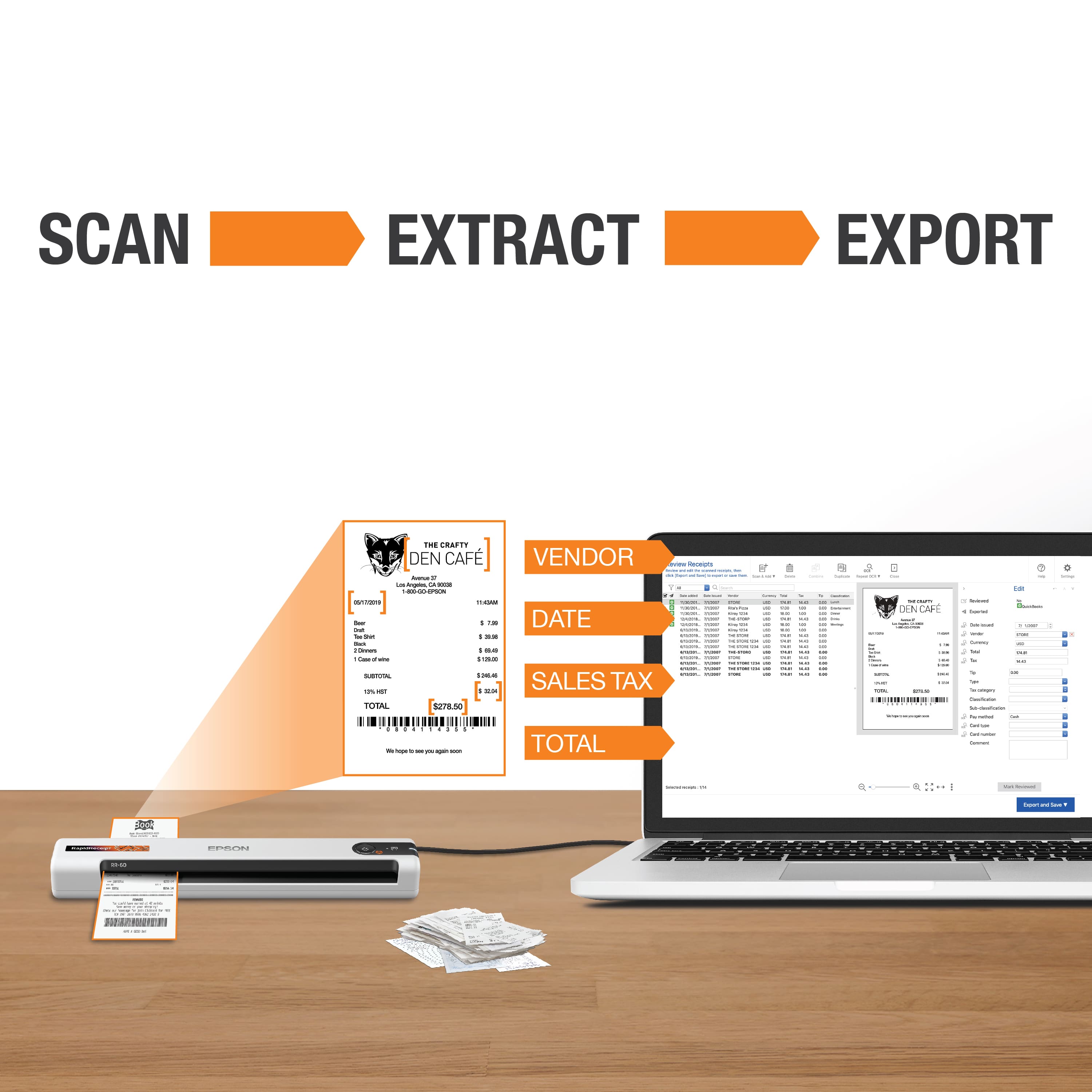
A:AnswerHi EpsomUps, Sorry, no, the RapidReceipt RR-60 does not duplex, but the Epson WorkForce ES-200 does. It is available at BestBuy.com. Inventory levels can vary. Regards, Mark - The Epson Team.
A:AnswerHello CollegeStudent. Unfortunately, the RR-60 Mobile Scanner is not compatible with Chromebook computers. The scanner is currently compatible with computers running Microsoft Windows and Apple macOS computers. Regards, Kevin - The Epson Team.
A:AnswerHello Dash2020. Unfortunately, the RR-60 cannot be used on multiple computers simultaneously. The scanner can only be connected to a computer using a USB 2.0 A to B printer cable. Regards, Kevin - The Epson Team.
A:AnswerHello. Yes, the RR-60 runs on battery power when it is not connected to the computer with a USB cable or connected via Wi-Fi. Additionally, you can charge the battery from a computer with a USB connection to the scanner. Regards, Kevin - The Epson Team.
A:AnswerHi Canon, Yes, the RR-60 can scan directly popular cloud services. It requires connection to a computer and Epson ScanSmart software to use this feature. Regards, Mark - The Epson Team.
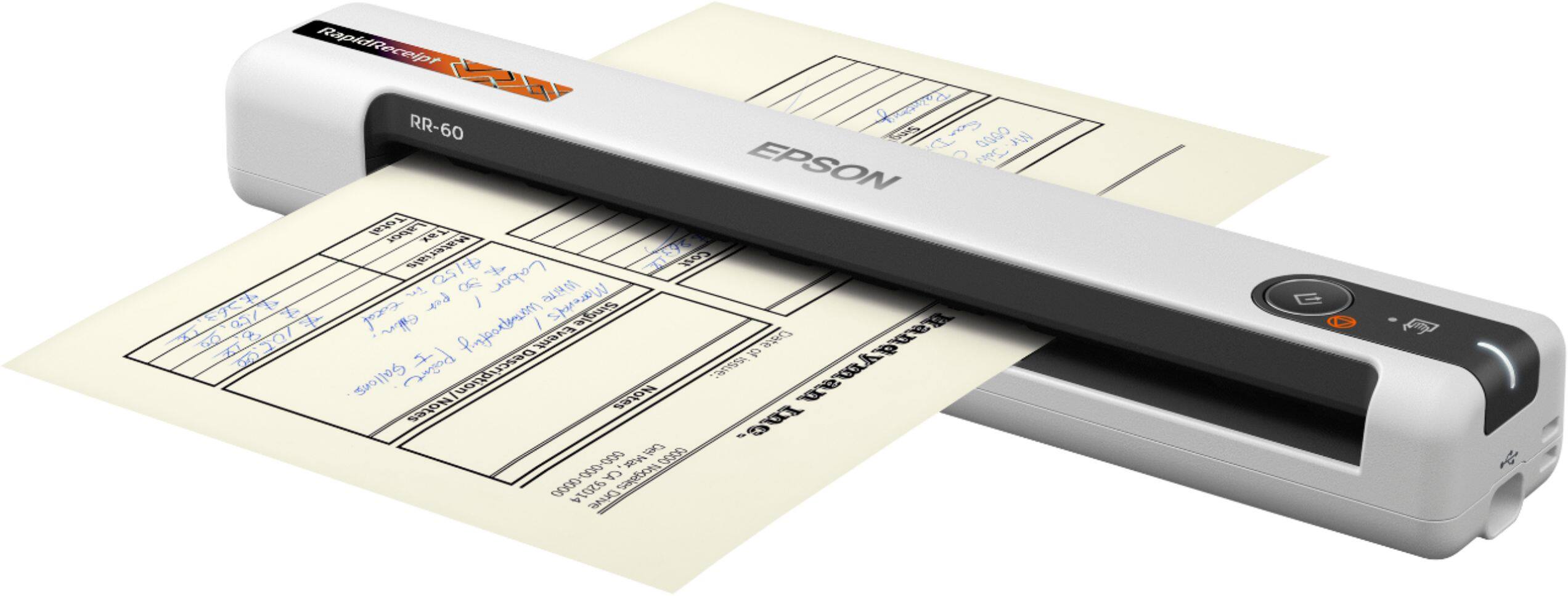
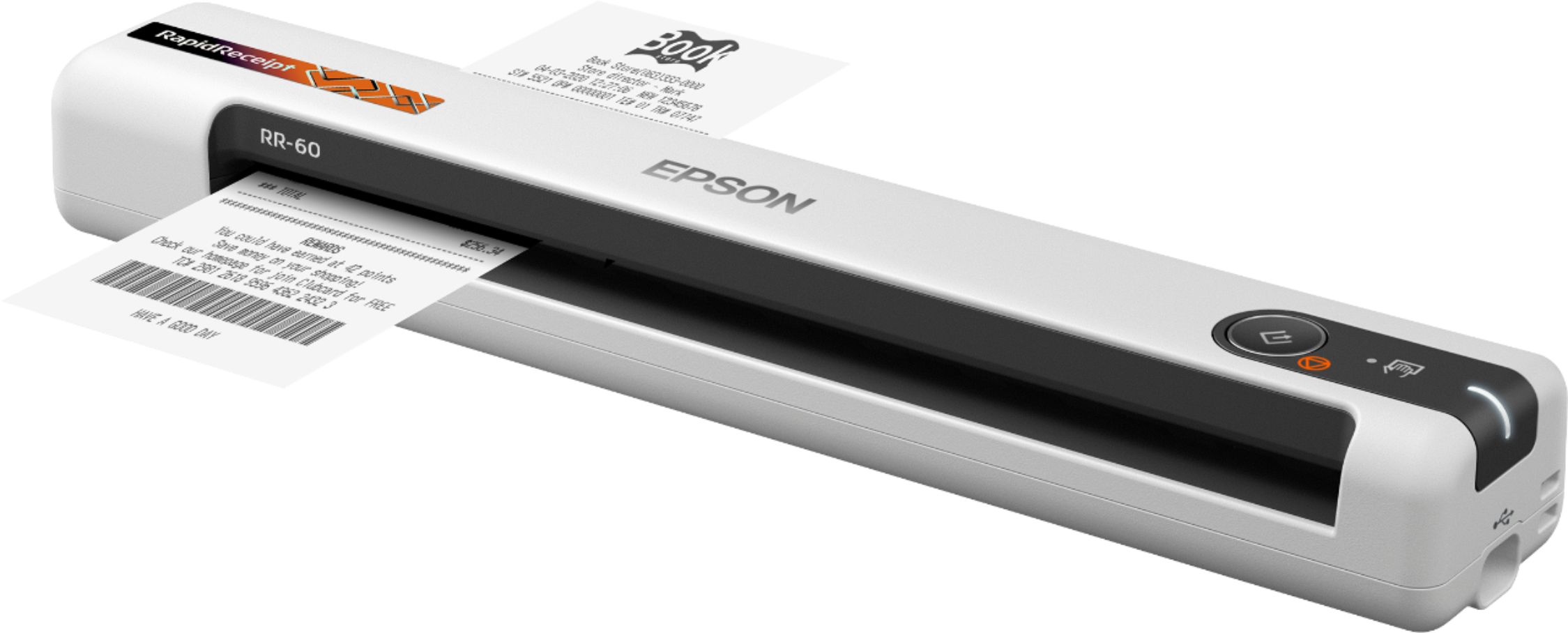
A:AnswerHello Linh. The power switch is located towards the rear corner of the scanner. You can hold the switch to power the RR-60 off. For reference, page 10 of the User's Guide includes a visual illustration that shows where the button is located. Regards, Kevin - The Epson Team.