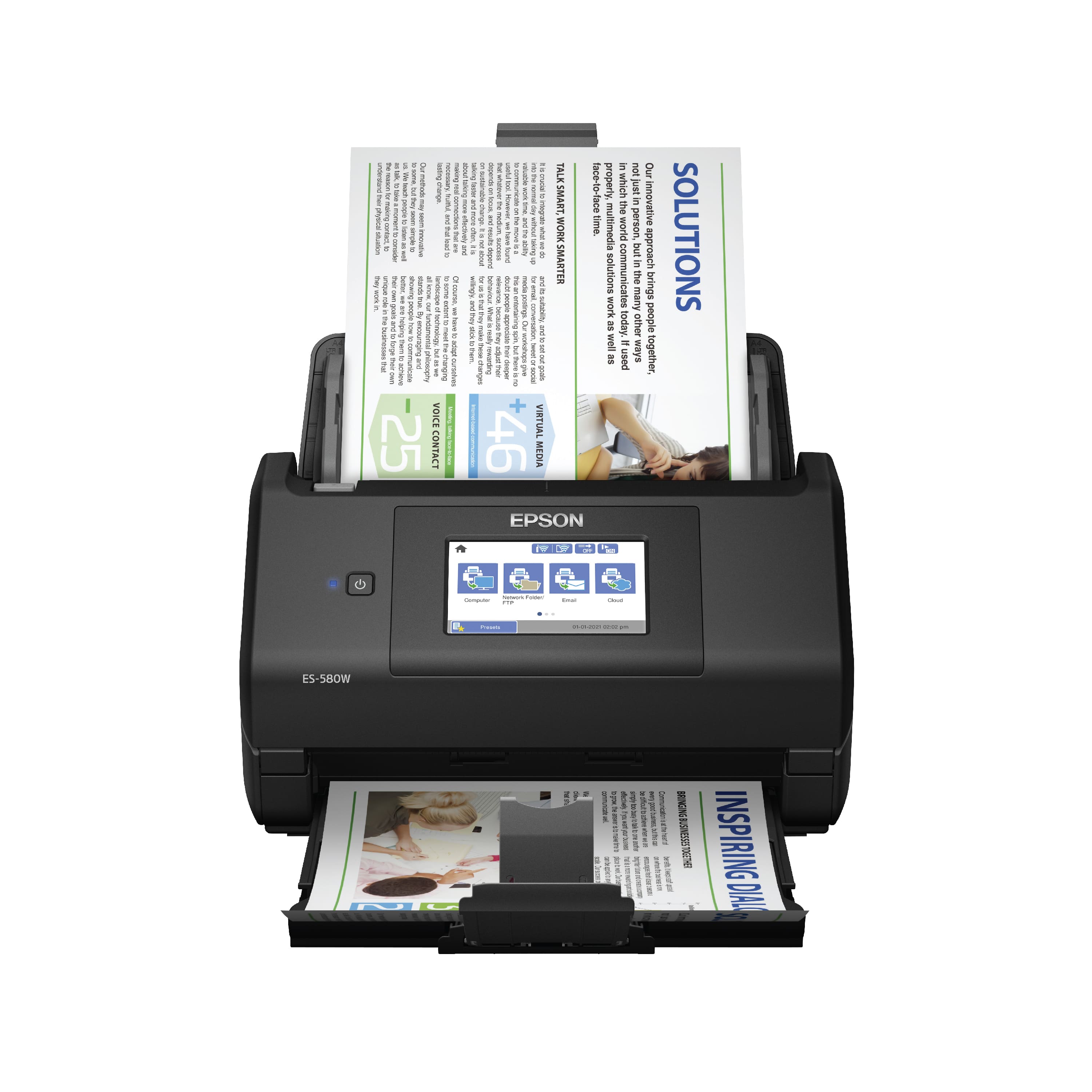
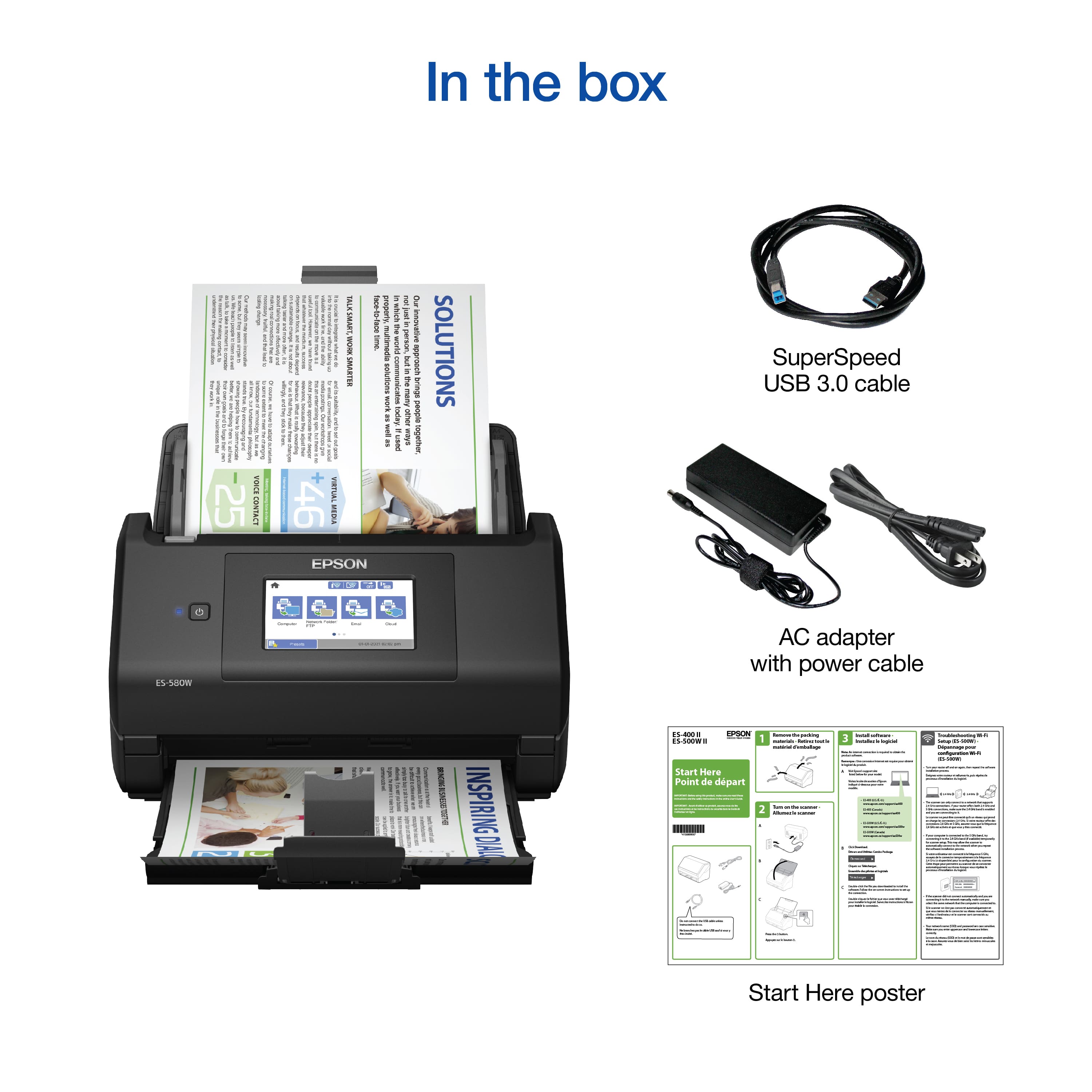
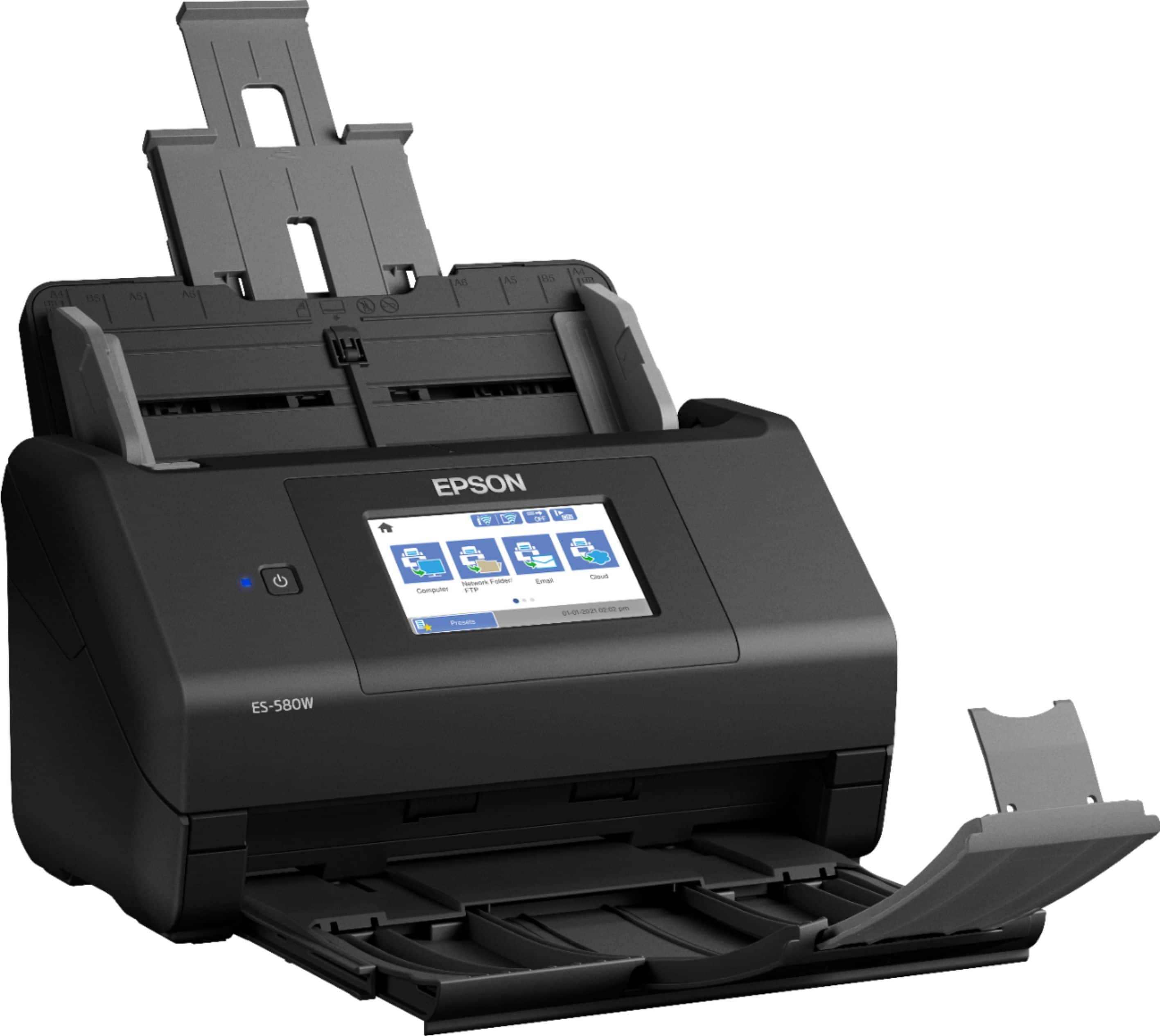
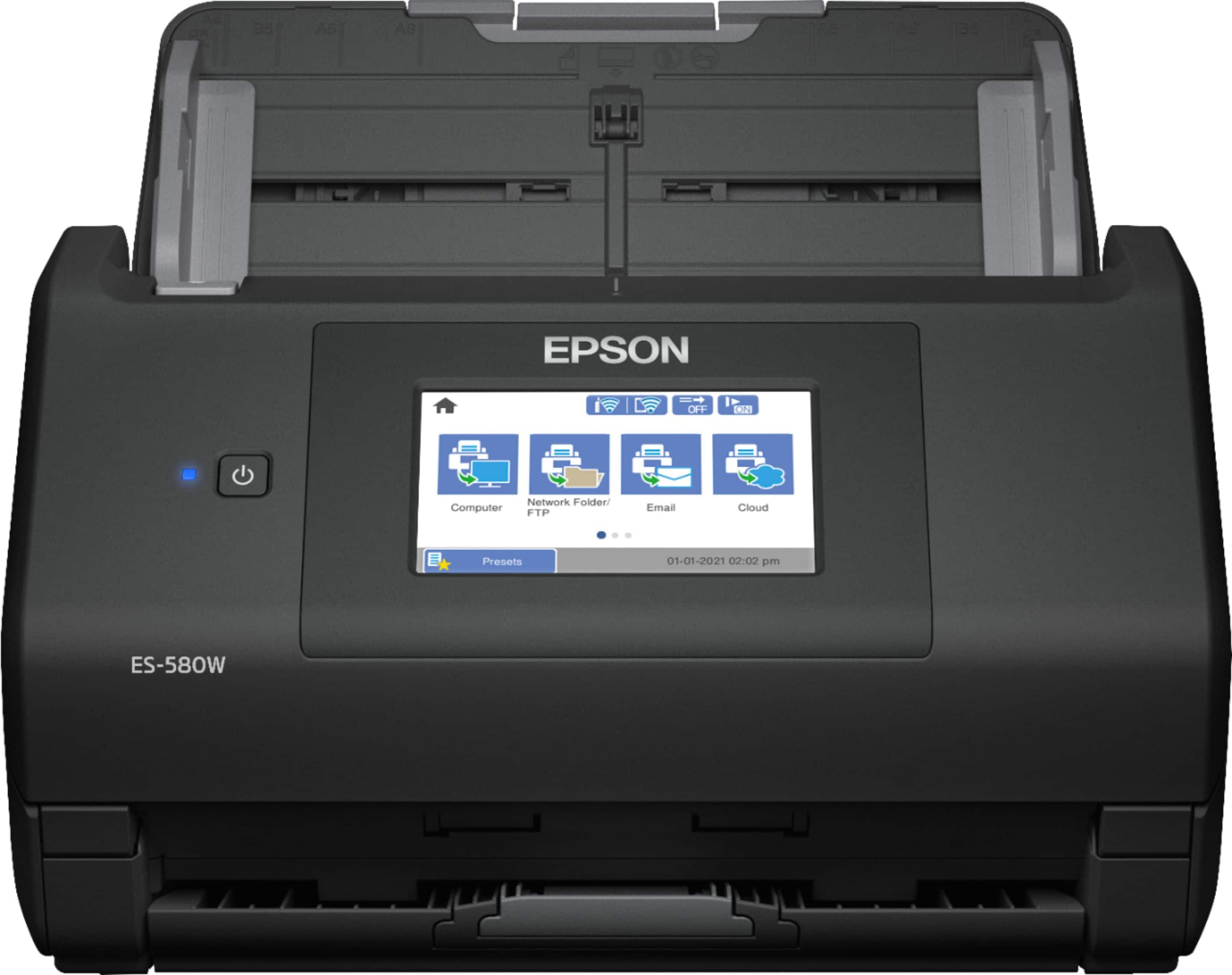
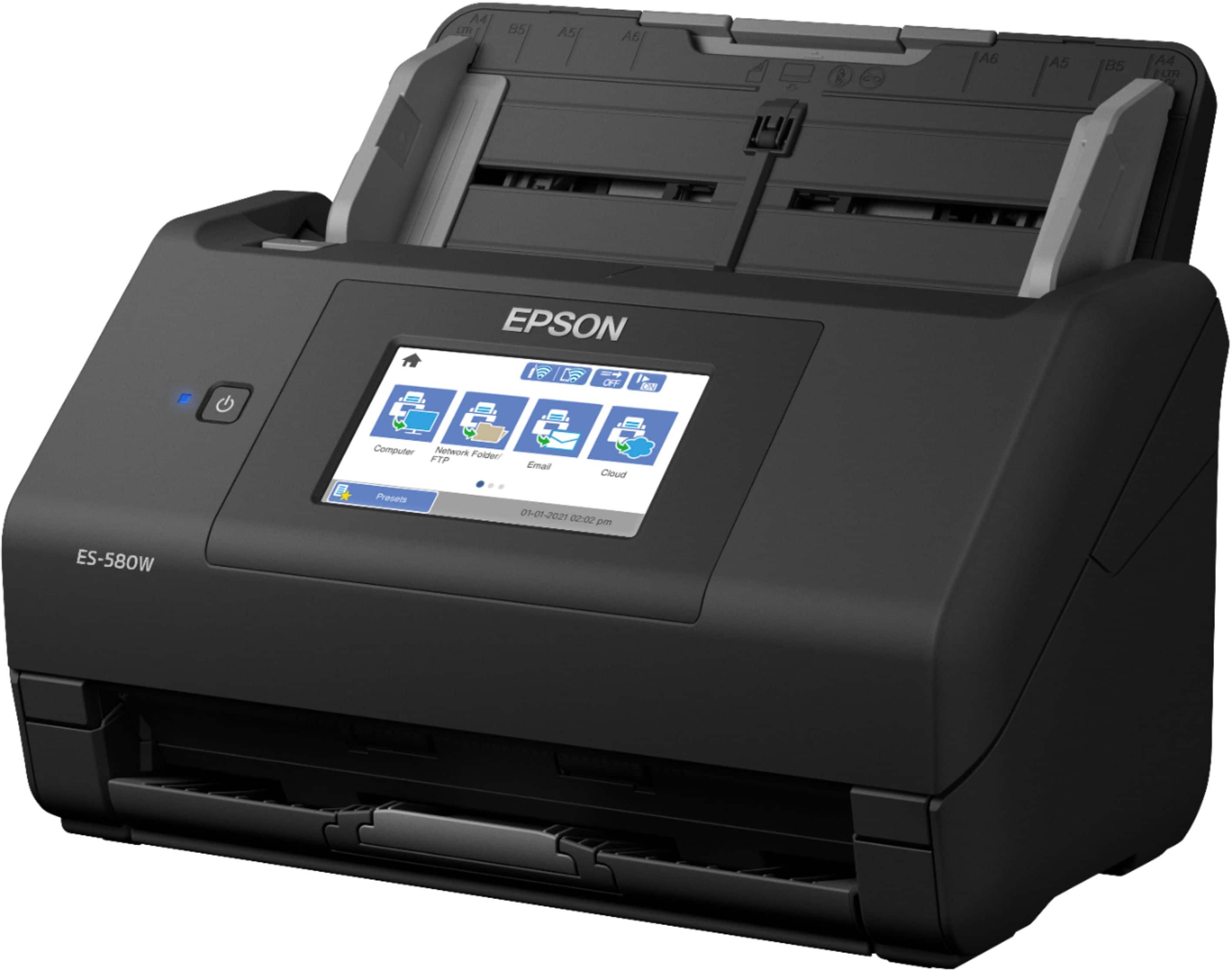
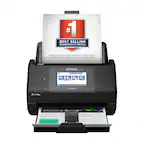
A:AnswerI would not recommend this type of scanner for photo scanning. This scanner does not have a flatbed; it only has an automatic document feeder. Photos, especially delicate ones, don't tend to cope well with document feeders.
A:AnswerHello Comparison. Both scanners are similar when it comes to scan speeds and resolution. The most notable difference is the ES-580W includes Wi-Fi functionality and a touchscreen control panel. You should be able to scan checks just fine: however, some banks may have restrictions on scanned files. Regards, Kevin - The Epson Team.
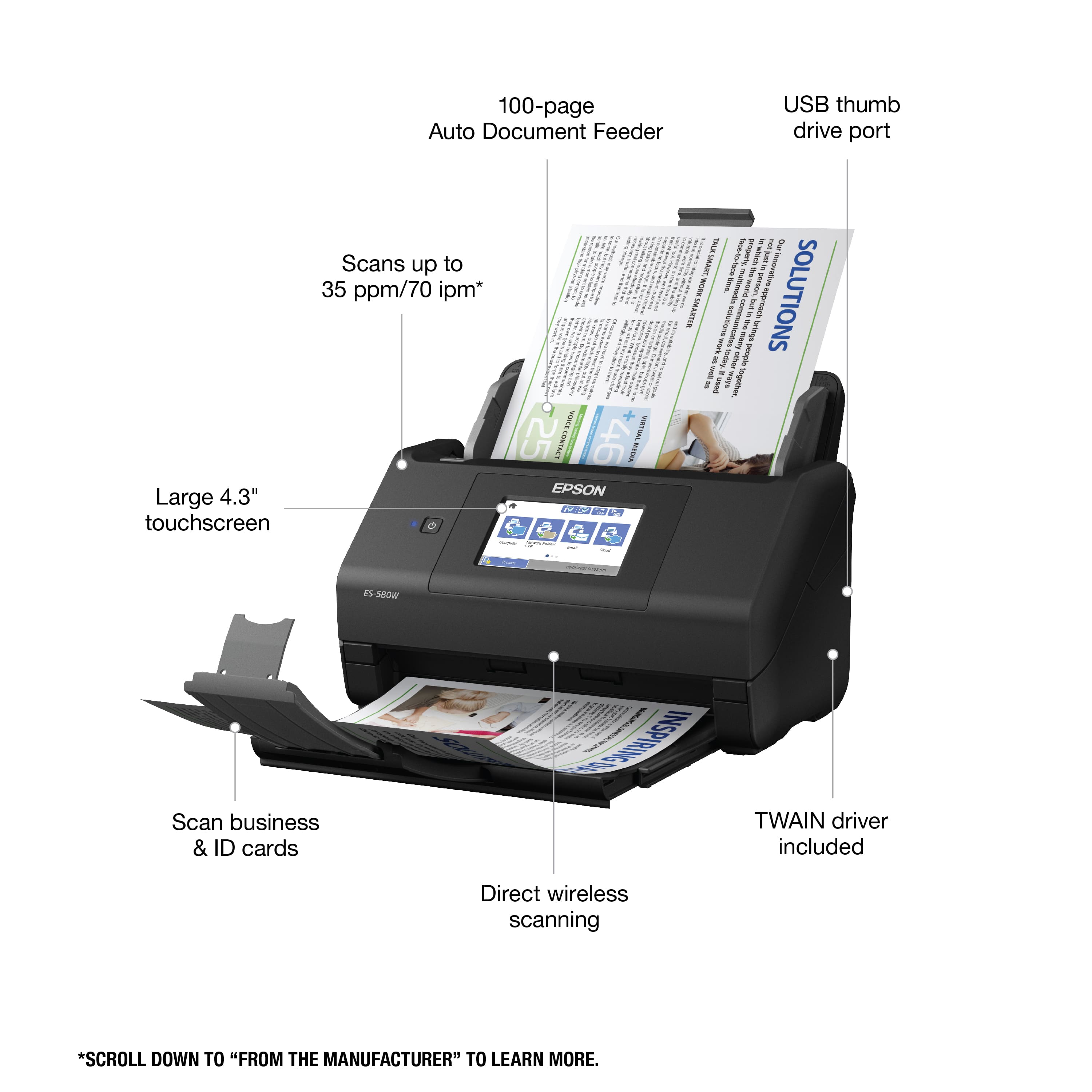
A:AnswerHello mvascos. The ES-580W can scan photo IDs and plastic cards. They must be 2.1" × 3.3" in size and no more than 0.05 inch (1.24 mm) in thickness. Regards, Kevin - The Epson Team
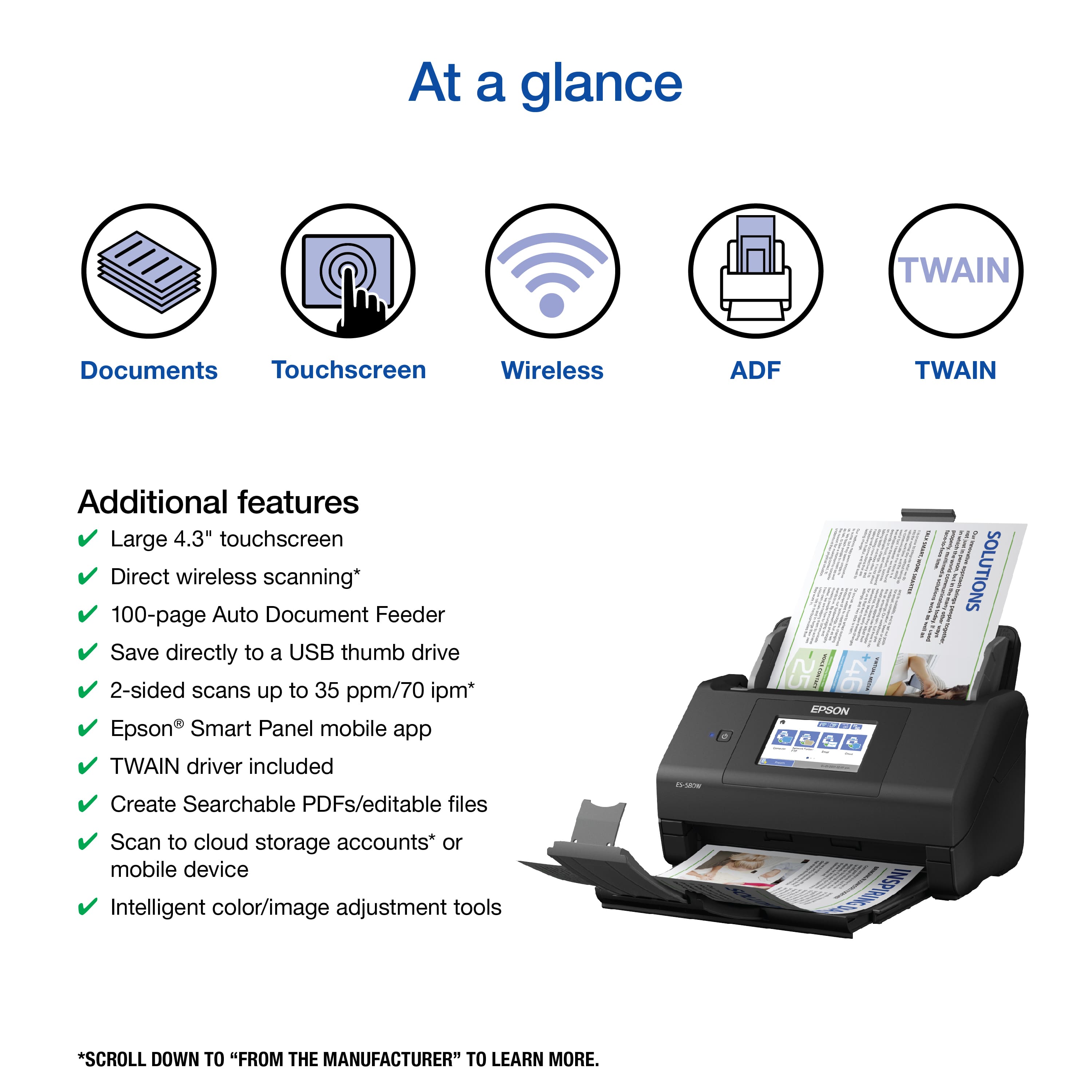
A:AnswerHello 2825. Yes, the ES-580W can scan both sides of your document in one pass. Legal-sized documents will work as the scanner supports sizes ranging from 2" x 2" to 8.5" x 215". Regards, Kevin - The Epson Team.
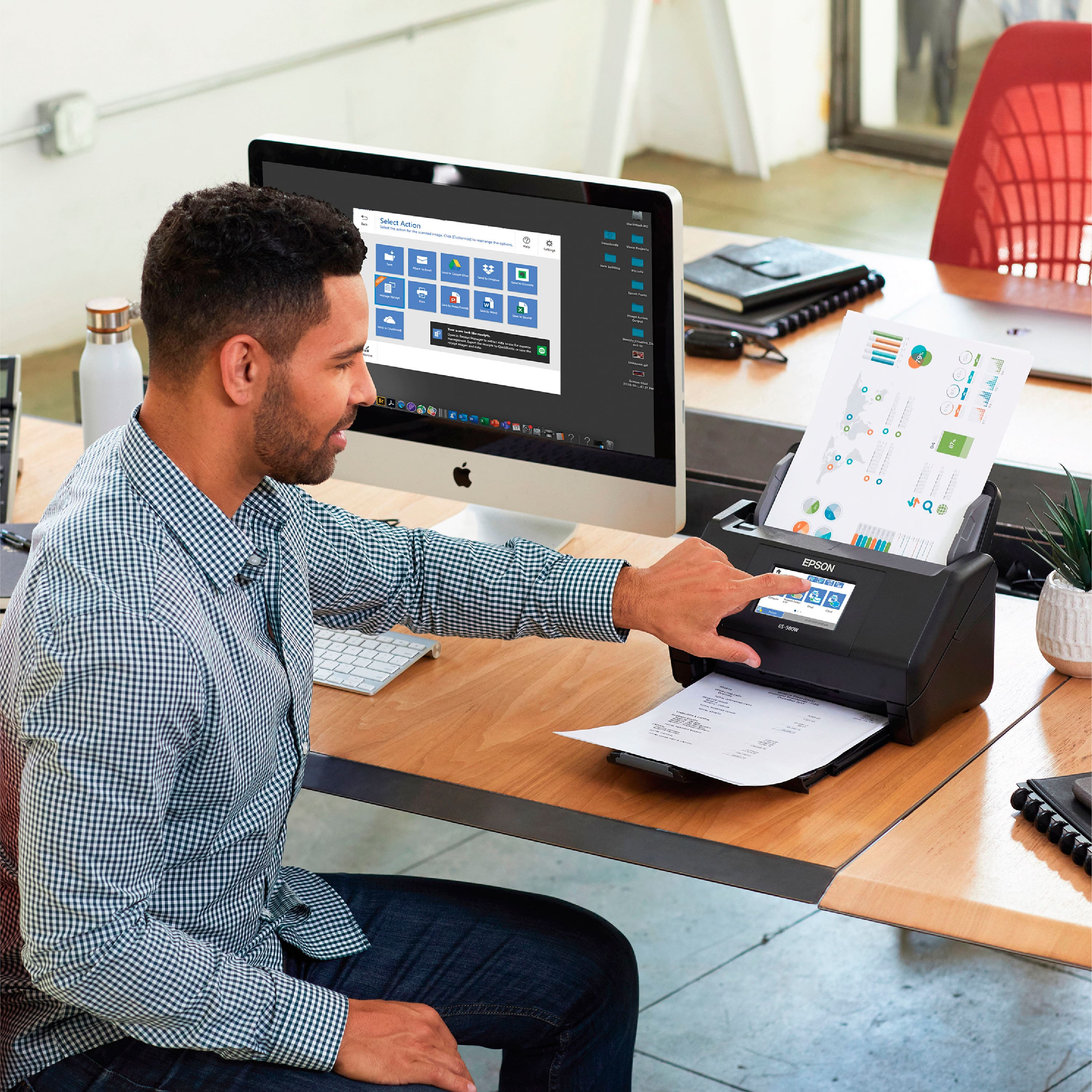
A:AnswerHello PDFFiles. Yes, you can rename PDF files prior to saving your scanned document via the Epson Epson ScanSmart software. Regards, Kevin - The Epson Team.
A:AnswerHello Ray. Currently, the ES-580W only supports scan to cloud to Dropbox®, Evernote®, Google Drive™, and OneDrive. Regards, Kevin - The Epson Team.
A:AnswerHello Dave. Yes, each scanned page will appear as a preview on the screen. When you are done scanning, you can select how you would like to save your scanned images. Regards, Kevin - The Epson Team.
A:AnswerHello search. Most 3rd party scanning software requires a TWAIN driver to work with our products. The RR-600W Scanner uses a TWAIN-compliant driver, so it may integrate. We recommend contacting Neat directly to confirm compatibility. Regards, Kevin - The Epson Team.