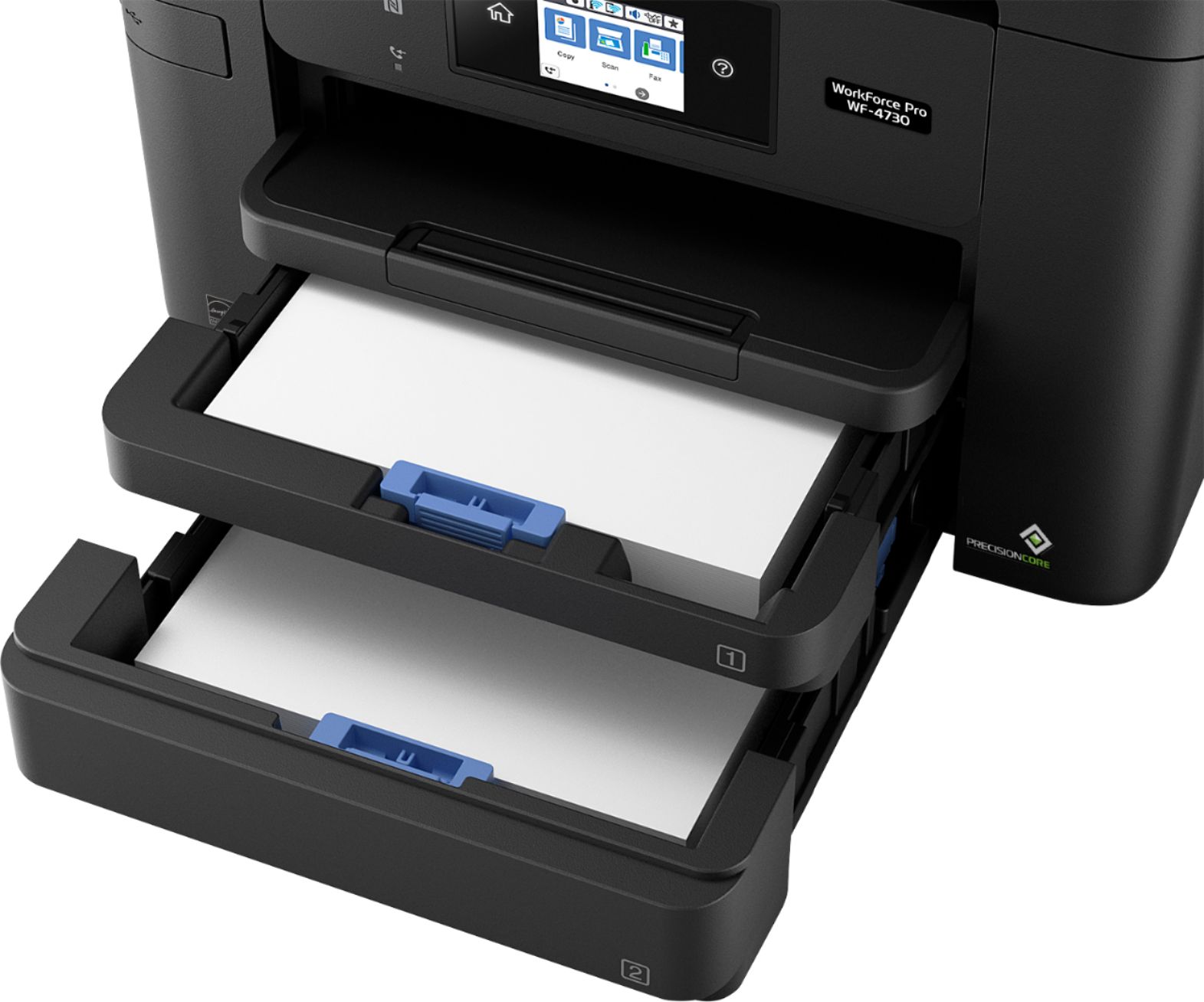
A:AnswerSupported paper types are: Plain Paper, Epson Bright White Paper, Brochure and Flyer Paper Matte Double-sided, Presentation Paper Matte, Photo Paper Glossy.
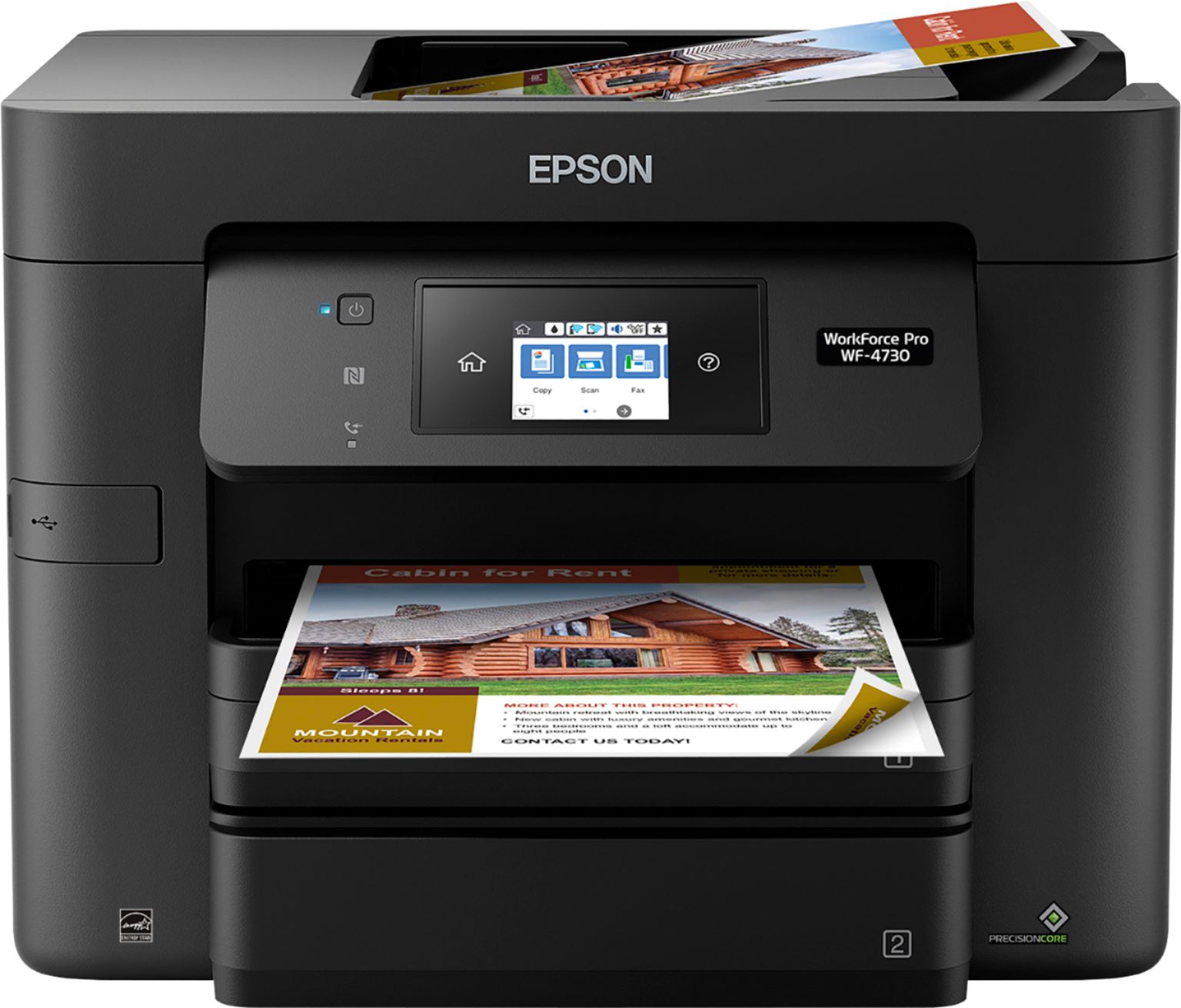
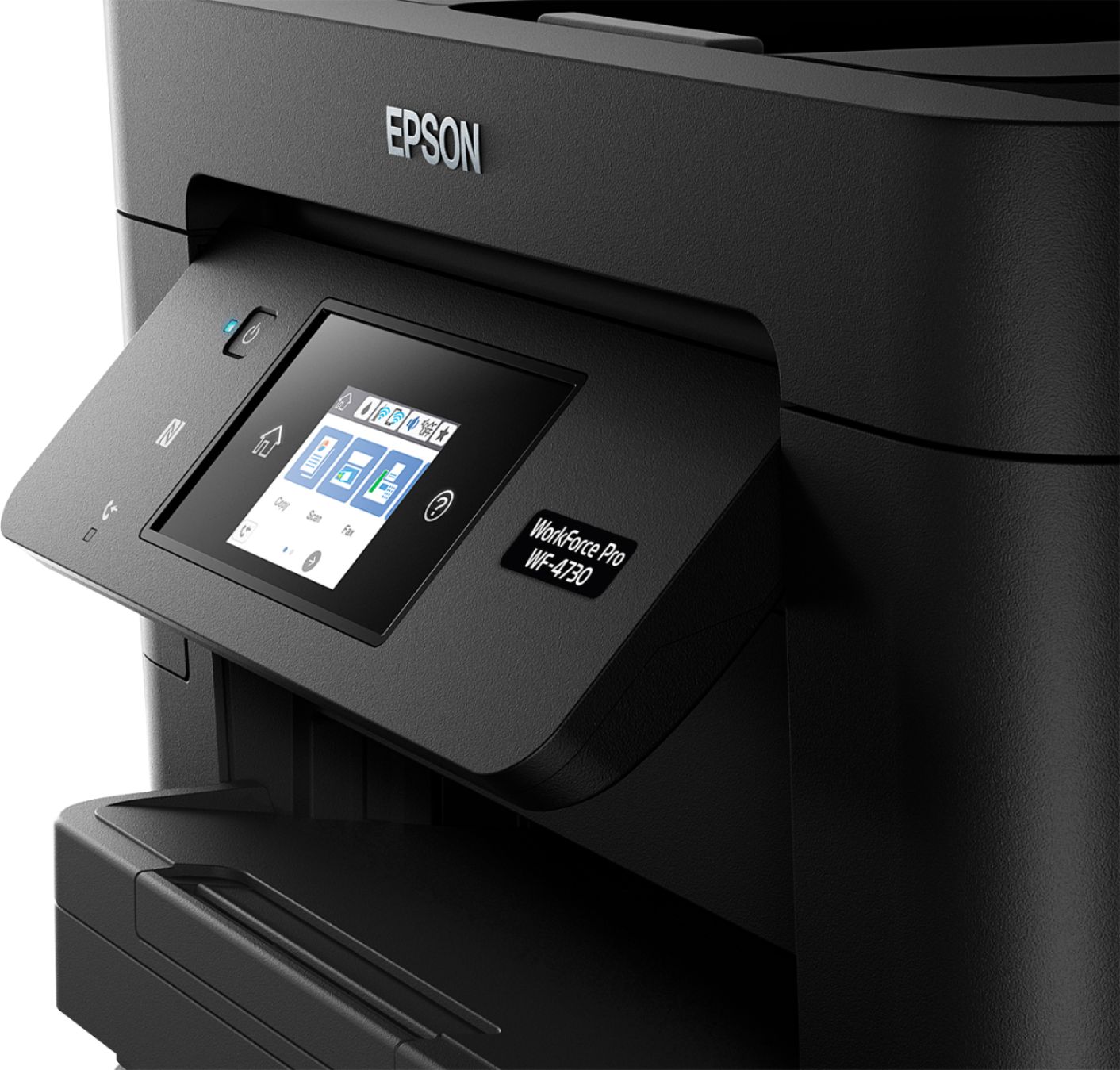
A:AnswerHi Lancer, The Fax function is built-in with the Epson WorkForce Pro WF-4730 and cannot be disabled. However, if you do not connect the printer to a phone jack it can neither send nor receive faxes. Regards, Alexander - The Epson Team.
A:AnswerSupported paper types are: Plain Paper, Epson Bright White Paper, Brochure and Flyer Paper Matte Double-sided, Presentation Paper Matte, Photo Paper Glossy.