A:AnswerI have never tried to refill the cartridges. Since it is portable and compact heavy usage will deplete the cartridges sooner than Inhadxanticipated. However the clarity of print is worth it.
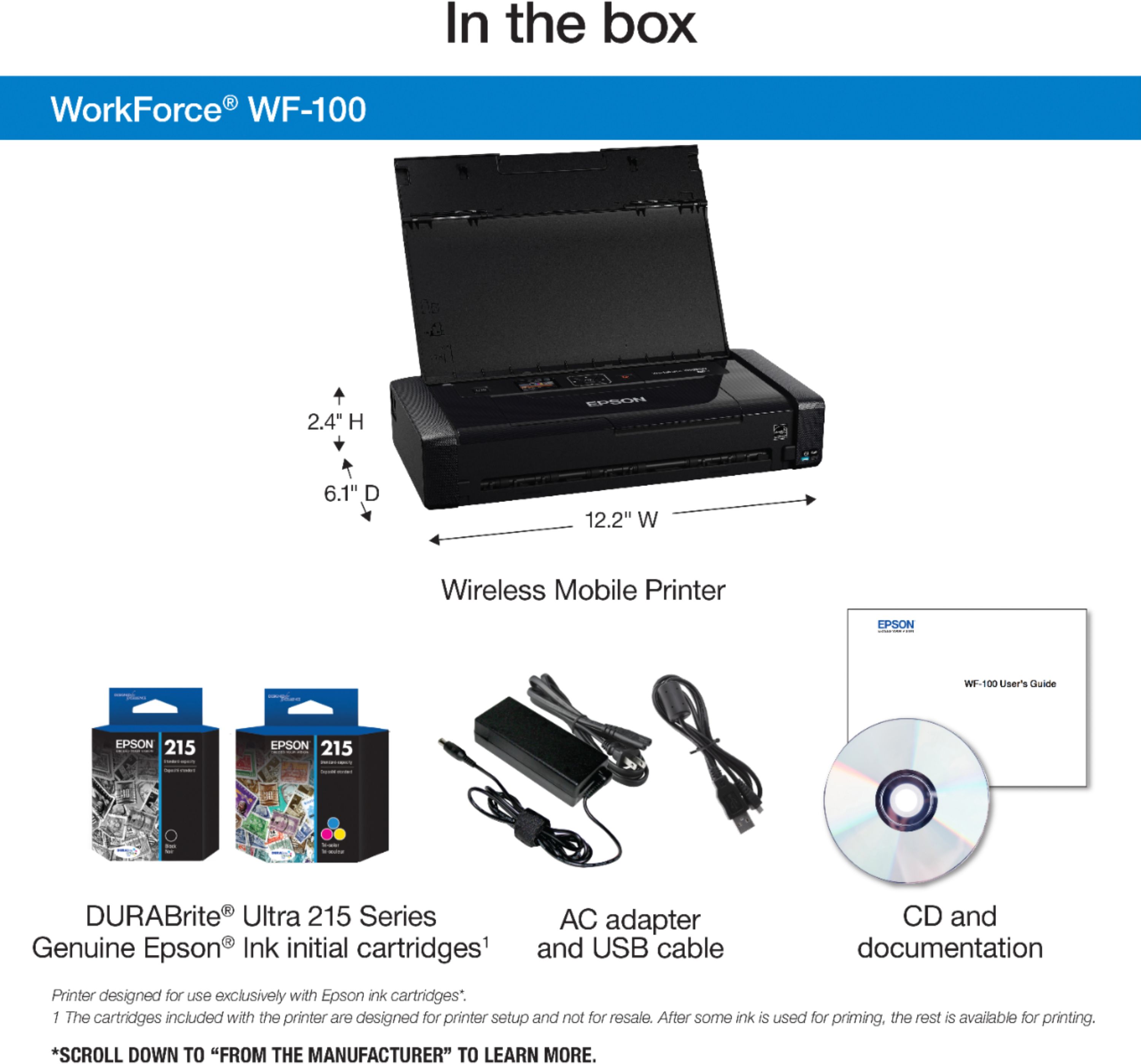
A:Answerink cartridges are Epson 215 = black-and-white and tricolor
The maintenance cartridge kind of threw me to at first on the bottom of the printer is a trap door if you open it there is a gray flat cartridge attached inside and you should have gotten one extra one in a little cellophane package it's my understanding this cartridge simply catches excess or overflow ink And need to be changed out if or when it becomes full
A:AnswerTo do two-sided printing with the Epson WF 100:
When you are ready to print use Ctrl+shift+P
Then in the box that appears you will see a button called "Properties" - click that.
Under properties you will find options for the quality of printing (how fast it prints and how much ink it uses!)
You will also see options for Color or Grayscale (Black and White)
Under that you will find OPTIONS FOR SETTING UP TWO-SIDED PRINTING...
After you have clicked OK, and APPLY
Then click PRINT.
Follow instructions for turning the pages over...
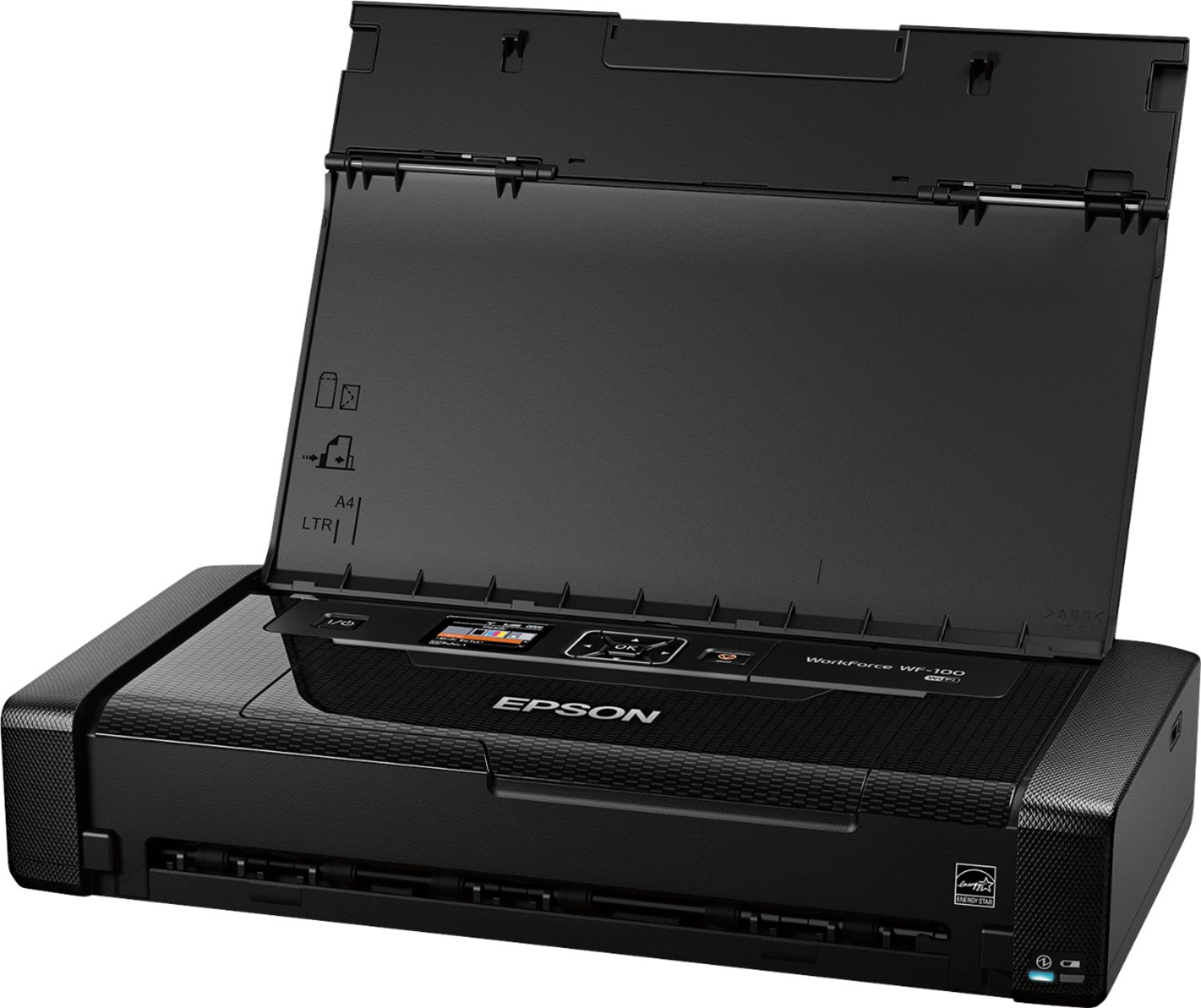
A:AnswerTo access the ink cartridge, turn on the printer and open the inner cover. There is a blue tab that locks the ink cartridge and by pushing it, you may remove the cartridge and access it.
A:AnswerDear Angie;
Yes, the built-in Lithiu-ion battery needs replacement. Get a hold of Epson support and see how you can get one. Another avenue would be to look at eBay or Amazon for this batter.
Best of luck,
Consultant Brian