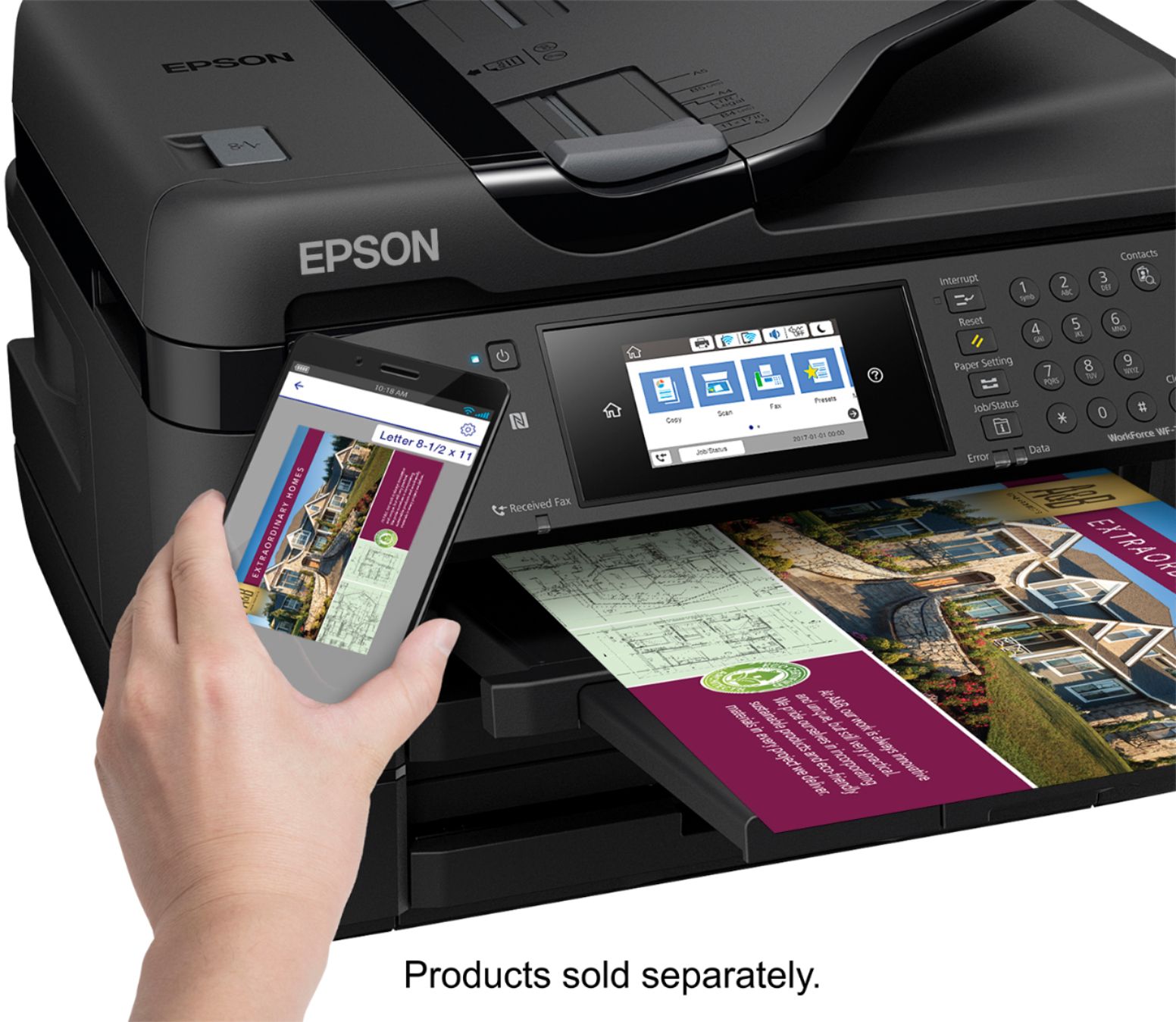
A:AnswerYes, it should. I tested the scanning with my iPhone and the Epson iPrint app. It should work for the iPad as well. The instructions are on Epson's website here: https://epson.com/Support/wa00876
A:AnswerI have an iMac and have printed normal docs with no issues, the driver works well on both PC and Mac. but i have not tried with sublimation printing
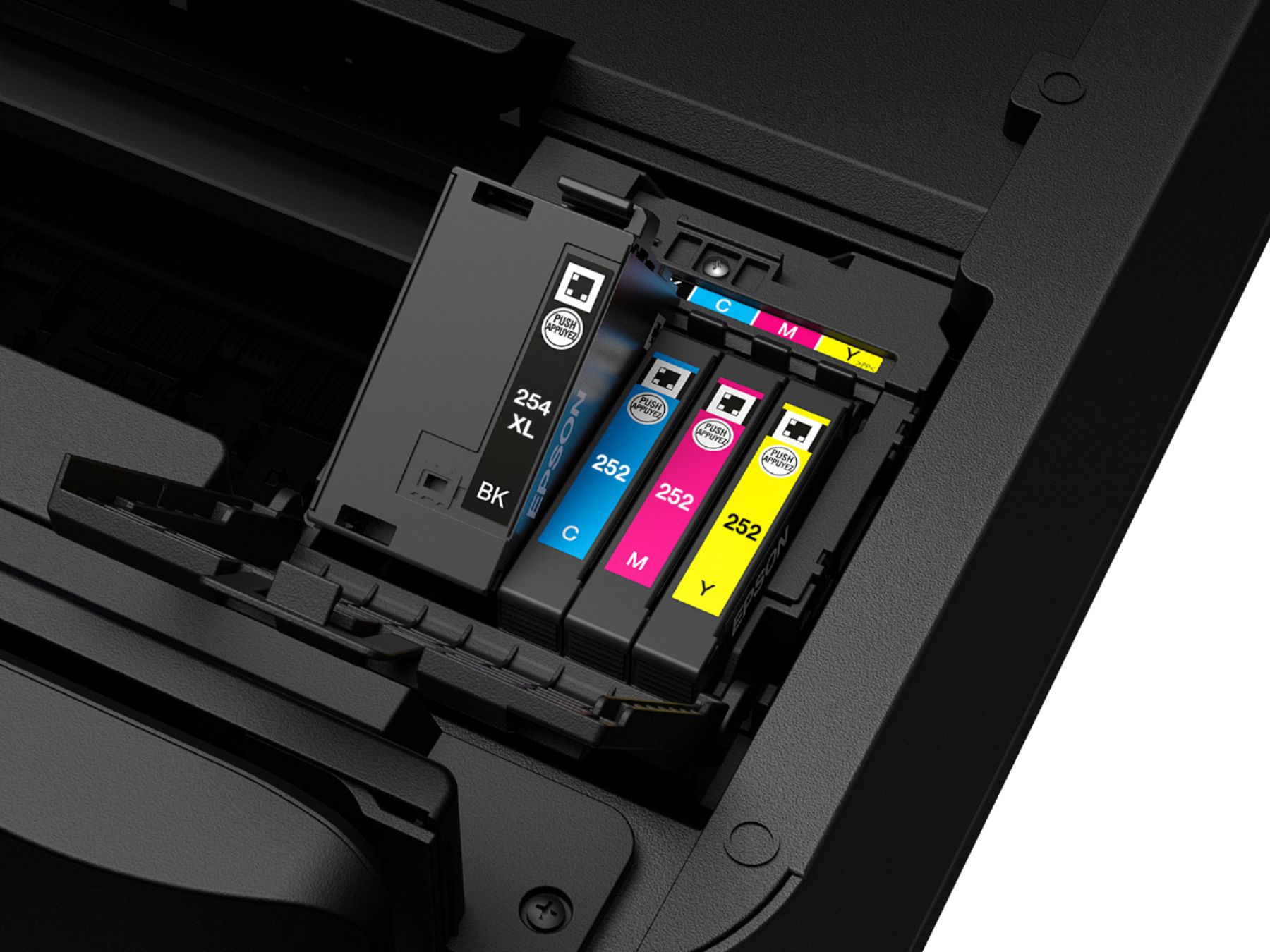
A:AnswerYes, this can be used for sublimation. However, you will just need to buy refillable cartridges and fill with sublimation ink. Please note this voids warranty.
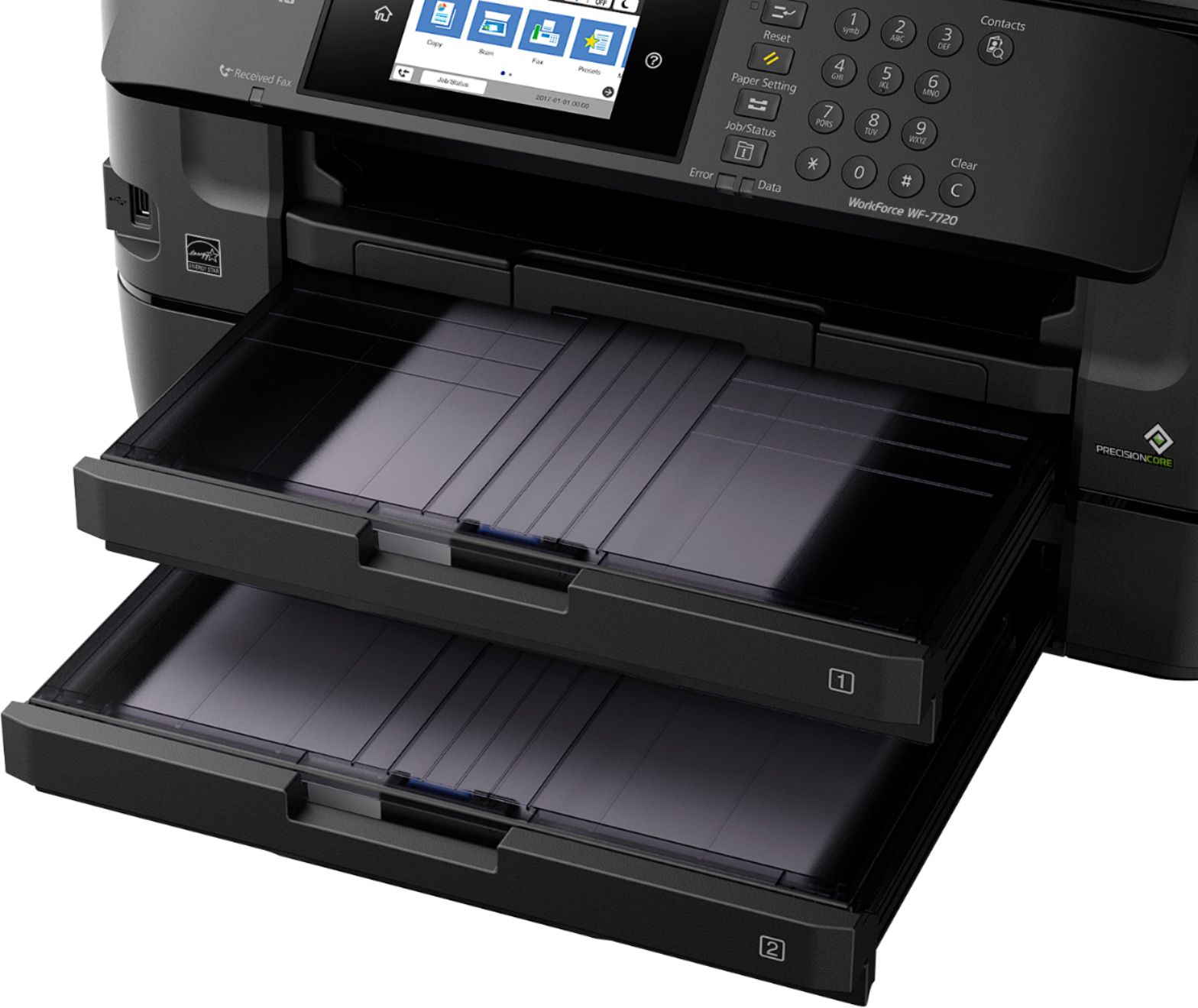
A:AnswerI've never tried this myself but if the film is designed for inkjet there is no reason I can think of that it wouldn't. When you insert the paper or film from the rear paper feed it does not bend the paper very much so it should have no problem with other media. I ran some screen printing sheets through my previous machine, (an earlier model of the same printer), and it had no problems with that.
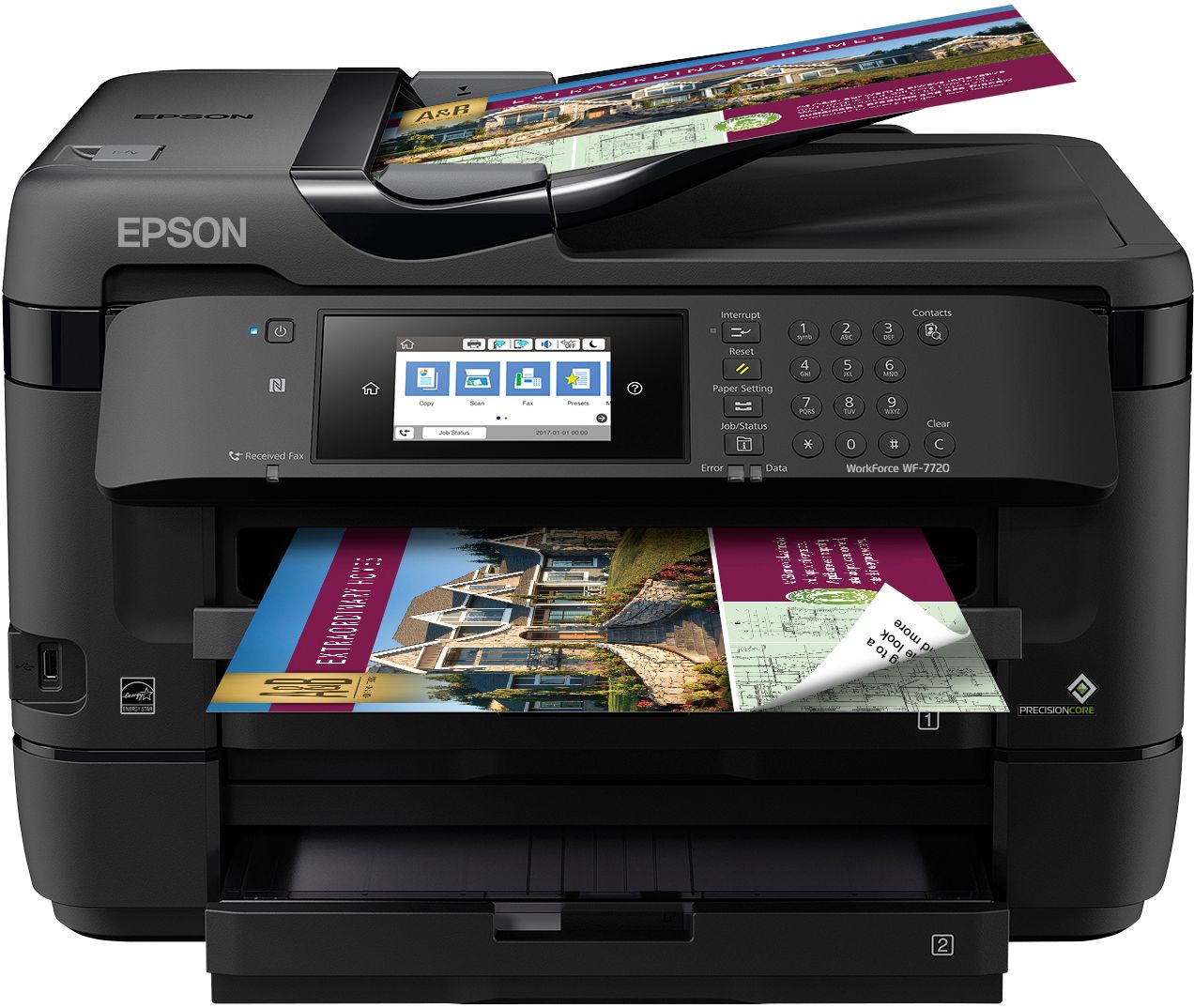
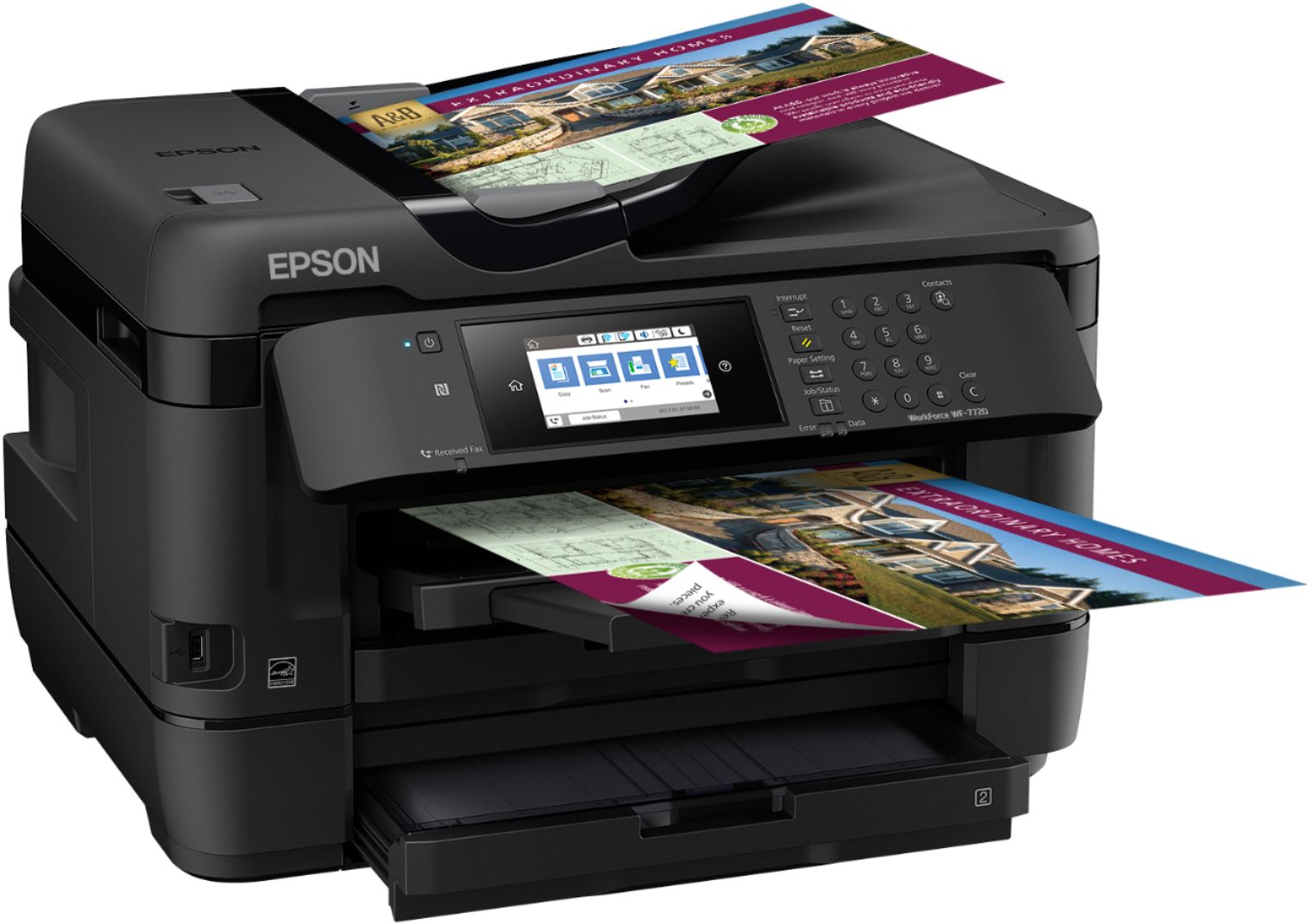
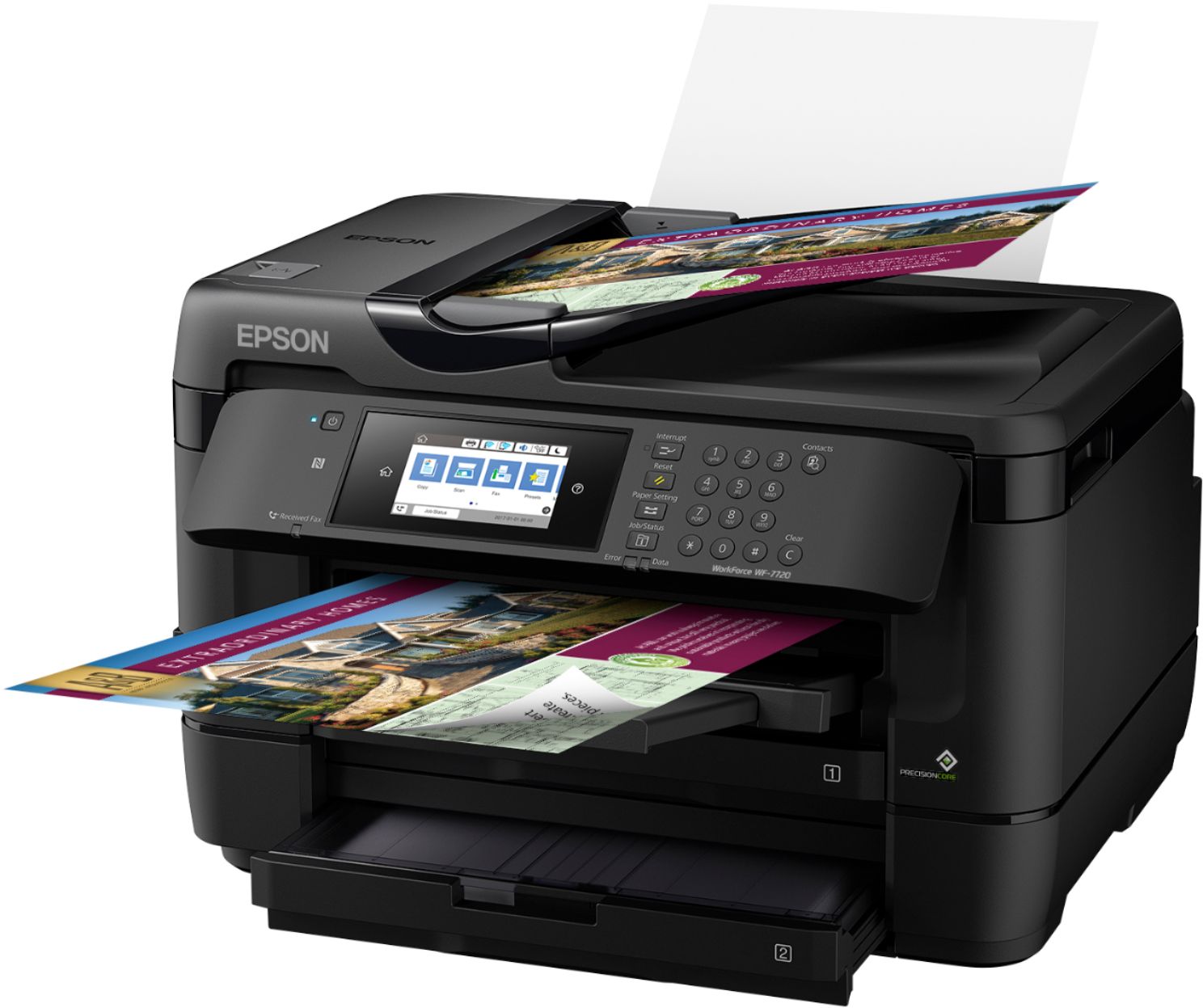
I find this is a very good printer.
A:Answeryes and yes. It has complete faxing and yes it runs on Windows 10. I have four computers using Windows 10 and one computer using Windows 7. They all work fine with this printer. I believe this will also print from your cell phone with the proper app.