
Black Friday is hereShop new DoorbustersShop now

Main Content

Questions & Answers

Page Showing 1-20 of 24 questions
  • QuestionWhat is the field of view for this camera?

    • Answer This security camera has a 135-degree field of view.
    This question and answer was generated by AI based on customer and product data.
  • QuestionHow is this camera powered?

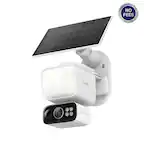
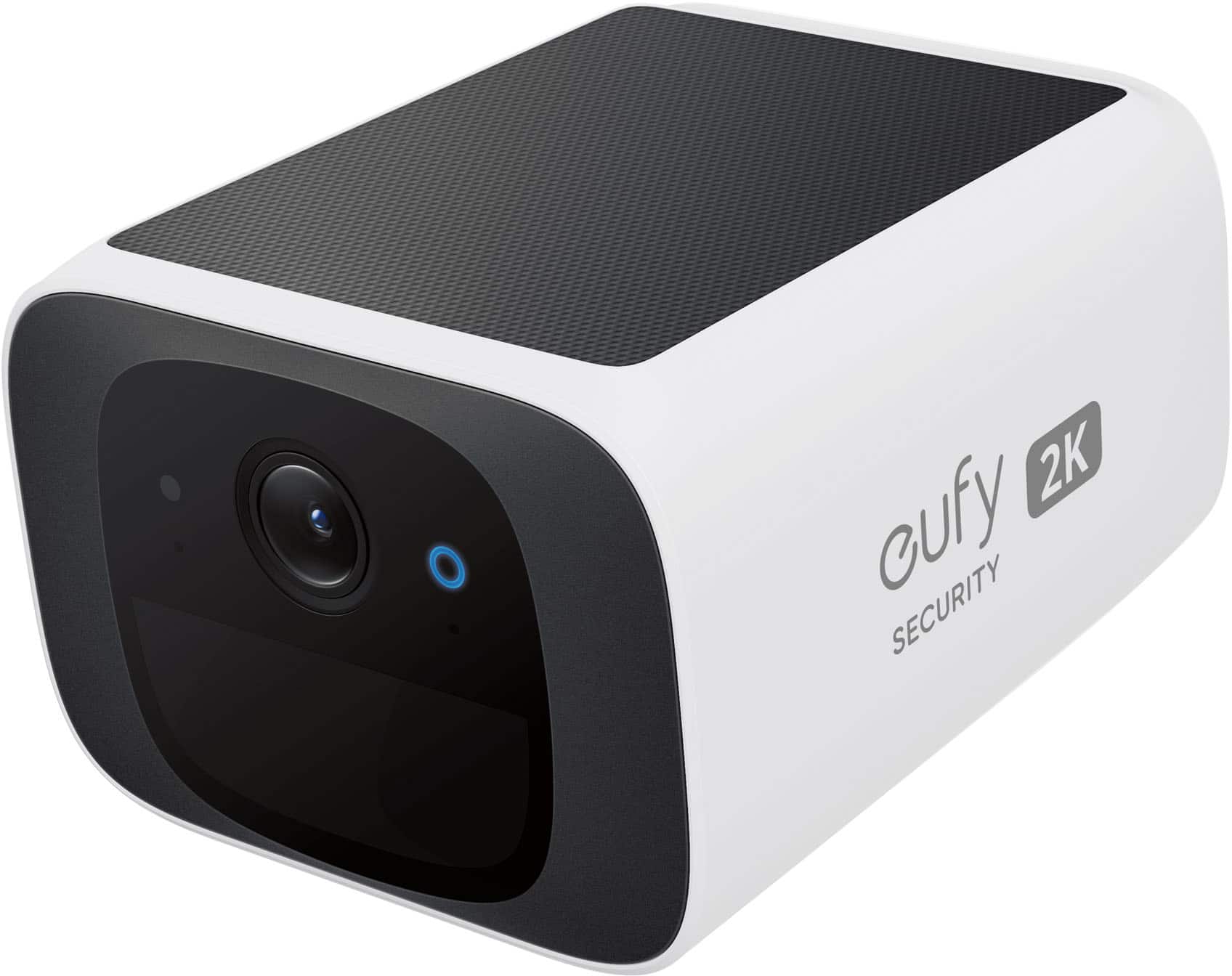
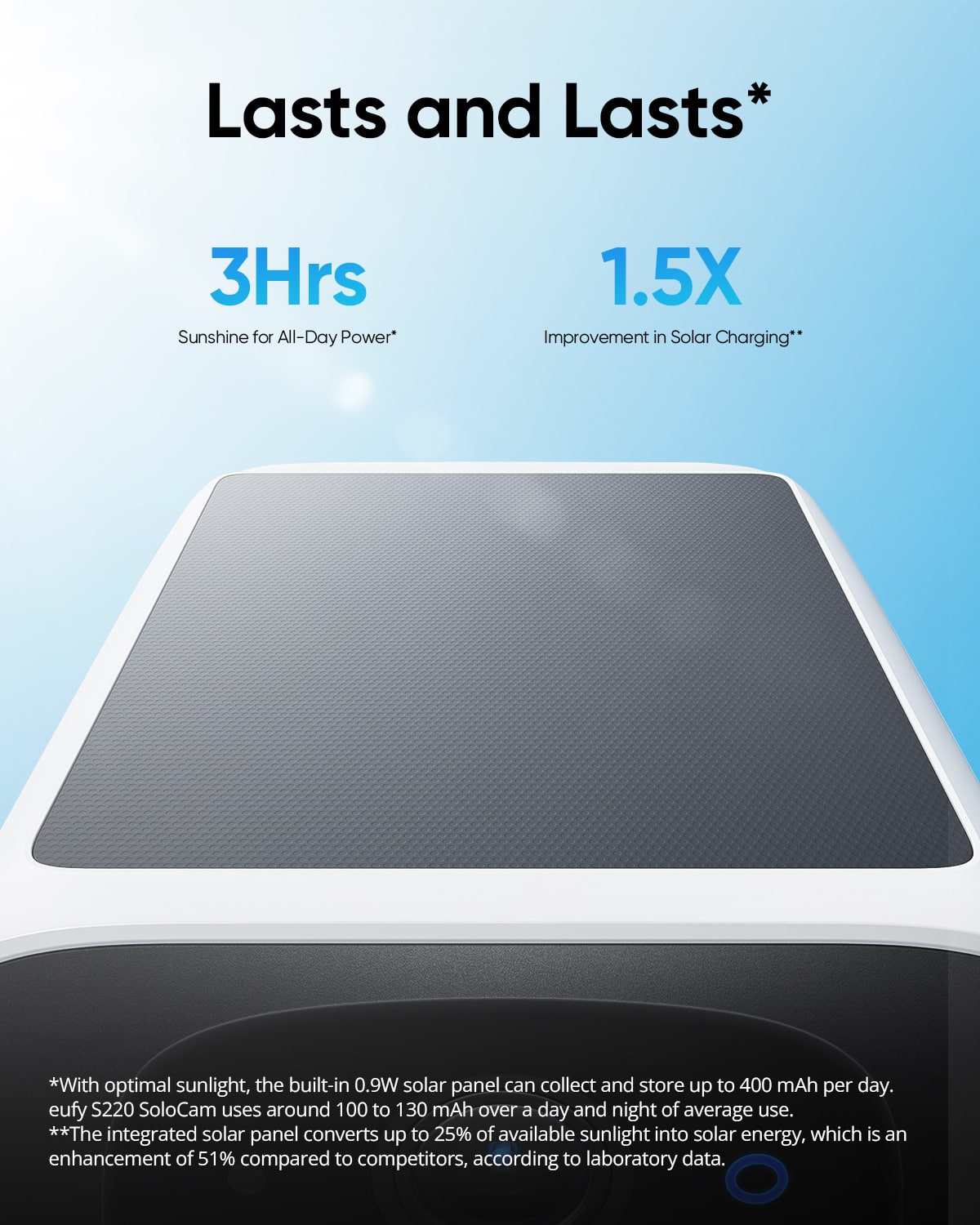
    • Answer This camera is powered by an integrated solar panel that keeps the battery charged year-round.
    This question and answer was generated by AI based on customer and product data.
  • QuestionDoes this camera have night vision?

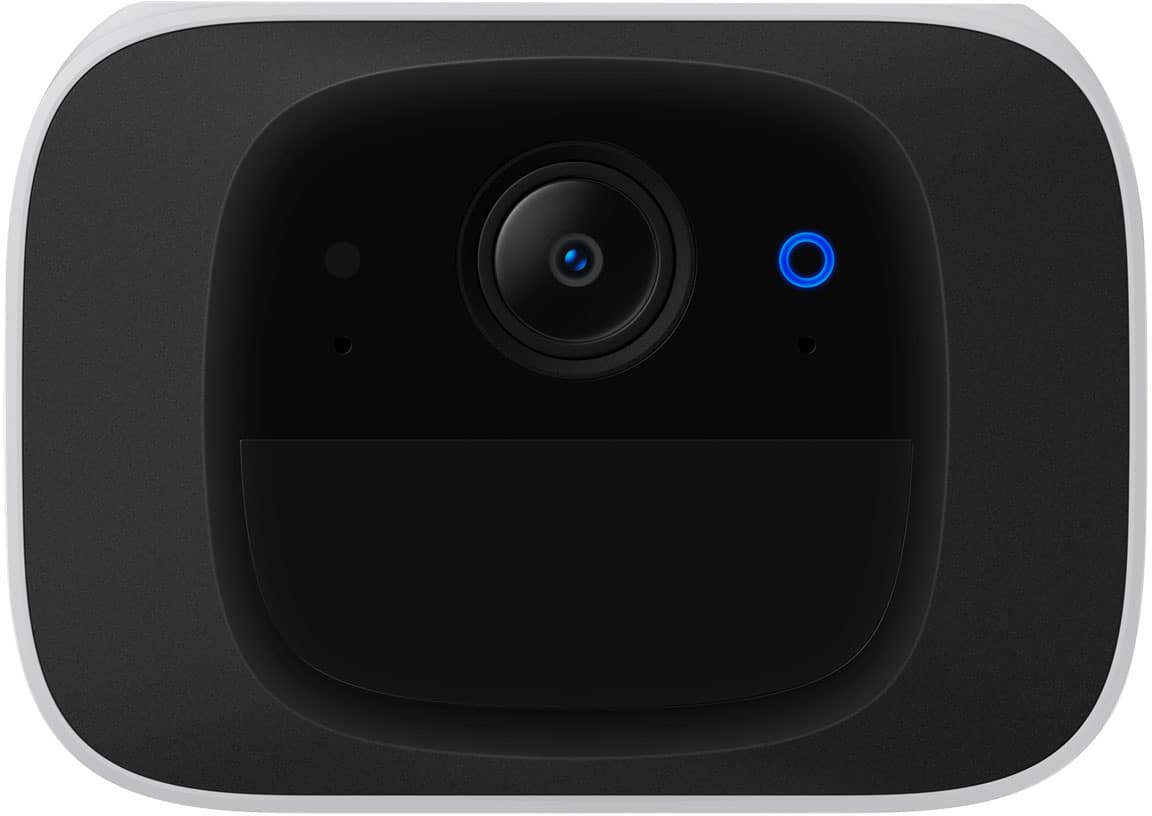
    • Answer Yes, the camera has infrared LEDs and an f/1.6 aperture that allows you to see up to 32.8 feet at night.
    This question and answer was generated by AI based on customer and product data.
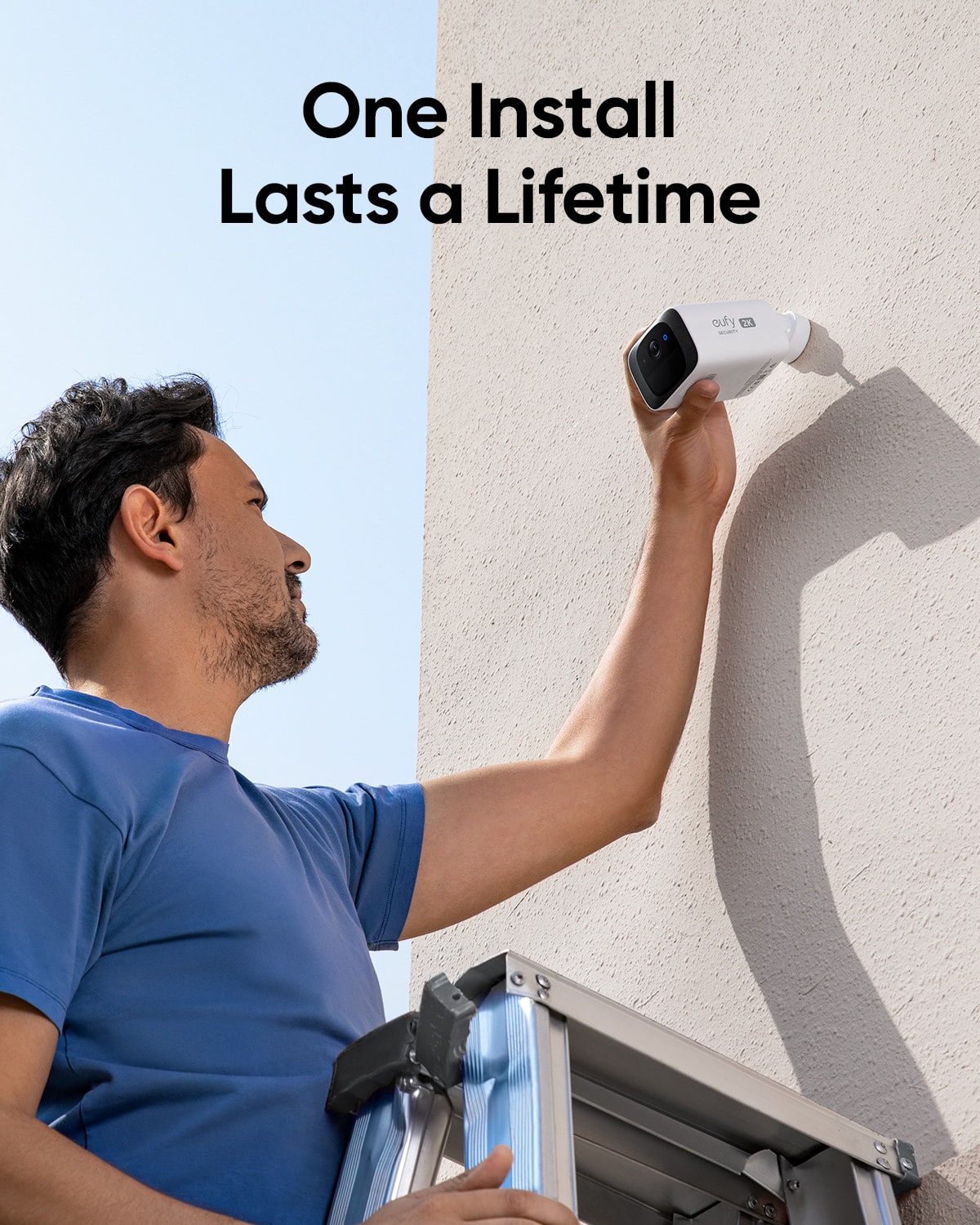
  • QuestionHow long does it take to install this camera?

    • Answer The manufacturer states that this camera can be installed in about 5 minutes.
    This question and answer was generated by AI based on customer and product data.
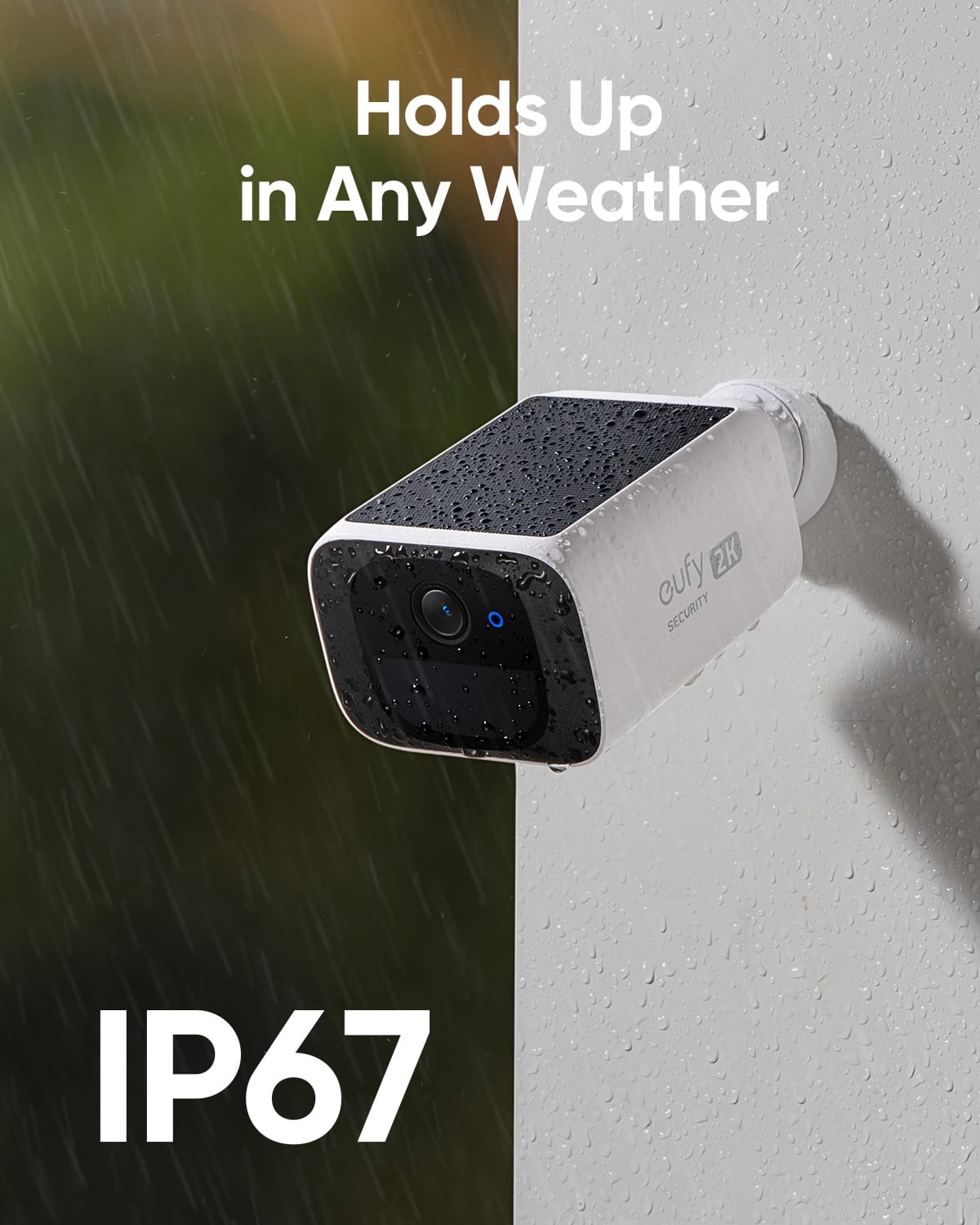
  • QuestionCan I use this camera indoors and outdoors?

    • Answer Yes, this camera is suitable for both indoor and outdoor use.
    This question and answer was generated by AI based on customer and product data.
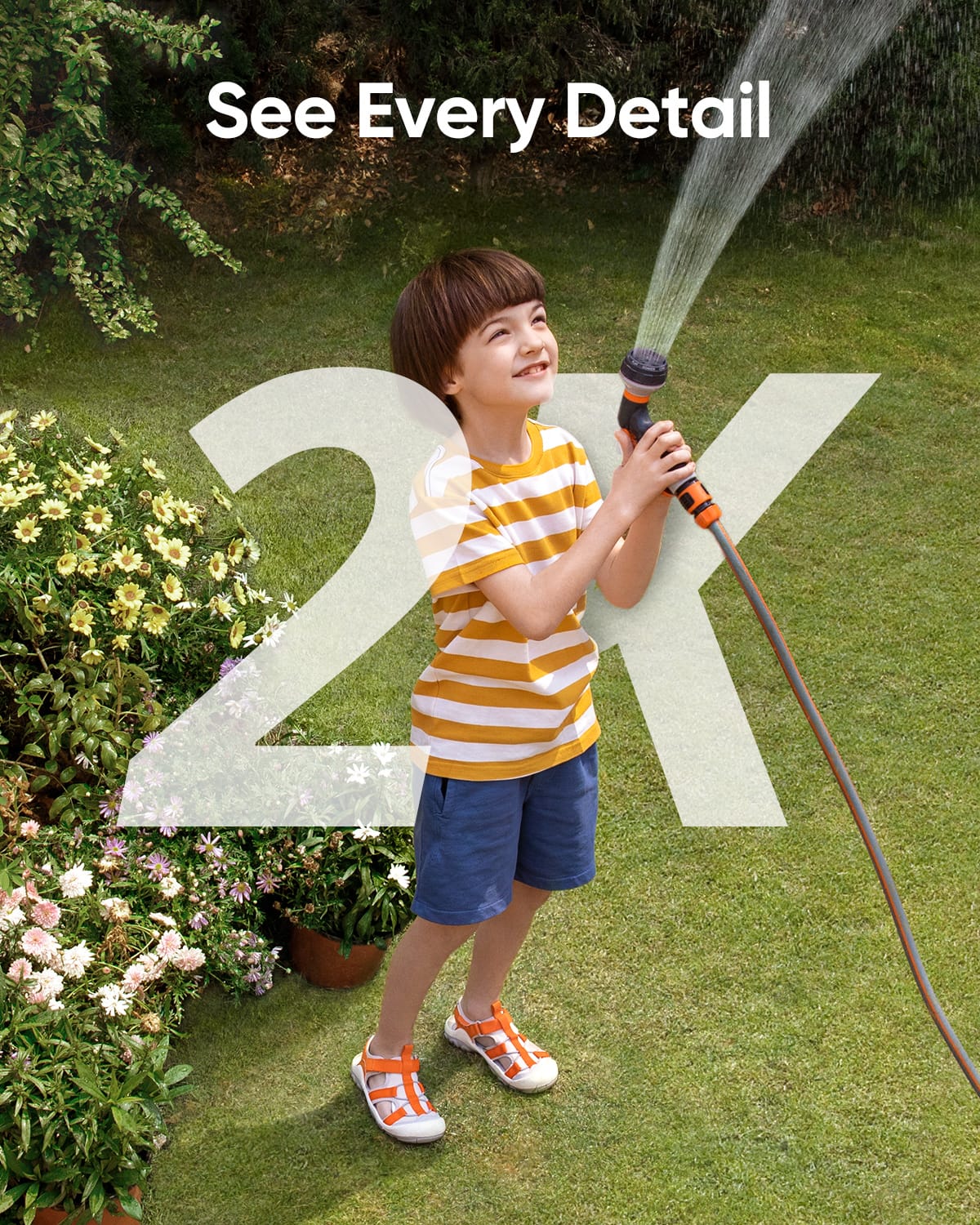
  • QuestionWhat is the video resolution of this camera?

    • Answer The camera records video in 2K resolution (2304 x 1296).
    This question and answer was generated by AI based on customer and product data.
  • QuestionDoes the SoloCam S220 connect to home LAN Wifi? PC app? Phone app? Thanks

    Asked by PaulK.

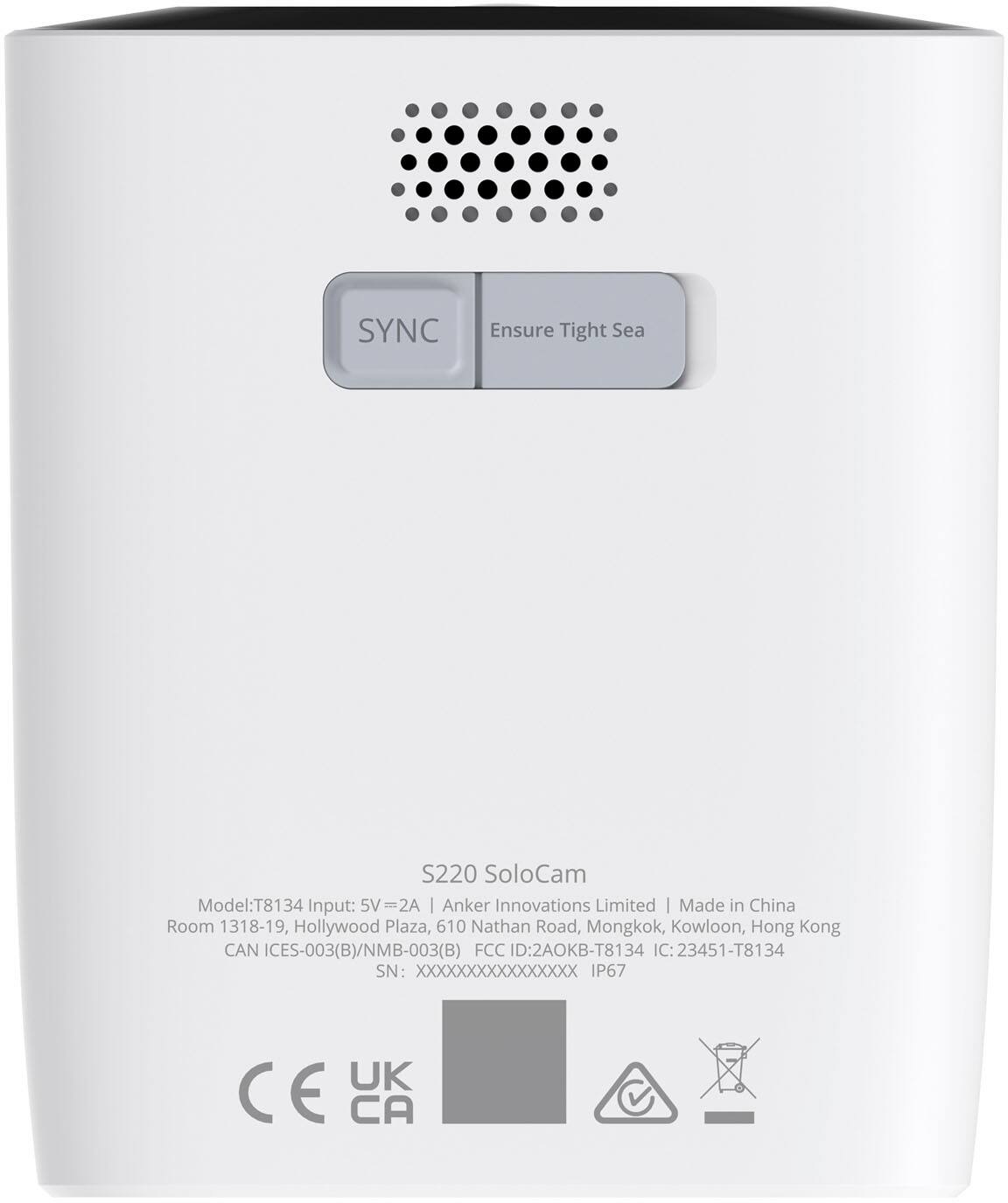
    • Answer The SoloCam S220 Outdoor Battery Powered Security Camera connects to a 2.4GHz WiFi network. Make sure the network SSID is not hidden, and the security protocol is set to either WPA or WPA2. It does not support connection to a 5GHz WiFi network. For app connectivity, you need to use the eufy Security app on your phone for setup and management. Currently, there isn't a PC app mentioned in the documentation for this device. To set up the camera: Fully charge the device. Use the eufy Security app, go to “Devices” > “Add Device” > select “S220 SoloCam.” Select your 2.4GHz WiFi network and enter the WiFi password. Follow the instructions to sync the camera by pressing the SYNC button and scanning the QR code on your phone screen using the SoloCam. You can then use the phone app to control and monitor the camera.

      Answered by Eufy Team

  • QuestionWhat's the difference between this S220 and the C20 solocam?

    Asked by NoName.

    • Answer Thank you. eufy answer totally contradicts Bestbuys description (see screenshot) I'm looking for an outdoor cam that records in a continuous loop, 8 or 12 hours like the Alfred cam app that uses old cell phones. I will cancel the c20 order. PS I am happy with my eufy video doorbell.

      Answered by NoName

  • QuestionCan it be set up to record people and animals and send notification for both

    Asked by Joe.

    • Answer Yes, the eufy SoloCam S220 can be set up to record motion from both people and animals and send notifications. By default, the camera will detect all motion events, including humans, animals, and other objects. You can configure the motion detection settings in the eufy Security app: To record both people and animals: Set the motion detection to "All Motions" in the app. To limit detection to humans only: Adjust the motion detection setting to "Human Only." Notifications: The SoloCam S220 will send push notifications to your phone or tablet as soon as motion is detected. You can also customize the detection sensitivity and activity zones to fit your environment, ensuring greater accuracy in motion detection and reducing unnecessary alerts.

      Answered by Eufy Team

  • QuestionHow long will it record a motion event? My doorbell is only good for 60 seconds

    Asked by NoName.

    • Answer For the Eufy SoloCam S220 (also known as SoloCam S40), motion event recording length works a bit differently compared to video doorbells like yours that cap recordings at 60 seconds. Here’s what you should know: Recording duration is adjustable in the Eufy Security app (under Camera Settings → Recording Settings). The S220 can typically record up to about 120 seconds per motion event by default, depending on your settings. After the set duration is reached — or if motion stops — the camera will end the clip. If motion continues after the clip ends, Eufy waits a short "cooldown" period (usually a few seconds) before starting a new clip to save battery and storage. Because it uses on-board AI human detection, it will generally only record when relevant motion (like a person) is detected, reducing wasted footage.

      Answered by Eufy Team

  • QuestionDoes this camera work if the internet has been temporarily turned off the person that I am trying to catch turns off the WiFi

    Asked by Casper.

    • Answer The eufy SoloCam S220 requires a WiFi connection to function properly. If the camera is offline due to the internet being turned off (such as someone turning off the WiFi or the router), it will not be able to live stream or send alerts until the WiFi connection is restored. Additionally, features that rely on an internet connection, such as remote access through the app, will not work. The camera's internal storage may still record events locally in situations supported by the camera, but access to these recordings would require reconnecting the device to the WiFi network and synchronizing with the app. Therefore, consistent internet connectivity is crucial for full functionality.

      Answered by Eufy Team

  • Questiondoes this camera come with an outdoor mount

    Asked by RubenD.

    • Answer Yes, and comes with the screws

      Answered by TerryN

  • QuestionCan this camera be paired with the Cove Connect home security system app? This is the exact same model they sell, and I don't know if I have to buy these through them at a higher price.

    Asked by Floyd.

    • Answer The eufy S220 SoloCam is exclusively compatible with the eufy Security app for management and setup. It is not indicated in the documentation that this camera can integrate with the Cove Connect home security system app. You can download the eufy Security app for Android or iOS to set up and manage the camera.

      Answered by Eufy Team

  • QuestionNeed home base to recording 24/7?

    Asked by Oscar.

    • Answer No, Home base not required dor 24/7 use amd access bia phone app

      Answered by NickD

  • QuestionIs this made in America?

    Asked by Sonya.

    • Answer No,is not.

      Answered by Eufy Team

  • QuestionMy question is that. Is it recording 24/7 in the SD card local storage ?

    Asked by Talha.

    • Answer No, the eufy SoloCam S220 does not have the feature of 24/7 continuous recording in its local storage. Since it is a battery-operated camera, it is designed to record only when motion is detected, ensuring efficient use of battery life.

      Answered by Eufy Team

  • Questioncan this send notifications remotely, eg to your phone

    Asked by jay.

    • Answer Yes. I get notifications on my phone when I am away or in the house.

      Answered by TerryN

  • QuestionLooking for something for my rv. Would this work? No power , no internet?

    Asked by Rv.

    • Answer The SoloCam S220 Outdoor typically requires a stable power source and internet connection to function optimally. If your RV doesn't have either, the camera might face operational limitations. Some cameras might offer offline capabilities or operate with integrated batteries (like solar-powered ones) but will need to be checked specifically for this model.

      Answered by Eufy Team

  • QuestionCompatible with Home base 2, or nah?

    Asked by LansingMike.

    • Answer No, 3 ONLY and I THINK that only adds facial req and chime features, I know 1 and 2 will not link though for sure.

      Answered by Anonymous

  • QuestionThis model supposedly supports Apple HomeKit, but does it support Apple Secure Video?

    Asked by TimD.

    • Answer The eufy Security SoloCam S220 does not support Apple HomeKit, and therefore, it does not support Apple Secure Video.

      Answered by Eufy Team