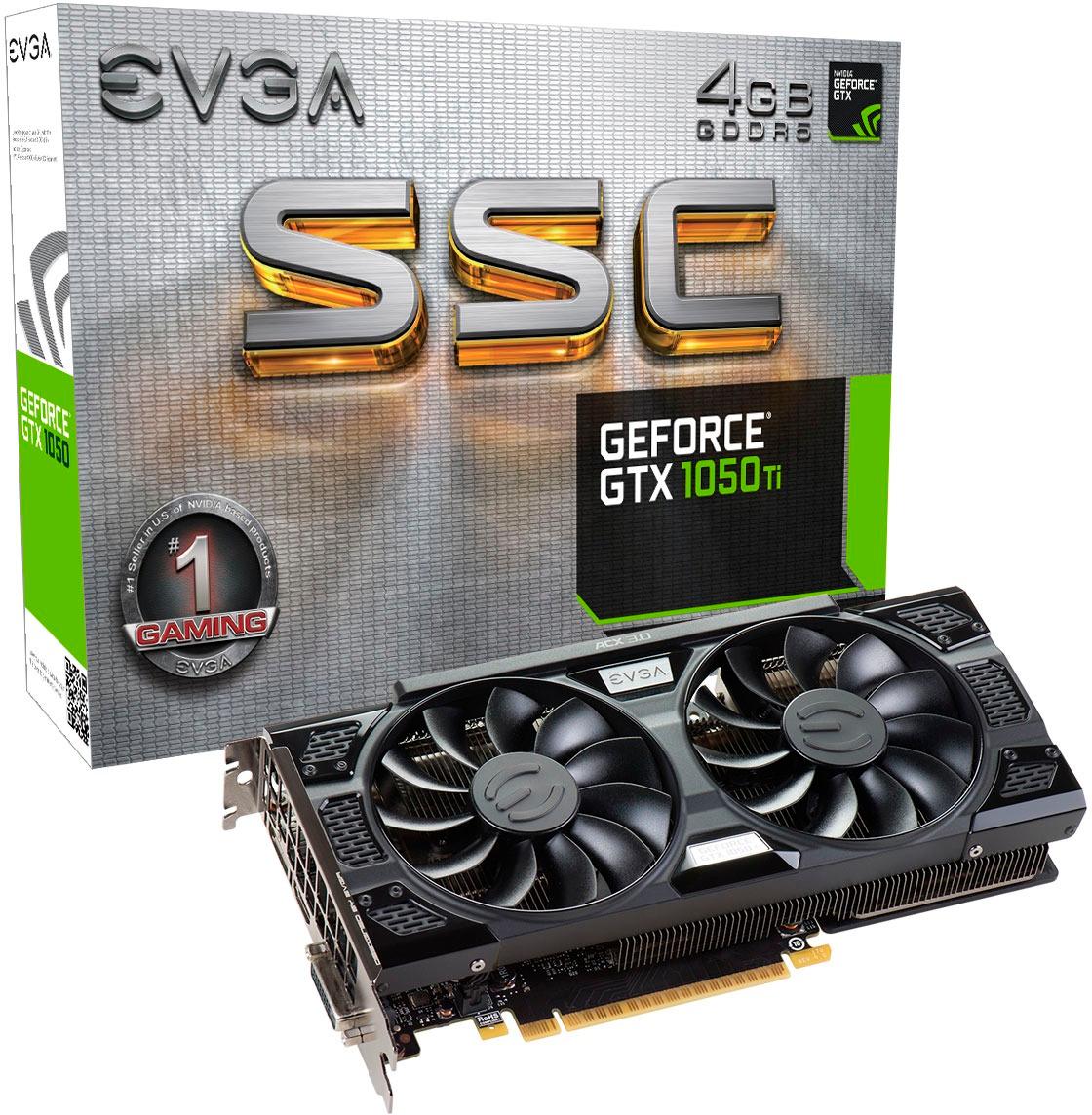
A:AnswerDepends on which one you get, some will have higher clock speeds which does give a very small boost to performance.
It all depends on your budget and which model you buy.
A:AnswerThis card fits nicely into my Inspiron tower and is a great addition to my computer. It just attaches to the rear wall of the computer and the cable connections are easy to access.
A:AnswerThis card should work. As with most higher end Video cards, you have to make sure your power supply can handle the load. You need to know what your power supply outputs and what your video card asks for.
Other then that, you just need to have the physical space inside the case. Some of the mini towers may not work.
A:AnswerYes! I recently installed it in my XPS 8500 and it fits nicely. I had to temporarily disconnect a cable on the motherboard to get my hands inside without stressing the cable. The cable reattached easily.
A:AnswerIt worked in my T7400. There's a card bay alignment assembly that has to be taken out to remove or insert a card. I had to cut off two of the alignment tabs to get it back in, but that's not much of a problem. I cut them off even with the end of the tabs. Your PCI Express 2.0 x16 card slot can handle the video card and the 75W that this card requires, and your 1000W Power Supply will handle the rest of the system. My T7400 has 12GB RAM and two Intel Xeon X5482 3.2GHZ Quad Core CPUs, and everything runs perfectly with this card.
When I installed the card, Windows 10 installed its generic drivers, so I installed NVIDIA Experience (a free download) and had it get the latest NVIDIA drivers. During installation, I selected Custom Install and checked the Clean Installation check box. Everything went perfectly after that.
NOTE: If you want to use your built-in "integrated" sound card, you need to check your BIOS settings first. Mine was set to Auto, so the video card's sound system took over and the integrated sound was disabled by the BIOS. I entered BIOS using the F2 key at startup and changed it from Auto to On, and that resolved the problem.
A:AnswerYes, it will fit. You have an open PCIe expansion slot and enough wattage on your power supply. It should be plug and play.
In fact, with your current processor and RAM configuration, adding an EVGA GTX 1050ti will make your PC a very nice little gaming rig!
A:AnswerThat computer is a small form factor and this card would be much to large- Taking a look at the Dell Optiplex 3040 in further detail, there's no slot for a video card either
Micro/Small form factor computers are more like laptops without screens when it comes to upgrades. You may be able to upgrade the RAM and storage, but that's about it
A:AnswerAccording to NVidia's website their MINIMUM requirement is 300W PS but I would agree you may not be getting the full potential from this card depending on what other peripherals you PS is running in your rig also.
A:AnswerIf you are going to down that route with the current price drops that keep occurring I gotta graphics cards I would suggest waiting on the 1080/1080ti to drop down. I got once of these 1050 just for dedication to virtual machines