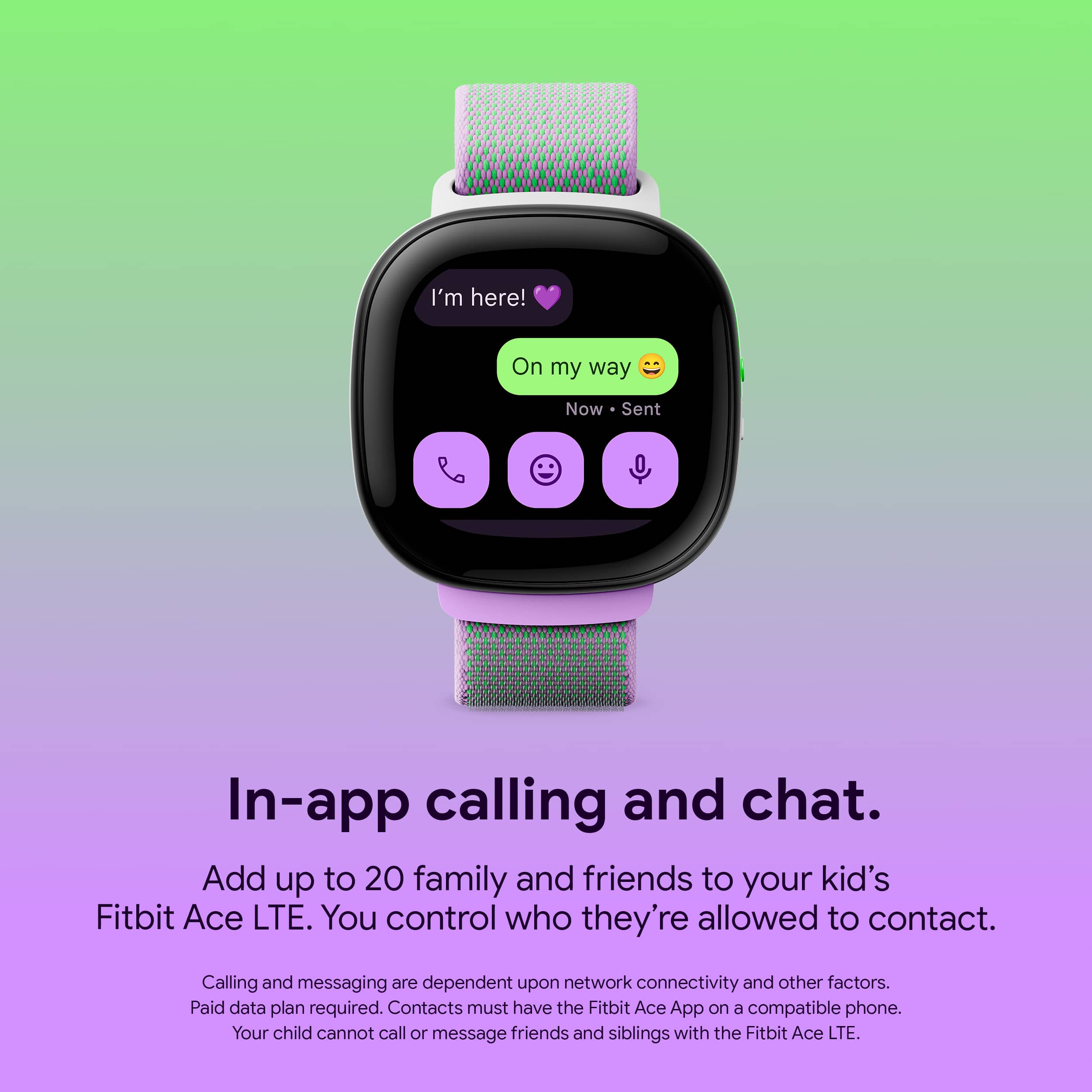
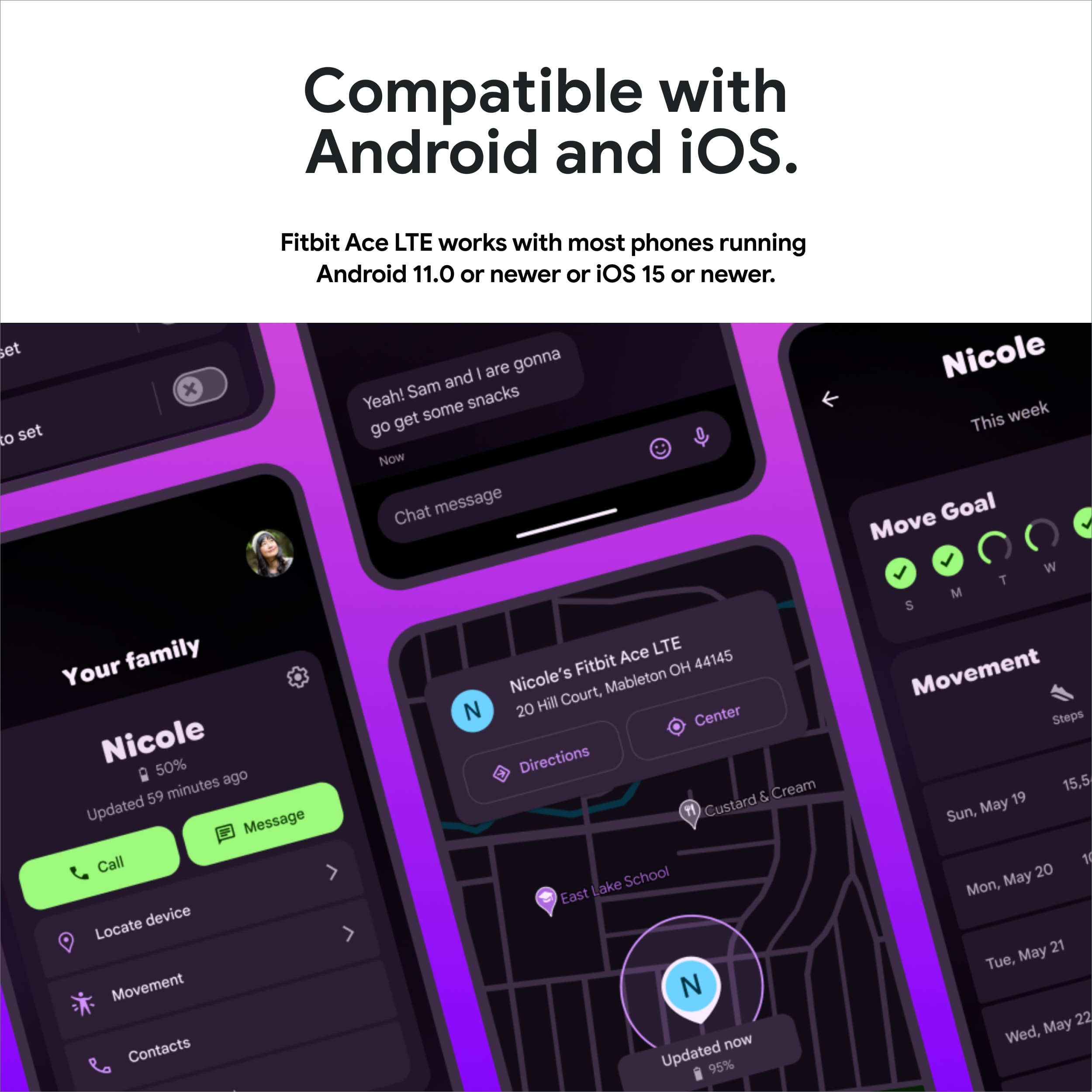
A:AnswerGreat question, Robert. Yes, you can have up to 2 parents as a contact for your child — here’s how:
1. On your mobile device, open the Fitbit Ace app .
2. Select Contacts on your child’s card.
3. Tap + Add parent.
4. A screen appears that shows your Google family group members
Check out this link for more information: https://support.google.com/fitbitacelte/answer/14957833
A:AnswerGreat question, Loulz. To buy, set up or use a Fitbit Ace LTE or the Fitbit Ace app, you must be in the United States, and your Google Account must be associated with the United States. For more details, here’s a link: https://support.google.com/product-documentation/answer/14953333?hl=en
A:AnswerHey there, Lizard. Yes, you can have multiple Ace LTE watches on one account. Note that each device requires its own Ace Pass and its own email address — here’s how the setup would go:
1. Open the Fitbit Ace app. If you have an existing Ace Pass for another Fitbit Ace LTE device, tap on your Google Account icon in the top right > Tap Add a Fitbit Ace LTE
2. Select My child will wear the watch.
3. Select an existing Google Account or create a child account.
4. Tap I accept on the Terms of Service screen.
5. Tap Agree on the Privacy Notice screen.
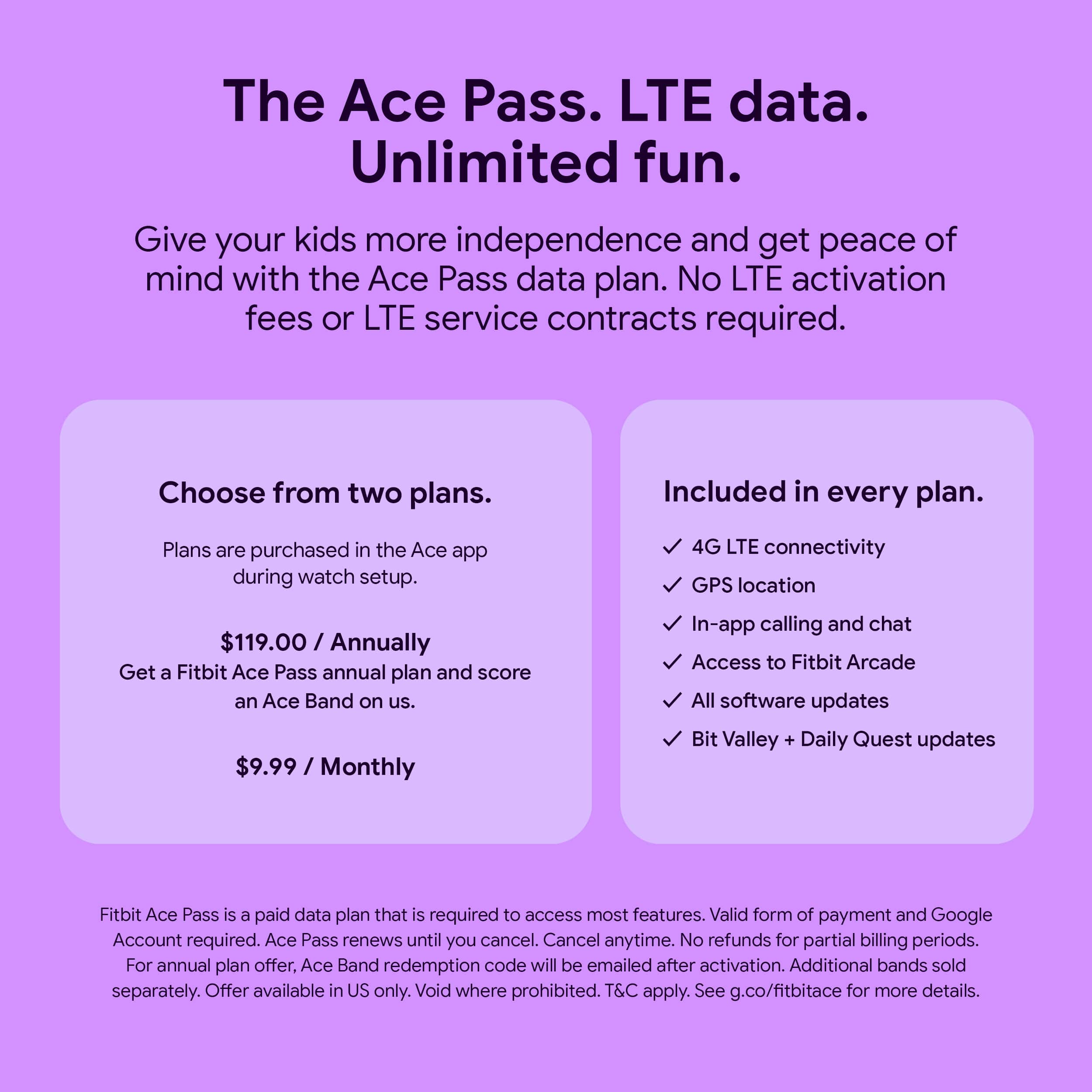
6. On the plan selection screen, select a subscription plan > Tap Select Plan.
7. Select a payment method. If you haven’t added one yet, you’ll be asked to enter your card information.
8. Review the Order summary > Tap Buy.
Here’s a link with more information: https://support.google.com/fitbitacelte/answer/14949765?
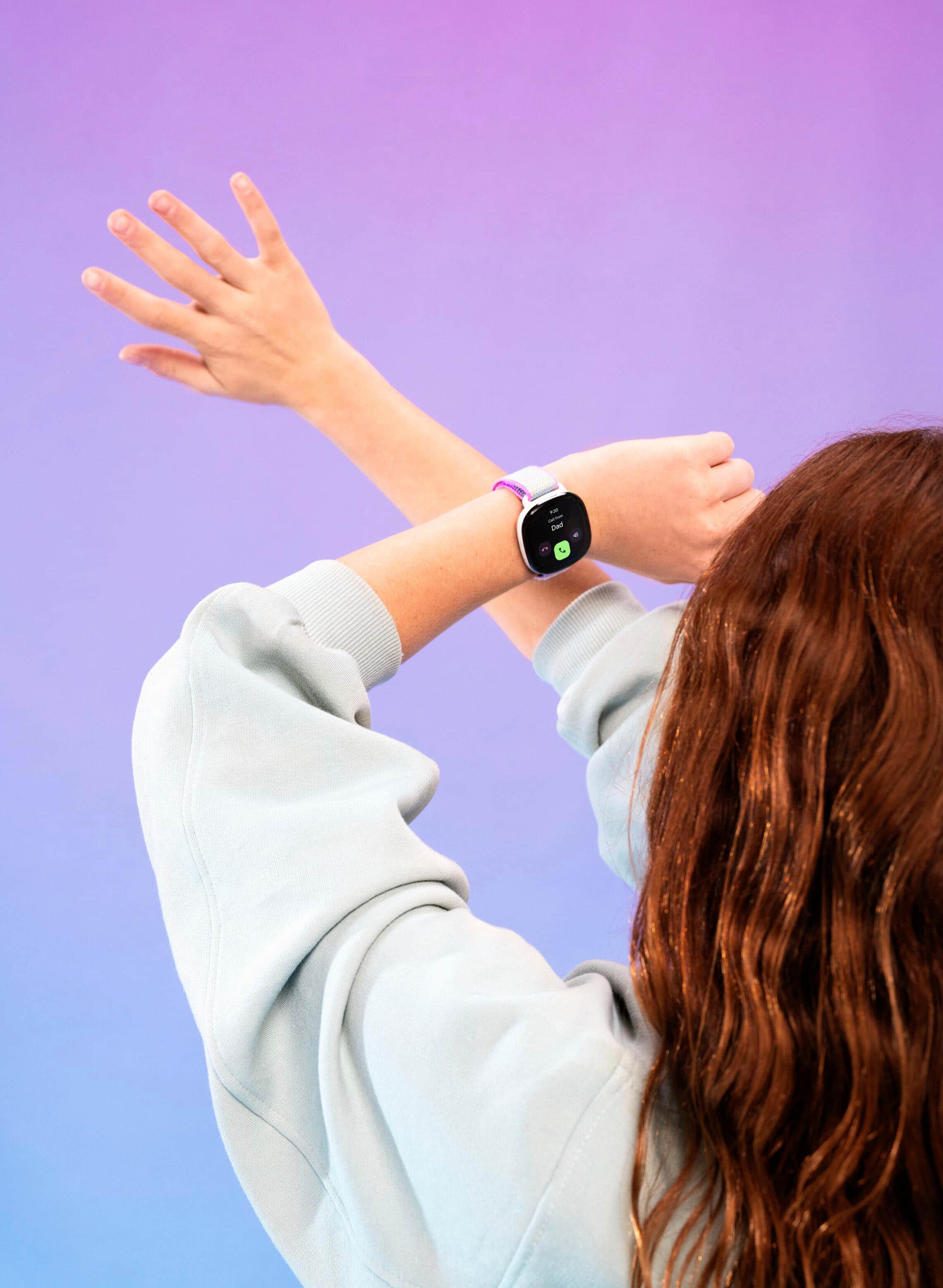
A:AnswerThanks for asking, Marco. Unfortunately, the Ace LTE doesn’t have any kind of fall detection. Although, if a child activates the Call for help feature on their Fitbit Ace LTE, the watch contacts parents. If parents are unreachable, they receive a notification. Here’s a link with more details: https://support.google.com/fitbitacelte/answer/14956246?hl=en
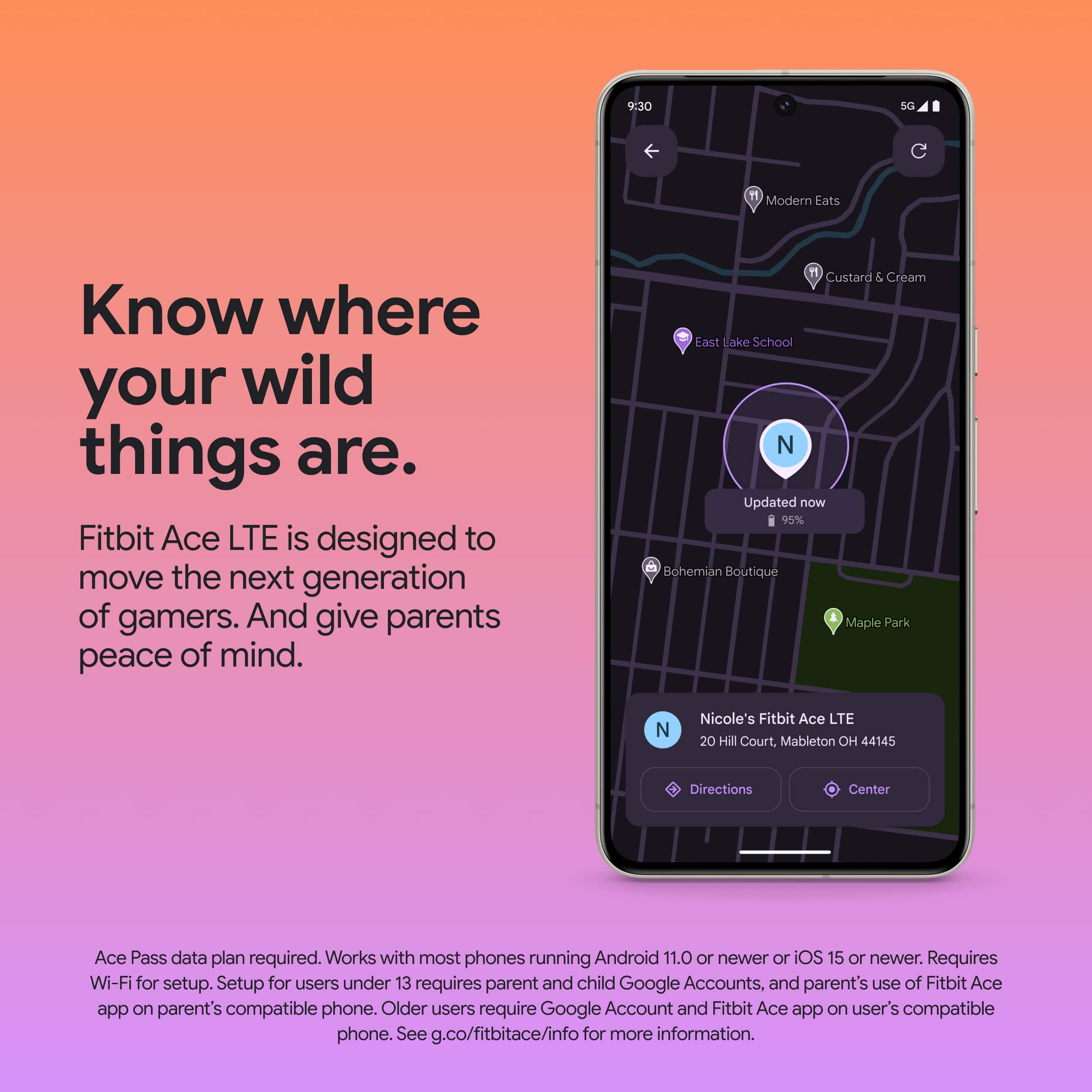
A:AnswerGreat questions, Lgor. You cannot turn off the games completely, but can use School time to minimize distractions by restricting access to games and Bit Valley and silencing notifications. The Ace Pass data plan enables an LTE connection that powers calling, messaging and location sharing, without needing your child to have their own phone or additional data plan. A fully charged Fitbit Ace LTE is designed to last for more than 16 hours, but may differ based on usage, network coverage, or signal strength. Check out this link with more details: https://support.google.com/fitbitacelte/answer/14949595?
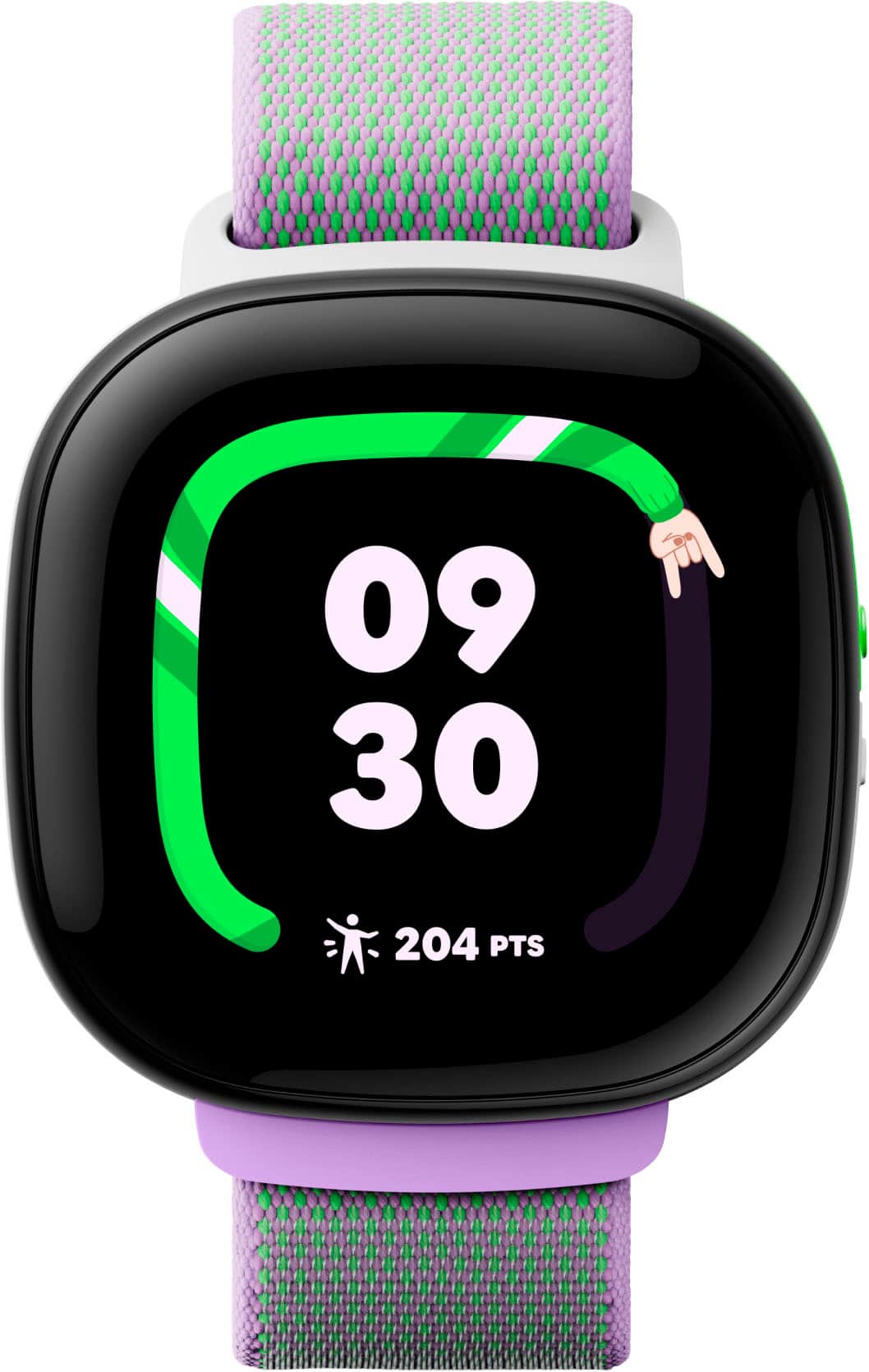
A:AnswerGreat question, SAM. The Fitbit Ace LTE is water resistant up to 50 meters (5 ATM) of water. So, you can enjoy swimming with the watch. Here’s a link with more information: https://support.google.com/fitbitacelte/answer/14965274?hl=en
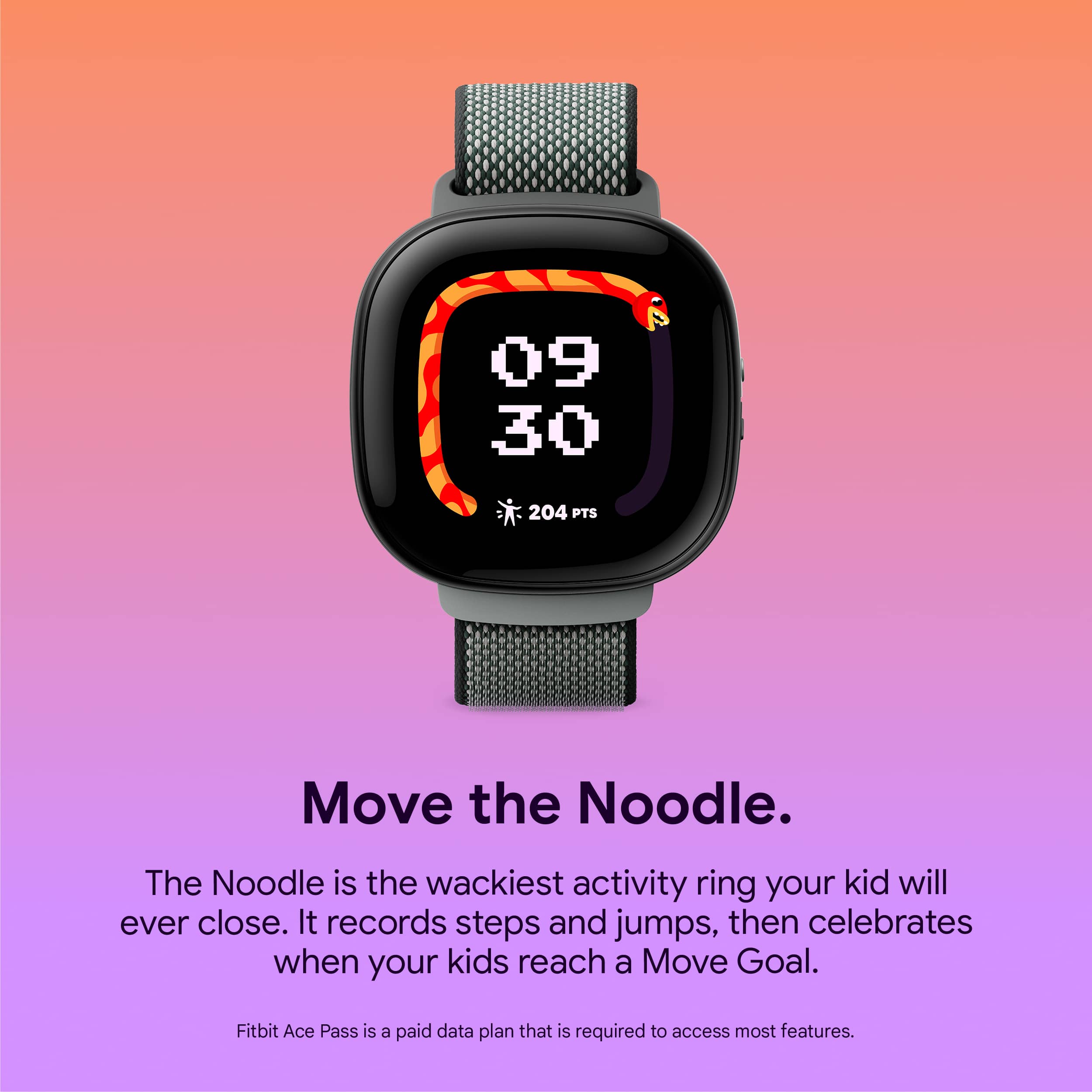
A:AnswerHi, Jlb543. Fitbit Ace LTE measures a range of movement and different activities as you move throughout the day. Active Minutes are rewarded during moderate to vigorous exercise (eg. running, dancing, swimming, etc). Your Fitbit Ace LTE also records time spent in lighter exercise. This feature requires an Active Ace Pass subscription. To get more information you can verify the following link: https://support.google.com/fitbitacelte/answer/14949610
A:AnswerYour child cannot call 911 from the watch. In the case of an emergency call, it will call their parents first, then emergency contact (which is usually a parent) but it cannot be 911. The reason being is because it goes through the app which sends an invite to those you want your child to contact. This way they can ONLY get calls and receive calls from the people you approve as it actually goes through the Fitbit Ace app rather than a general phone call service.
A:AnswerNo. School time only disables notifications and incoming calls. The child can still text. There is also no way to silence the watch for bed time unless you put it in do not disturb mode on the watch itself.
I bought this for my 8 yo hoping to have more control over the games, texts, calls, notifications, distractions. He can play games at night. Text family during class. It is not the parental control location device I was sold on.
A:AnswerHi there, thanks for your inquiry. The Fitbit Ace LTE's LTE service is not supported by all carriers or in all areas. To purchase, set up, or use the Fitbit Ace LTE, you must be in the United States and your Google Account must be associated with the United States
A:AnswerHi there, thank you for your inquiry. You can use the Google Fitbit Ace LTE without linking it to a mobile provider. However, to enjoy all the features of your device, you'll need a Fitbit Ace pass.
For more information about the Ace pass, please visit: https://support.google.com/fitbitacelte/answer/14949765?hl=en&ref_topic=14964348&sjid=3976516343012734487-NC
A:AnswerHi, there. The Fitbit Ace LTE and the Fitbit Ace app are available only in the United States. For more information, please visit this: https://support.google.com/product-documentation/answer/14953333
For any additional questions and concerns, reach us at: https://goo.gle/contactfitbit