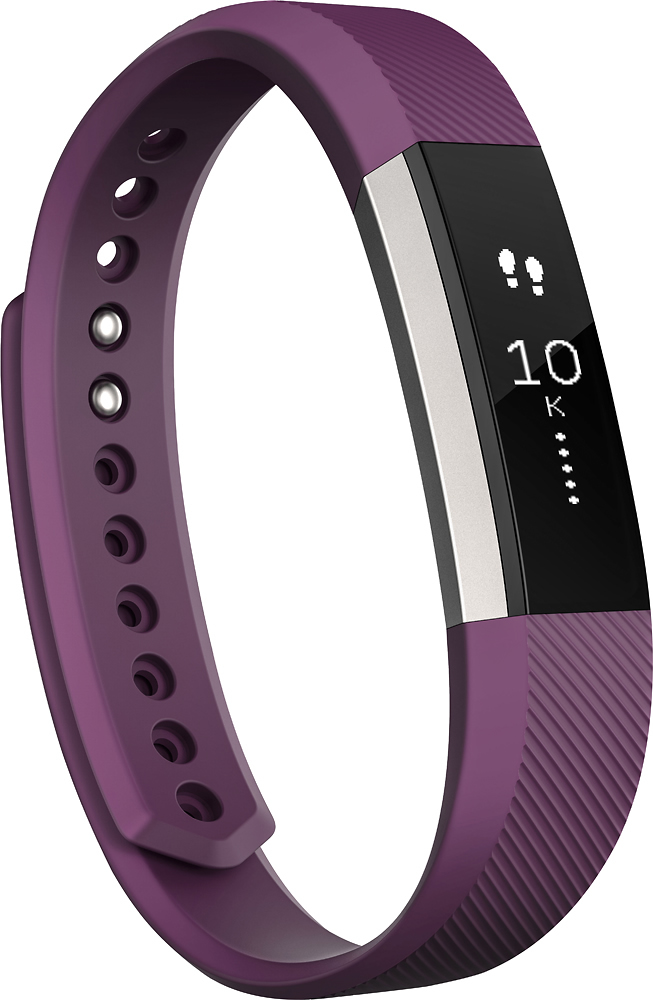
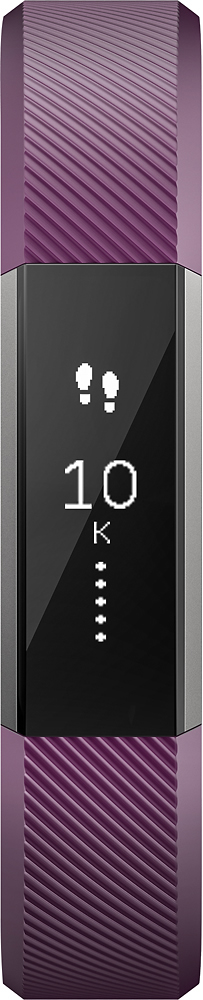
A:AnswerYou have to sync it to something to get it started, it can be a phone or computer. After the initial setup you don't have to have a phone. You will see your activity on the alta screen and the next day it clears and starts over. You can view different things on the phone but may be able to view them on the computer too.
A:AnswerYes, I have an alta and a HR. I wear the HR when I am at the gym or exercising the alta the rest of the time. The app syncs them and keeps track of the steps on both.
A:AnswerIt tracked my sleep, but if I woke up for an extended amount of time and went back to sleep, it didn't track the rest of my sleep; nor did it track any naps during the day.
A:AnswerIf you have the Geek Squad protection and there was something wrong with the charge, you can return it. They'll give you a gift card for the current selling price which you can then use to purchase the Alta. That's how I got mine. There was a little difference in cost which I paid but I'm definitely glad I had the protection. If you don't have the Geek Squad protection you may still be under the FitBit warranty and that might give you the ability to return and purchase new or simply exchange.
A:AnswerMy step daughter was able to get text messages and calls on it. Granted you can't see but maybe 7 words from the text do to the small screen but atleast you will be notified that you have a message or call.