A:AnswerYes, there is a charging device. You pop the tracker out of the band, put it in the charging device and either plug it into your computers' USB port, or into a wall adapter with a USB connection (not included--I use my iPhone wall adapter).
A:AnswerYou just go to the Exercise screen and choose run. It will pair with your phone and record your run. It has pace, distance and will map out the route on Google maps. You can see the map on the App on your phone and your pace/time/distance on your watch.
A:AnswerNo. Your wrist will vibrate when you receive the text message, and when you flip your wrist up to look, the message will slide up from the bottom and show you the message. The only option you have from there is to clear your notifications.
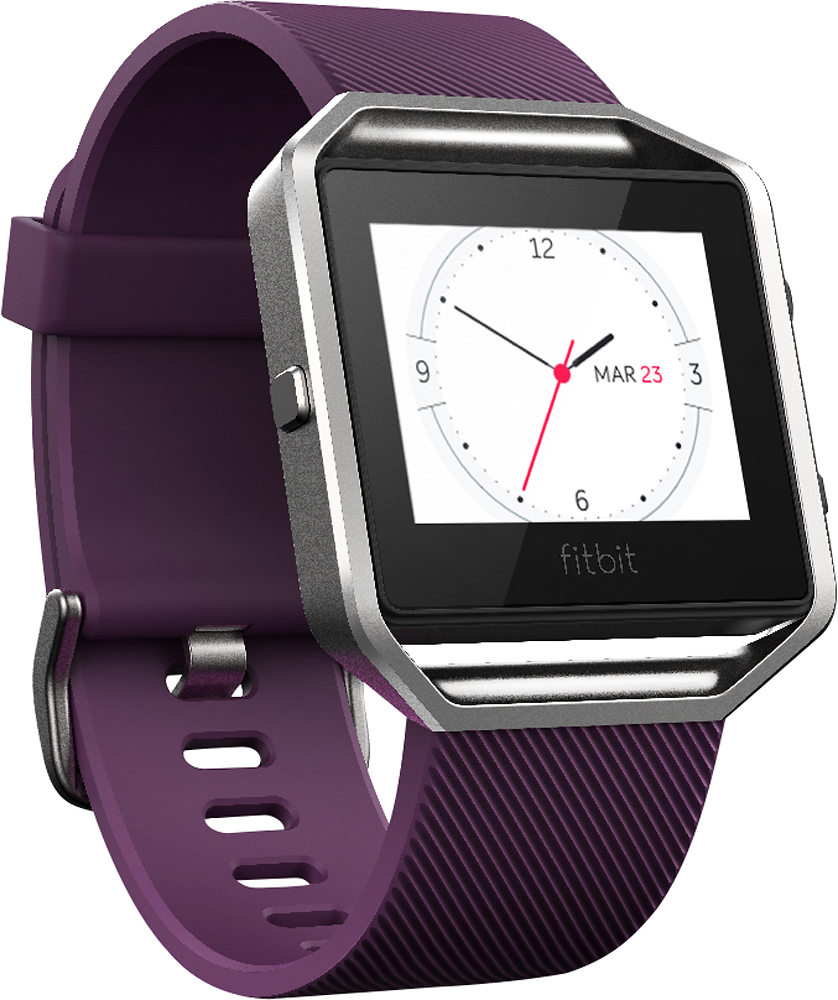
A:AnswerYou can customize what your screen looks like through the app and the face will change after you sync. There are 3 choices and you can switch if you want to try another one.
A:AnswerYou don't store/listen to music through the device. If you're playing your music on your phone, you can control it through your Fitbit Blaze (volume up/down, forward a song, back a song).
A:AnswerYou can choose a watch face with a second hand. It stays on for about 10 seconds. I just tap the face if I want it to stay on longer. I am in the healthcare field and that is what I do to take vitals.
A:AnswerIf you mean works with iOS yes, it will pair with it, but you cannot use it to sync your steps to the Apple health app. You have to purchase the SyncSolver app to use the steps from the fitbit app to merge into your Apple health app.
A:AnswerI feel like it is pretty accurate. You will get more steps of you are moving your arm really fast while walking, but if you are standing in one spot brushing your teeth the steps do not go up. At least that is my findings.
A:AnswerYes it tracks both and you can either set it up where it automatically starts keeping track after a set number of minutes where it senses the activity or you can swipe to the exercise section on the blaze and hit the start
A:AnswerYes it does notify if you have a call, I usually have my phone in my purse. It used to be that sometimes if I had my phone in my purse I would miss calls or texts but now the Blaze lets me know.
A:AnswerThe small is generally for women and the large for men-it refers to the size of the wrist (about 5 1/2 -7 inches for the small and up to 8 inches or so for the large)
A:AnswerMinimal set up beyond pairing the watch with your phone so you can use the app (which is great). You also have to reply to a confirmation email and then you're done. Simple.