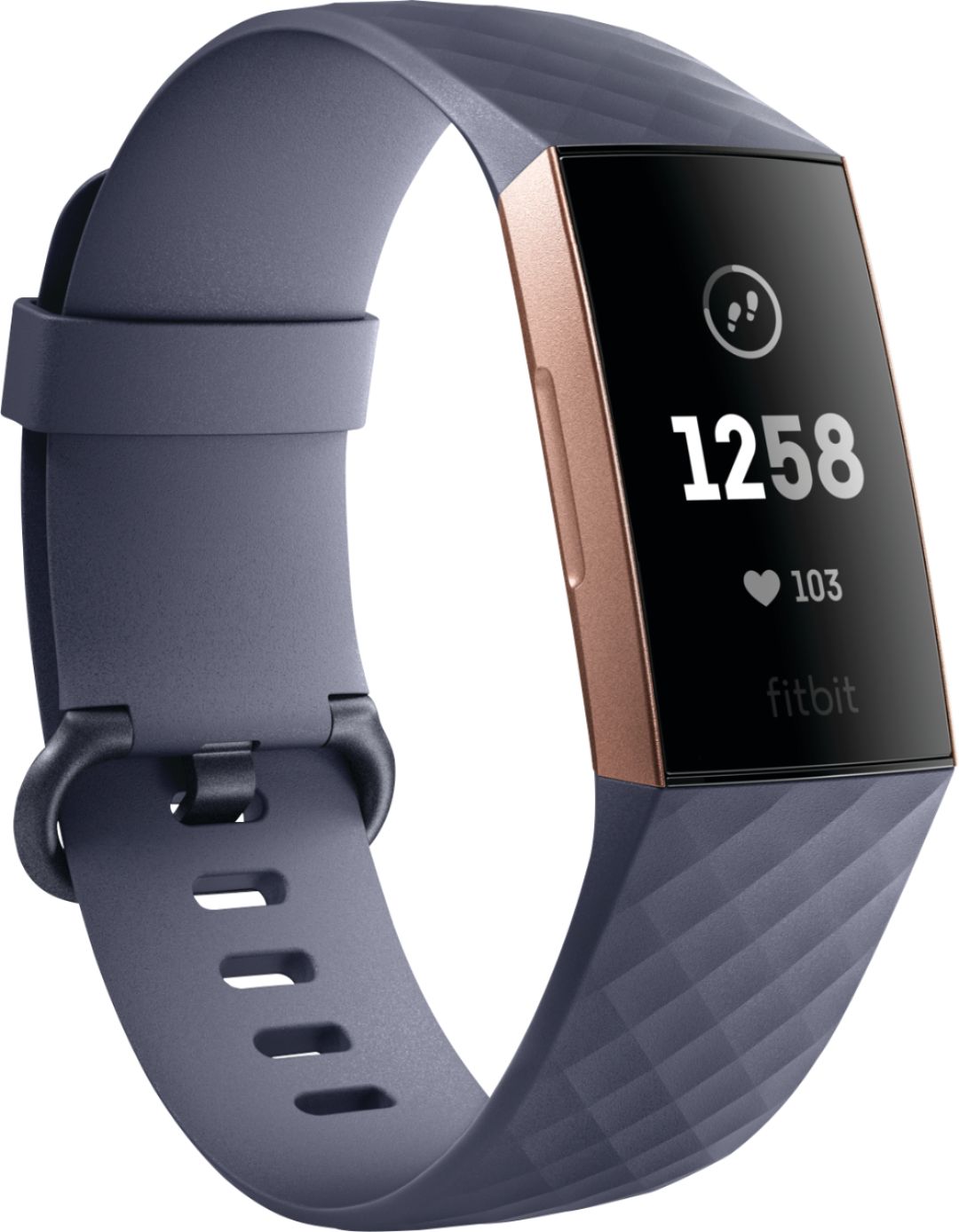
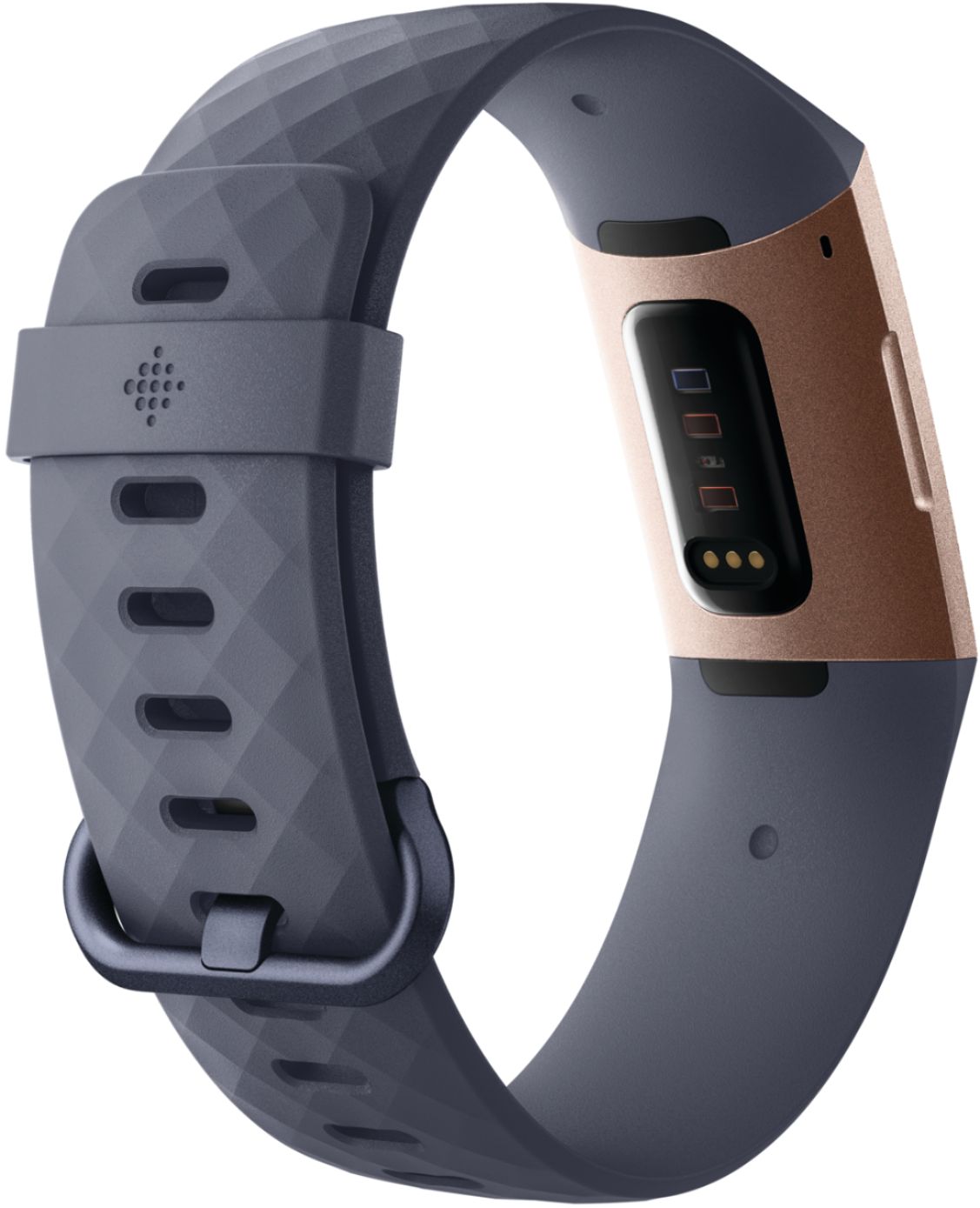
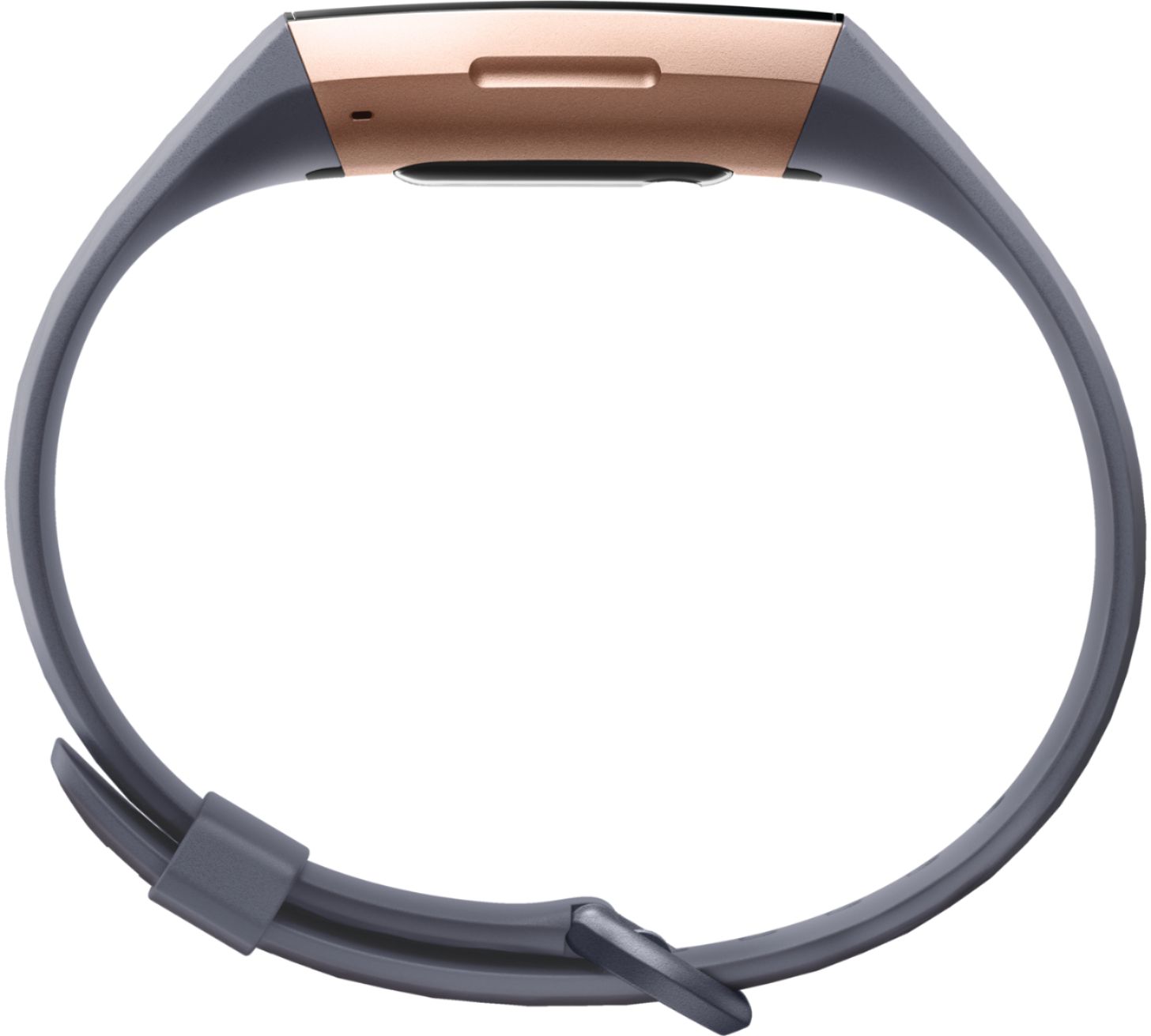
A:AnswerYes, you can hold the button on the left side of the face of the watch and tap the screen wake and the bulb light will go out then when you move your arm like at night it will not come on unless you push the button on the side in the night time. to turn back on just hold the button till the screen wake shows then tap and the bulb will come back on.
A:AnswerYes, it refers to them as "floors" and not 'flights'. Their official description is: Fitbit devices detect floors with an altimeter, which is a sensor that calculates altitude based on atmospheric pressure. Your device is designed to detect pressure changes based on elevation gain, but other types of pressure changes—such as a gust of wind, a weather change, or opening a door—can occasionally cause your device to register extra floors. Your device registers 1 floor when you climb about 10 feet, which is the average between residential and commercial floor heights. If you climb long staircases you may find that the floor count on your device doesn’t match the number of floors you climbed when the staircase is taller than 10 feet.
I hope this answers your question.
A:AnswerYou have to place it just so on the charger. You have to hear a click to ensure it is on properly. Then you should see the percentage of battery on screen.
A:AnswerRead the instructions that come with the Fitbit you purchased and download the FITBIT app. I'm sure it is compatible with the IPHONE 7. I have an older IPHONE 5C and it works just fine with it. Good luck!
A:AnswerYes! It will automatically track your sleep with no prompting on your part! You will recieve your sleep insights on the fitbit app on your phone once your sync it. You must sleep for more than 3 hours to get detailed insights though. It will not only track your sleep at night it will track naps too! And it gives you suggestions on how to improve your sleep within the app.
A:AnswerYes. You can set up which notifications you would like to receive in the app. It is not compatible with all apps so you won't get all notifications like from Facebook, Snapchat etc. But text, phone, and email can all be setup.
A:AnswerI don’t know about this model, but I am familiar with the problem. I was able to get much more accurate step tracking on the treadmill by attaching the Fitbit to my waistband.
A:AnswerYou can setup multiple alarms but I wonder if having a gadget to play with might be distracting in itself. You can program the watch to send reminders to move when you've been inactive. For other reminders you'd need to program them into the phone that the Fitbit is paired with. Might be worth a Google search on how parents are using the Charge 2 to get an idea what else the Charge 3 can do.