A:AnswerHi, Clarence. We're sorry to hear that you can't read the screen of your Inspire in the sunlight. We recommend adjusting the brightness setting of the Fitbit Inspire and make sure that the Sleep Mode setting is not enabled. To navigate the Fitbit device, please visit this: https://support.google.com/fitbit/answer/14225687
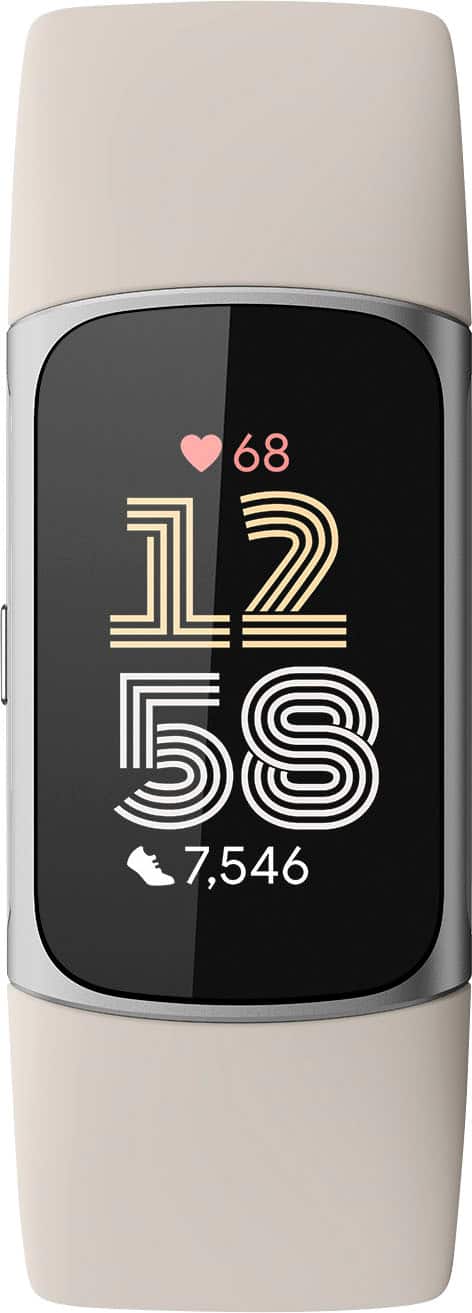
Also, the Fitbit Charge 6 has a larger font size compared to the Fitbit Inspire 3 since it has a larger screen.
For any additional questions and concerns, reach us at: https://goo.gle/contactfitbit
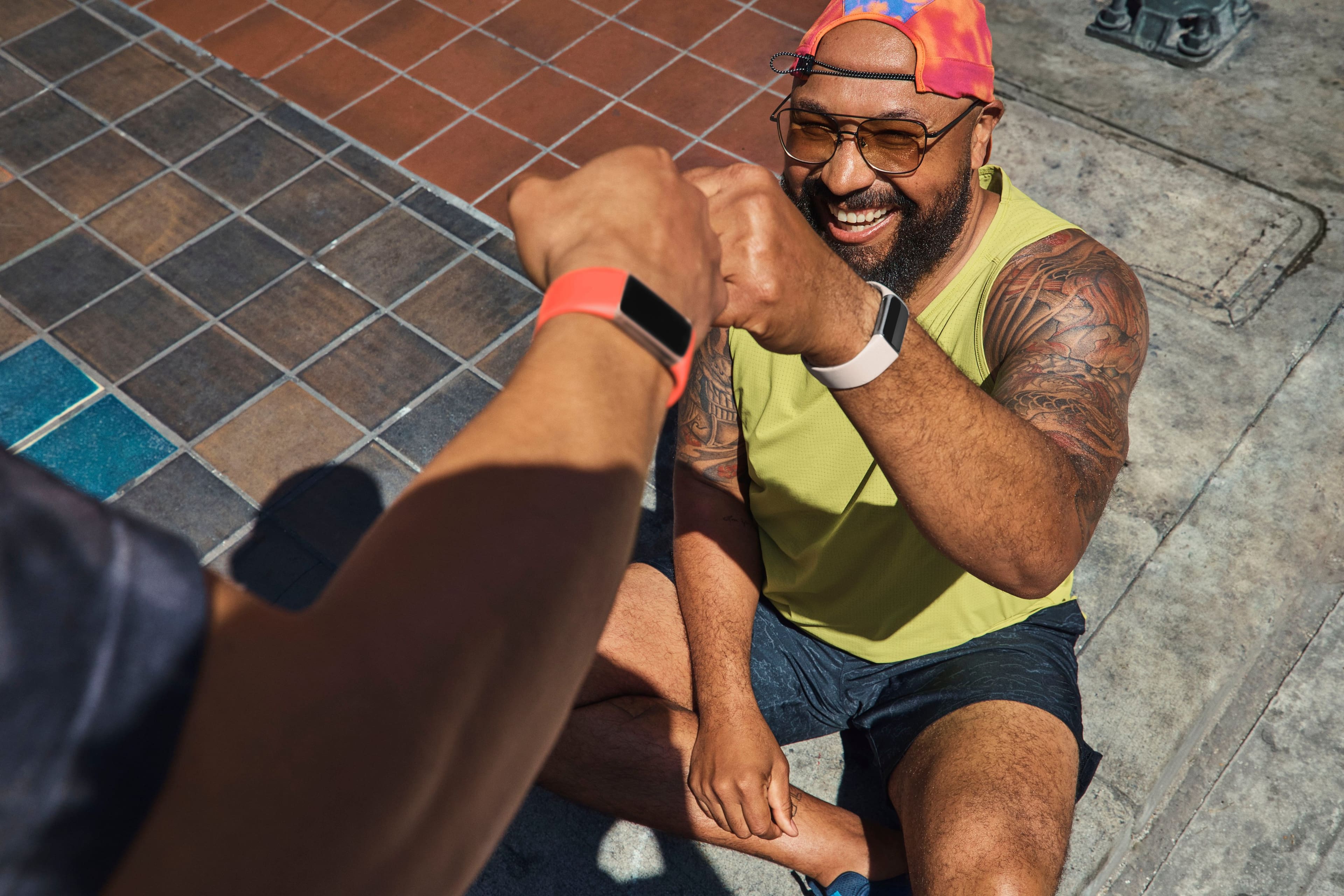
A:AnswerNo, it does not. None of the Fitbit products do. I actually purchased an Apple watch for this reason. I absolutely hated the multiple applications and the poor battery life.
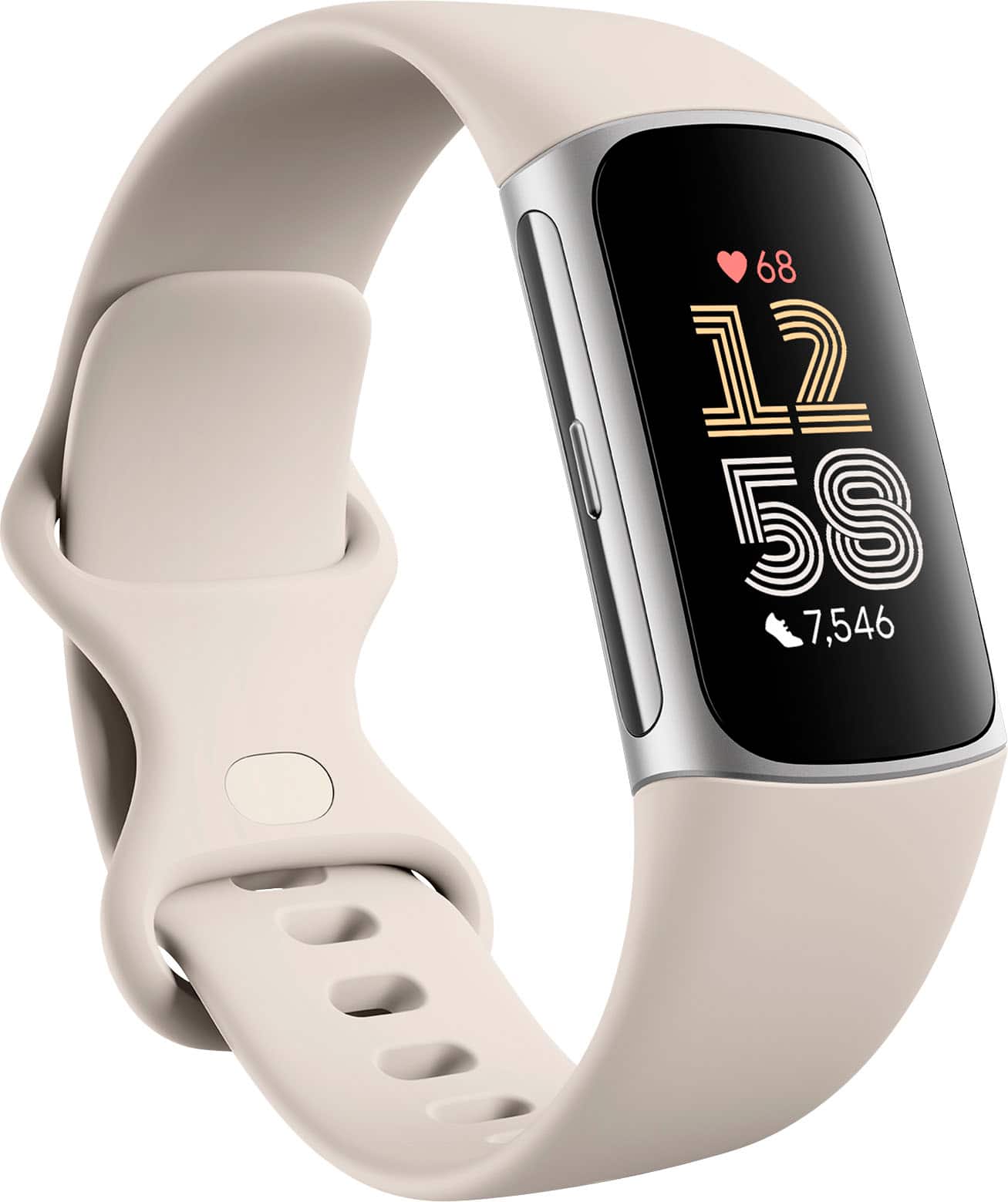
A:AnswerHi, Bree. You can purchase one of our alternative band options that are available at our online store. Note that accessory bands from third parties may not fit properly. For best results, use only Fitbit branded or Fitbit authorized accessory bands. If you need more help, please reach out to our help center: https://goo.gle/contactfitbit
A:AnswerHi, Golf. With the Fitbit Charge 6, you can still log your food throughout the day to see your estimated calories eaten versus calories burned and macronutrients breakdown. This feature is available in the Fitbit app for all customers. If you need more help, please reach out to our help center: https://goo.gle/contactfitbit
A:AnswerYep! There a wide range of exercise modes (like 20+) and they can all be accessed through the fitbit. There's "biking" and "spinning" modes. The exercises are saved on your app for viewing.
A:AnswerHi, JL. The SOS or emergency features are not yet available in Fitbit Charge 6. For any additional questions and concerns, reach us at https://goo.gle/contactfitbit
A:AnswerHi, Rower.
We tested and confirmed connectivity for the latest models of iFit, NordicTrack, Peloton, Concept2, and Tonal. The Charge 6 will work with other equipment and apps not mentioned, but not all Bluetooth-compatible devices and apps will connect or behave similarly. We'll be adding more devices and apps in the future.
More about it here: https://help.fitbit.com/articles/en_US/Help_article/2482.htm
If you have other questions, please reach out to us at: https://goo.gle/contactfitbit
A:AnswerHi, Frenchy. While it isn't an available feature on any of our Fitbit devices, you can manually log your glucose levels and related symptoms in the Fitbit app or automatically import your glucose levels to the Fitbit app from select devices and apps. To know more, visit: https://help.fitbit.com/articles/en_US/Help_article/2466.htm If you have any additional questions or concerns, Reach out to our support channels at: https://myhelp.fitbit.com/s/support?language=en_US