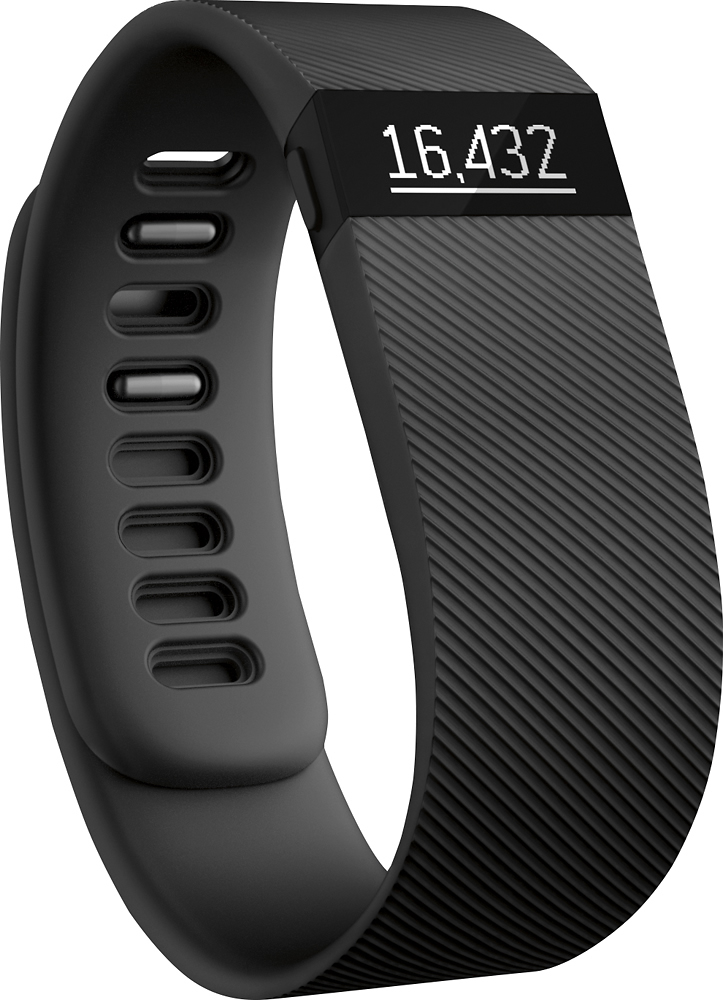
A:AnswerThe lil footprints are the number of steps you have taken
The The heart is your heart rate
The next symbol, like a upside down tear drop, that is how far you have walked
The The next symbol, like a little flame, is the number of calories you have burned
The next symbol, looks like stairs, that is the number of floors you have gone up or down, if you go up a flight of stairs, that is one, if you come back down, that is 2
Then if you set any alarms on your fit bit, the next symbol will be a bell and that is when your next alarm will go off.
A:AnswerI have no issue with the charge. Just make sure when setting the charge to put down if you're wearing on your dominant or none dominant hand. This will help make it more accurate.
A:AnswerDepending on the model you purchase, it works not only as a pedometer, but as a fitness tracker, it tracks most activities (not swimming or water aerobics). Exposing the Fitbit to too much water can short it out, so please be cautious around water sports, other than that the HR also tracks your heart rate, which can help you and your trainer with assessing your activity levels throughout the day.
A:AnswerUnfortunately, no. Most of the FitBits do not have GPS installed (although you can track exercise using your phone's GPS along with the FitBit app). Sorry!
A:AnswerWe had the same phone and were able to upload the fitbit app and use it with our fitbit and it did just fine :) Even better than my Samsung haha.













