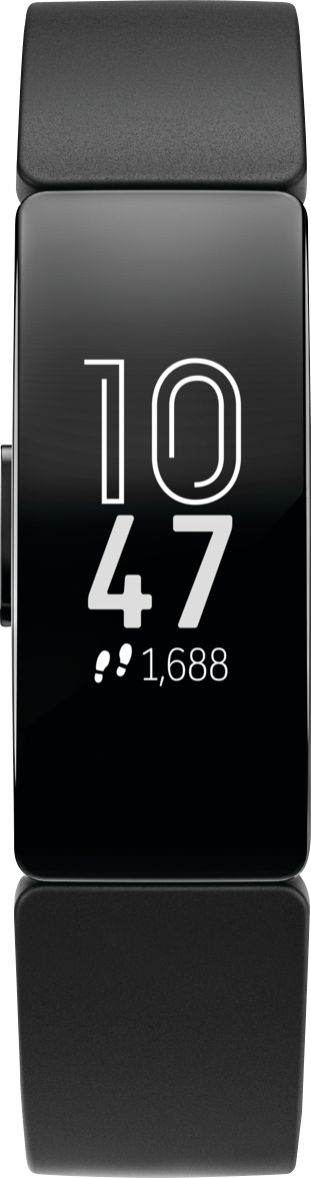
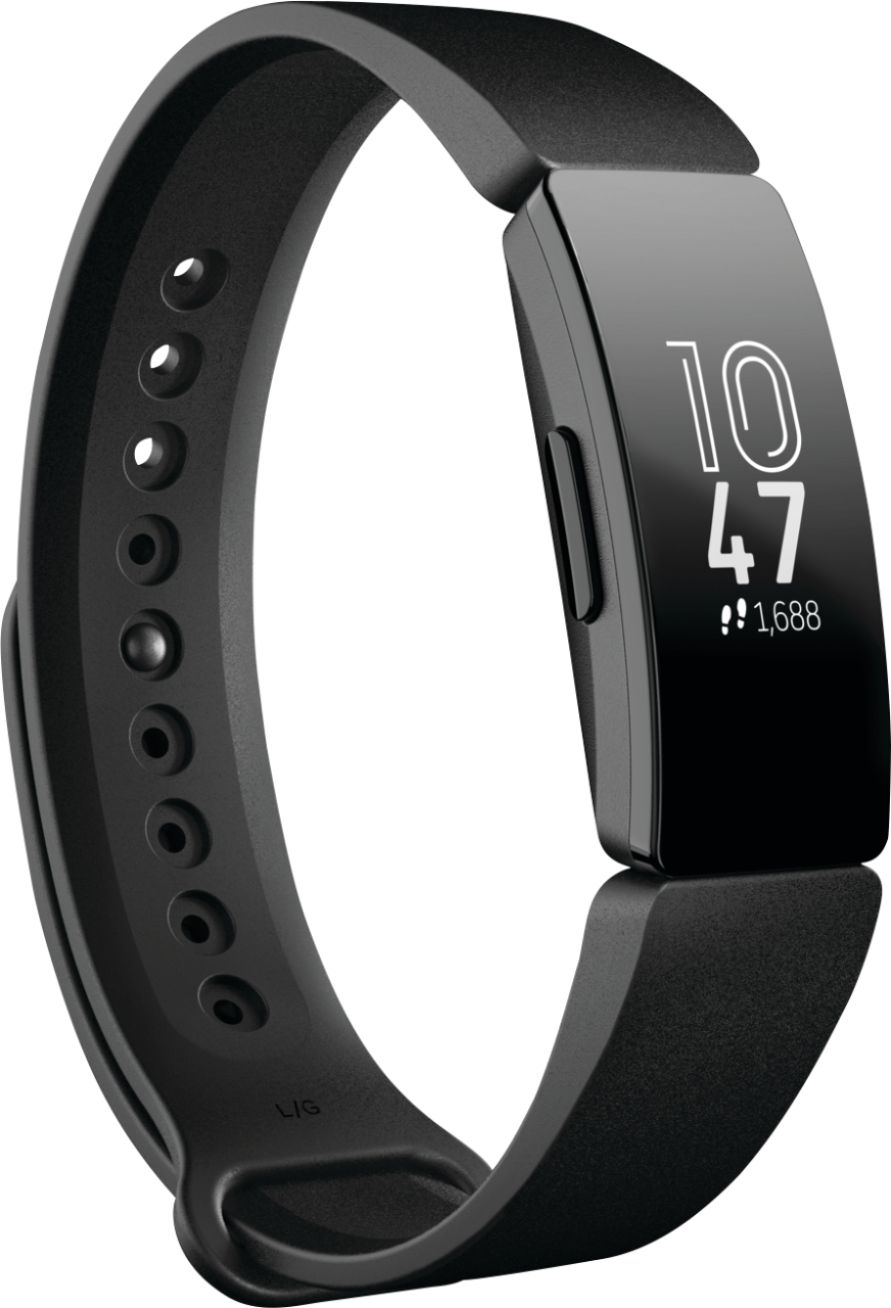
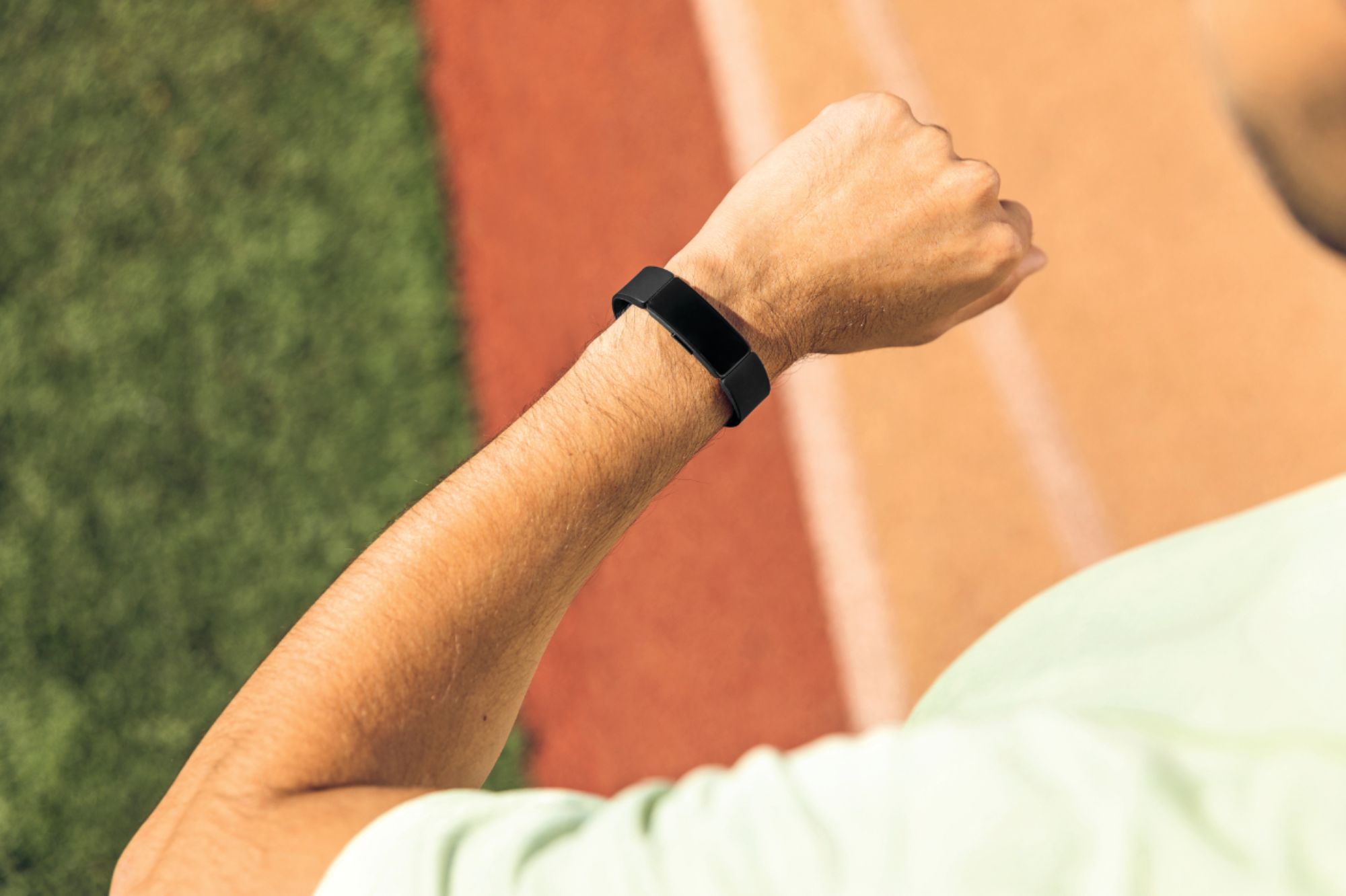
A:AnswerYes, it is capable of displaying the time in 24 hour format, but it is not a straightforward process. It can only be done in the web interface through the Dashboard > click gear icon for Personal Settings > scroll to bottom & there's a setting for "Clock Display Time". You cannot change this setting on the phone app which seems to be a bit of an oversight on the developer's part since there is a setting for time zone. After changing it to 24 hour time it takes a bit to sync.
A:AnswerYou can! Just go to the dashboard of your Fitbit app, click on the image of the tracker linked to your account, and you should see a "Clock Faces" option.
A:AnswerI never had a misfit shine so I can't compare but with this fitbit, the alarm only vibrates 4 or 6 times then off, it will not be enough to wake you up if you're a deep sleeper. Sleep monitors is pretty accurate.