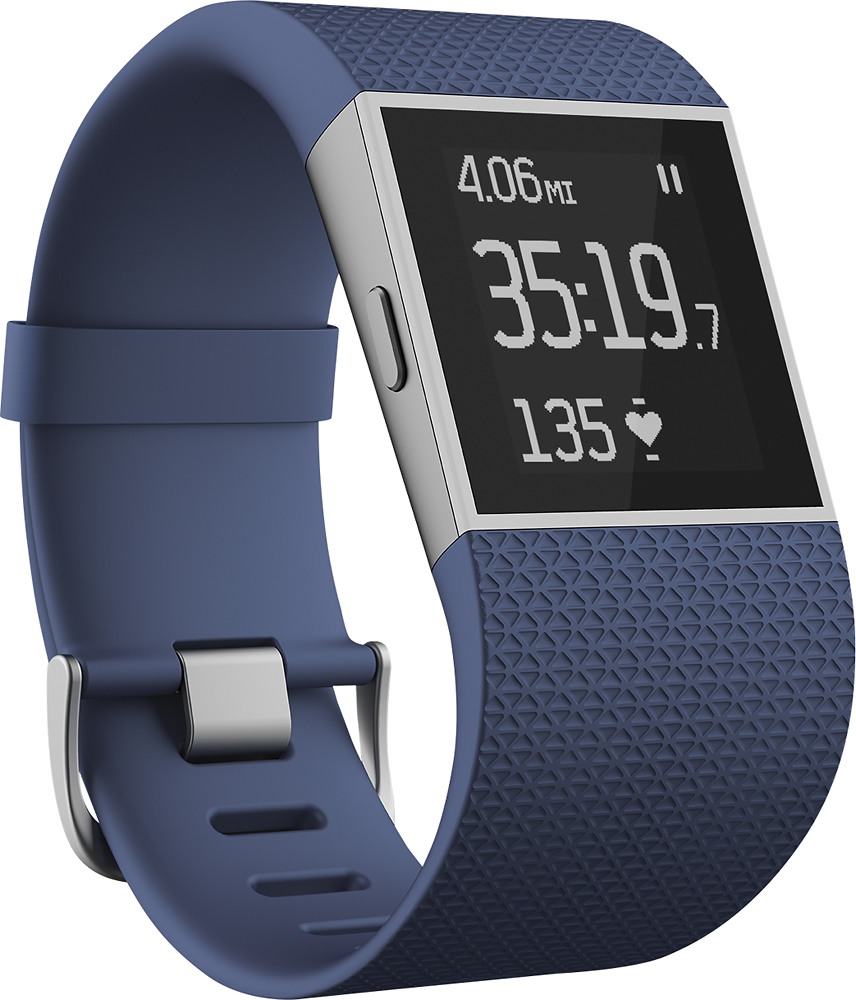
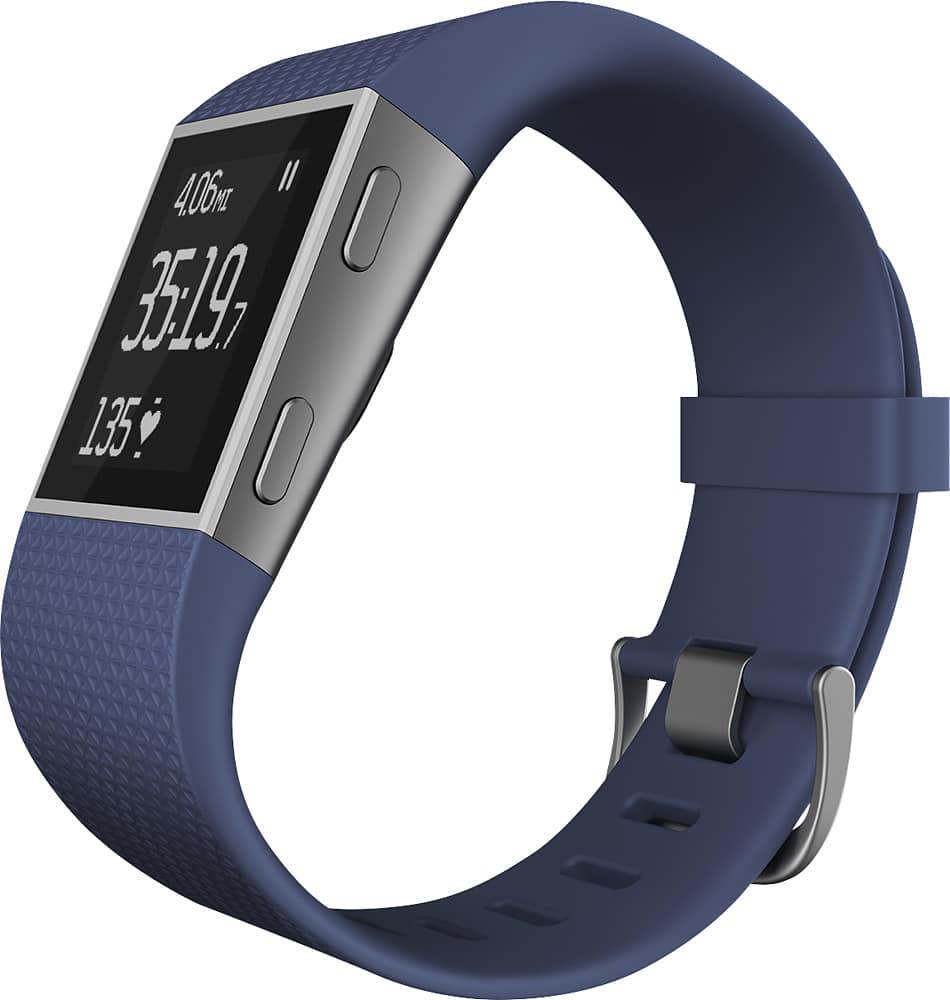
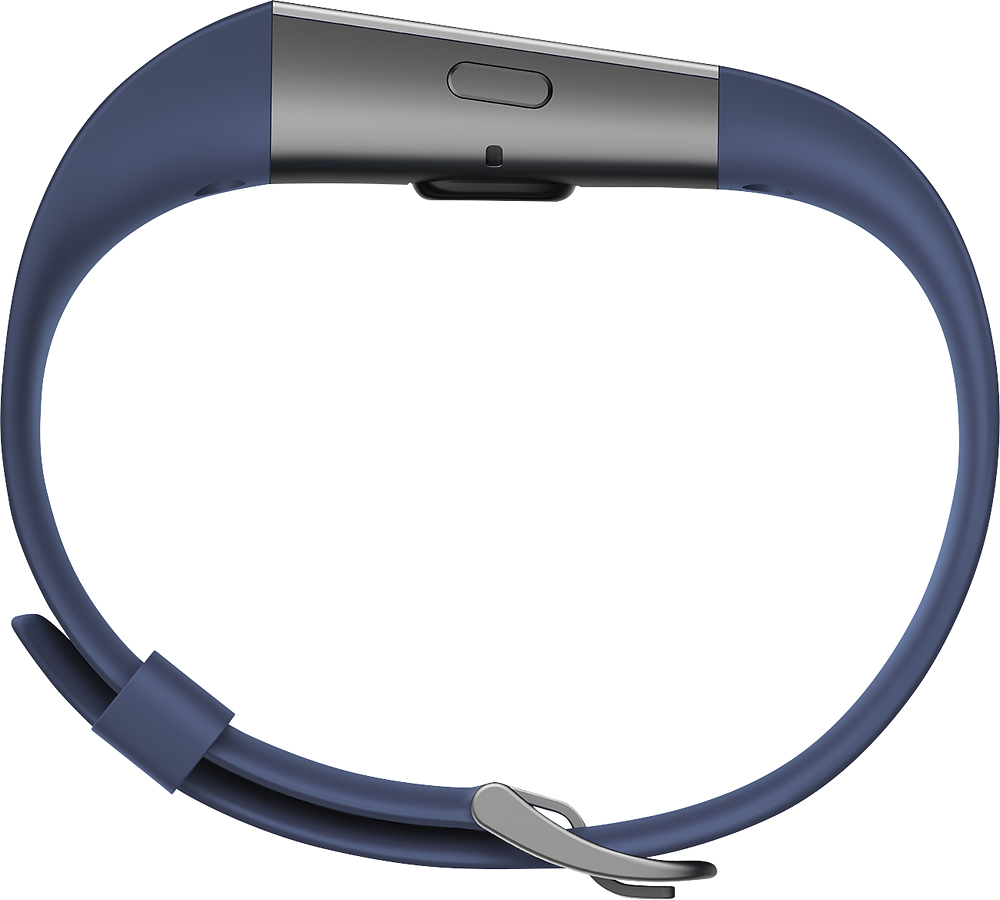
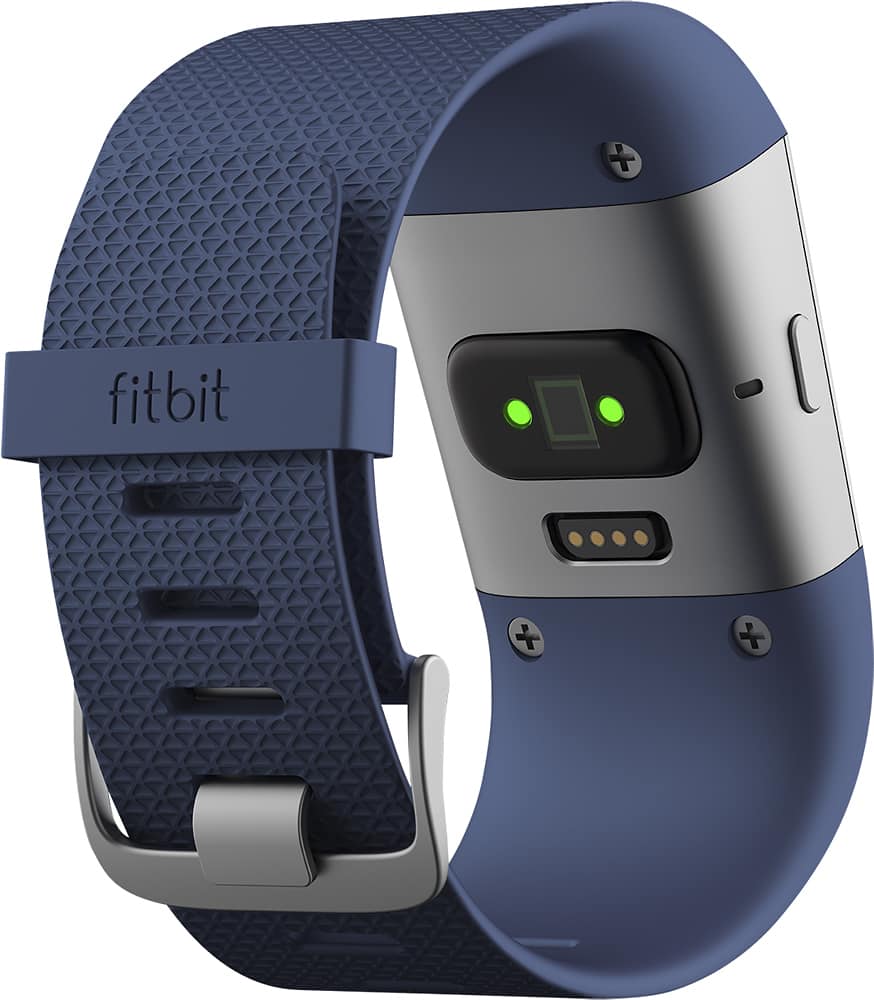
A:AnswerYes but not available from Fitbit and not for the faint of heart. Not all that easy like a regular watch but not hard for technically inclined. They do need replacing often.
A:AnswerActually, you can change the activities on the App. You can select up to 7 (and change them anytime you wish). In the App, go to Account (choose your Surge if you have more than one device) scroll down to Exercise Shortcuts and then choose from the list.
A:AnswerYes. There is an ALARMS setting that you can set multiple alarms but you need to set them either using your phone or computer to set them. They work great. You can also choose particular days that you want to set alarms. Hope this helps
A:AnswerThe USB provides a connection to your computer that you can log onto and view or change settings. But you definitely do not need it if you are using your phone to set your watch.