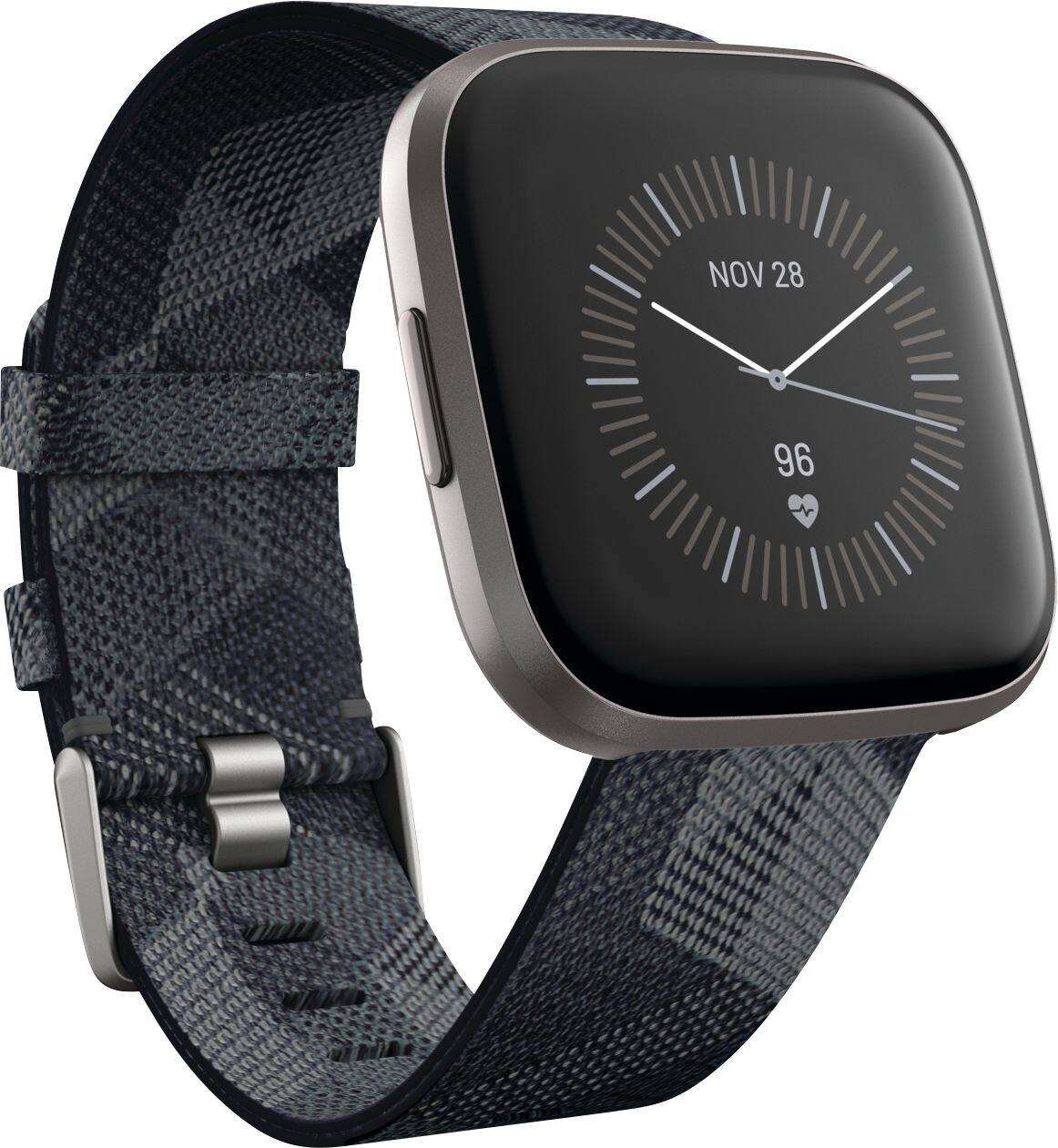
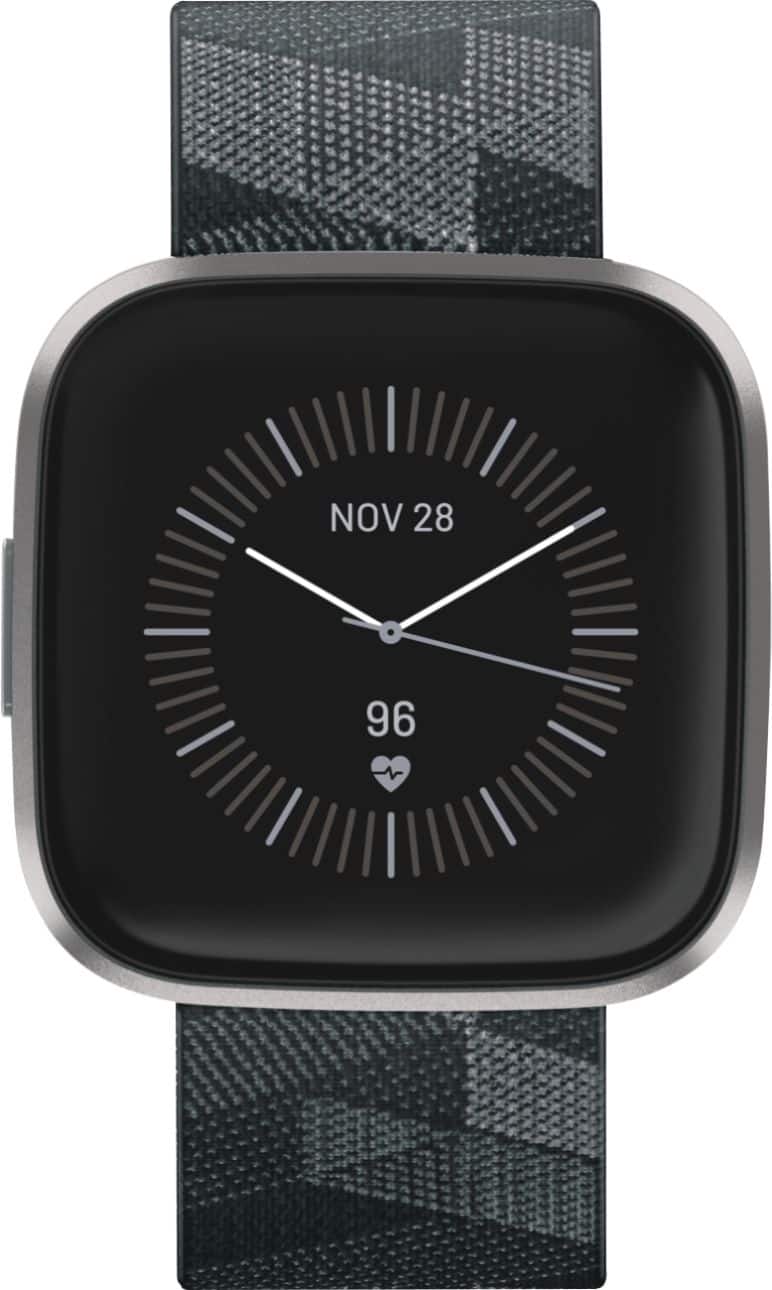
A:AnswerThey are tines of faces that you can access in the app store some of them are for purchase some of them come free but there are times you can even get like the temperature and the weather on your watch face if you'd like it's completely Customized
A:AnswerThere is a setting to keep the display on (it's on the watch's settings, not the app - pull down the top settings bar and select the Always On feature from the Quick Settings). However this will drain the battery slightly faster, so the default is to turn off the display when you're not facing or using it.
A:AnswerToo many returns to Best buy. You can purchase a plan through Fitbit for 2 years, for $29. it sucks as I would rather go to my local best buy, but it was not cost effective for the company themselves. No protection plan available whether online or in the store. Hope this helps!
A:AnswerI don’t know of this happening. I am very active. I bike and walk. A lot of walking at the beach where it is very hot and humid. Do yard work and swim. Never any problems. Live in Florida where it is hot year round and mine is fine.
A:AnswerI don't thank so. I've been wearing it for a while now and it I haven't seen any type of notification for heart rate so I doubt it. It monitors your heart rate and you can check it at any time but no notifications for the monitoring from what I've seen, hope that helps.
A:AnswerNo. For whatever reason, Best Buy no longer offers extended warranty coverage for Fitbit products. Fitbit offers their own extended warranty. I purchased that. Be aware though, the Fitbit warranty offer pops up when you're first setting up your new watch. Don't dismiss it as you only have a few days to purchase it. If you miss it, you can't add it on later.
A:AnswerYou download the Fitbit app on an iPhone and it will keep track of all your steps and etc., you watch will work without the phone but you need the phone close to update the app