A:AnswerIt's software, not hardware. You have to supply your own. However there are great options available to you. It all depends on what type of aircraft you want to fly and how realistic you want to be.
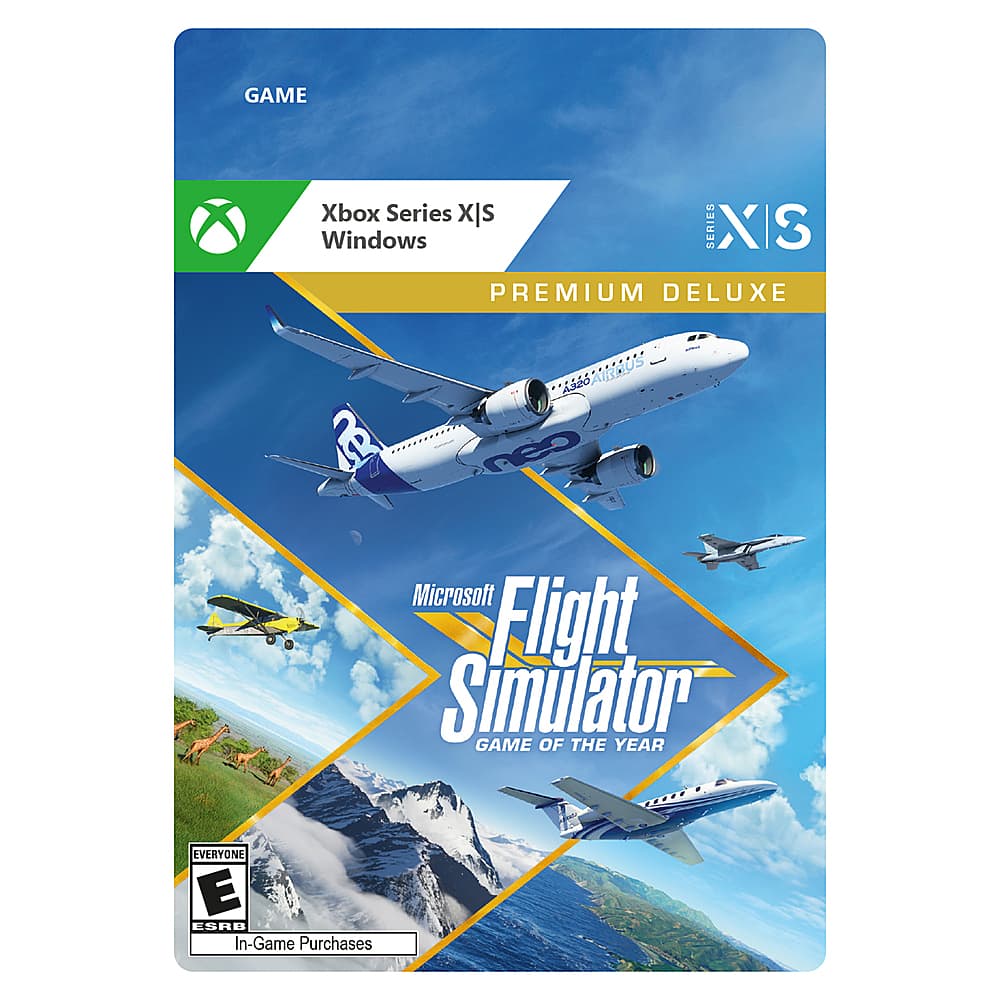
A:AnswerI actually don't know the precise answer but I have been a MSFS2020 user since it came out so my guess there might be some added aircraft and maybe some scenery changes. I have the Deluxe edition and it is the edition I fly in. All the editions from the Standard through the Deluxe are good but you just get a little bit more as you go from the Standard to the Deluxe Edition in the way of added aircraft and Scenery.
A:AnswerYes, you can. As I recall every edition of MSFS2020 when you install it will come with a redemption code that once entered into your computer you can't use that edition on another computer or make copies of the Simulator.
A:AnswerGood question and to find out try it. If you have never redeemed the software with the redemption code you should have, yes but if you have already used the game on another computer and submitted your redemption code and it was except'ed to use on your short memory computer you can't
A:AnswerThank you for checking. Unfortunately, Microsoft Flight Simulator is designed for Xbox Series X/S and is not compatible with Xbox One consoles.