A:AnswerCheck your joystick manufacturer for firmware upgrade. Typical causes of missing features are commonly driver and firmware related. In the odd case, a worn/defective/broken USB or other connector can cause issues.
A:AnswerThis is what you’ll for hardware and software. Also make sure to clean your system with a utility and robust virus protection.
CPU: Intel Core i5-4460 or AMD Ryzen 3 1200 or better
RAM: 8 GB
OS: Windows 10 64-bit
VIDEO CARD: Radeon RX 570 or GeForce GTX 770 or better
PIXEL SHADER: 5.0
VERTEX SHADER: 5.0
FREE DISK SPACE: 150 GB
DEDICATED VIDEO RAM: 2048 MB
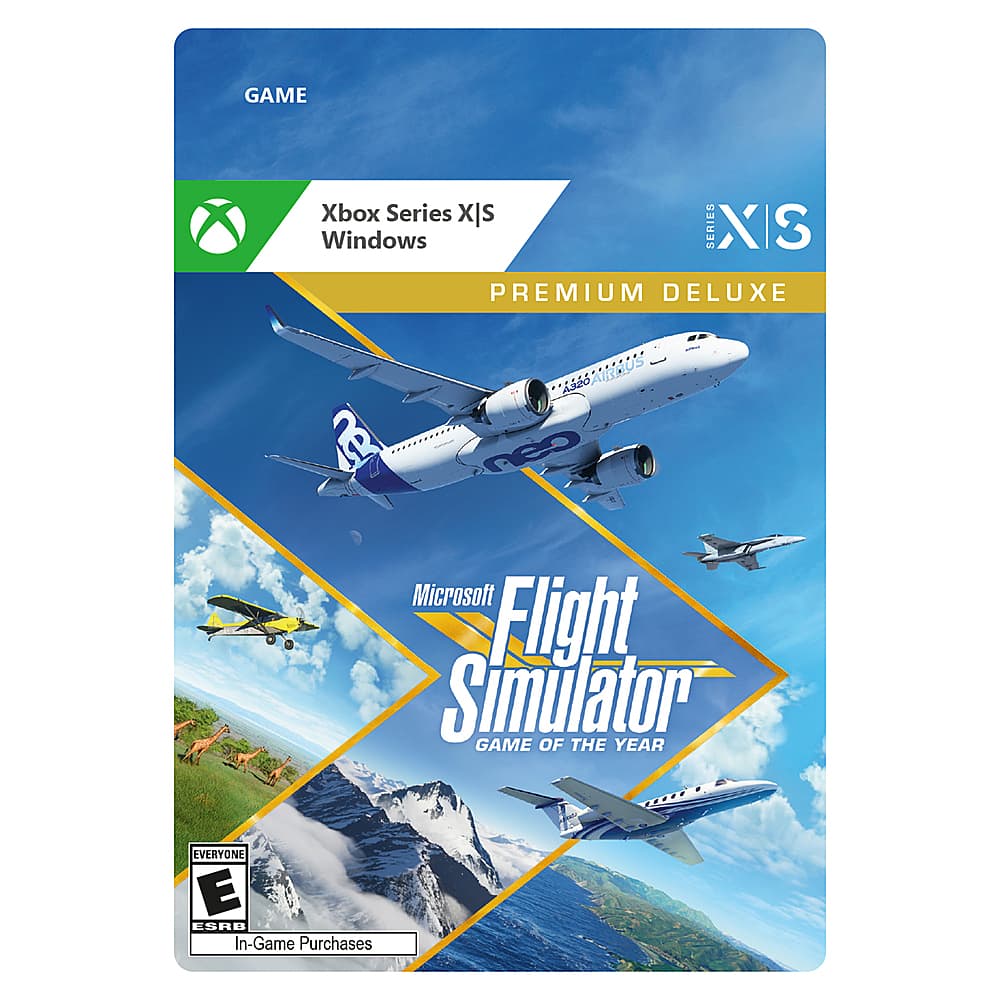
A:AnswerThe first image in the body of this article sums up all of the differences
https://www.geekwire.com/2020/microsoft-flight-simulator-will-take-skies-via-pc-next-month-refresh-classic/
A:AnswerThank you for asking! Yes, all versions of Microsoft Flight Simulator include the Beechcraft Bonanza G36 and the Beechcraft Bonanza 350i. For more information on which aircraft are included, please go here: https://flightsimulator.zendesk.com/hc/en-us/articles/360017706059-Microsoft-Flight-Simulator-FAQ
A:AnswerThanks for asking! Yes, this version of Microsoft Flight Simulator is a new game and will not conflict with your installation of Microsoft Flight Simulator X. Just make sure that your Windows 10 PC meets the minimum requirements: https://flightsimulator.zendesk.com/hc/en-us/articles/360013463459-Minimum-Recommended-and-Ideal-PC-Specifications-for-Microsoft-Flight-Simulator
A:AnswerAs long as it meets these requirements it should run:
Minimum System Requirements to Run Microsoft Flight Simulator 2020
CPU: Intel Core i5-4460 or AMD Ryzen 3 1200 or better
RAM: 8 GB
OS: Windows 10 64-bit
VIDEO CARD: Radeon RX 570 or GeForce GTX 770 or better
PIXEL SHADER: 5.0
VERTEX SHADER: 5.0
FREE DISK SPACE: 150 GB
DEDICATED VIDEO RAM: 2048 MB
A:AnswerThanks for asking! The development team has a full list of recommended peripherals here: https://flightsimulator.zendesk.com/hc/en-us/articles/360015912899-Peripherals-compatibility