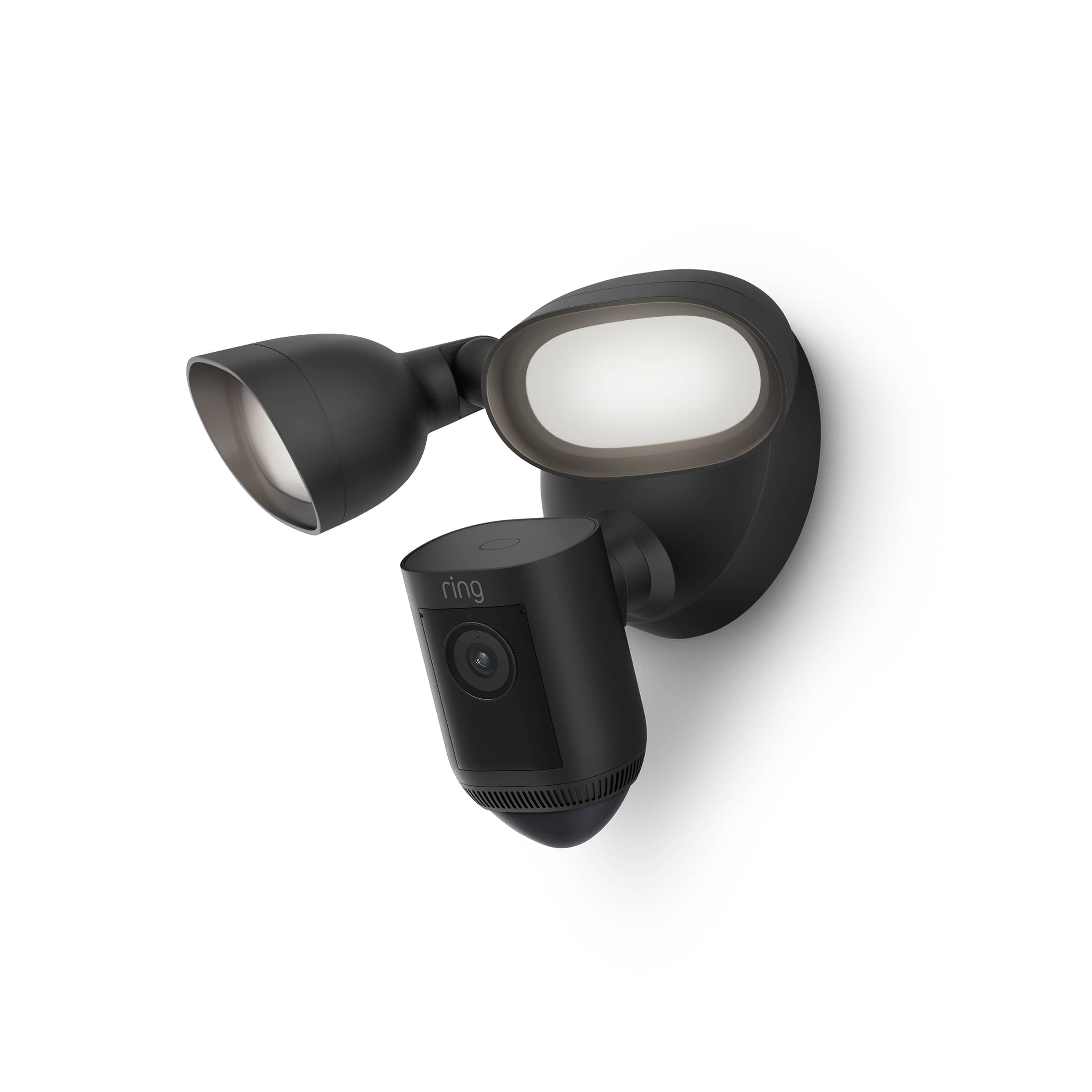
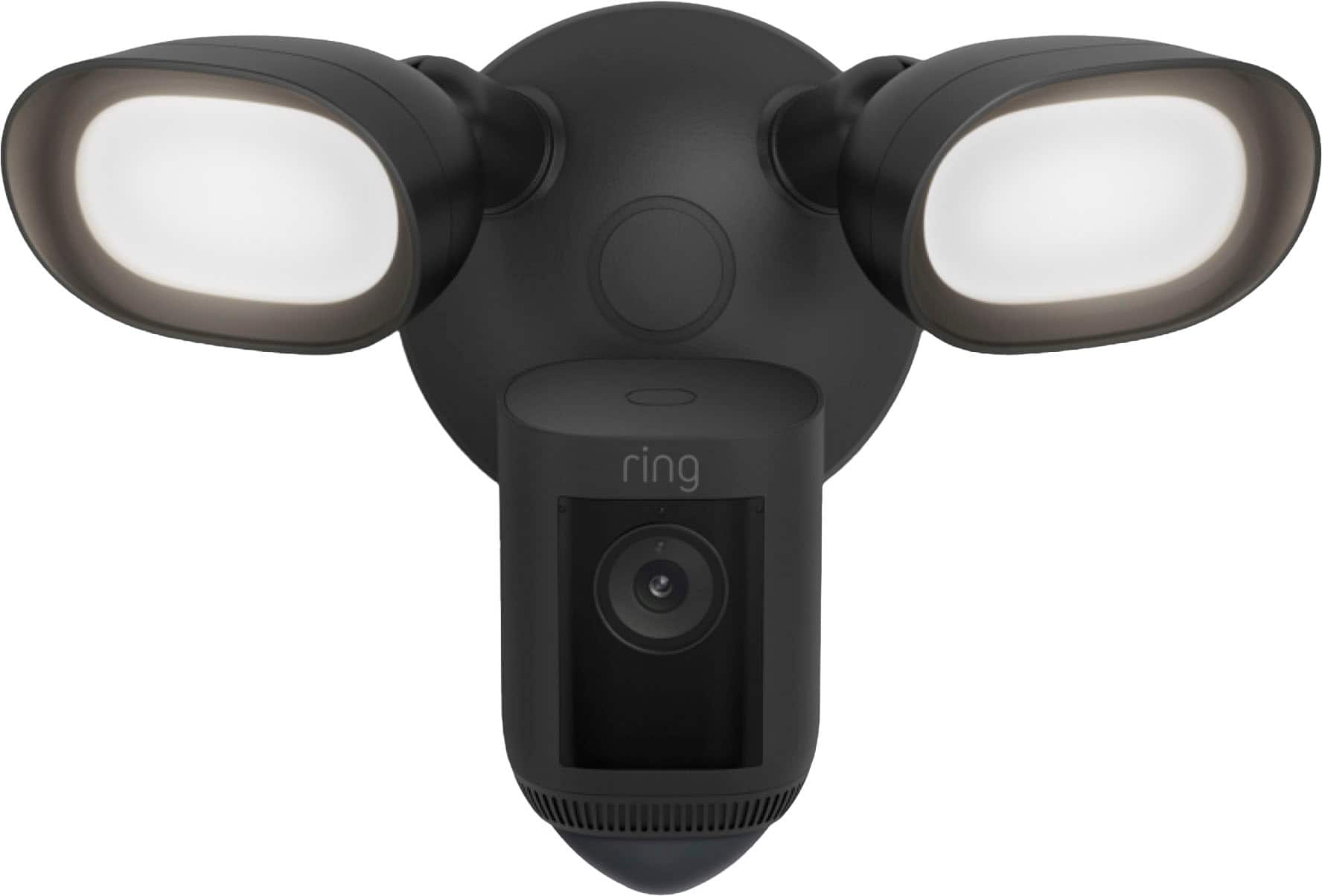
A:AnswerHello, candybe. Good question. The Ring Floodlight Cam Wired Pro requires a hardwired power connection (100V-240V). So, mounting to a public streetlight pole may not be possible. Here is a helpful support article with more detailed product information: https://support.ring.com/hc/en-us/articles/360059101391-Ring-Floodlight-Cam-Wired-Pro-Information. We invite you to reach out at https://community.ring.com/ if any additional information is needed regarding your Ring pre-purchase question. Ring Community is our first peer-to-peer community forum, giving our customers the ability to help one another and share their feedback and experiences with Ring. Thank you. Alexis, with Ring.
A:AnswerI can see between 3-4 houses in front of me and the view is about a house drive way each on my sides. It’s clearly good and enough distance to cover my section. You can also use the geo fencing to adjust the distance of coverage.
A:AnswerHello Daisy,
Most Ring devices are designed to function with a 2.4 GHz wifi signal, which is the longer range standard. Other devices, like Floodlight Cam Pro, can operate using a 5 GHz signal, which allows for more bandwidth but has shorter range.
This article provides tips that can help you get a stronger wifi signal for your Ring device: https://support.ring.com/hc/en-us/articles/217271526-Understanding-RSSI-Values-and-Wifi-Signal-Strength
Also, Ring Community was launched to help deliver the most current news and educational information to our neighbors. This online forum is divided into four categories: Product Boards, Ring Updates, Tips + Tricks, and a Moderators’ Corner. The Product Boards are where you can begin new topics with your questions or feedback; there is also a search option that helps you find topics that have already been posted by other neighbors. We invite you to visit our site at https://community.ring.com/ today!
Thank you,
Antonio from Ring
A:AnswerHello ABQ,
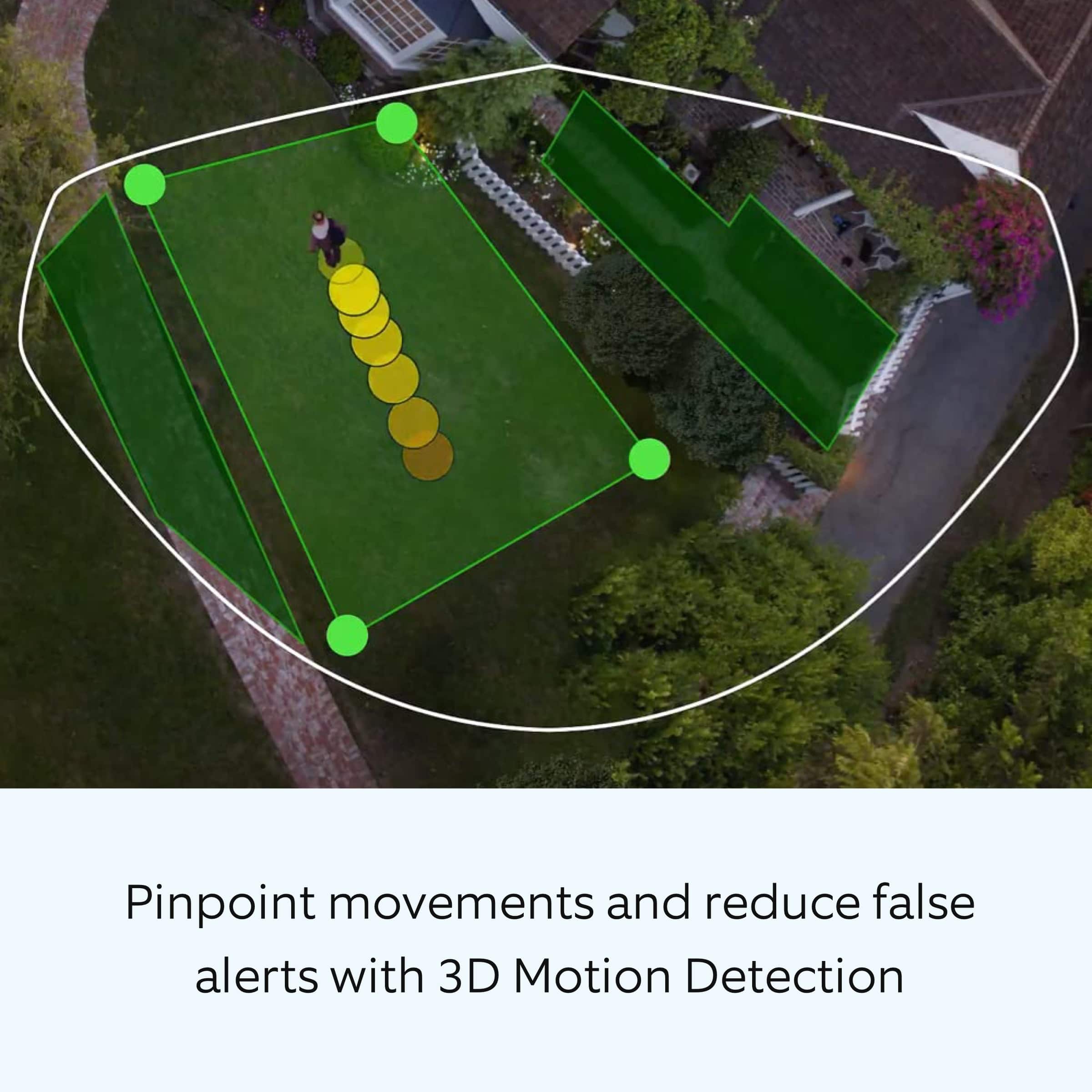
The floodlight’s motion zones are divided up into three 90 degree zones that can be independently turned on and the distance adjusted to customize the area that will trigger the lights to turn on. The camera too can have its motion-sensing area customized through the Ring App, and can cover up to three different zones. The combination of these different customizable zones gives you complete control over the area you wish to cover with your Floodlight Cam Wired Pro.
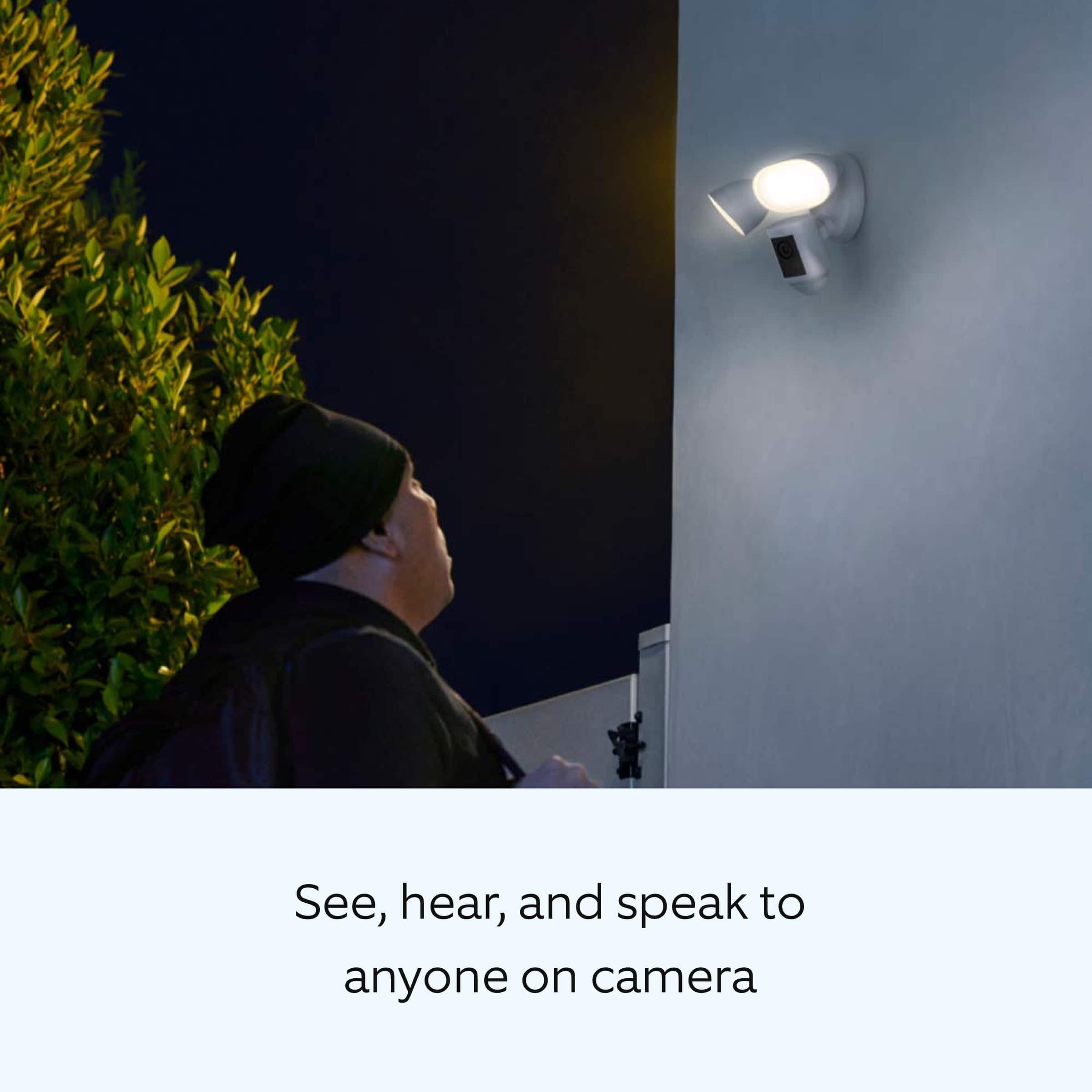
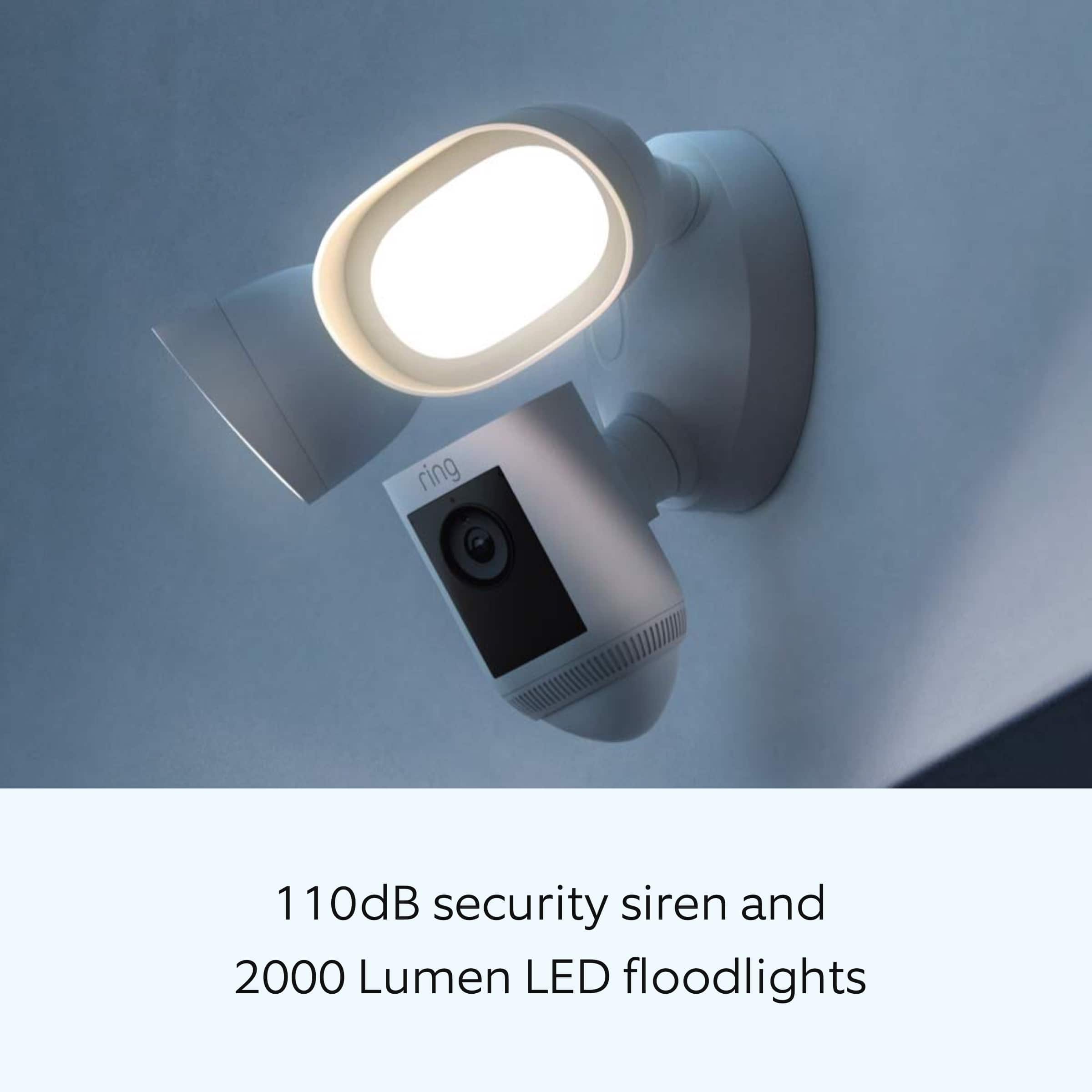
The Floodlight Cam Wired Pro has Advanced Motion Detection, Customizable Motion Zones and Customizable Privacy Zones that are controlled from the Ring app. In addition, the Floodlight Cam Wired Pro has advanced features including radar-powered 3D Motion Detection, Bird’s Eye View for more precise motion alerts, Audio+, a 110db security siren, dual-band wifi, is compatible with Amazon Sidewalk and an array microphone that limits sound detection.
More information on Floodlight Cam Wired Pro can be found on our website: https://support.ring.com/hc/en-us/articles/360059101391-Ring-Floodlight-Cam-Wired-Pro-Information
Also, Ring Community was launched to help deliver the most current news and educational information to our neighbors. This online forum is divided into four categories: Product Boards, Ring Updates, Tips + Tricks, and a Moderators’ Corner. The Product Boards are where you can begin new topics with your questions or feedback; there is also a search option that helps you find topics that have already been posted by other neighbors. We invite you to visit our site at https://community.ring.com/ today!
Thank you,
Antonio from Ring
A:AnswerHello Seadogg,
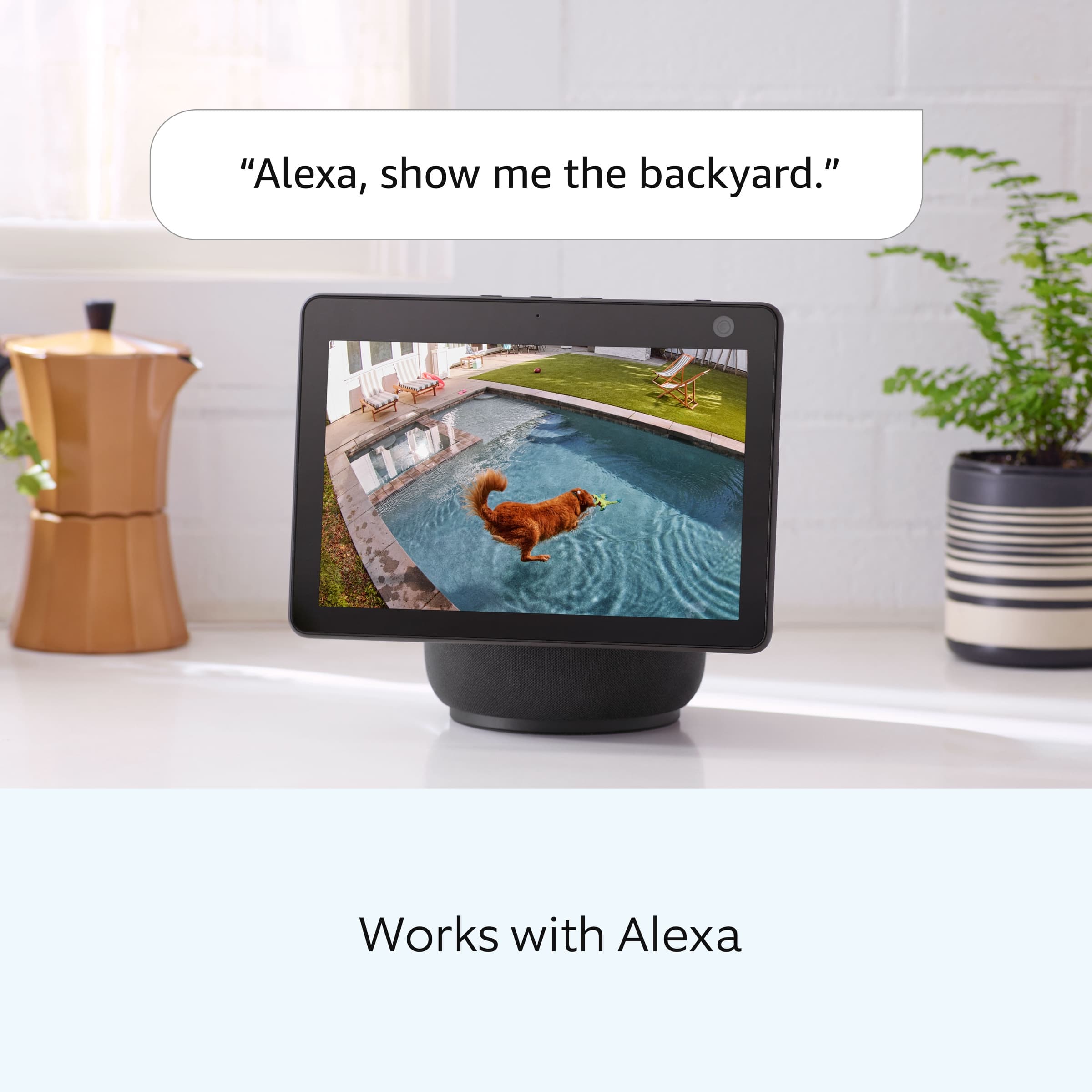
Yes, you can adjust the brightness of the lights. every function of your Floodlight Cam Wired Pro security camera is available on your Ring app. More information on the features of the Floodlight Cam Wired Pro can be found here on our website: https://support.ring.com/hc/en-us/articles/115004155866-Controlling-the-Floodlights-and-Light-Settings-on-Your-Floodlight-Cam
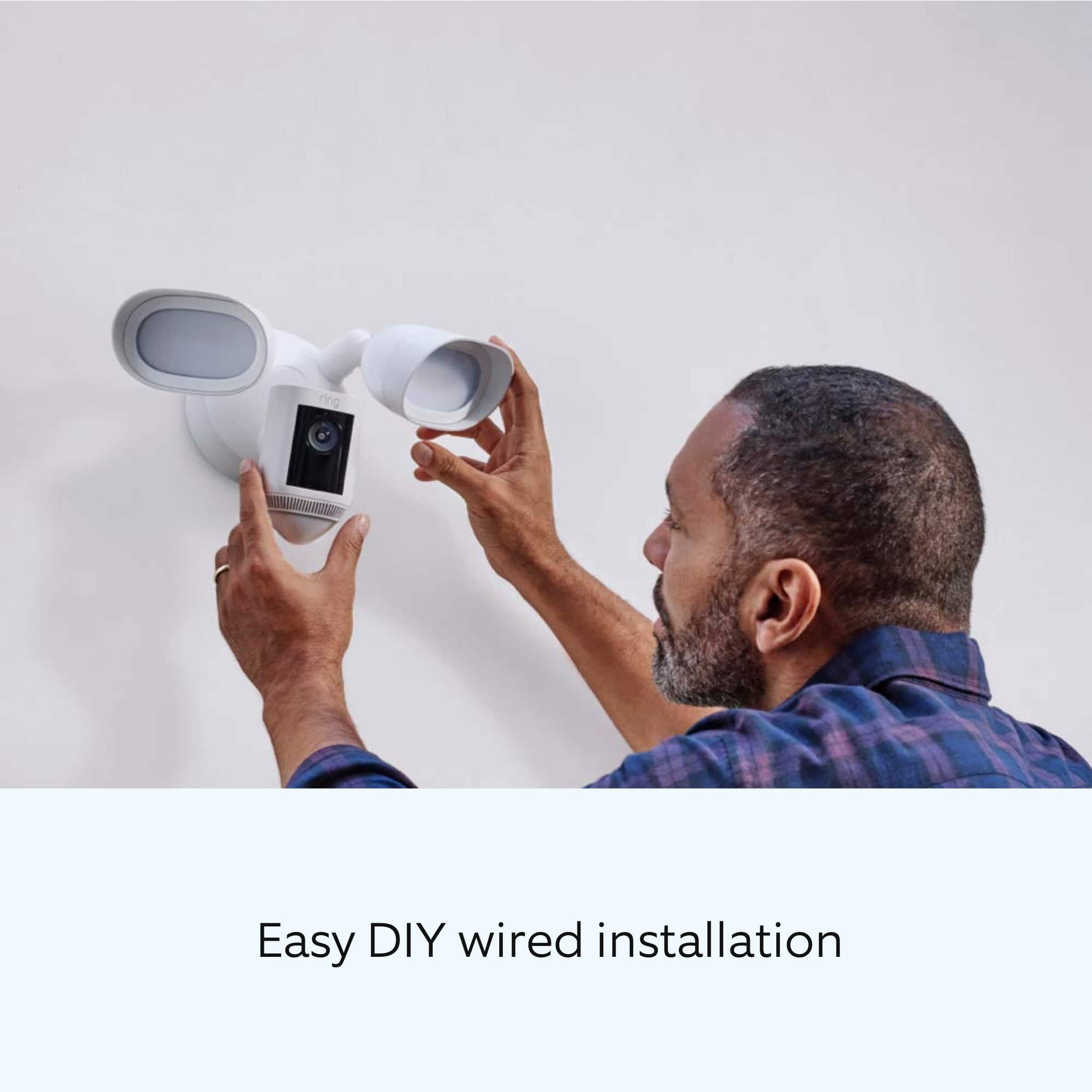
For any additional installation questions or set up concerns, please feel free to reach out on our community forum at https://community.ring.com/. You can also visit our help site, https://support.ring.com/hc/en-us, for tips & tricks, videos and help articles for all our Ring products.
All the best,
Antonio from Ring
A:AnswerHello Seadogg,
Yes, every function of your Floodlight Cam Wired Pro security camera is available on your Ring app. Light Scheduling is a feature used to automatically turn your floodlights on for a set period. More information on the features of the Floodlight Cam Wired Pro can be found here on our website: https://support.ring.com/hc/en-us/articles/115004155866-Controlling-the-Floodlights-and-Light-Settings-on-Your-Floodlight-Cam
For any additional installation questions or set up concerns, please feel free to reach out on our community forum at https://community.ring.com/. You can also visit our help site, https://support.ring.com/hc/en-us, for tips & tricks, videos and help articles for all our Ring products.
Thank you,
Antonio from Ring
A:AnswerHello 123Hello
All of your events are recorded for up to 60 days so you can review them at your convenience. While subscribed to one of our optional Ring Protect Plans, you will be able to access videos from every ring, motion, and live view event for up to 60 days (US). You can download and save videos to keep the permanently you need to. More details can be found here on our website: https://ring.com/protect-plans
Also, Ring Community was launched to help deliver the most current news and educational information to our neighbors. This online forum is divided into four categories: Product Boards, Ring Updates, Tips + Tricks, and a Moderators’ Corner. The Product Boards are where you can begin new topics with your questions or feedback; there is also a search option that helps you find topics that have already been posted by other neighbors. We invite you to visit our site at https://community.ring.com/ today!
Thank you,
Antonio from Ring
A:AnswerHello,
Great question! Best Buy does offer a variety of installation options. You can find more information here: https://www.bestbuy.com/services/triage/home, or by calling their installation team at 1-888-237-8289 to see if any services are available in your area.
We invite you to reach out at https://community.ring.com/ if any additional information is needed regarding your installation question. Ring Community is our first peer-to-peer community forum, giving our customers the ability to help one another and share their feedback/experiences with Ring.
Thank you,
Alexis with Ring
A:AnswerHello RossirisO,
Good question. No, the Ring Floodlight can not be setup with your Nest account.
Please see our help center article for more information: https://support.ring.com/hc/en-us/articles/360059101391-Ring-Floodlight-Cam-Wired-Pro-Information.
If you have any additional questions or concerns, please don't hesitate to reach out in our Ring Community forum: https://community.ring.com/.
Thank you, Jamila with Ring.
A:AnswerHello Chuck,
Great question. Ring Floodlight Camera lights has a rating of Two 3000°Kelvin lights with 2000 lumen
In app brightness adjustment. Please see our help center article for more information: https://support.ring.com/hc/en-us/articles/360059101391-Ring-Floodlight-Cam-Wired-Pro-Information.
Additionally, if you have not already, please check out our Ring Community forum where other Ring users, like yourself, have an open discussion platform to share their experiences, as well as solutions to issues experienced: https://community.ring.com/.
Thank you, Jamila at Ring.